The Reality of Connectivity in the Mongolian Wilderness
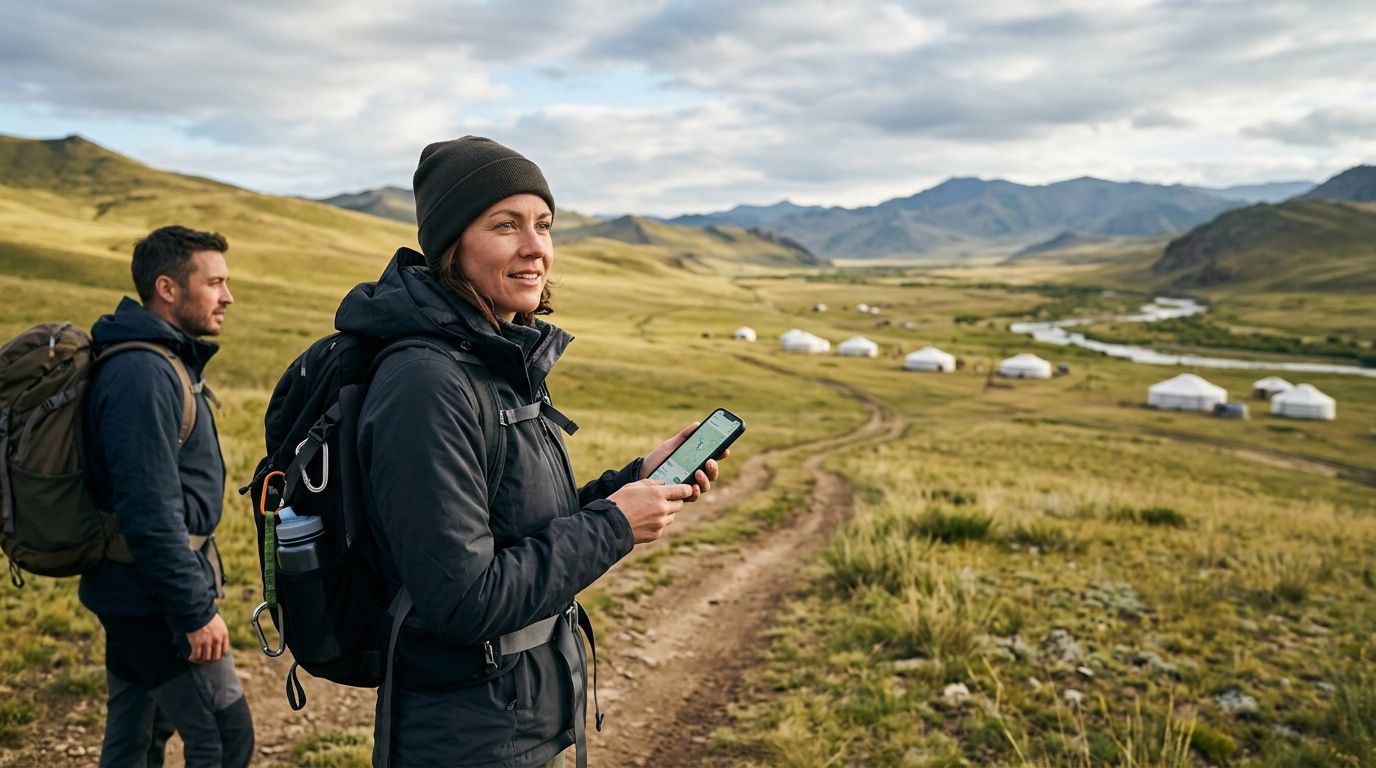
Mongolia is a land of vast, open horizons. From the sprawling dunes of the Gobi Desert to the emerald valleys of the Altai Mountains, the country offers a sense of isolation that is increasingly rare. However, this lack of infrastructure is exactly what makes navigation a challenge. While cellular towers are becoming more common in urban centers like Ulaanbaatar and major provincial hubs, the moment you head into the steppe or the remote national parks, your signal will likely vanish.
Relying on a constant data connection for navigation is a risky strategy in a country where the nearest town might be hundreds of kilometers away. Even with a reliable eSIM like OneTapSIM to keep you connected when you are near civilization, you should never assume you will have a stable signal while driving between remote ger camps or trekking through mountain passes. This is why mastering offline map applications is not just a travel convenience; it is a fundamental safety requirement for anyone venturing into the Mongolian countryside.
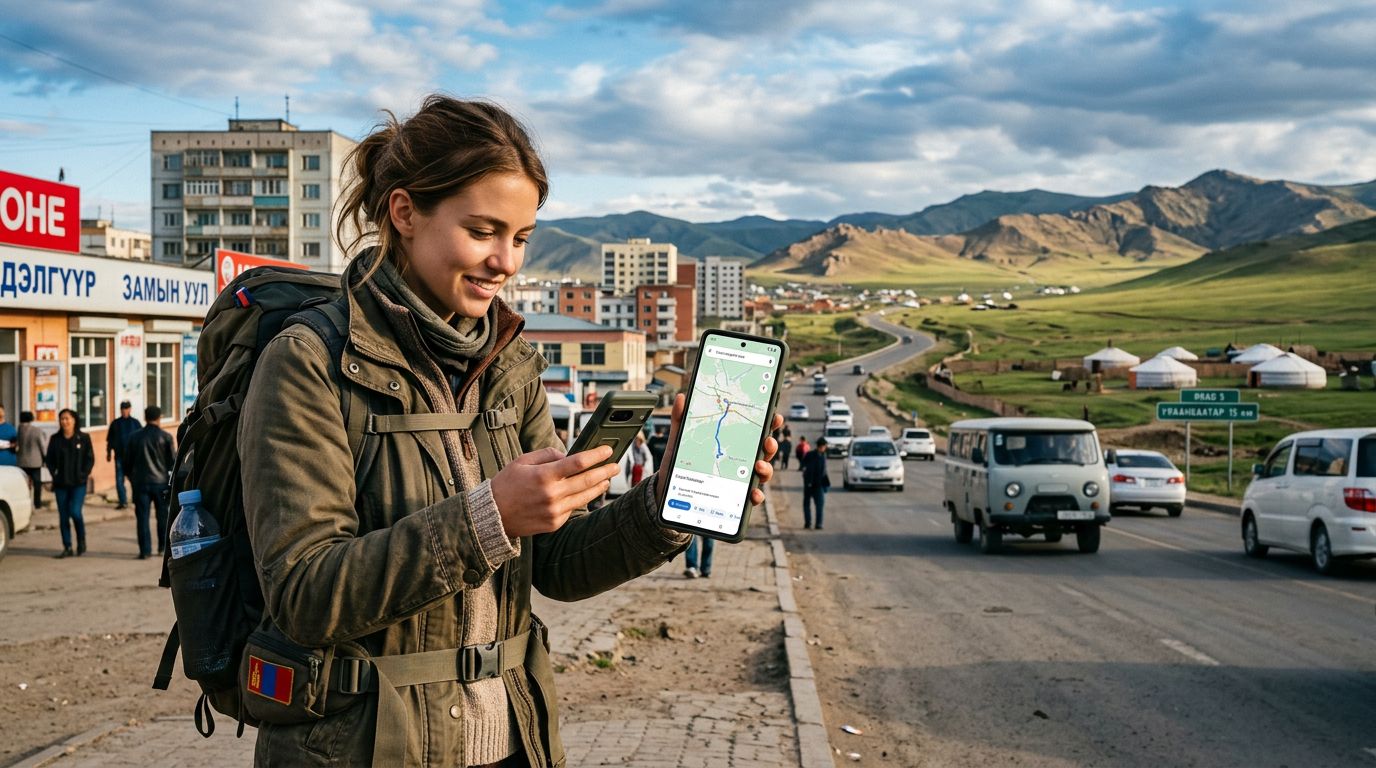
Before you leave your accommodation, you must ensure that your digital maps are fully downloaded and cached. Many travelers make the mistake of assuming that a map is "saved" simply because they viewed it once. In reality, you need to download specific regions for offline use within your preferred application. This process stores the terrain data, road networks, and points of interest directly onto your device’s internal storage, allowing your phone to triangulate your position using GPS satellites even when your cellular radio is completely silent.
Choosing and Preparing Your Offline Maps
There are several robust tools available for offline navigation, but the most popular options are Google Maps and dedicated topographic apps like Maps.me or Organic Maps. Google Maps remains the standard for many because of its intuitive interface, but it does have limitations regarding the level of detail provided for unpaved tracks in rural Mongolia. To prepare, open the application while you have a stable connection, search for the specific region you plan to visit, and select the "Download" option. Be sure to check the file size and ensure you have enough space on your phone.
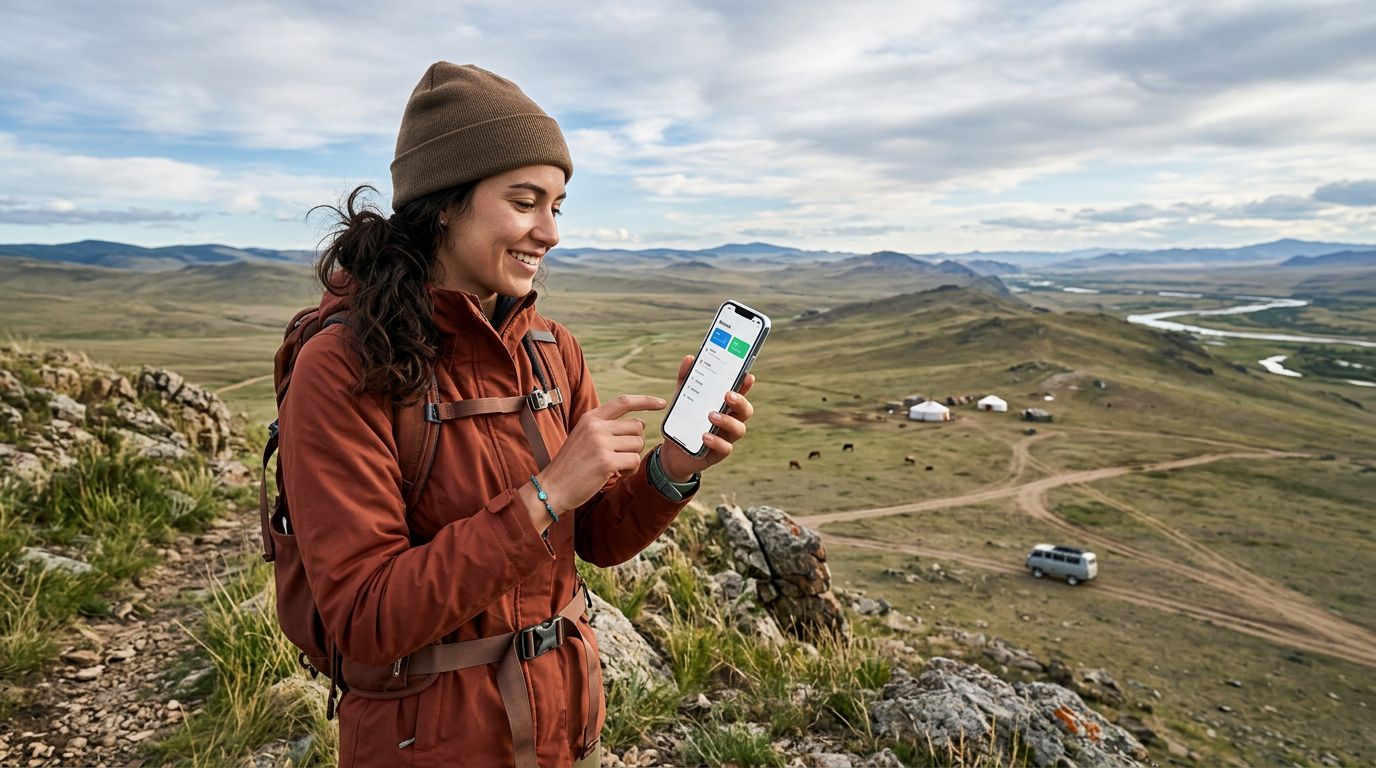
If you are planning to go off-road or into deep wilderness, consider using apps that support KML or GPX files. These files allow you to upload specific routes or waypoints that local guides or previous travelers have mapped out. Because these apps are designed specifically for hiking and remote exploration, they often provide more accurate topographic data than standard road-mapping software.
Regardless of which app you choose, your phone’s GPS chip is the hero of the story. GPS technology functions independently of cellular networks. As long as your phone has a clear view of the sky, it can communicate with satellites to pinpoint your location on the map you have downloaded. However, GPS is notoriously battery-intensive. When you are using offline maps for hours at a time, your battery will drain much faster than usual. Always carry a high-capacity power bank and ensure your phone is protected from extreme temperatures, which can cause the battery to fail unexpectedly in the Mongolian climate.
Integrating Connectivity with Offline Navigation
While offline maps are essential, they are not a replacement for having a data connection when you are within range of a cell tower. This is where OneTapSIM becomes a valuable asset for your itinerary. By having an active eSIM, you can quickly switch back to online mode the moment you reach a village or a roadside cafe. This allows you to check weather updates, look up current road conditions, or send a quick message to your local guide to confirm your arrival time.
The synergy between offline and online tools creates a seamless experience. Use your offline maps to track your progress across the desert, and use your data connection to pull up live information once you reach a location with service. For instance, if you are heading toward a remote monastery, your offline map will guide you along the correct dirt track, but your online connection will allow you to read the latest reviews or check if the site is open for visitors.
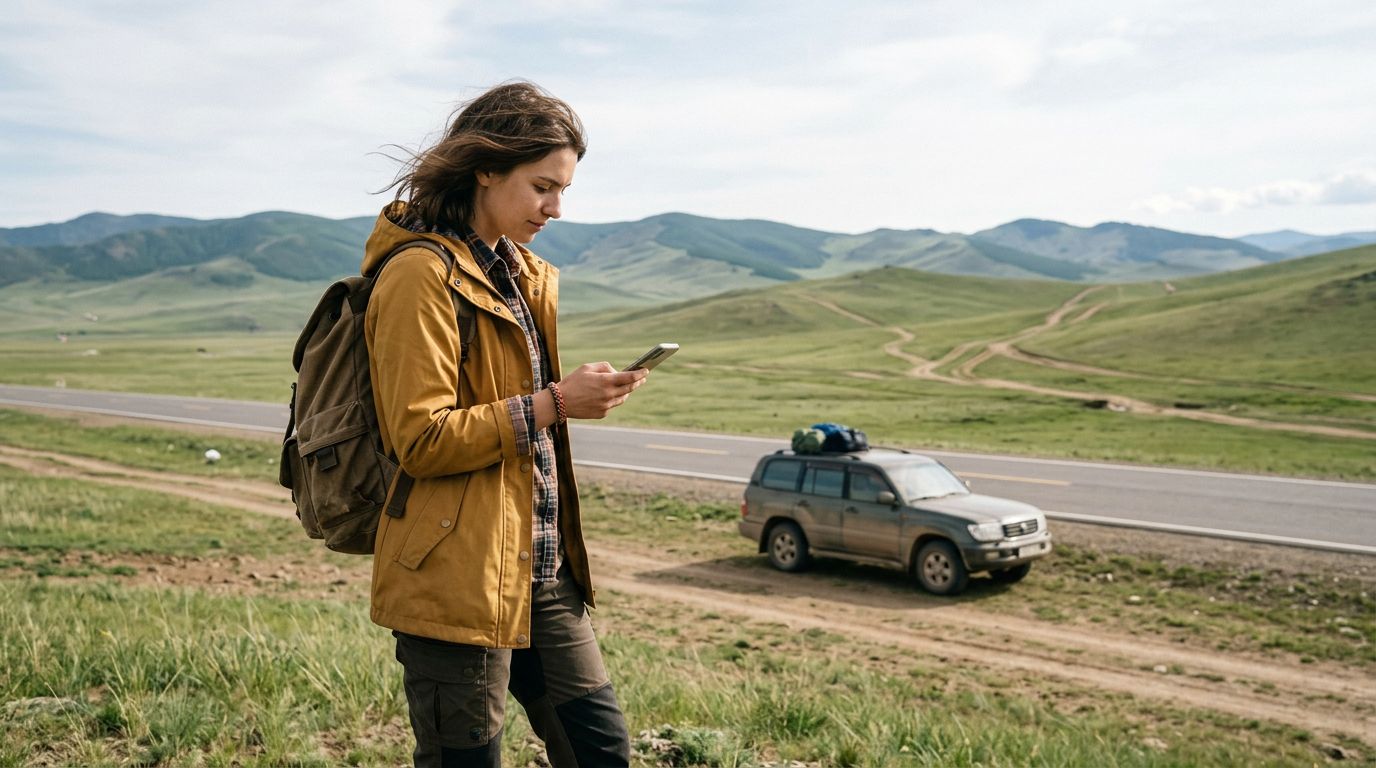
Remember that navigation in Mongolia is often about identifying landmarks rather than street names. Many roads in the countryside are simply tire tracks in the grass. Offline maps will show you the general direction you need to head, but you must remain observant of your surroundings. If your map shows a road that has been washed away by a recent rainstorm, do not hesitate to adjust your route. Always keep a physical backup map in your vehicle as well. Digital devices can fail due to heat, water damage, or physical impact, and having a paper map as a secondary reference can be a lifesaver if your technology stops working.
Finally, keep your software updated. Before you depart, ensure your operating system and your map applications are running the latest versions. Updates often include critical patches for GPS accuracy and improved rendering of offline data. By combining the reliability of a pre-downloaded map with the flexibility of a travel eSIM for those moments when you are back in range, you can navigate the vast Mongolian landscape with confidence, knowing that you are prepared for both the silence of the steppe and the connectivity of the modern world.
Get an eSIM for
Plans for the destinations covered in this guide, with instant QR delivery.