Navigating the Sultanate: Why Connectivity Matters
Brunei Darussalam is a hidden gem in Southeast Asia, known for its pristine rainforests, opulent mosques, and tranquil atmosphere. Whether you are exploring the bustling street markets of Bandar Seri Begawan or venturing into the lush wilderness of the Ulu Temburong National Park, having a reliable way to get around is essential. While Brunei is a relatively compact country, the winding roads and dense natural surroundings can make traditional paper maps feel outdated and impractical.
Most travelers rely on digital navigation tools to find their way. However, relying solely on a constant cellular connection can be risky, especially when you are trekking through remote areas or moving between districts where signal strength might fluctuate. This is where the combination of a OneTapSIM eSIM and offline maps becomes a traveler’s best friend. By preparing your device before you head out, you ensure that you are never stranded, regardless of the network status in the more secluded parts of the country.
Using an eSIM provides the flexibility to stay connected the moment you touch down at Brunei International Airport. With OneTapSIM, you can activate your data plan seamlessly, allowing you to download necessary resources, check transport schedules, and communicate with locals. However, even with the best data coverage, it is a smart travel strategy to supplement your connectivity with offline capabilities.
Preparing Your Offline Maps Strategy
Before you start your journey, the most important step is to download the map data for Brunei while you are still connected to a stable Wi-Fi network. Both Google Maps and other popular navigation applications allow users to download specific regions for offline use. This process is straightforward and saves you from worrying about data consumption while you are on the move.
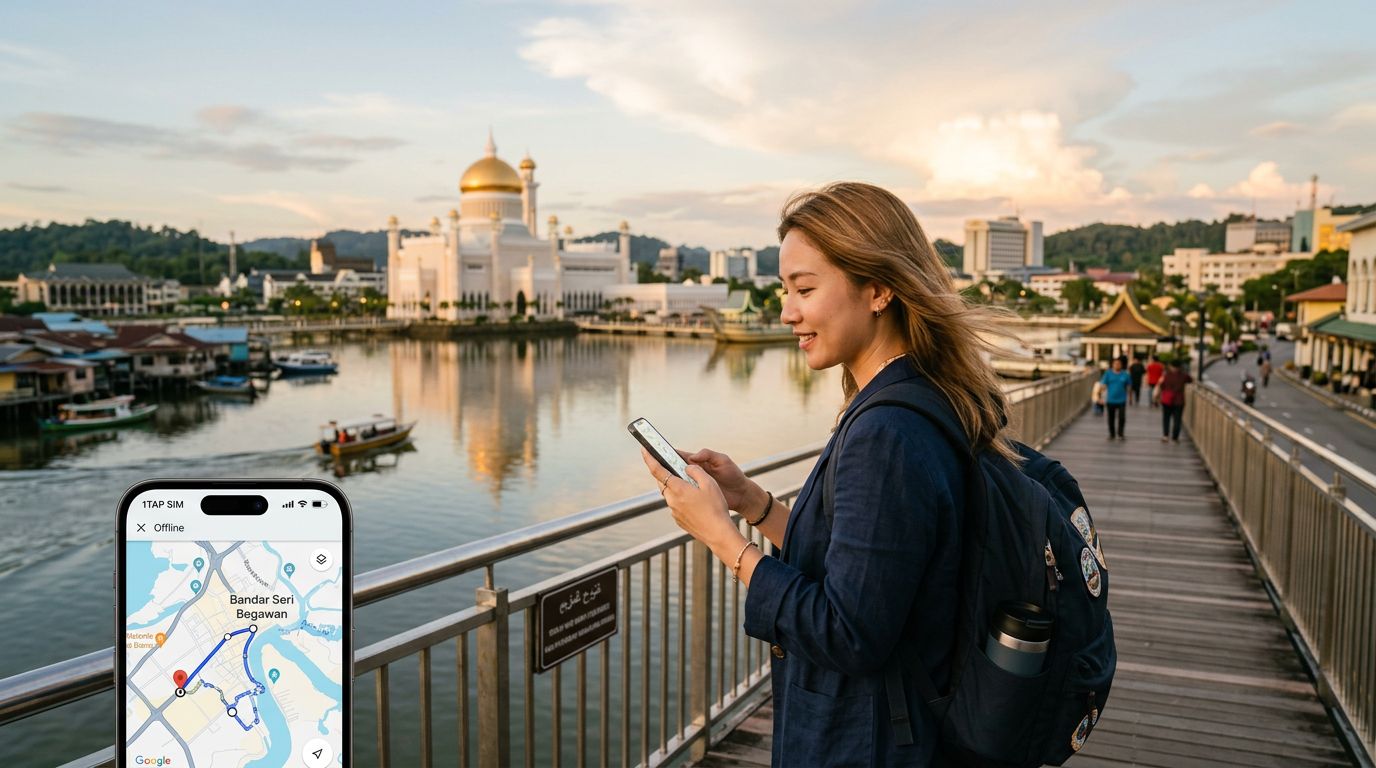
To get started, open your preferred mapping application and search for "Brunei." You will typically see an option to "Download" or "Save map." Ensure that you select the entire country or at least the specific districts you plan to visit. Once the download is complete, your phone will automatically switch to this offline data whenever your cellular signal becomes weak or unavailable.
By using your OneTapSIM eSIM to handle the initial setup and any real-time updates—such as checking for traffic delays or searching for restaurant reviews—you maintain a high level of convenience. Once the offline maps are saved, you can toggle off your mobile data if you want to conserve battery or data, knowing that your GPS functionality will still track your location accurately. The GPS chip in your smartphone works independently of cellular towers, meaning your blue dot will continue to move across the map even when you are deep in the jungle or traveling along the coastline.
Maximizing Your Travel Experience in Brunei
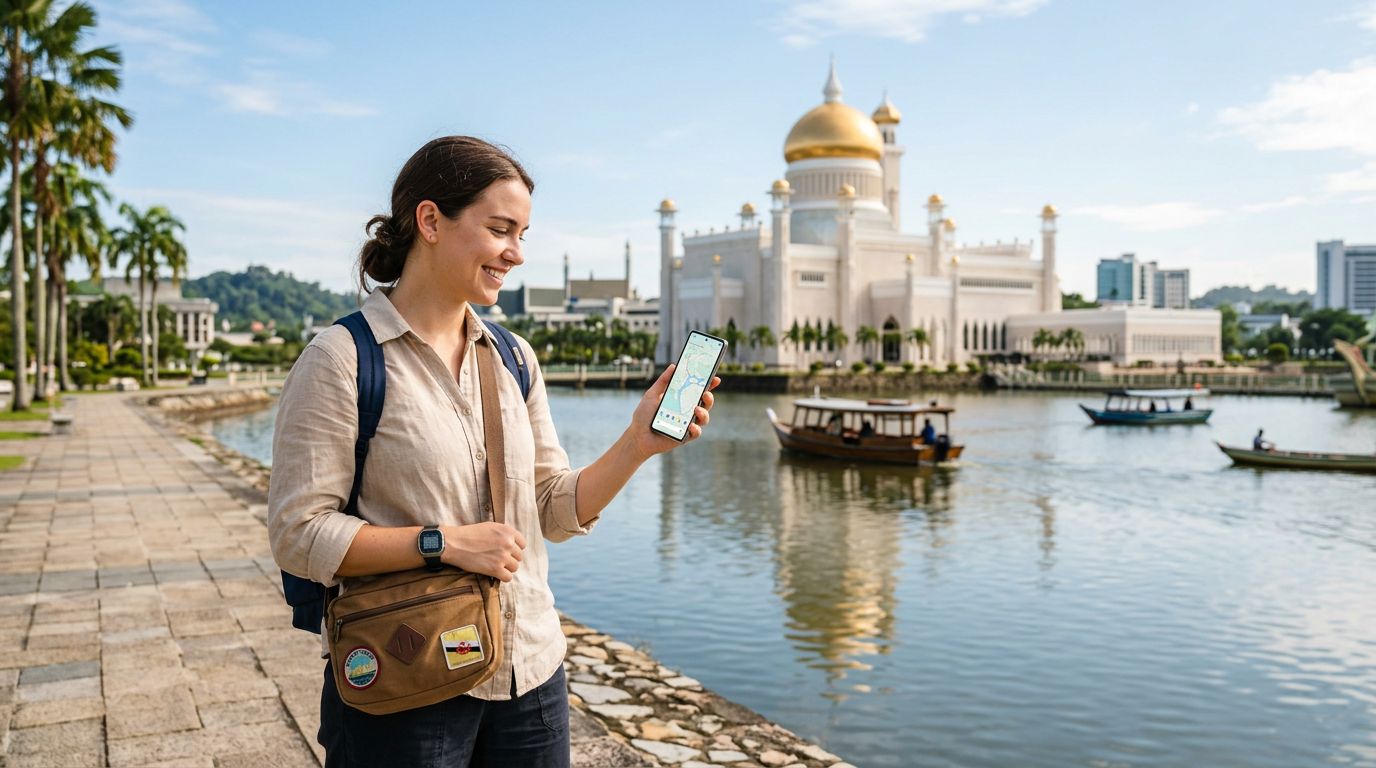
Once you have your offline maps ready, you can focus on the actual experience of visiting Brunei. Having a reliable connection through your OneTapSIM eSIM means you can look up the opening hours of the Omar Ali Saifuddien Mosque or find a local cafe on the fly. When you transition into an area with limited coverage, your pre-downloaded maps act as a safety net.
One major advantage of this dual approach is the ability to drop pins on locations you want to visit before you even leave your hotel. You can mark the best viewpoints, hidden waterfalls, or local eateries. When you are offline, these pins remain accessible, allowing you to navigate toward them with confidence. If you find yourself needing to re-route or search for a new destination, you can simply switch your mobile data back on for a moment to refresh your search, then return to offline mode.
This method is particularly useful for travelers who prefer to minimize their digital footprint while exploring. By relying on offline maps for navigation, you reduce the constant background data usage of your phone. Your eSIM remains available for essential tasks like messaging family, booking ride-shares, or translating local phrases, while the heavy lifting of map rendering is handled by the data already stored on your device.
Furthermore, consider the logistical benefits of this setup. Brunei’s public transport system can be infrequent in certain areas, and many travelers prefer to rent cars or use private hire services. Having an offline map ensures that you can guide your driver or follow your own route without needing to worry about the connectivity of the vehicle’s systems. It provides peace of mind that you can find your way back to your accommodation at any time of day or night.
Finally, remember to keep your device charged. Navigation apps, even when used offline, can be taxing on your battery. Carrying a portable power bank is a standard practice for any seasoned traveler. By combining the efficiency of a OneTapSIM eSIM for your primary connectivity needs and the reliability of offline maps for your navigation, you create a robust travel toolkit. This approach allows you to spend less time worrying about your phone and more time appreciating the serene beauty and unique cultural heritage of Brunei. Whether you are navigating the water villages of Kampong Ayer or driving through the scenic Muara-Tutong Highway, you will have the confidence to explore every corner of the country at your own pace.
Get an eSIM for
Plans for the destinations covered in this guide, with instant QR delivery.