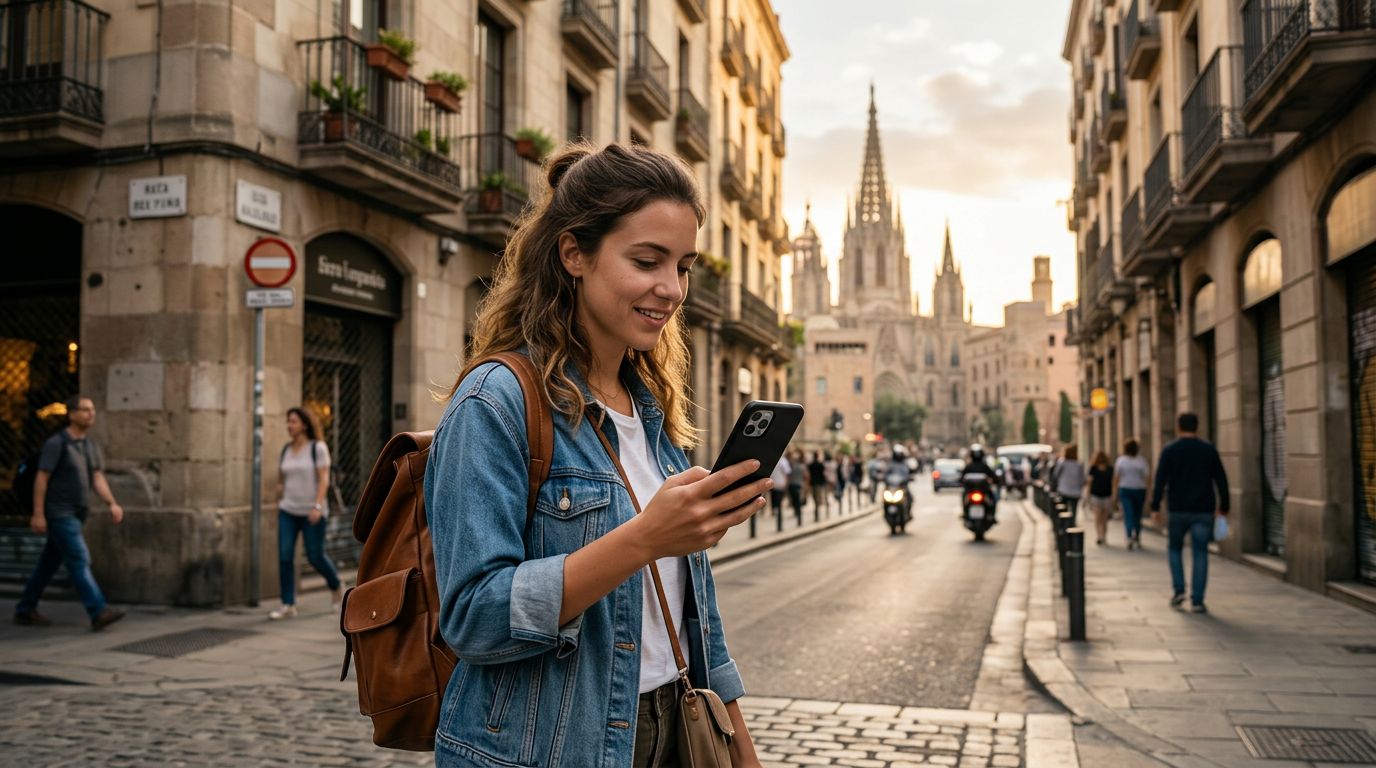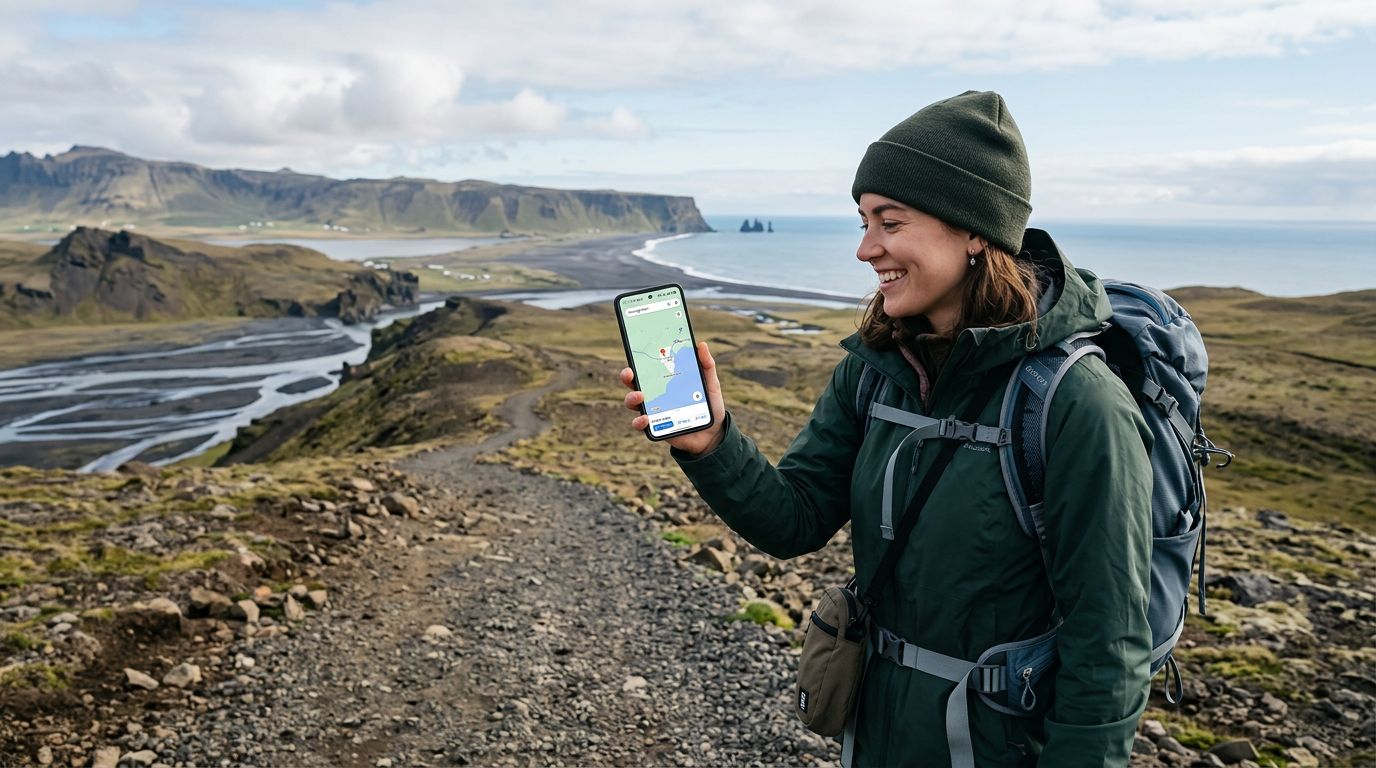
Brazil is a country of immense scale, stretching from the dense, winding waterways of the Amazon to the vibrant, sprawling urban centers of São Paulo and Rio de Janeiro. When you are exploring such a vast landscape, reliable navigation is not just a convenience; it is a necessity. Relying on physical maps or hoping for public Wi-Fi is rarely enough when you are trying to find a hidden beach in Bahia or a specific restaurant in a bustling neighborhood. Using an eSIM has revolutionized how travelers stay connected, providing a seamless way to keep your GPS and mapping applications running without the headache of swapping physical SIM cards.
Preparing Your Device for Seamless Navigation
Before you land at Galeão or Guarulhos, you must ensure your phone is ready to handle the data demands of constant navigation. Most modern smartphones support eSIM technology, which allows you to store a digital profile of a carrier directly on your device. The primary advantage of using an eSIM for travel is that you can keep your primary number active for texts or calls while dedicating your data plan to your navigation needs.
To get started, verify that your device is carrier-unlocked. If your phone is locked to your home provider, it will not accept an eSIM from another source. Once you have confirmed your phone is compatible, you can install your OneTapSIM profile before you even leave home. By setting up the eSIM in advance, you ensure that as soon as your plane touches down, your phone will search for a local network.
When you land, go into your cellular settings and ensure that the eSIM is selected as the primary source for "Cellular Data." It is also helpful to toggle "Data Roaming" to "On" for your travel eSIM. Because you are using a local data profile, this will allow your device to connect to the best available towers in Brazil, ensuring that your map applications have the consistent signal they need to update your location in real-time.
Optimizing Map Applications for Brazilian Travel
Once your connectivity is established, you need to configure your mapping apps to work efficiently. Whether you prefer Google Maps or Apple Maps, these tools are highly effective in Brazil, but they can consume significant data if not managed correctly.
One of the most effective ways to save data while using maps is to download offline areas. Before heading out for a day of exploring, open your preferred map application and search for the city or region you are visiting. Use the "Download offline map" feature to save the area to your device. This ensures that even if you find yourself in a remote area with a weak signal, the app can still track your GPS coordinates and provide turn-by-turn directions. Since your OneTapSIM data plan will be active, you can use the high-speed connection to search for new destinations, while the offline map handles the heavy lifting of rendering the streets and terrain.
Another tip for using maps in Brazil is to adjust your settings to avoid toll roads or highways if you are planning a scenic road trip. Brazil has many beautiful coastal roads, and sometimes the default route provided by mapping software is the fastest highway rather than the most scenic path. By adjusting your route preferences in the app settings, you can ensure you see the best of the country. Always keep your location services set to "While Using" to prevent unnecessary battery drain, and ensure that your background app refresh settings are optimized so that your maps don't update excessively when you aren't actively using them.
Staying Connected Across Diverse Brazilian Terrains
Brazil presents unique challenges for connectivity. In dense urban areas like Rio de Janeiro, high-rise buildings can occasionally interfere with GPS accuracy. In these instances, your phone relies on a combination of cellular tower triangulation and satellite data. A strong, dedicated eSIM connection provides the necessary data stream to keep your blue dot moving smoothly on the screen, even when the GPS signal is momentarily obscured by city architecture.
If you are traveling into more rural areas, such as the Pantanal or the interior of Minas Gerais, cellular coverage can become intermittent. This is why having a reliable eSIM provider is crucial. OneTapSIM works by connecting to major local networks that have extensive coverage across the country, giving you the best chance of maintaining a signal in areas where smaller providers might fail.
If you find that your signal is dropping, do not panic. Your GPS chip works independently of the cellular network. Even if you lose your data connection entirely, your phone will still show your current position on the map, provided you have downloaded the offline data mentioned earlier. If you need to re-route or look up a new destination, simply head toward a more populated area or a major road where the cellular signal is stronger.
Finally, consider the safety benefits of a constant data connection. When you are in a foreign country, being able to verify your location or share your live progress with friends and family provides peace of mind. If you are taking a ride-sharing service, having your own map open allows you to monitor the driver’s route, ensuring you are headed in the right direction. By preparing your device, downloading offline resources, and utilizing a reliable eSIM, you can focus on the sights, sounds, and experiences of Brazil rather than worrying about whether you will find your way back to your accommodation at the end of the day. Using an eSIM is the modern standard for independent travel, offering the freedom to wander while keeping the world at your fingertips.
Get an eSIM for
Plans for the destinations covered in this guide, with instant QR delivery.