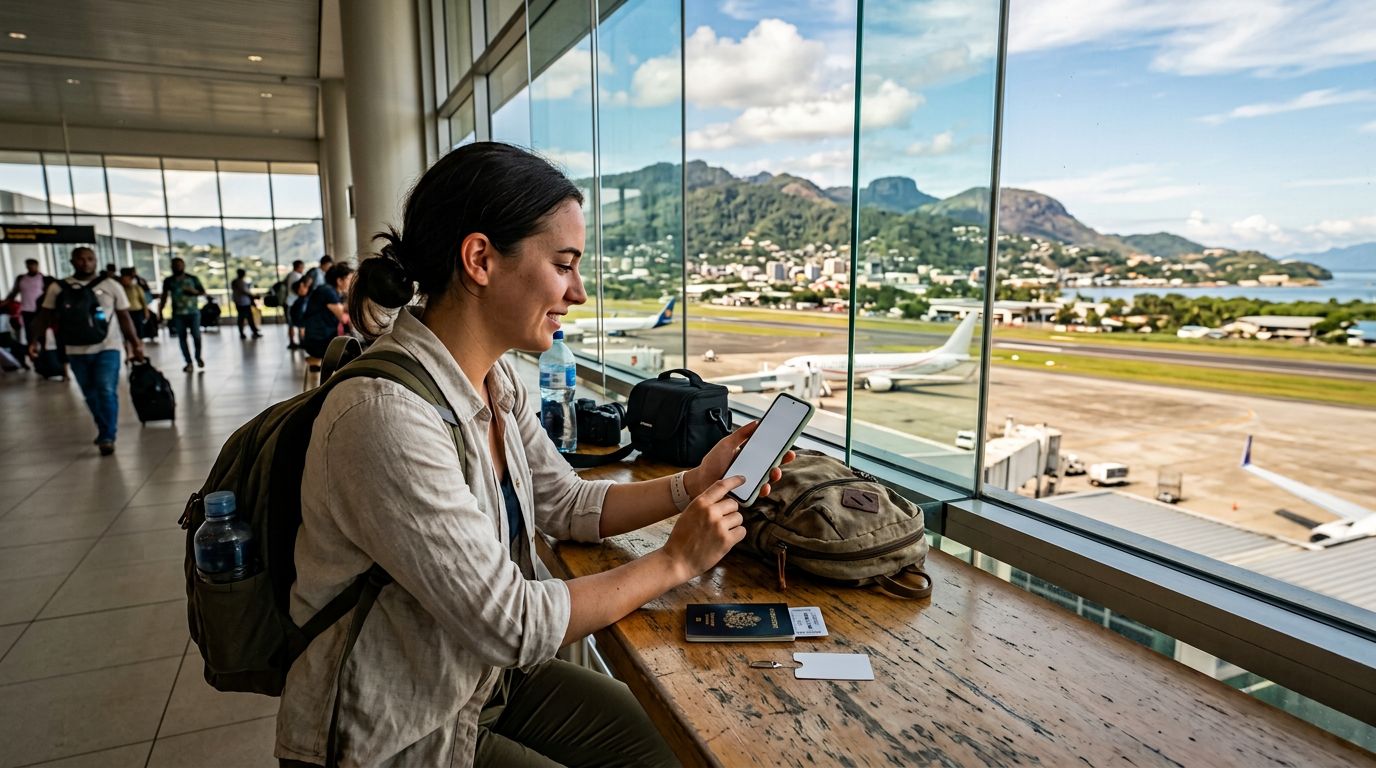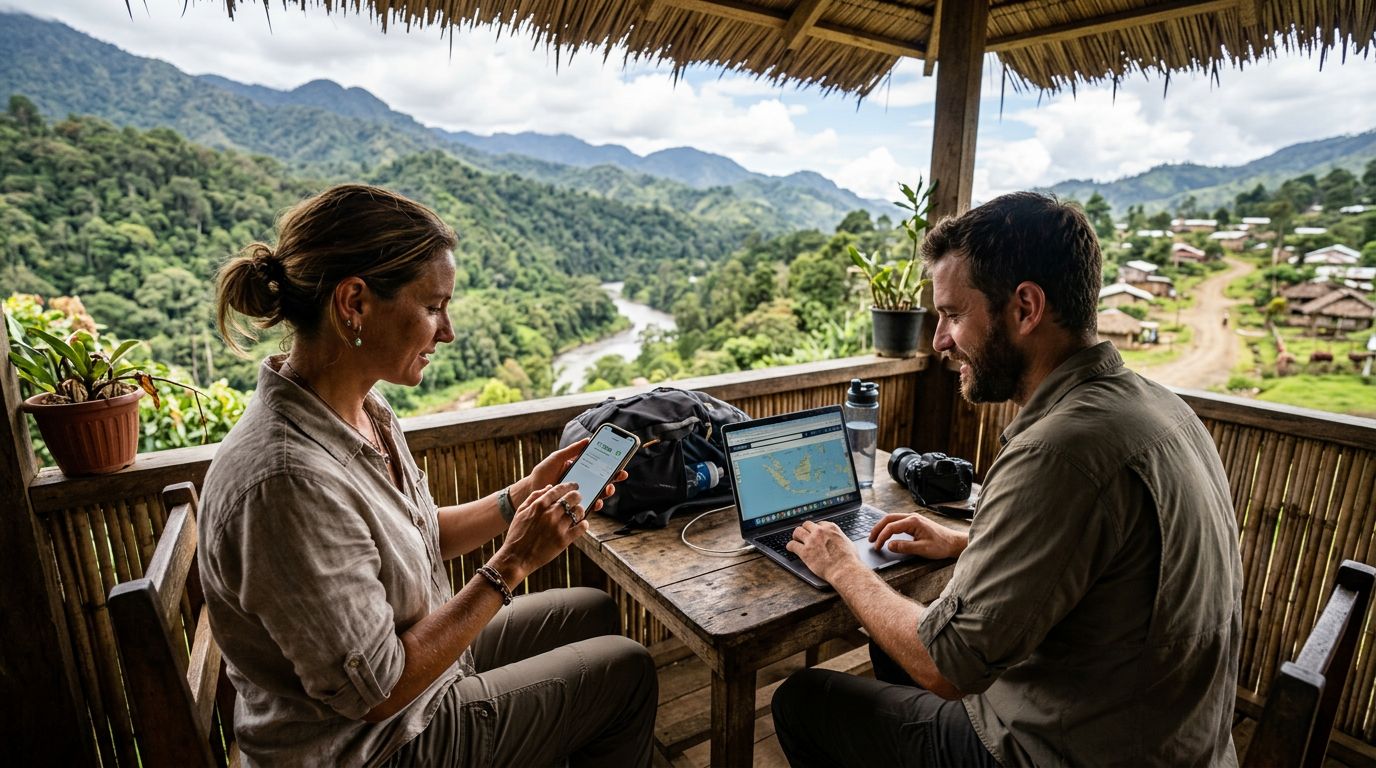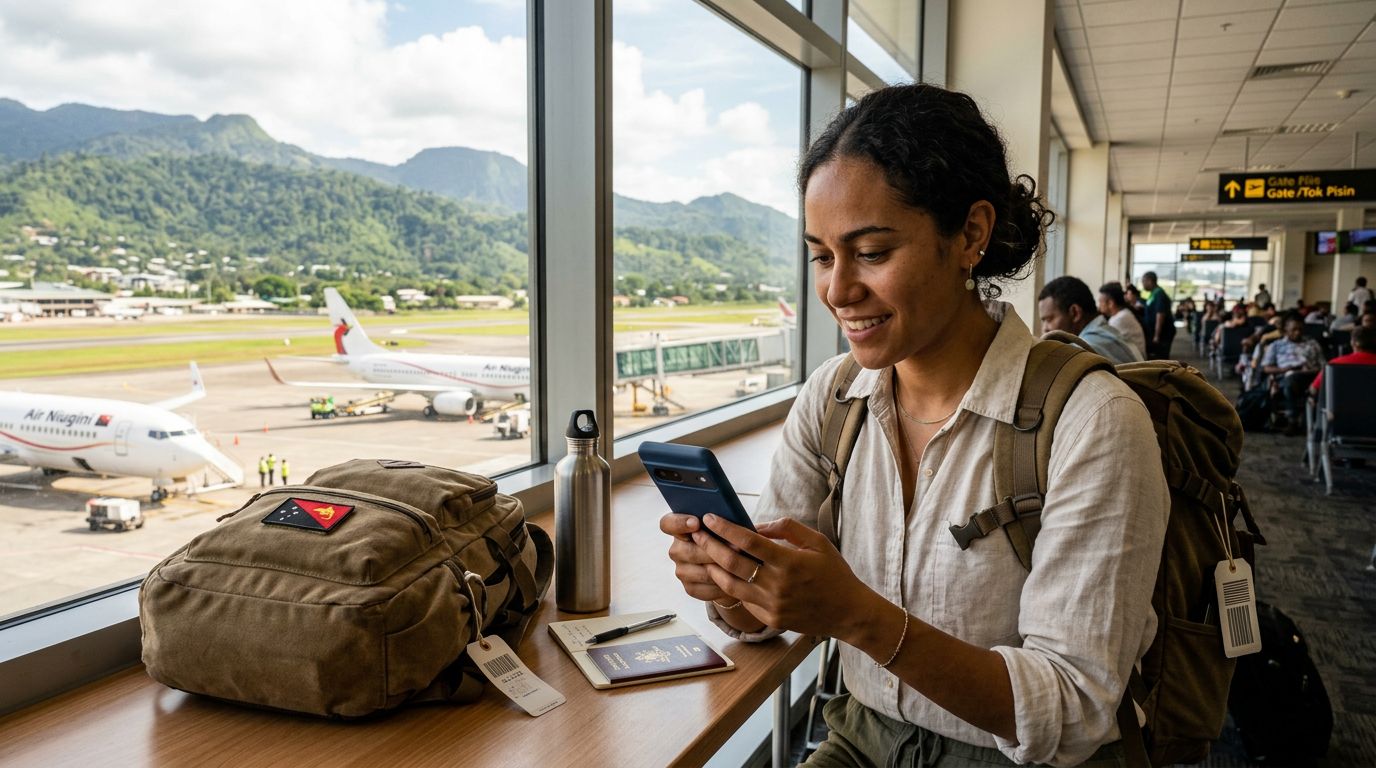
Understanding Connectivity Challenges in Papua New Guinea
Papua New Guinea is a destination defined by its rugged landscapes, vibrant cultures, and remote beauty. Whether you are traveling for business in Port Moresby or exploring the diverse highlands and coastal regions, staying connected is a common concern. Traditional roaming services offered by domestic mobile providers are often prohibitively expensive and technically restrictive. Many travelers find that even when they purchase a roaming add-on, their data speeds are throttled, or the service simply fails to connect in more isolated areas.
The primary hurdle for many visitors is the inability to share their connection. You might have a laptop, a tablet, or a travel companion who needs internet access, but your primary phone is the only device with a signal. This is where understanding how to use hotspot while roaming in Papua New Guinea becomes essential. By utilizing a digital SIM solution like OneTapSIM, you gain more control over your data usage, allowing you to bypass the limitations of traditional carrier roaming agreements.
When you rely on a local physical SIM card, you often face the inconvenience of swapping chips, finding a retail store, and dealing with language barriers or registration requirements. An eSIM eliminates these physical steps. Because OneTapSIM provides a streamlined digital profile, your device treats the connection as a primary data source, which makes enabling a personal hotspot much more reliable than trying to tether through a restrictive or throttled roaming plan from your home country.
Configuring Your Device for Hotspot Sharing
To successfully share your data, you must ensure your device is configured correctly before you arrive or as soon as you land. The process of enabling a hotspot while using an eSIM is identical to using a standard SIM, provided your data settings are optimized.
First, ensure that your OneTapSIM profile is set as the primary source for "Cellular Data" in your phone’s settings. If your phone is still attempting to pull data from your home carrier, the hotspot feature may be blocked or redirected to your home provider’s expensive roaming rates. Once the eSIM is active, navigate to your Personal Hotspot settings. You will need to set a secure password to prevent unauthorized users from consuming your data allotment.
It is important to note that certain network configurations in Papua New Guinea may require you to manually enter the Access Point Name (APN) settings. If your hotspot is not broadcasting or if connected devices cannot access the internet, check your cellular data network settings. Ensure that the APN provided by your service instructions is entered correctly for the eSIM profile. This small step is often the difference between a seamless connection and a frustrating experience.
Additionally, keep an eye on your background data usage. Hotspots can consume data much faster than a single phone because connected laptops often perform background updates, cloud syncing, or high-definition streaming without your immediate knowledge. Before connecting your computer, consider setting your connection to "Metered" in your operating system settings to prevent large background downloads that could exhaust your data unexpectedly.
Best Practices for Reliable Data Usage
Maintaining a stable connection in a country with varied infrastructure requires a proactive approach. While OneTapSIM provides a robust connection, the physical geography of Papua New Guinea can influence signal strength. In mountainous regions or dense forest areas, you may find that your signal fluctuates. To maximize your hotspot performance, try to keep your device near a window or in an elevated position if you are indoors.
Battery management is another critical factor. Running a hotspot is one of the most power-intensive tasks a smartphone can perform. The combination of maintaining a cellular connection and broadcasting a Wi-Fi signal will drain your battery significantly faster than normal use. Carry a portable power bank to ensure your device stays powered throughout the day. If you are working remotely, try to limit the number of devices connected to your hotspot simultaneously. Connecting a single laptop is generally stable, but adding multiple tablets or phones can lead to congestion and slower speeds for everyone.
If you encounter issues, the most effective troubleshooting step is to toggle your Airplane Mode on and off. This forces the device to re-establish a handshake with the nearest cell tower. If the problem persists, verify that your data roaming toggle is switched to "On" for the eSIM profile. Even though you are using a digital SIM, the device must be permitted to roam on the local partner networks to access the internet.
By preparing your device settings in advance and being mindful of how your secondary devices consume data, you can maintain a consistent and productive internet connection. Using a dedicated eSIM for your travel data allows you to separate your personal communications from your data-heavy tasks, ensuring that you remain reachable while still having the flexibility to share your connection whenever the need arises. Whether you are uploading photos of the Sepik River or sending urgent emails from a hotel in the capital, having a reliable plan in place ensures that your connectivity remains a tool for your trip rather than a source of stress.
Get an eSIM for
Plans for the destinations covered in this guide, with instant QR delivery.