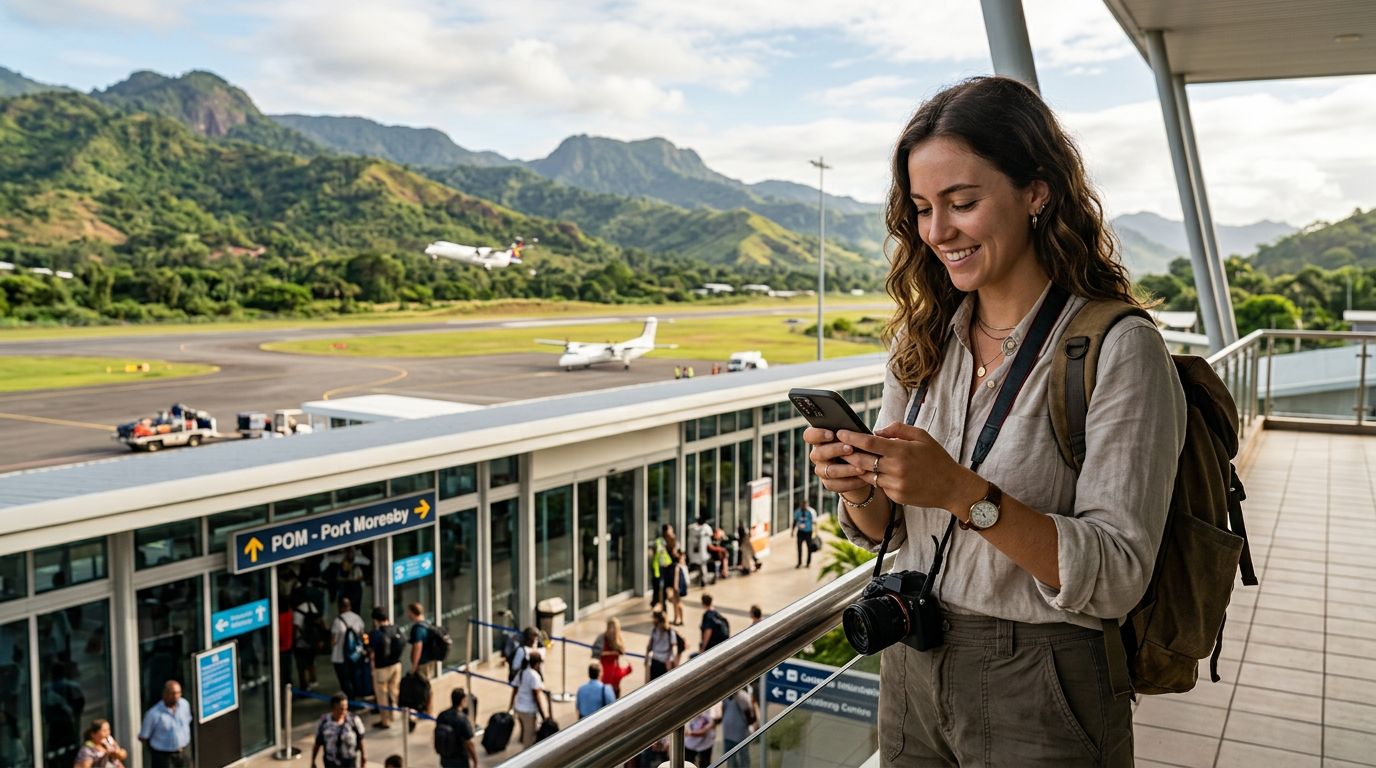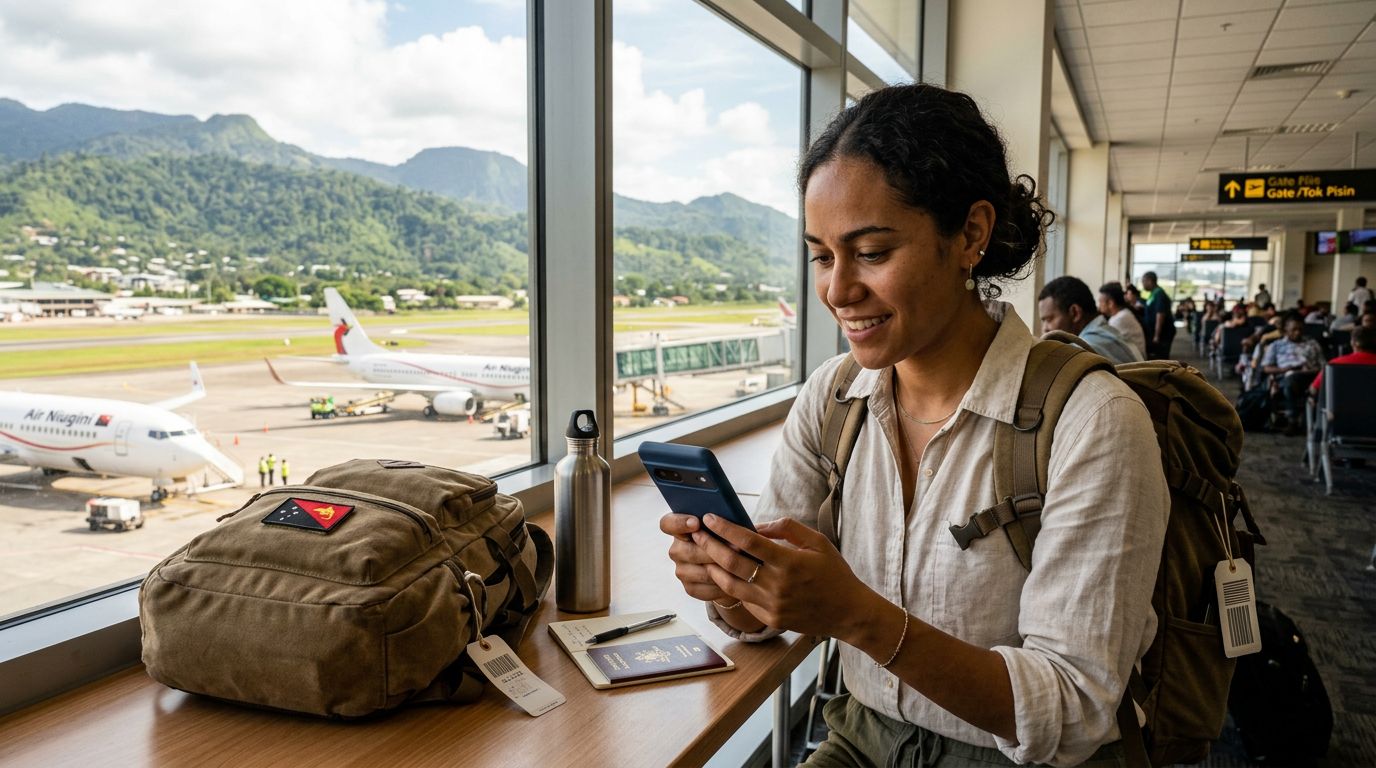
Connectivity Challenges in Papua New Guinea
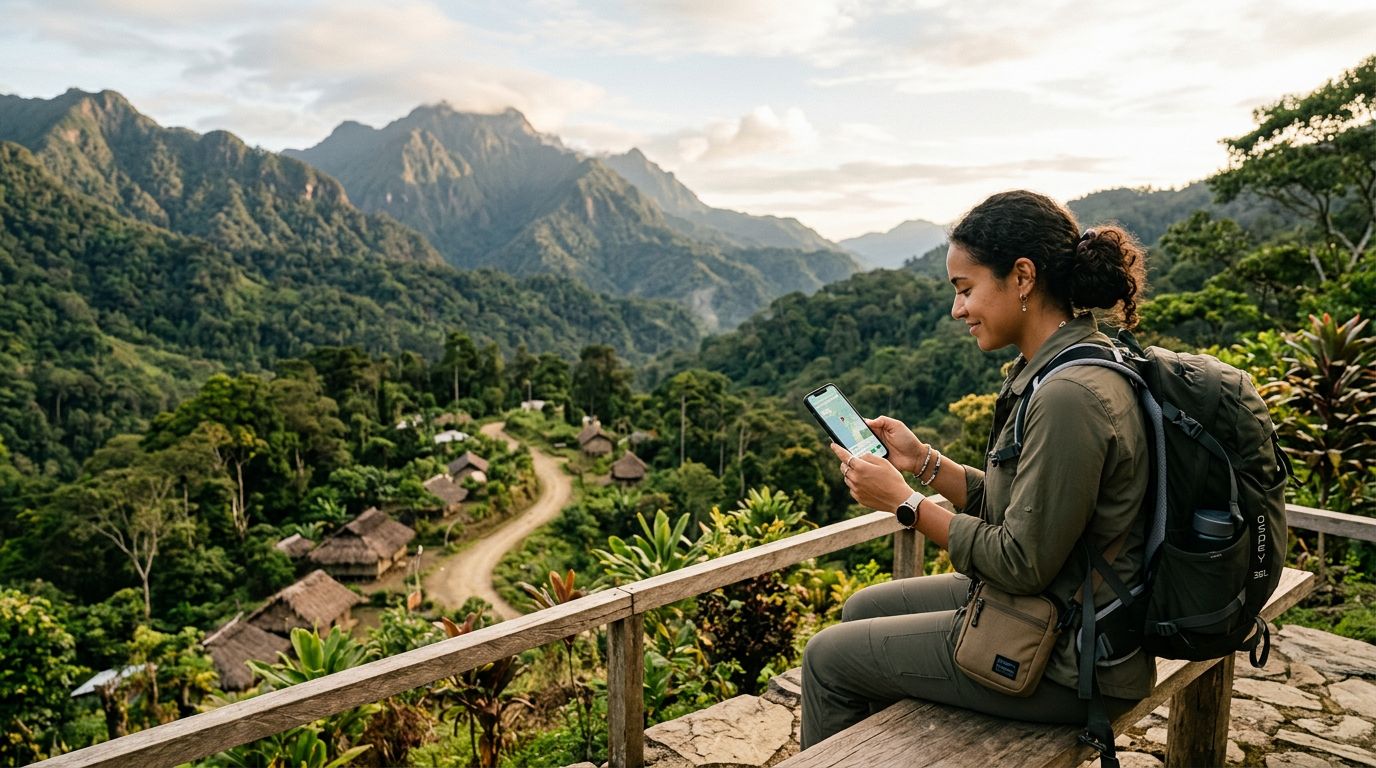
Papua New Guinea is a destination of unparalleled natural beauty, offering rugged mountain ranges, pristine coral reefs, and a rich tapestry of indigenous cultures. However, for the modern traveler, staying connected in such a diverse and geographically challenging landscape can be a complex task. The country’s infrastructure is heavily influenced by its topography, which includes dense rainforests and isolated island provinces. While major urban centers like Port Moresby, Lae, and Mount Hagen have established mobile networks, signal strength can fluctuate significantly as you move into rural areas or remote trekking routes.
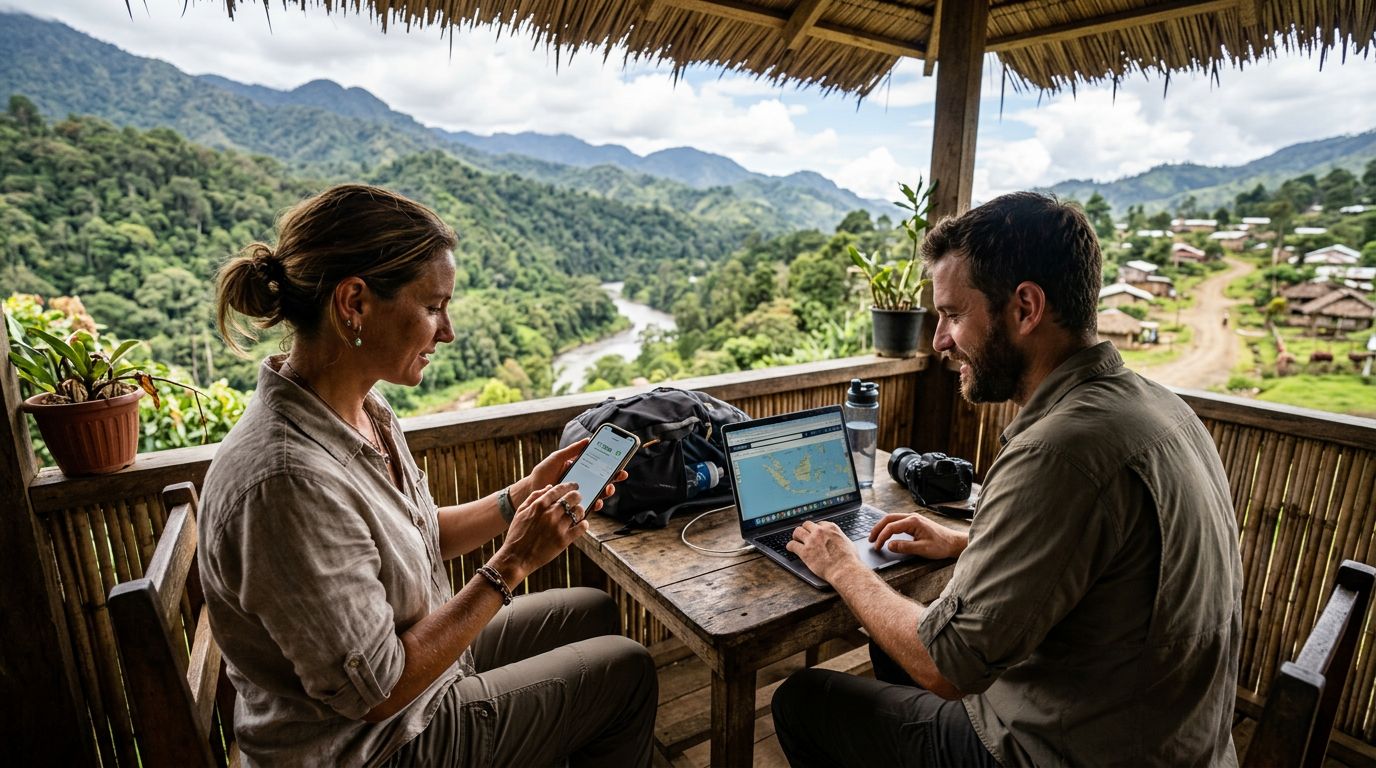
For many visitors, the primary concern is maintaining access to navigation tools, translation apps, and communication platforms to keep in touch with family or manage travel logistics. Relying solely on a home carrier’s roaming service often leads to exorbitant costs and inconsistent performance. This is why many travelers are turning to dual SIM technology. By utilizing a secondary SIM alongside their primary number, visitors can maintain their home connection for essential calls or texts while dedicating a secondary line to local data. This setup ensures that you are never left without a map or a way to reach out for assistance, regardless of how far off the beaten path you venture.
The Advantages of Using Dual SIM in Papua New Guinea
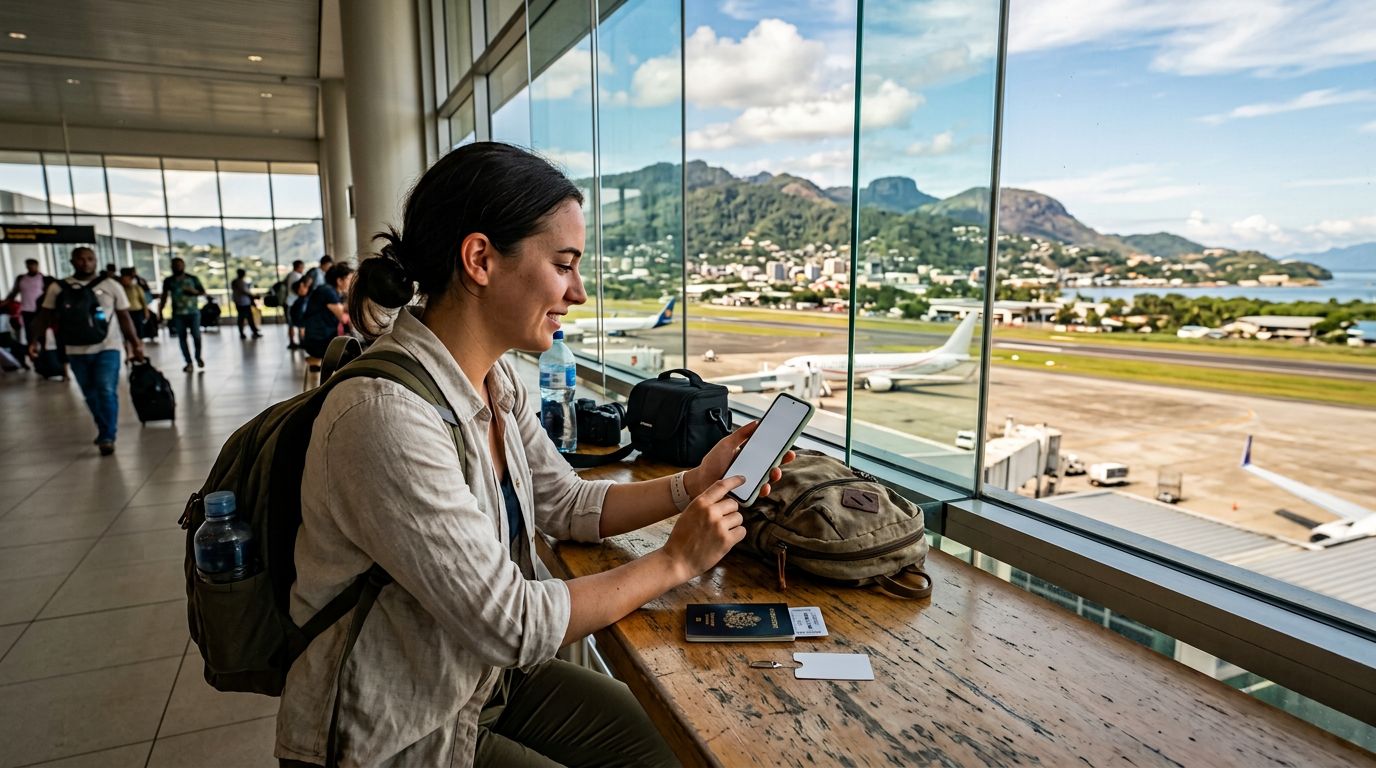
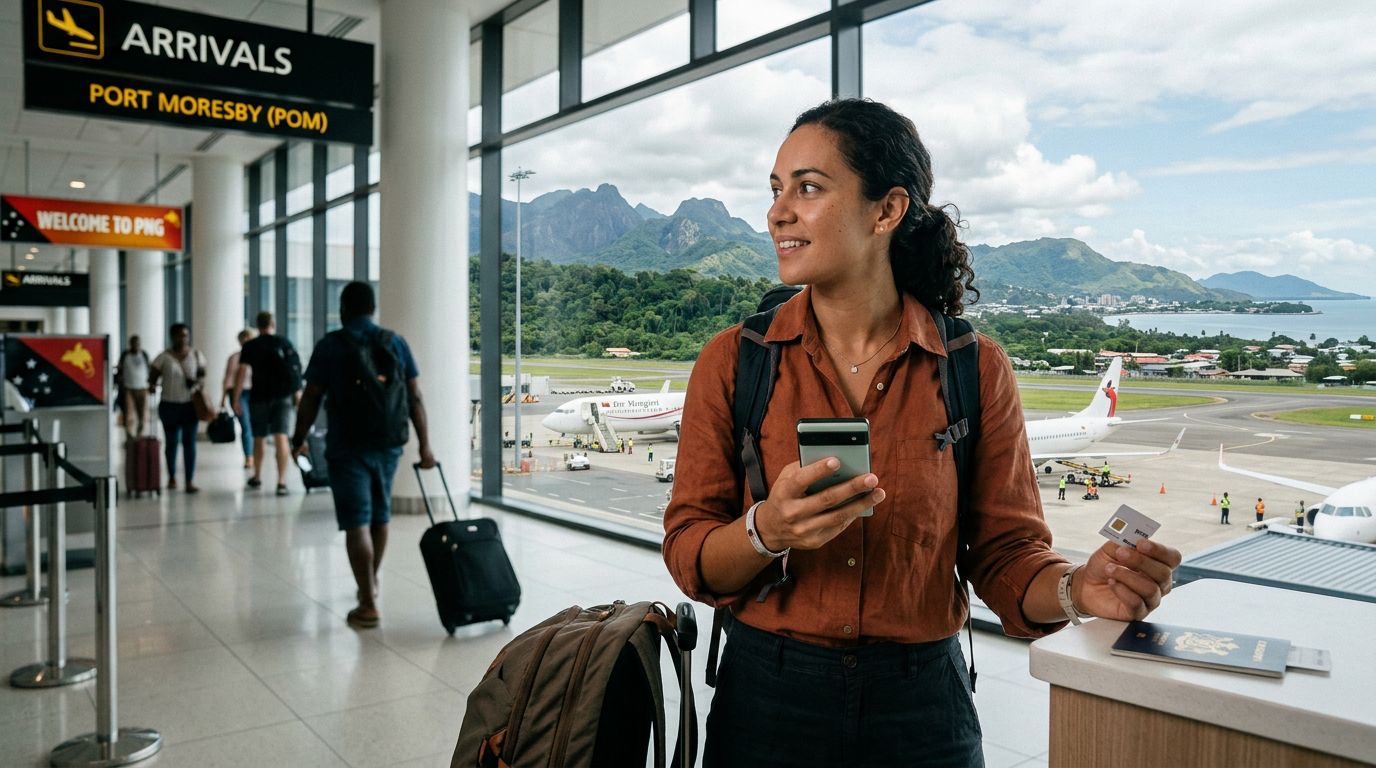
The primary benefit of using dual SIM in Papua New Guinea is the flexibility it provides. Most modern smartphones are equipped with eSIM technology, which allows you to store multiple digital SIM profiles on a single device. This is particularly useful in a country where physical SIM card acquisition can be time-consuming. When you arrive at an airport or a local shop, you might face long queues or language barriers when trying to purchase a physical prepaid card. With an eSIM, you can manage your connectivity before you even land.
By keeping your primary SIM active, you ensure that you can still receive important two-factor authentication codes for banking or urgent messages from home. Simultaneously, by activating a secondary eSIM for data, you can tap into local network capabilities without the risk of accidental roaming charges. This dual-layered approach is essential for travelers who need to balance their professional obligations with the desire to explore the highlands or the Sepik River region.
OneTapSIM offers a streamlined solution for this exact scenario. By providing a digital-first approach, it removes the need to swap out physical cards, which are easy to lose or damage in humid, tropical environments. When you use a service like OneTapSIM, you can pre-configure your device settings to ensure that your data is routed through the secondary line while your primary line remains in standby mode. This configuration is a reliable way to manage your mobile footprint without compromising the security of your main phone number.
Setting Up Your Device for Seamless Travel
Before you depart, it is important to verify that your smartphone is compatible with eSIM technology. Most flagship devices from the last few years support this feature, but it is always wise to check your device settings or consult the manufacturer’s support documentation. If you are using an iPhone, you can manage your cellular plans through the settings menu, where you can label your lines as "Primary" and "Travel" to avoid confusion. Similarly, Android users can manage their SIM profiles through the network settings, ensuring that the correct SIM is selected for mobile data usage.
When you arrive in Papua New Guinea, the transition to your secondary data line should be nearly instantaneous. If you have already installed your OneTapSIM profile, you simply need to toggle the data switch in your phone’s settings to activate the connection. It is recommended to turn off "Data Roaming" on your primary SIM card to prevent your home carrier from automatically connecting to local towers and triggering unexpected fees.
Managing your data usage while traveling is another critical aspect of maintaining connectivity. Papua New Guinea’s network speeds can vary, so it is helpful to download offline maps and essential documents before heading into areas with limited coverage. By using a dedicated data eSIM, you can monitor your usage more effectively, as these services often provide clear interfaces to track how much data you have consumed. This transparency allows you to adjust your usage patterns, ensuring that you have enough connectivity to last throughout your entire trip.
If you encounter any issues with connectivity, the first step is to check your network selection settings. In some remote areas, your phone might attempt to connect to a network that has a weaker signal than others. Manually selecting a network provider in your settings can often resolve these issues. Furthermore, keeping your device software updated is a good practice, as these updates often include improvements to how the phone handles dual SIM configurations and network handoffs.
Ultimately, the goal of using dual SIM in Papua New Guinea is to enhance your travel experience by removing the stress of connectivity. Whether you are documenting your journey through the Highlands or coordinating logistics for a diving expedition in Kimbe Bay, having a reliable data connection allows you to focus on the experience rather than the technology. By planning ahead and utilizing the convenience of modern eSIM solutions, you can enjoy the peace of mind that comes with being connected, even in one of the most remote and captivating corners of the globe. With the right setup, your smartphone becomes a powerful tool that supports your adventure, ensuring that you stay informed, safe, and ready for whatever the next day in Papua New Guinea brings.
Get an eSIM for
Plans for the destinations covered in this guide, with instant QR delivery.