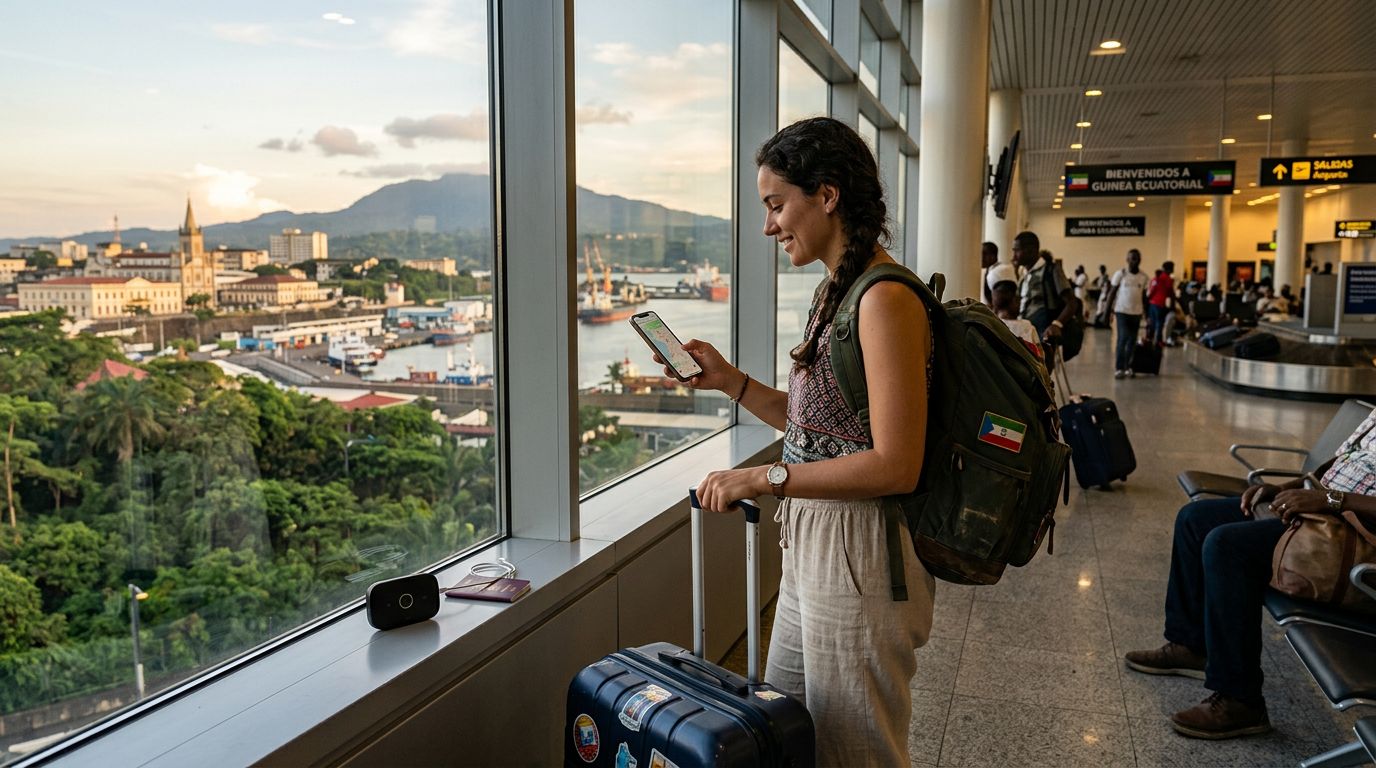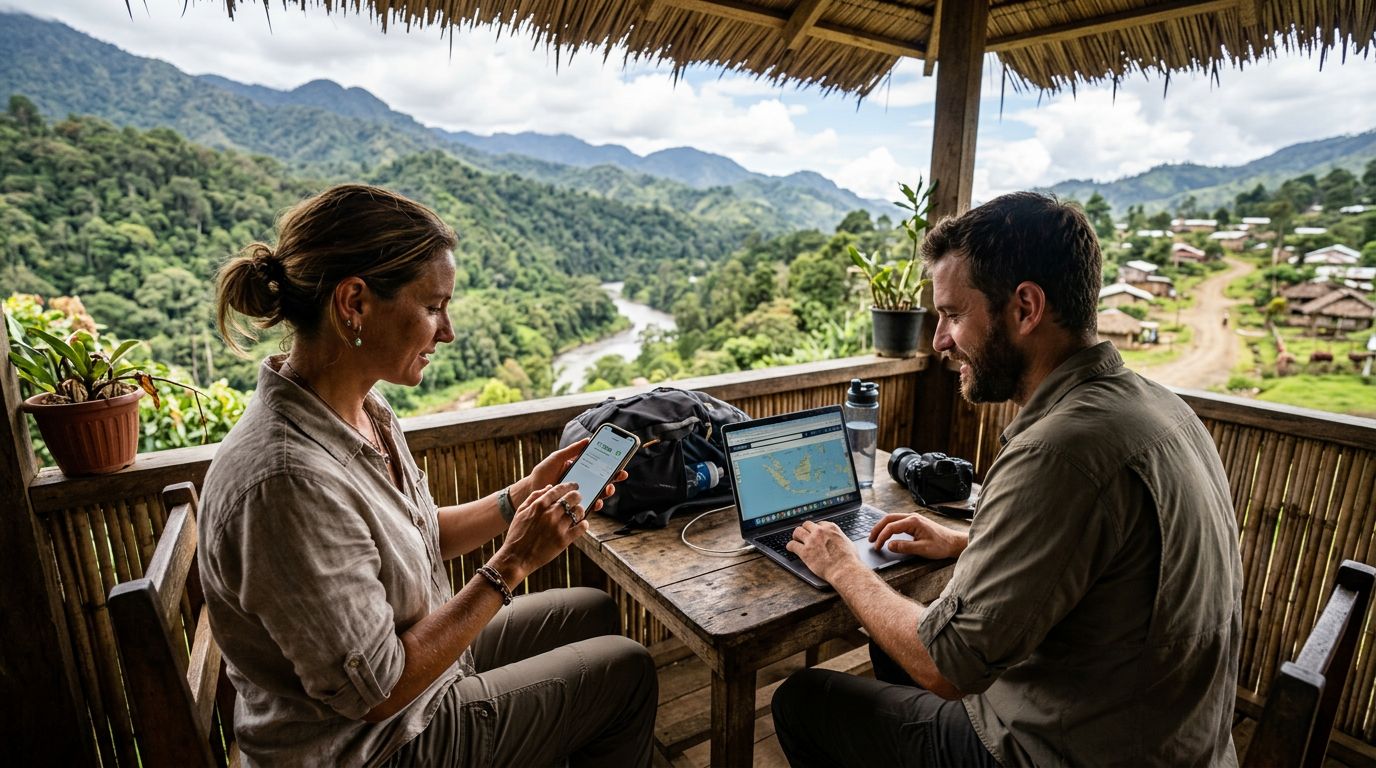
Understanding Connectivity Challenges in Papua New Guinea
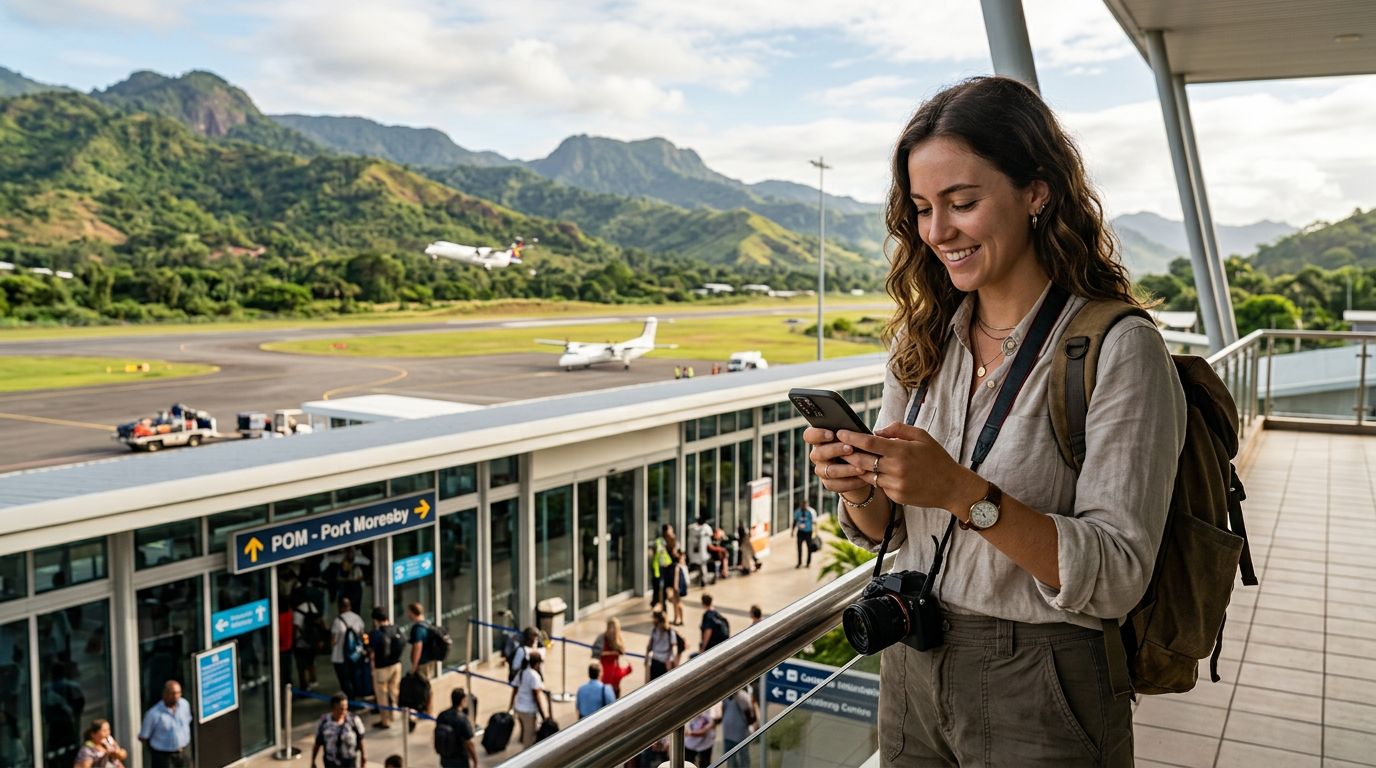
Traveling to Papua New Guinea is an adventure into one of the most culturally diverse and geographically rugged regions on the planet. From the misty highlands to the pristine coral reefs of the islands, the scenery is breathtaking. However, maintaining a reliable internet connection can be a significant hurdle for visitors. Unlike urban hubs in other parts of the world, infrastructure in Papua New Guinea is often limited, making your choice of connectivity crucial.
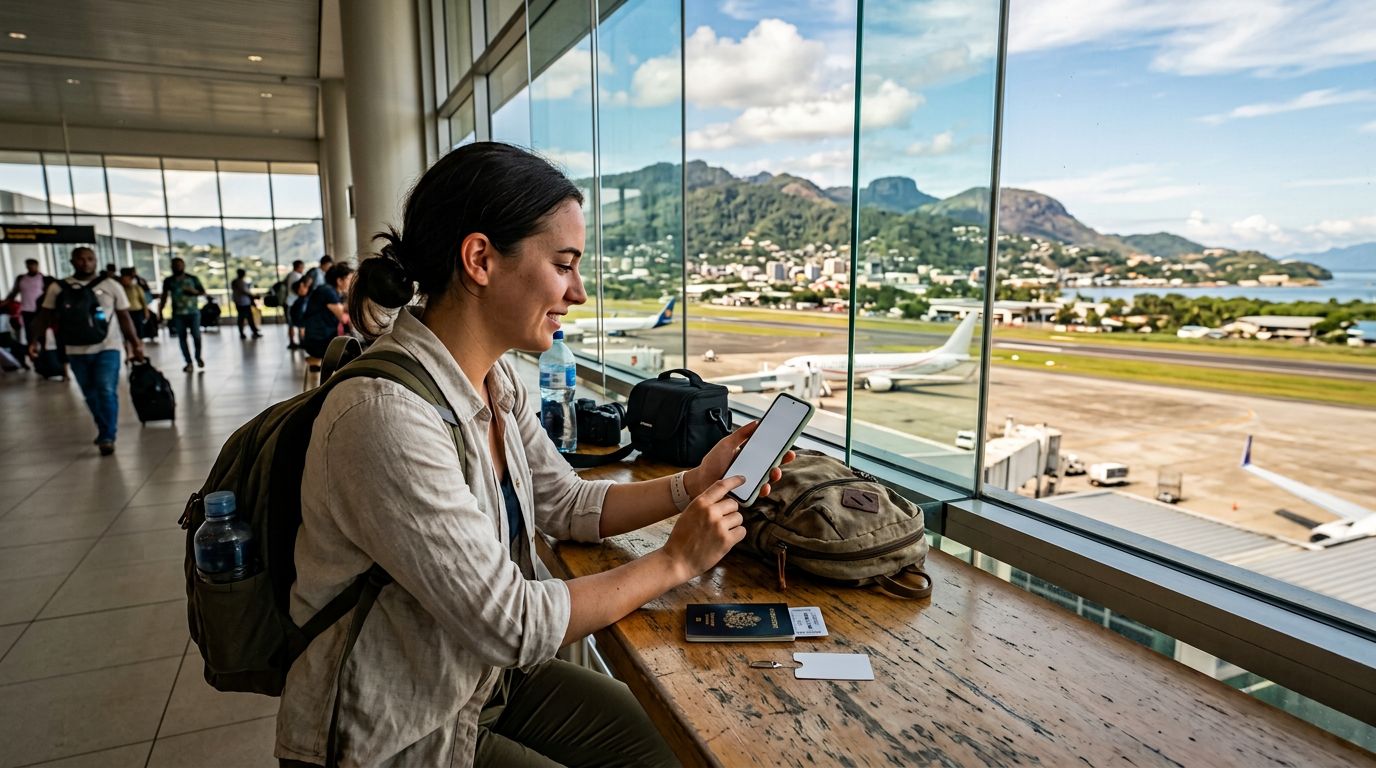
Many travelers rely on their smartphones for navigation, translation, and staying in touch with family. A common requirement for those traveling with companions or multiple devices—such as a laptop for remote work or a tablet for media—is the ability to share a data connection. This is where the hotspot feature becomes essential. Learning how to use hotspot in Papua New Guinea requires preparation, as you cannot always rely on finding public Wi-Fi networks in remote villages or during transit between provinces.
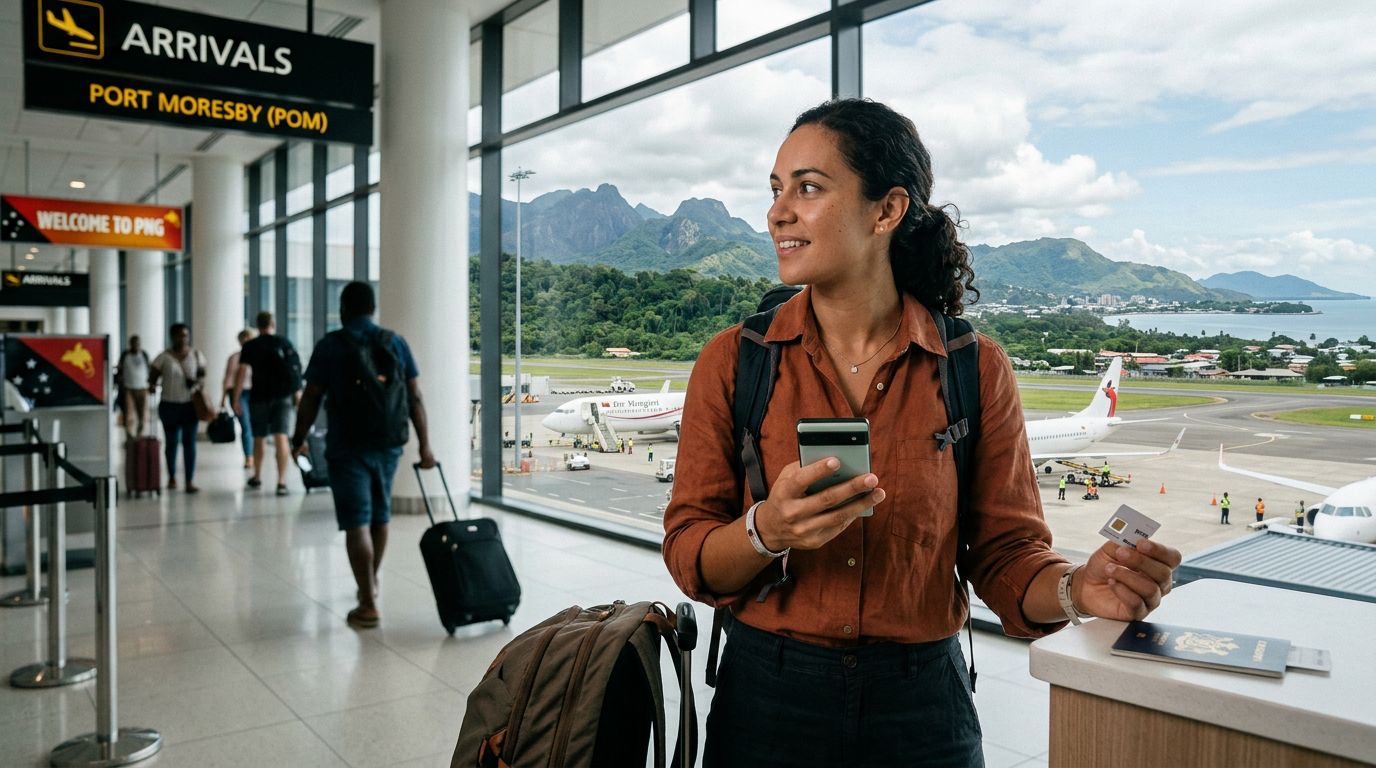
The primary challenge is that local networks may have specific configurations or signal limitations depending on your exact location. Before you arrive, it is vital to ensure your device is unlocked and compatible with local bands. Using a travel eSIM, such as those provided by OneTapSIM, is often the most efficient way to manage your data needs without the hassle of swapping physical cards or dealing with local retail outlets that may not be accessible in your specific travel itinerary.
How to Configure Your Hotspot Settings
Once you have secured a data plan that supports tethering, the process of setting up your hotspot is generally straightforward, provided your device is correctly configured. To use your phone as a mobile router, you must first ensure that your APN (Access Point Name) settings are correct for the network you are using. If your data is working but your hotspot is not, the APN settings are almost always the culprit.
For iPhone users, you can typically find these settings under your cellular data options. If you are using an eSIM from a provider like OneTapSIM, the installation process usually automates these settings. However, if you find that tethering is disabled, check your Personal Hotspot menu in the main settings. Ensure that "Maximize Compatibility" is toggled on if you are trying to connect older devices, as this switches the broadcast frequency to 2.4GHz, which is more stable over longer distances, even if it is slightly slower.
For Android users, the process involves navigating to your network and internet settings to find the "Hotspot & Tethering" menu. You will need to set a strong password to prevent unauthorized users from consuming your data. In Papua New Guinea, where data can be precious, you should also monitor your background sync settings. Apps often attempt to perform large updates or cloud backups as soon as they detect a Wi-Fi connection, which your phone will interpret your hotspot to be. Disabling automatic updates while tethering will help your data last significantly longer.
Best Practices for Managing Data While Tethering
Sharing your connection can drain your data allowance much faster than standard phone usage. Because laptops and tablets are designed to consume more data than mobile devices—by loading desktop versions of websites and running background processes—you need to be proactive. When you learn how to use hotspot in Papua New Guinea, you must also learn how to manage the data flow so your connectivity does not cut out unexpectedly.
First, set your connected devices to "Metered Connection" mode. On Windows, this prevents the system from downloading large updates in the background. On macOS, you can achieve similar results by pausing cloud syncing services like iCloud or Dropbox. These simple steps ensure that your data is reserved for what you actually need, such as checking emails, looking up maps, or sending urgent messages.
Another tip for travelers is to download offline maps and essential documents before leaving your accommodation. If you are heading into a remote area, do not assume you will have a consistent signal to stream content or load heavy web pages. By caching your content, you reduce the need to constantly tether.
Finally, keep your device cool. Tethering generates a significant amount of heat, which can cause your phone to throttle its performance or even shut down to protect the battery. Try to keep your phone out of direct sunlight and avoid keeping it in a bag while the hotspot is active. If you are using a OneTapSIM eSIM, you can easily track your data consumption through your account portal, allowing you to top up if you realize your tethering habits are exceeding your initial estimates.
Troubleshooting Common Connectivity Issues
Even with the best preparation, you may encounter moments where your hotspot fails to connect or provides an unstable signal. In Papua New Guinea, signal strength can fluctuate wildly due to the mountainous terrain and the distance from cell towers. If your hotspot is not working, start by toggling Airplane Mode on and off. This forces your device to re-establish a connection with the nearest tower.
If you are still experiencing issues, check your device’s IP settings. Sometimes, a device connected to your hotspot may fail to receive an IP address automatically. Manually forgetting the network on the connecting device and reconnecting often resolves this. Additionally, ensure that your data roaming is enabled for your eSIM profile. While "roaming" sounds like an expensive term, in the context of a travel eSIM, it is the standard mechanism that allows your device to communicate with the local partner networks in Papua New Guinea.
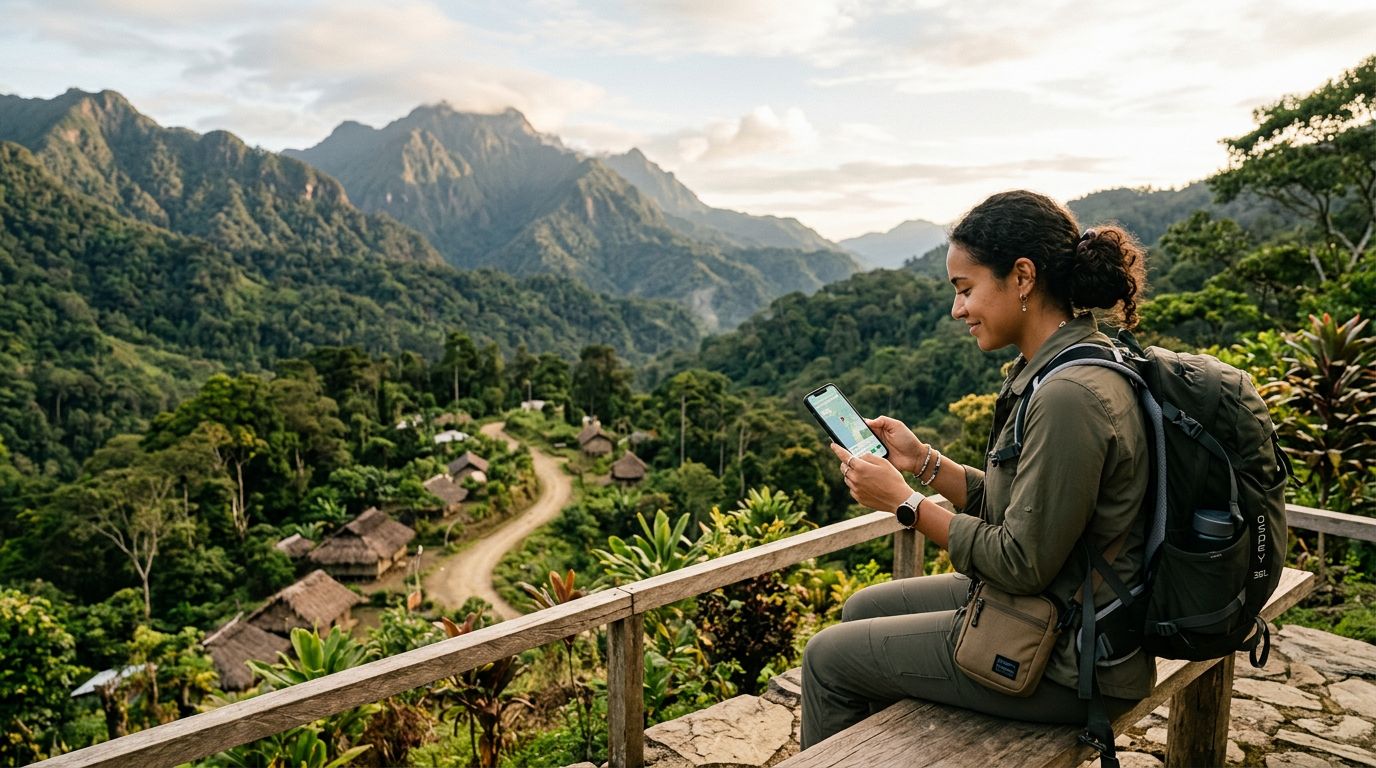
If you are in a very remote area, consider moving to higher ground or a location with fewer obstructions. Dense jungle or thick building walls can severely impact signal quality. Remember that the quality of your hotspot is only as good as the cellular signal your phone is receiving. By choosing a reliable service provider and understanding how to manage your device settings, you can maintain a functional mobile office or communication hub, even while exploring the beautiful and remote landscapes of Papua New Guinea. Always keep a backup plan, such as a secondary eSIM, just in case you find yourself in a region where a specific carrier has better coverage than others. With these steps, you will be well-equipped to stay connected throughout your journey.
Get an eSIM for
Plans for the destinations covered in this guide, with instant QR delivery.