Understanding Connectivity Challenges in Papua New Guinea
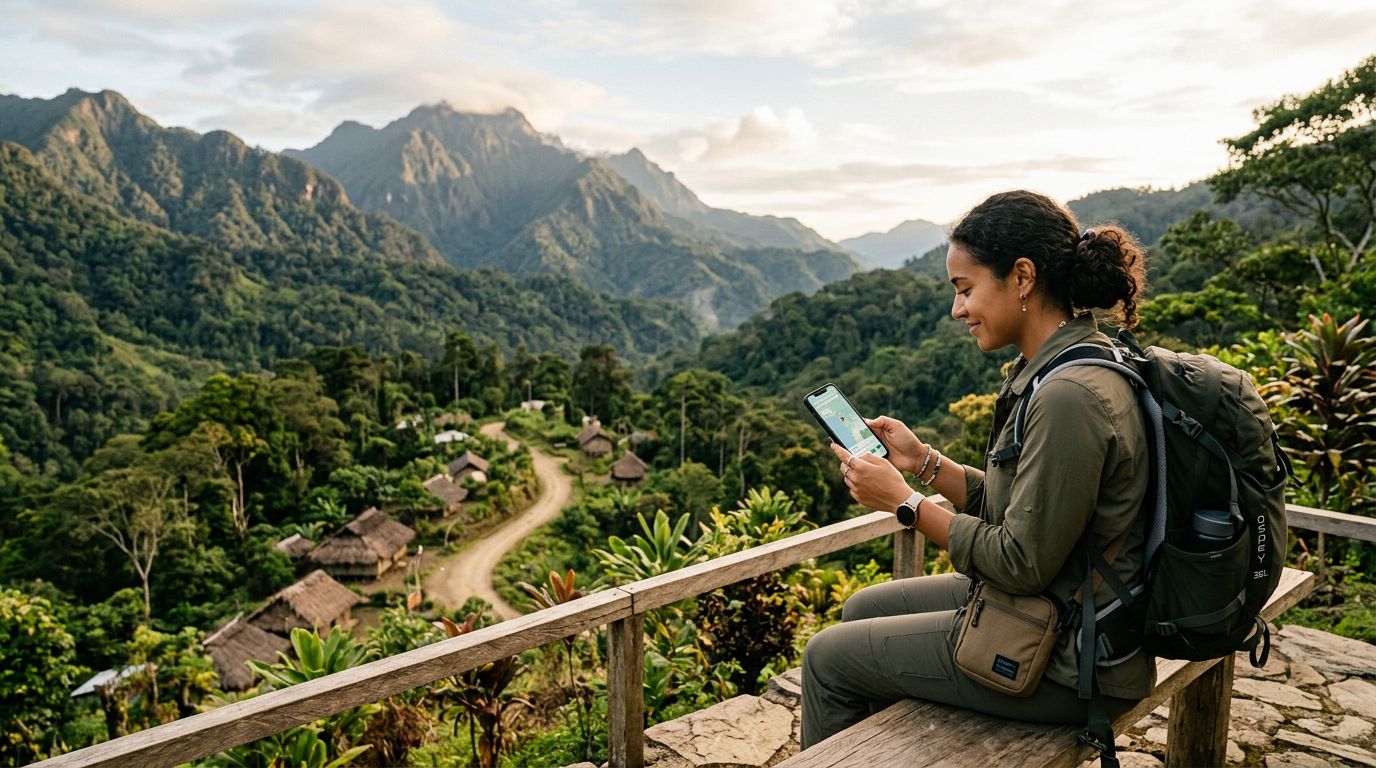
Papua New Guinea is a destination defined by its rugged beauty, diverse cultures, and challenging geography. From the dense rainforests of the Highlands to the pristine coral reefs of the islands, travelers are often drawn to the country's untouched landscapes. However, this isolation comes with a significant trade-off: reliable internet access is not always a guarantee. For those who need to stay connected, whether for work, navigation, or sharing experiences, understanding the local telecommunications infrastructure is essential before departure.
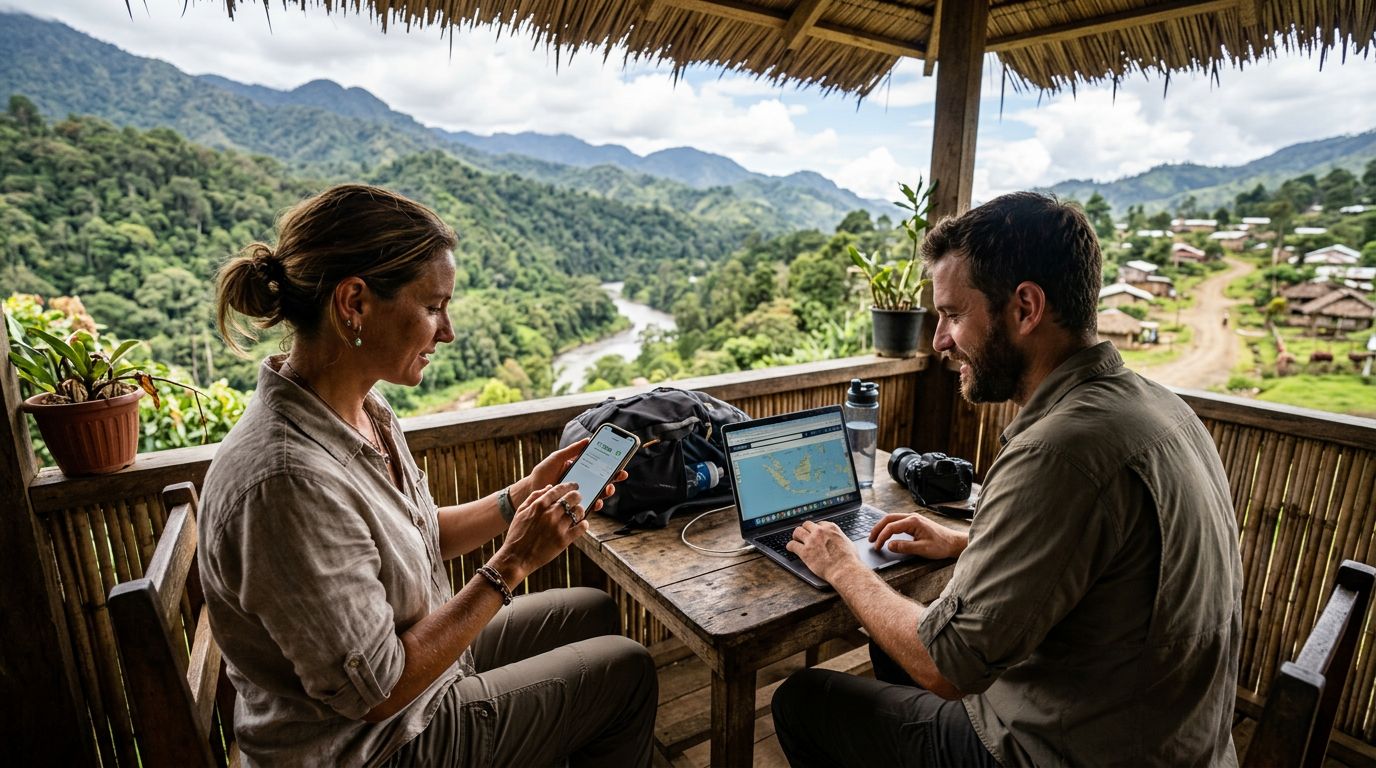
The telecommunications landscape in Papua New Guinea is primarily dominated by a few major providers. While urban centers like Port Moresby, Lae, and Mount Hagen have seen improvements in network coverage, rural and remote areas remain difficult to reach. Topography plays a massive role here; high mountain ranges and deep valleys often obstruct cellular signals, making consistent data access a rare luxury in the backcountry.
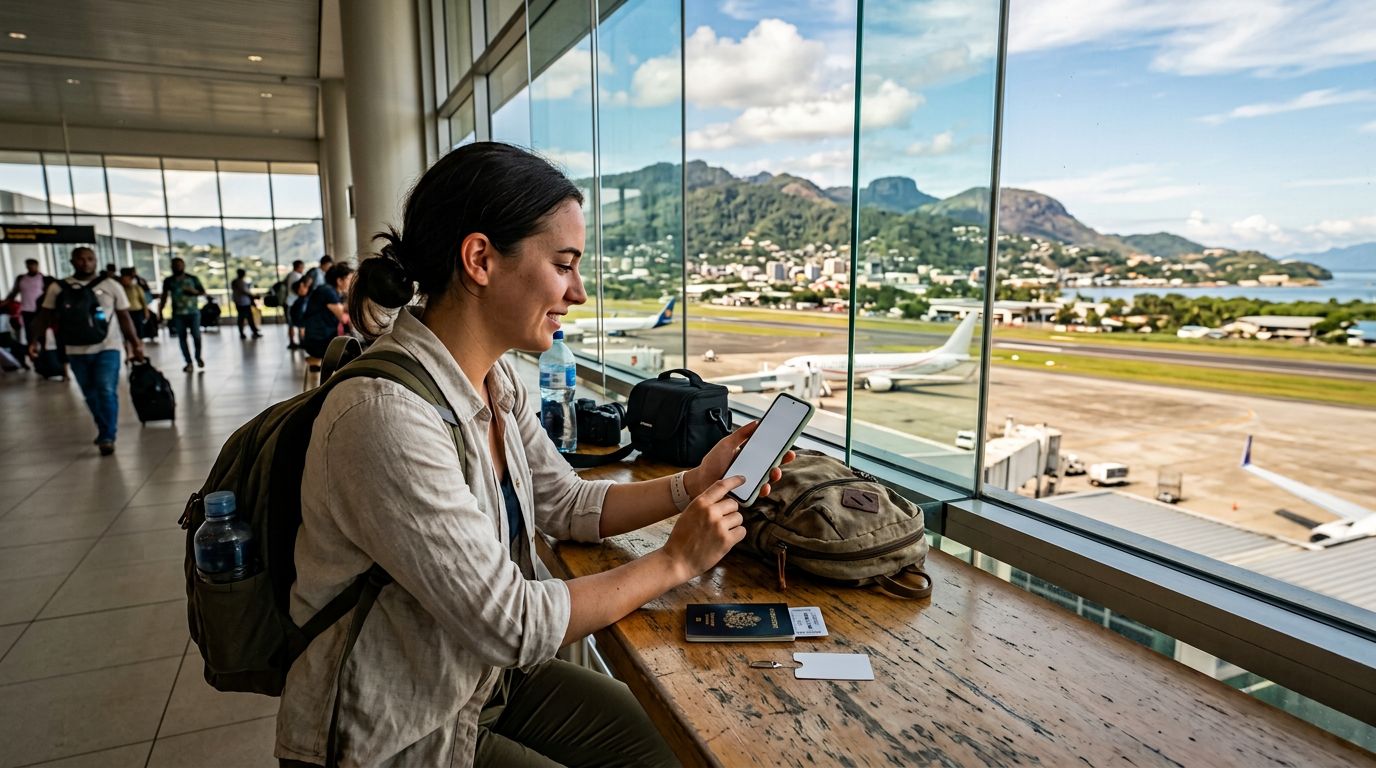
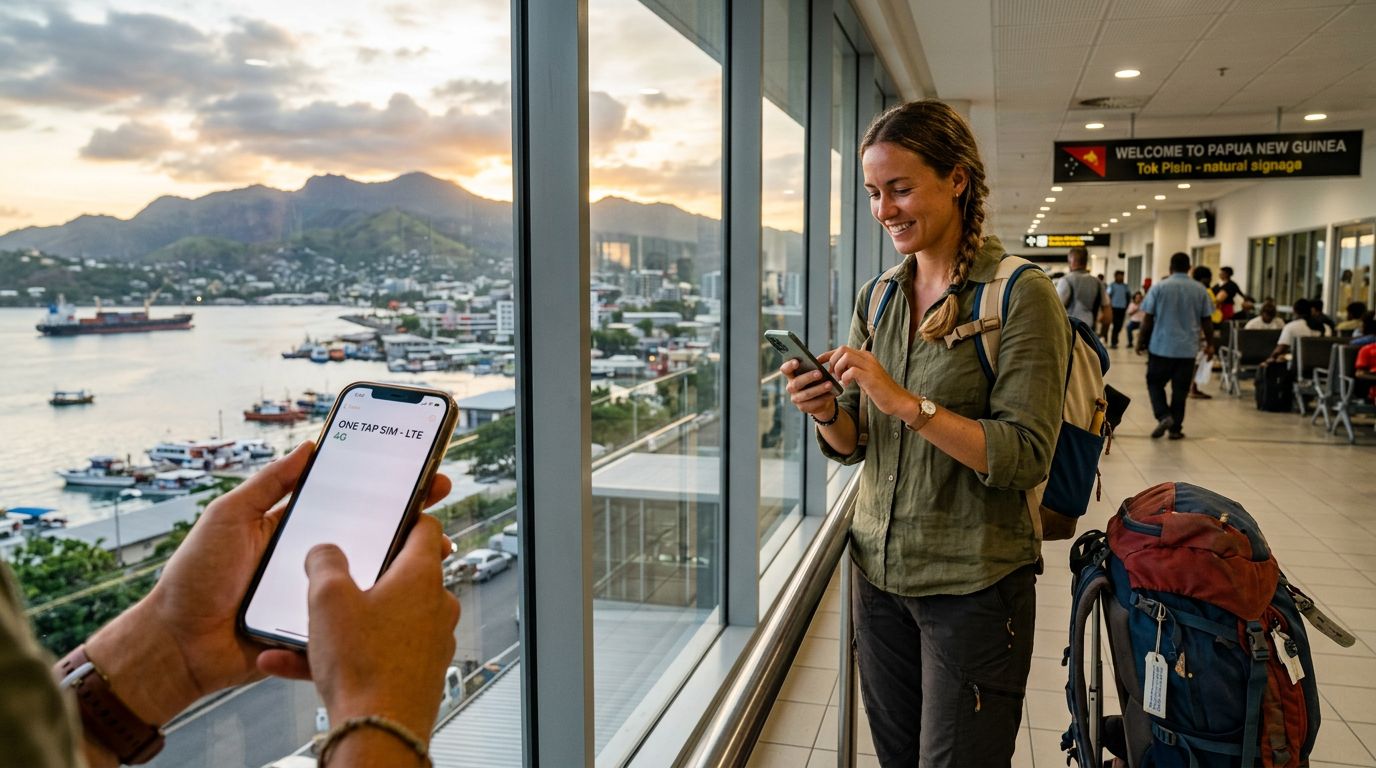
When you are planning your trip, it is important to manage expectations regarding speed and stability. You might find 4G connectivity in major towns, but as you venture into the provinces, the signal can drop to 3G or even 2G. This is why many travelers choose to carry a mobile hotspot or use a travel eSIM like OneTapSIM to maintain a flexible connection. By relying on a dedicated data solution, you avoid the pitfalls of public Wi-Fi, which is often slow, insecure, or entirely unavailable in remote lodges and guesthouses.
The Logistics of Using a Mobile Hotspot in Papua New Guinea
If you are planning on using a mobile hotspot in Papua New Guinea, you have two main options: a physical dedicated hotspot device or using your smartphone as a portable hotspot. Each method has its own set of advantages and drawbacks depending on your travel style.
A dedicated mobile hotspot device is a standalone piece of hardware that acts as a portable Wi-Fi router. You insert a local SIM card into the device, and it broadcasts a signal for your other gadgets, such as laptops or tablets, to connect to. This is an excellent choice for digital nomads or groups traveling together, as it keeps all devices connected through a single data source. However, carrying an extra device means another piece of equipment to charge, protect from humidity, and keep track of during transit.
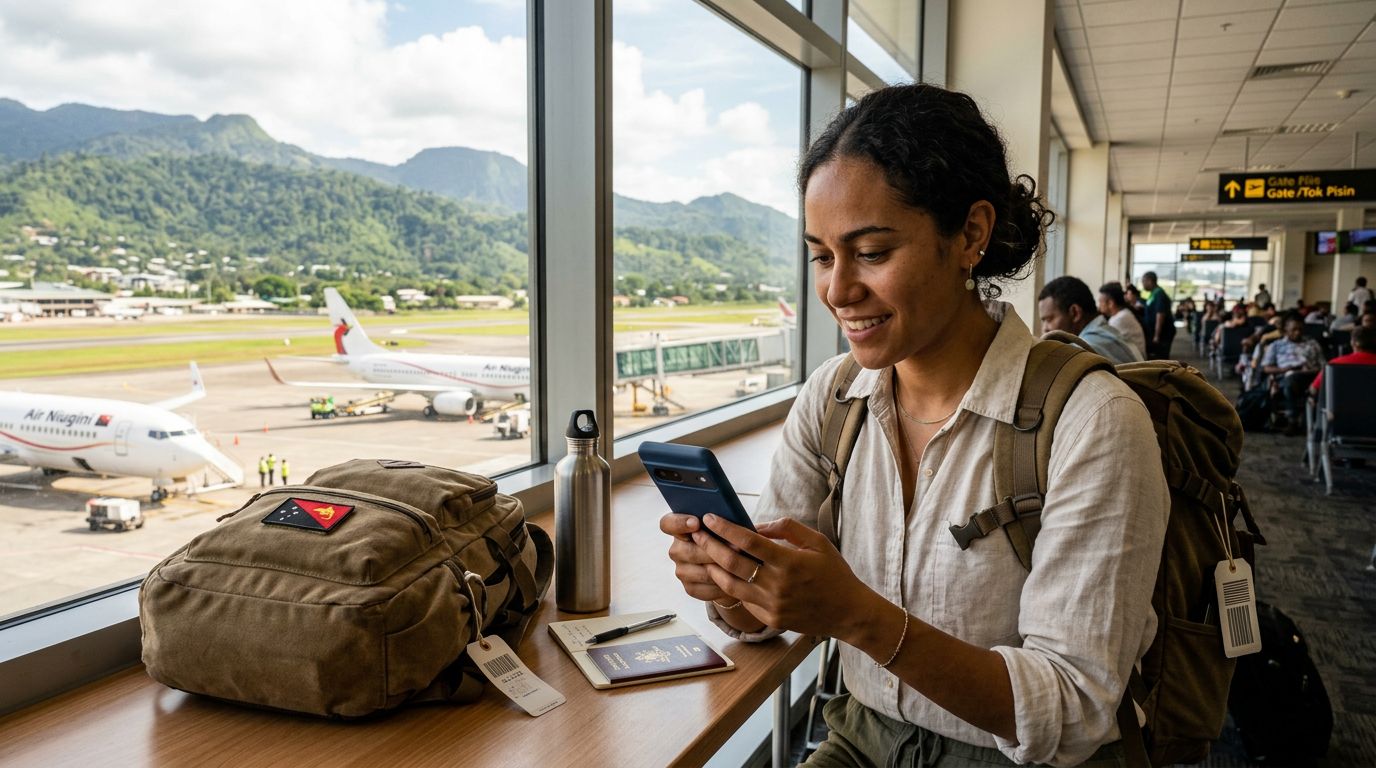
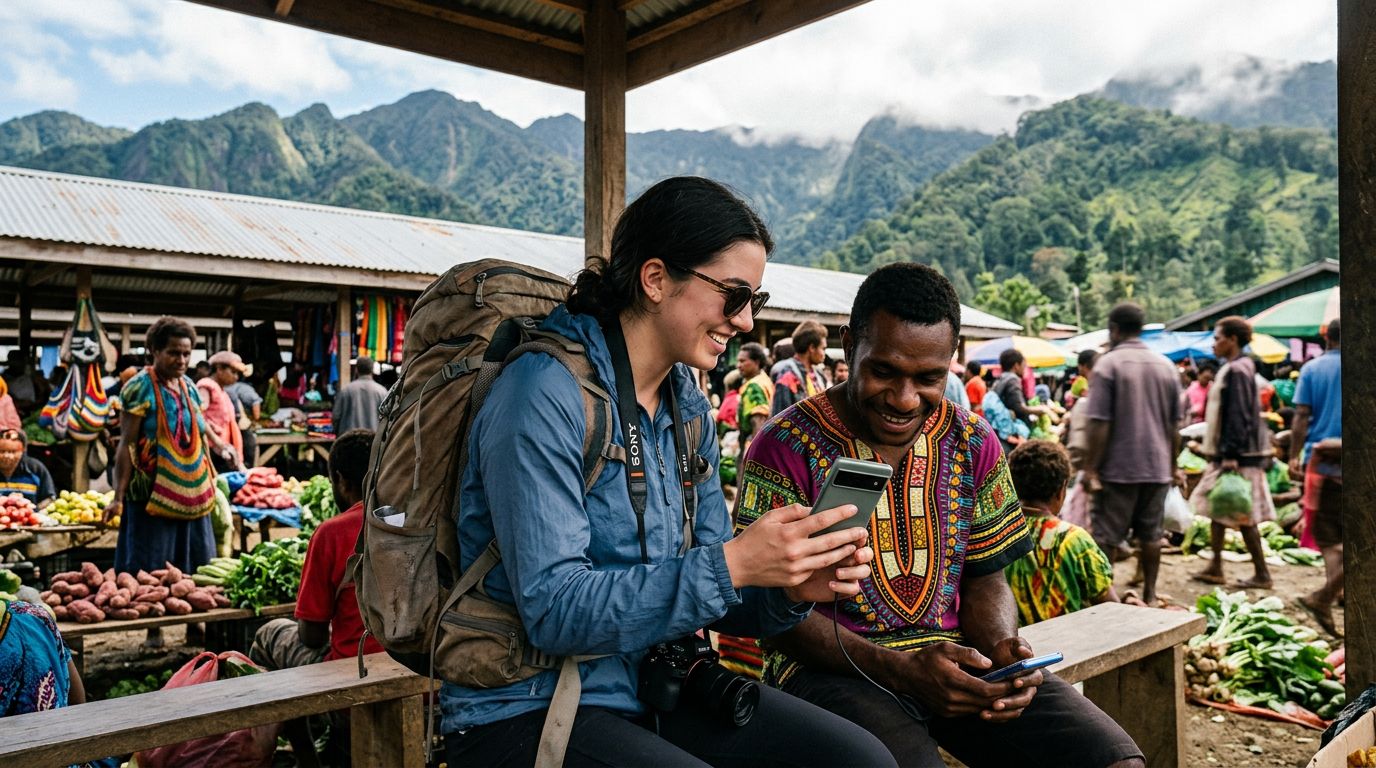
Alternatively, using your smartphone as a mobile hotspot is often the most convenient method. Modern smartphones are designed to share data seamlessly. If you have an eSIM installed, you can enable the hotspot feature in your settings to provide internet to your secondary devices. This is particularly useful for travelers who want to travel light. The primary challenge here is battery drain; broadcasting a Wi-Fi signal consumes a significant amount of power. If you choose this route, carrying a high-capacity power bank is non-negotiable.
Regardless of which hardware you choose, the quality of your connection depends heavily on the network you tap into. Papua New Guinea’s geography means that signal strength can change abruptly. If you are moving between islands or trekking through the Highlands, you may find that your signal strength fluctuates. Having an eSIM solution like OneTapSIM allows you to manage your connectivity directly through your phone settings, ensuring that you are not tethered to a physical SIM card that could be easily lost or damaged in the humid environment.
Best Practices for Data Management and Connectivity
Staying connected in a place as remote as Papua New Guinea requires a bit of foresight. Data is a precious commodity in regions where infrastructure is limited, so being mindful of how you consume it will save you from frustration.
First, adjust your device settings to prevent background data usage. Many applications automatically sync photos, download updates, or refresh feeds in the background. By disabling these features, you ensure that your data allowance is spent only on the tasks that matter, such as checking emails or looking up directions. If you need to download maps for navigation, do so while connected to a stable network before heading into remote areas. Google Maps offers offline functionality that is invaluable in Papua New Guinea, allowing you to navigate without a constant data stream.
Second, consider the physical environment. Tropical humidity and heavy rainfall can impact electronic performance. Keep your hotspot device or your smartphone in a waterproof pouch when you are traveling by boat or trekking through rainforests. If you are using a physical hotspot device, ensure that the battery is fully charged every night, as power grids in rural areas can be unreliable or subject to frequent outages.
Third, have a backup plan. Even the best-laid plans can be thwarted by a network outage or a dead zone. If you are traveling to an extremely remote region, inform your contacts that you may be offline for a few days. Having a reliable eSIM provider like OneTapSIM can help you manage your data profile more effectively, allowing you to switch between networks or monitor your usage in real-time. This level of control is often missing when using traditional local SIM cards, which may require you to visit a physical store to top up or troubleshoot issues.
By preparing your devices, managing your data usage, and understanding the realities of the local landscape, you can effectively navigate the challenges of staying online. Whether you are documenting your journey through the Sepik River or keeping in touch with family from a base in Port Moresby, a proactive approach to your mobile hotspot setup will ensure that you remain connected when it matters most. Papua New Guinea is a land of incredible discovery, and with the right digital tools in your pocket, you can explore it with the confidence that you are never truly out of reach.
Get an eSIM for
Plans for the destinations covered in this guide, with instant QR delivery.