Why Reliable Connectivity Matters for Navigation
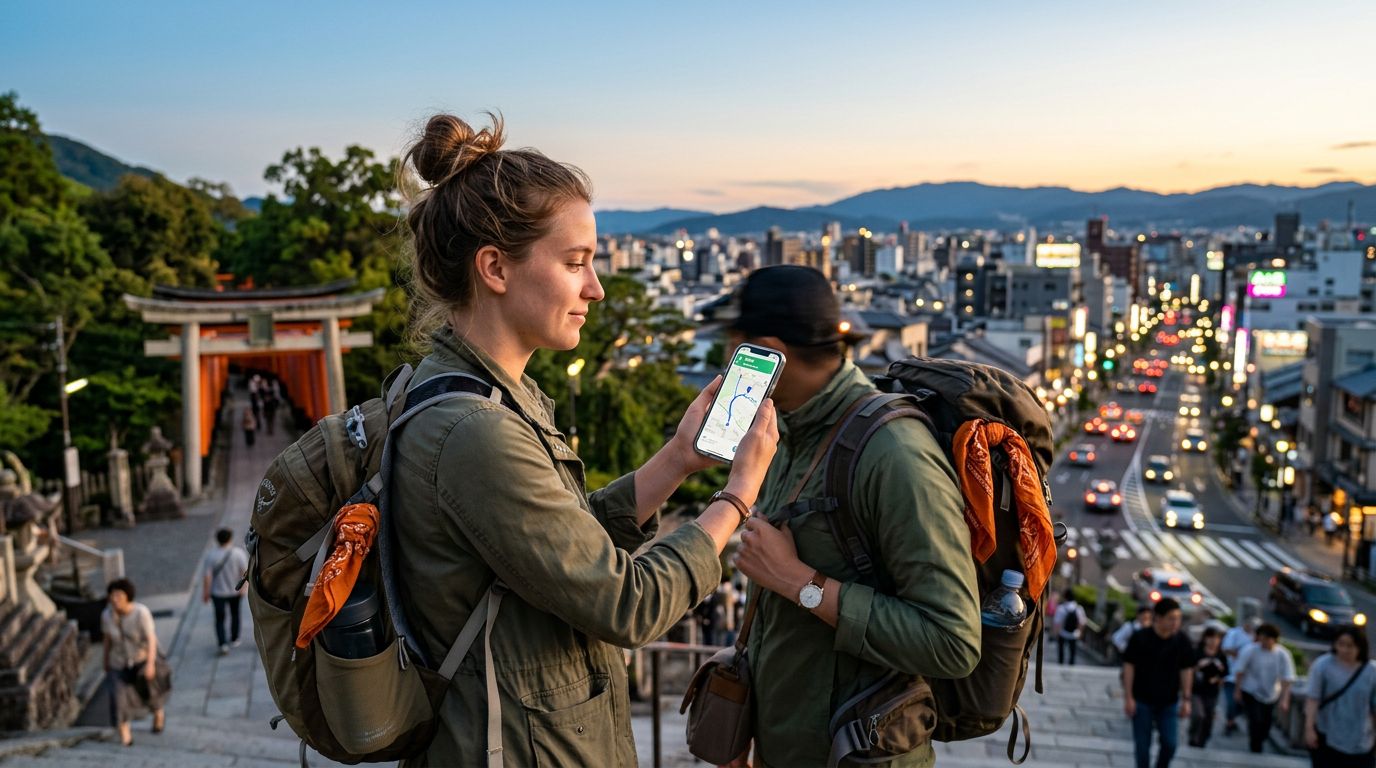
Traveling to a new country often involves a mix of excitement and anxiety, particularly when it comes to finding your way around. Whether you are wandering through the narrow, winding streets of an ancient European city or trying to locate a specific trailhead in a remote national park, having a dependable map service is essential. Google Maps has become the standard tool for travelers, offering real-time traffic updates, public transit schedules, and walking directions that turn a potentially stressful experience into a seamless journey.
However, the effectiveness of these digital tools depends entirely on your ability to access data. Relying on public Wi-Fi in cafes or hotels is rarely sufficient when you are moving between locations. This is where using Google Maps with a travel eSIM becomes the most practical solution for modern travelers. An eSIM allows you to maintain a consistent data connection as soon as you land, ensuring that your location services and map updates remain active throughout your entire trip. By avoiding the hunt for local SIM cards or the high costs associated with roaming on your home carrier, you can focus on the destination rather than the logistics of staying connected.
Setting Up Your Device for Seamless Navigation
Before you depart, it is important to ensure your smartphone is properly configured to utilize an eSIM for data while abroad. Most modern smartphones support eSIM technology, which allows you to store multiple digital SIM profiles on a single device. When you purchase a plan from a provider like OneTapSIM, you receive a digital profile that can be activated in your phone’s settings.
To get the best experience when using Google Maps with a travel eSIM, you should verify that your phone’s cellular settings are optimized for data roaming. On most devices, you will need to designate your eSIM as the primary source for cellular data. It is also helpful to confirm that your "Data Roaming" toggle is turned on for the eSIM profile. Because OneTapSIM provides data-only plans, your primary phone number can often remain active for calls and texts if your home carrier supports it, while your data traffic is routed through the local network partner of your eSIM.
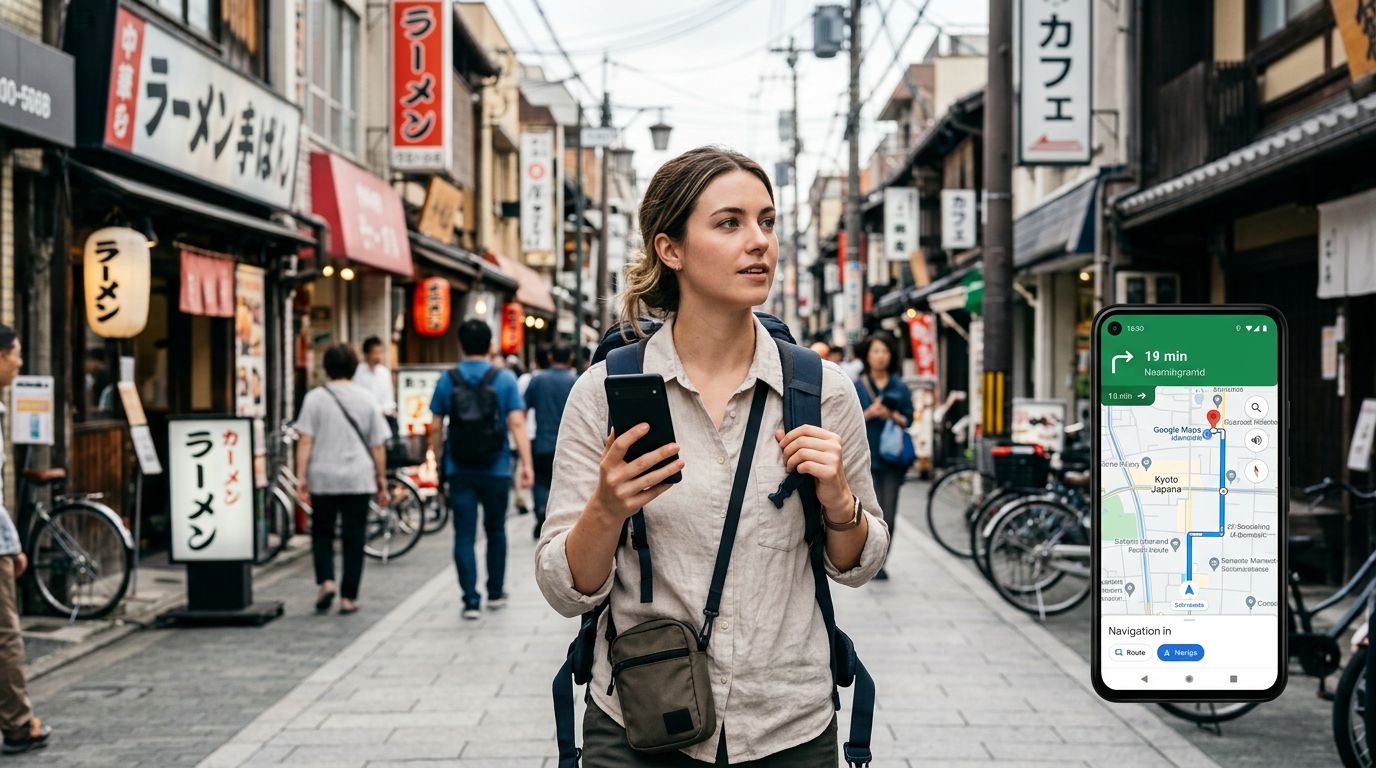
Once the eSIM is active, check your Google Maps settings. Ensure that the app has permission to access your location at all times while in use. This allows the blue dot on your screen to track your movement accurately, providing turn-by-turn directions that adjust in real-time if you take a wrong turn or decide to change your route. By having this constant data stream, you avoid the frustration of frozen map screens or outdated information that often occurs when a device struggles to find a signal.
Maximizing Google Maps Features While Abroad
Once you are connected via your travel eSIM, you can take full advantage of the advanced features within Google Maps that make travel significantly easier. One of the most useful features is the ability to see live transit updates. In major metropolitan areas, Google Maps can tell you exactly when the next bus or train is arriving, which platform to use, and even how crowded a specific carriage might be. This level of detail is only possible with a stable, high-speed data connection.
Another advantage is the integration of local business information. When you are walking through a city, you can tap on nearby restaurants, museums, or shops to see their opening hours, customer reviews, and photos. If you find a place that looks interesting, you can immediately request directions. Because your OneTapSIM connection is active, you don't have to worry about losing your connection halfway through your walk.
For those concerned about data usage, Google Maps offers an offline maps feature. While you should prioritize using your eSIM for live updates, you can download specific areas for offline use before you leave your hotel. This acts as a safety net. Even if you encounter a rare area with poor cellular coverage, your downloaded map will still show your location and provide basic routing. However, for the most accurate traffic data and search results, keeping your eSIM data active is the superior method.
Managing Data Usage and Battery Life
While using Google Maps with a travel eSIM is highly efficient, it is wise to be mindful of your data and battery consumption. Continuous GPS tracking and high-resolution map rendering can drain a battery faster than standard web browsing. To extend your phone’s life throughout the day, consider carrying a portable power bank. Additionally, adjusting your screen brightness and closing background apps that are not in use can help preserve your charge.
Regarding data usage, Google Maps is relatively efficient, but you can optimize it further by ensuring your phone is not downloading large system updates over your cellular connection. Go into your phone’s settings and restrict background data for apps that do not require constant updates. By keeping your data usage focused on navigation and essential travel information, you can make a single eSIM plan last for the duration of a standard trip.
Ultimately, the goal of using a travel eSIM is to remove the friction from your journey. By having a reliable connection, you gain the freedom to explore spontaneously. You no longer need to plan your day around finding Wi-Fi hotspots or printing out physical maps. With your phone as a reliable guide, you can walk confidently through unfamiliar streets, knowing that your next turn, your next meal, and your next destination are only a few taps away. OneTapSIM provides the connectivity necessary to keep these tools working optimally, allowing you to spend less time troubleshooting your phone and more time enjoying your travels.