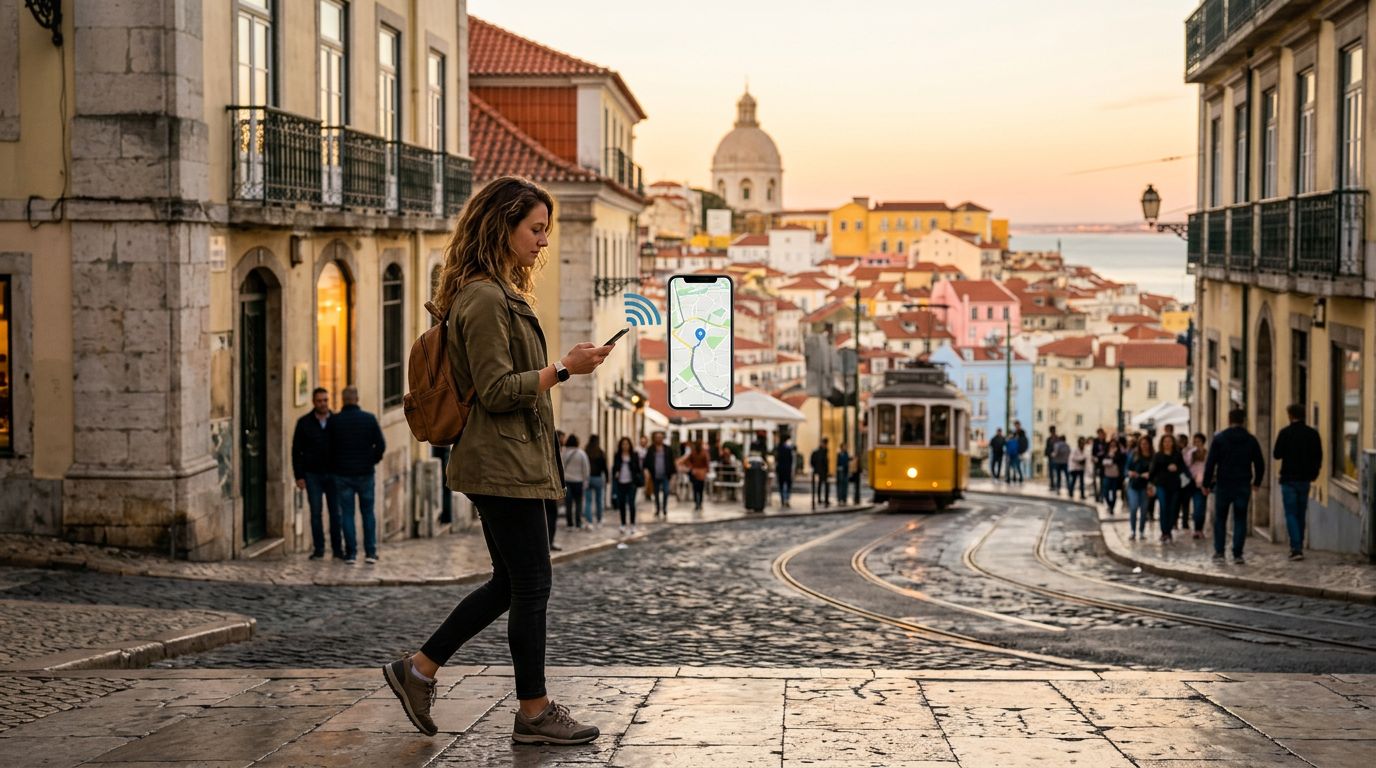
Getting lost in a foreign city is a rite of passage for many travelers, but it is rarely a convenient one. While the days of unfolding giant paper maps on windy street corners are largely behind us, the reliance on digital tools has created a new set of challenges. If your phone loses its connection, your sophisticated navigation system becomes nothing more than a glass rectangle. Ensuring you have reliable data access is the first step toward stress-free exploration, and using tools like OneTapSIM allows you to maintain consistent connectivity without the headache of physical cards or roaming fees. Once your connection is secure, you can rely on the right software to guide you through unfamiliar territory.
The Foundation of Digital Navigation
The most reliable navigation tools are those that provide real-time updates while allowing for offline functionality. Google Maps remains the industry standard for a reason. Its ability to integrate public transit schedules, walking directions, and business hours makes it an indispensable companion. When you are moving between districts or trying to find the last train home, having a map that updates in real-time is vital.
However, the utility of these maps is directly tied to your data signal. If you find yourself in a remote area or a city with spotty public Wi-Fi, you need a backup plan. Most major navigation apps allow you to download specific regions for offline use. Before you leave your accommodation, download the map of the city you are visiting. This ensures that even if you move out of range of a cellular tower, your blue dot will continue to track your movement.
To maximize these tools, you need a consistent data stream. Using a travel eSIM like OneTapSIM ensures that your device is always ready to pull down the latest traffic data or transit delays. When you aren't tethered to a hotel lobby's Wi-Fi, you can adjust your route on the fly, find a new restaurant when your original choice is closed, or call a rideshare service the moment you step off a train.
Specialized Tools for Urban and Rural Transit
While general mapping apps are excellent for point-to-point directions, they sometimes fall short when it comes to the nuances of local transit systems. In many European and Asian cities, local transit apps provide more granular data than global platforms. These apps often include real-time platform numbers, carriage crowding levels, and precise departure countdowns that global apps might miss.
If you are hiking or exploring rural landscapes, your needs change significantly. Standard road maps are often insufficient for trail navigation. Apps like AllTrails or Komoot are designed for those who step off the pavement. These platforms offer topographical views, elevation profiles, and user-generated photos of trail conditions. Because these apps are data-heavy, having a reliable eSIM connection is essential for checking your progress against the trail map or downloading new routes if the weather turns and you need to pivot to a safer path.
The key to effective navigation is layering your tools. Use your primary mapping app for general orientation and transit, but supplement it with specialized apps based on your specific activity. By maintaining a stable connection through OneTapSIM, you can download these specialized maps or check for trail closures without needing to hunt for a stable internet connection. This level of preparation turns a potential logistical nightmare into a seamless experience.
Managing Connectivity and Battery Life
Navigation apps are notoriously battery-intensive. Using GPS, cellular data, and a bright screen simultaneously can drain a phone in a few hours. To keep your navigation tools running all day, you must balance your digital usage with physical hardware management.
First, consider the settings of your navigation apps. Many apps offer a "battery saver" mode that limits background activity and reduces the frequency of location refreshes. While this might make the blue dot on your screen jump slightly, it significantly extends the life of your device. Furthermore, keep your phone in a pocket or bag when you are walking along a straight road. You do not need to watch your progress every second; check your phone only at intersections or decision points.
Second, be mindful of your data usage. While navigation itself does not consume a massive amount of data, the background processes of other apps can lead to unnecessary consumption. Travel eSIMs are excellent for managing this because they provide a dedicated data path. By ensuring that your data plan is optimized for travel, you avoid the anxiety of running out of bandwidth while you are trying to find your way back to your hotel.
Finally, always carry a portable power bank. No matter how efficient your software is, a long day of sightseeing will eventually deplete your battery. Pair this physical preparation with the digital reliability of a service like OneTapSIM to create a safety net. When you know that your device will stay charged and your data connection will remain active, you are free to focus on the sights, sounds, and experiences of your trip. Navigation should be a background task that happens effortlessly, not a constant source of stress. By choosing the right apps and ensuring your connectivity is handled before you arrive, you move through the world with confidence, knowing you have the tools to handle any detour that comes your way.
Get an eSIM for
Plans for the destinations covered in this guide, with instant QR delivery.