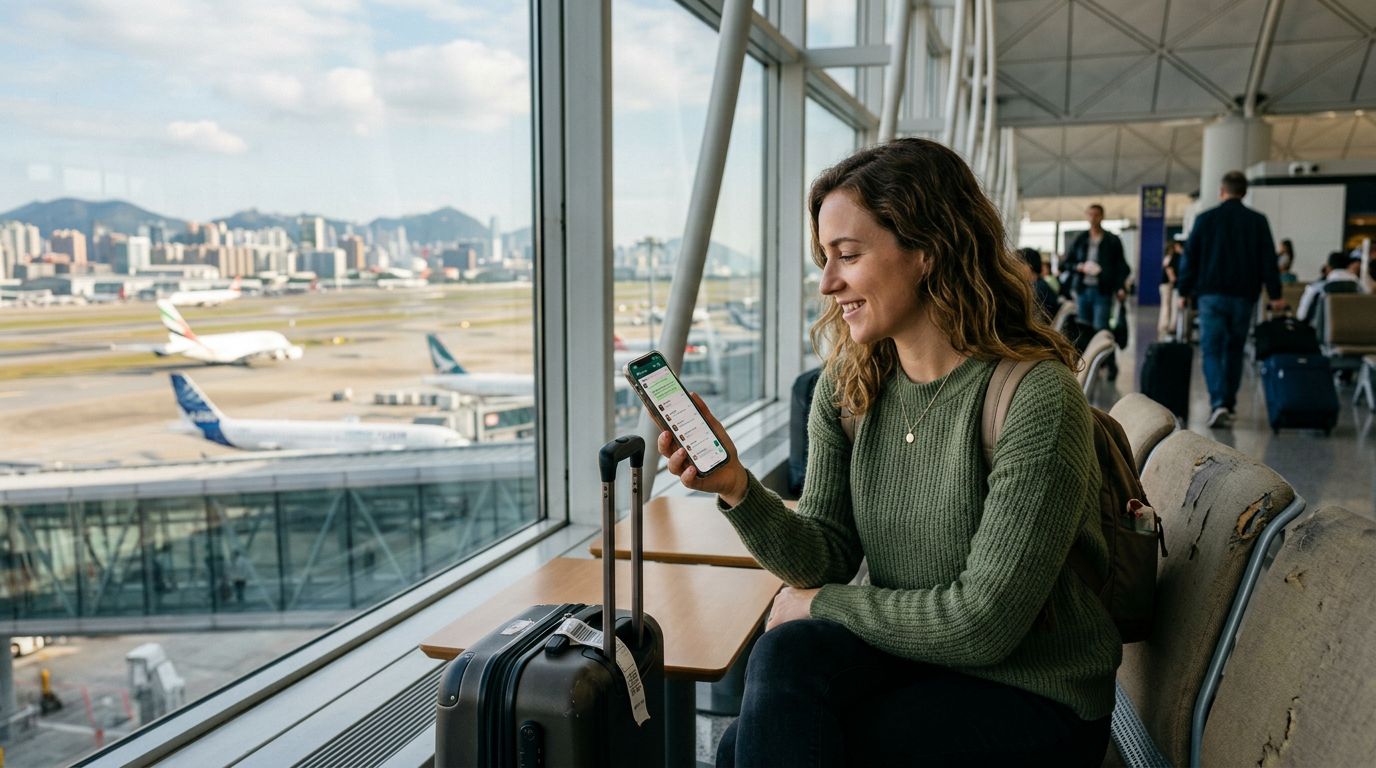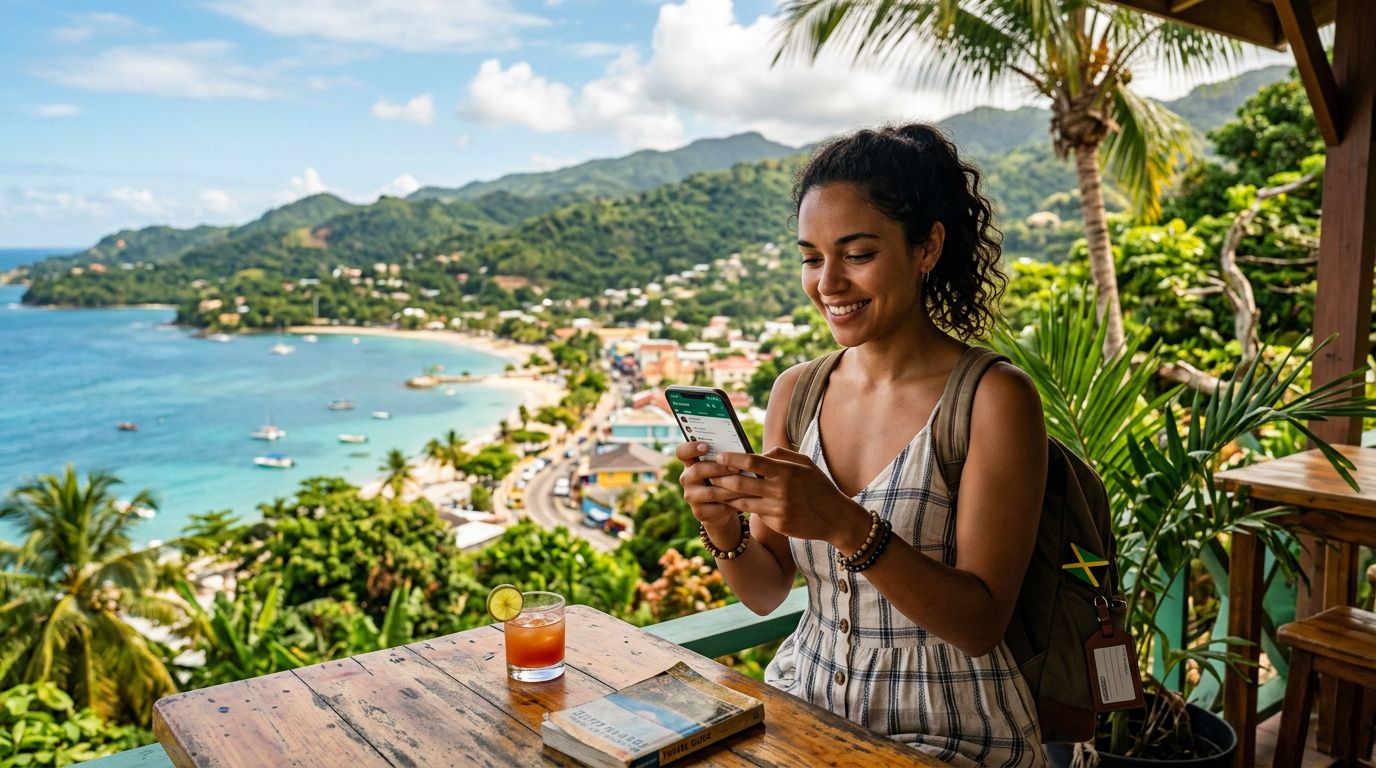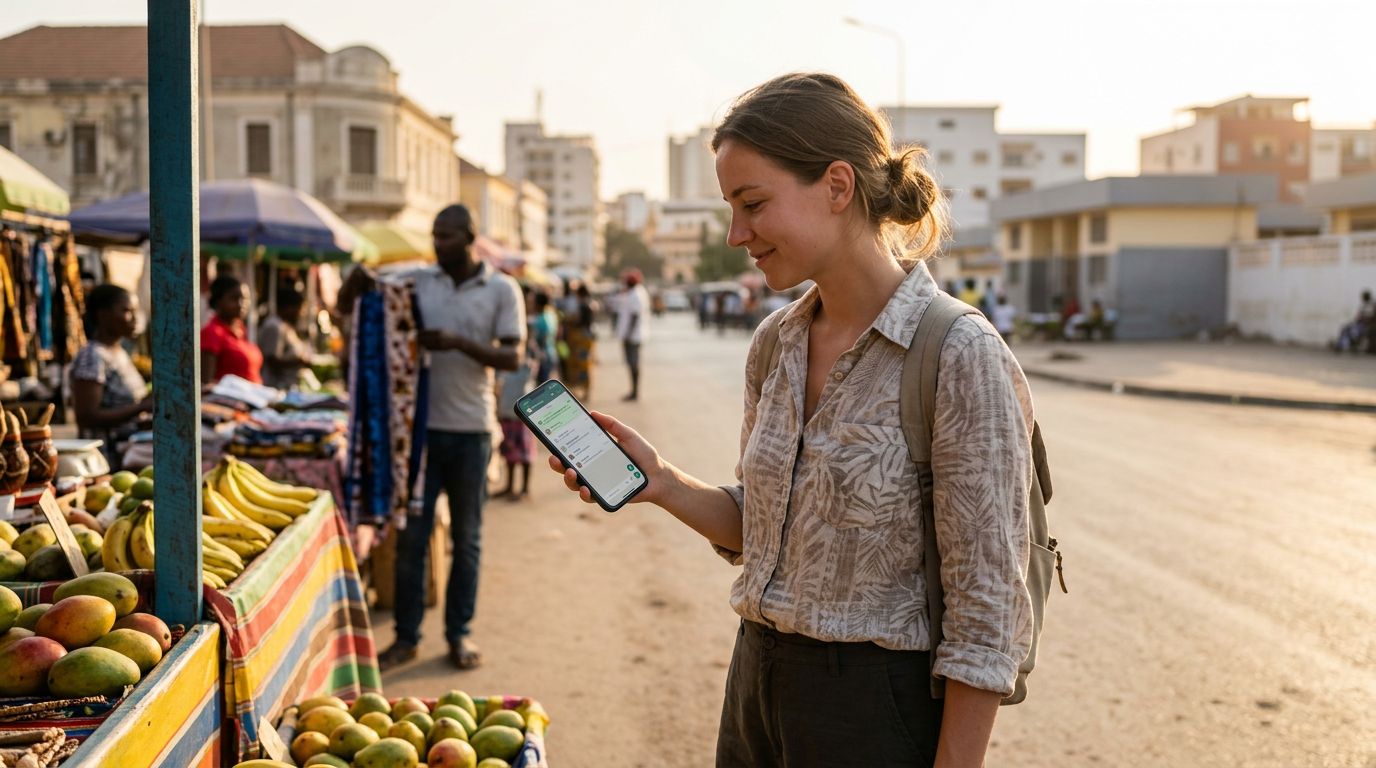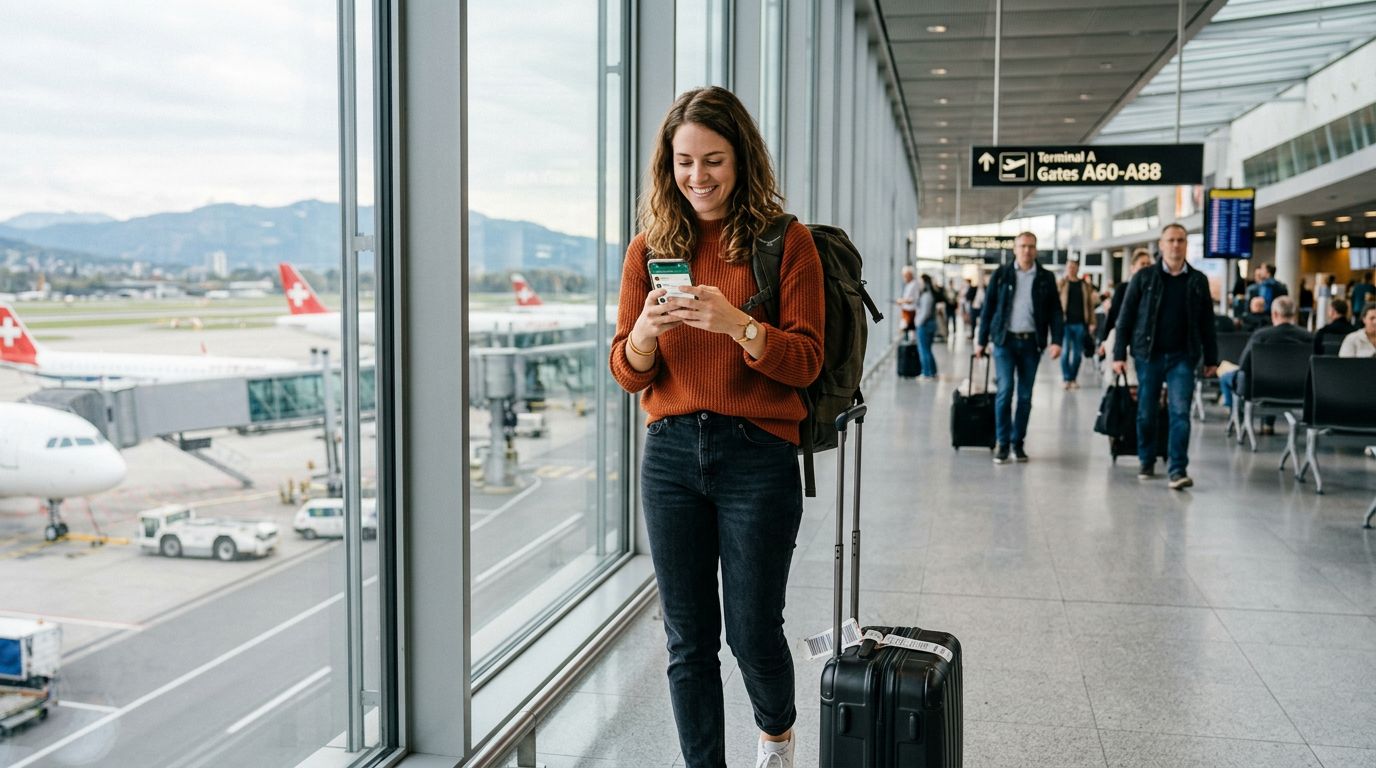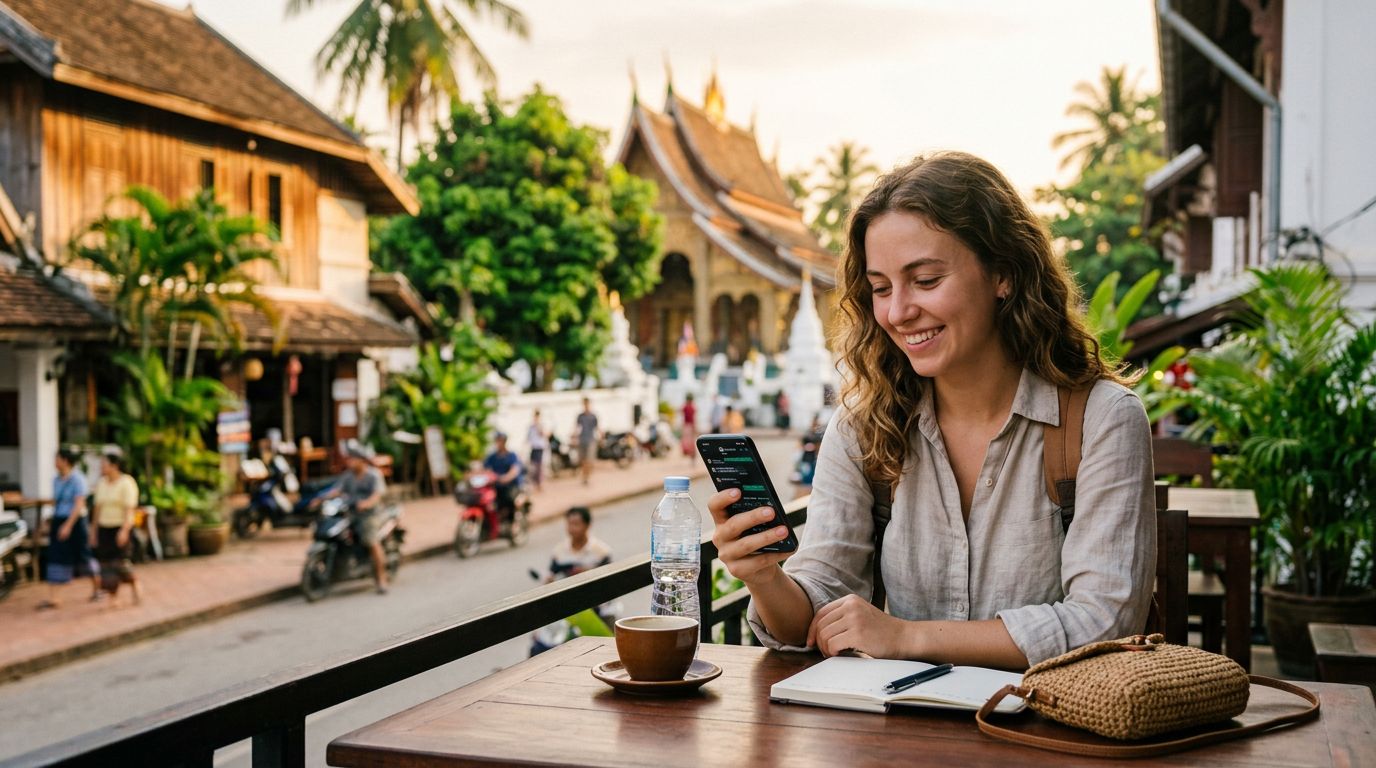
Traveling internationally used to mean swapping out physical SIM cards, juggling tiny plastic chips, and risking the loss of your home phone number. With the rise of eSIM technology, those days are largely behind us. However, a common question remains: what happens to your messaging apps, specifically WhatsApp, when you switch to a travel eSIM? The good news is that your digital identity is tied to your account, not your physical SIM card. Understanding how this works will allow you to enjoy seamless connectivity abroad without missing a single message.
Understanding How WhatsApp Connects to Your Number
Many users mistakenly believe that WhatsApp is permanently tethered to the physical SIM card currently inserted in their phone. In reality, WhatsApp links your account to a specific phone number during the initial registration process. Once your account is verified, that number serves as your unique identifier.
When you install a travel eSIM, such as one from OneTapSIM, you are essentially adding a data-only plan to your device. You are not changing your phone number. Your primary SIM—the one that holds your home phone number—remains active for calls and texts if you choose to keep it on, or it can be set to a standby mode. Because WhatsApp does not require a new registration every time you change your network settings, your existing chat history, group memberships, and contact list remain exactly as they were.
The application simply uses the data connection provided by your active internet source. Whether that source is your home carrier’s roaming data, a local Wi-Fi network, or a high-speed travel eSIM, WhatsApp will function normally. You do not need to update your phone number within the app settings unless you are physically changing the SIM card and choosing to migrate your account to a completely new number, which is rarely necessary for short-term travelers.
Managing Your SIM Settings for Seamless Connectivity
To ensure your WhatsApp remains fully functional while using a travel eSIM, you must configure your device settings correctly. Most modern smartphones allow for Dual SIM functionality, where one SIM handles your voice and text services while the other manages your cellular data.
When you arrive at your destination and activate your OneTapSIM, you will typically see two signal bars on your screen. You should go into your phone’s cellular settings and designate the travel eSIM as your primary source for "Cellular Data." By doing this, you ensure that your phone uses the travel data plan for internet-heavy tasks like browsing, navigation, and messaging.
Crucially, you should keep your home SIM card active if you want to continue receiving SMS messages—such as two-factor authentication codes from your bank—while abroad. However, be mindful of roaming charges from your home carrier. Many people choose to turn off "Data Roaming" for their home SIM while keeping the SIM itself enabled. This allows you to receive important texts without incurring significant data costs, while your OneTapSIM provides all the data needed to keep WhatsApp running smoothly.
If you accidentally disable your home SIM entirely, your WhatsApp will still work, provided you have an active data connection. The only potential issue arises if you are logged out of WhatsApp and need to receive a verification SMS to log back in. If your home SIM is completely turned off or out of range, you will not receive that verification code. Therefore, it is best practice to keep your home SIM enabled with data roaming turned off, ensuring your device can still receive essential SMS signals from your home network.
Best Practices for a Stress-Free International Trip
Preparation is the key to a successful journey. Before you depart, ensure your WhatsApp is backed up to the cloud. On iOS devices, this means checking your iCloud settings, while Android users should ensure their chats are backed up to Google Drive. This simple step protects your data regardless of any network changes or device issues you might encounter while traveling.
When you land, the transition to your travel eSIM should be instantaneous. Because OneTapSIM is designed for easy installation, you can set up your data plan before you even leave home. Once you land and turn off airplane mode, your phone will automatically connect to the local network provider. You will see your WhatsApp messages populate as soon as the data connection is established.
One common concern is whether you need to change your "Phone Number" in the WhatsApp settings when you switch to a travel eSIM. The answer is almost always no. The "Change Number" feature in WhatsApp is designed for people who are permanently switching to a new phone number. If you are only traveling for a few weeks or months, you should ignore this setting. Your contacts will still see your original home number, and your conversations will continue as if you never left.
If you are traveling for an extended period and decide to purchase a local physical SIM card in your destination country, the rules change slightly. If you remove your home SIM card, you must be careful not to trigger a WhatsApp account migration. If the app detects a new SIM, it might ask if you want to update your number. Simply select "No" or "Keep current number" to ensure your account remains linked to your home identity.
By leveraging the flexibility of an eSIM, you maintain complete control over your connectivity. You can enjoy the convenience of local data rates without the inconvenience of losing access to your primary messaging platforms. Whether you are navigating a new city or staying in touch with colleagues back home, your ability to communicate remains uninterrupted. With a little bit of planning and the right data tools, you can focus on the experience of your trip rather than the technical details of your phone settings. Keeping your WhatsApp number with a travel eSIM is a straightforward process that allows you to stay connected on your own terms, wherever your travels take you.