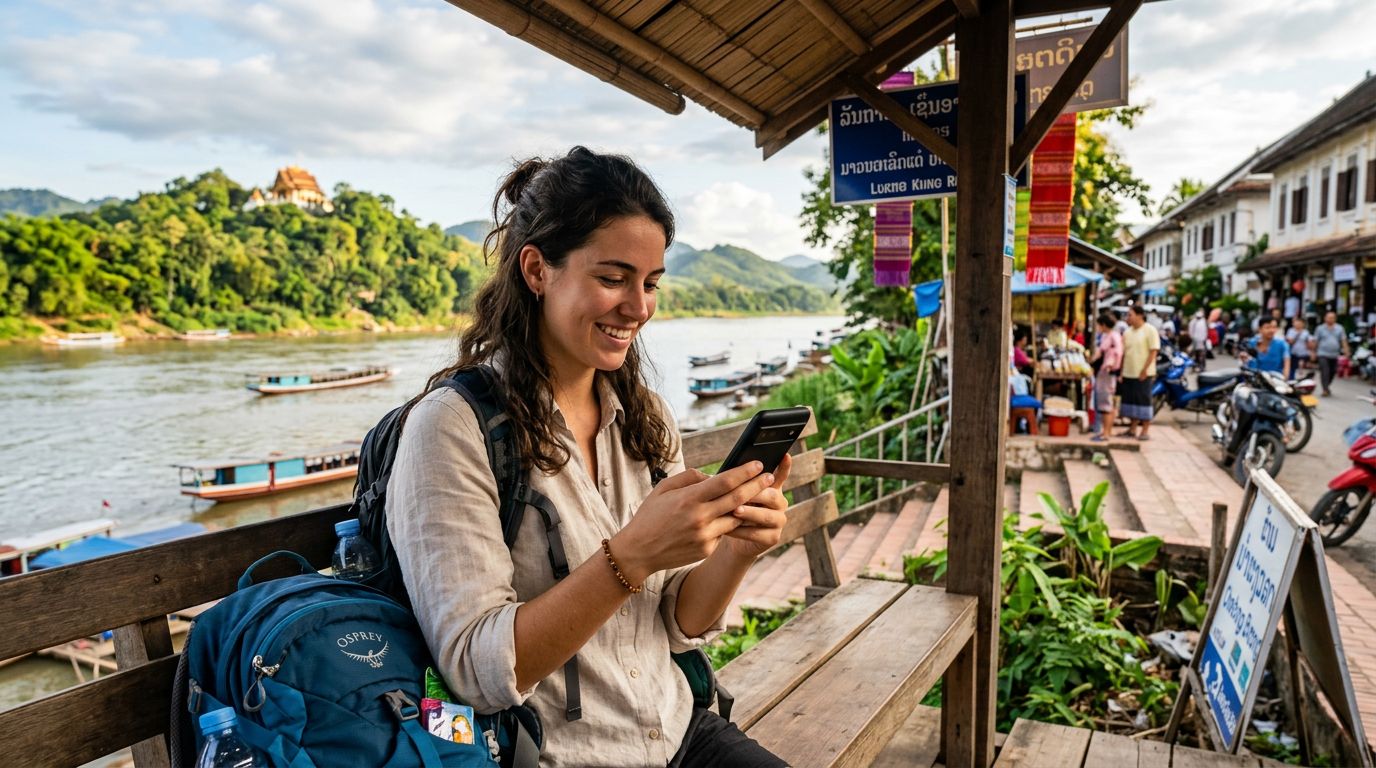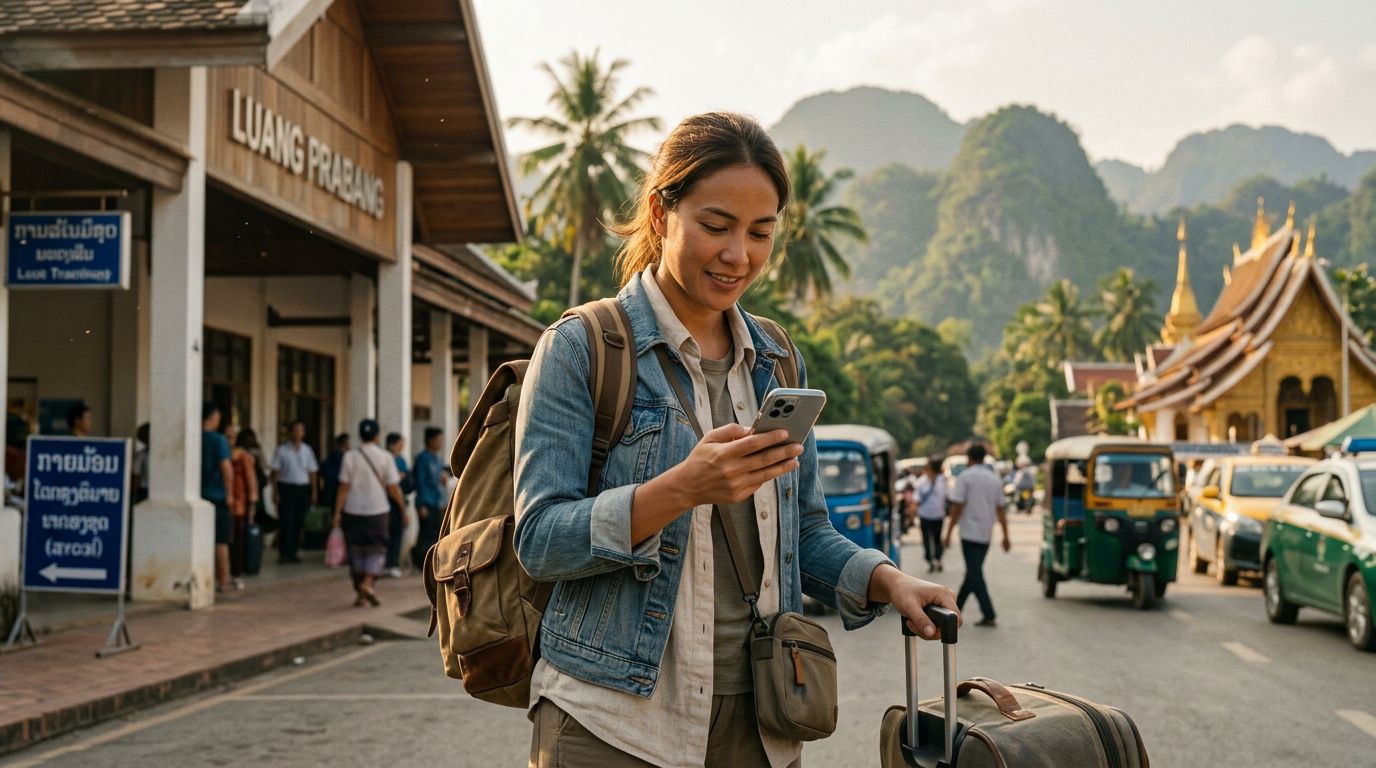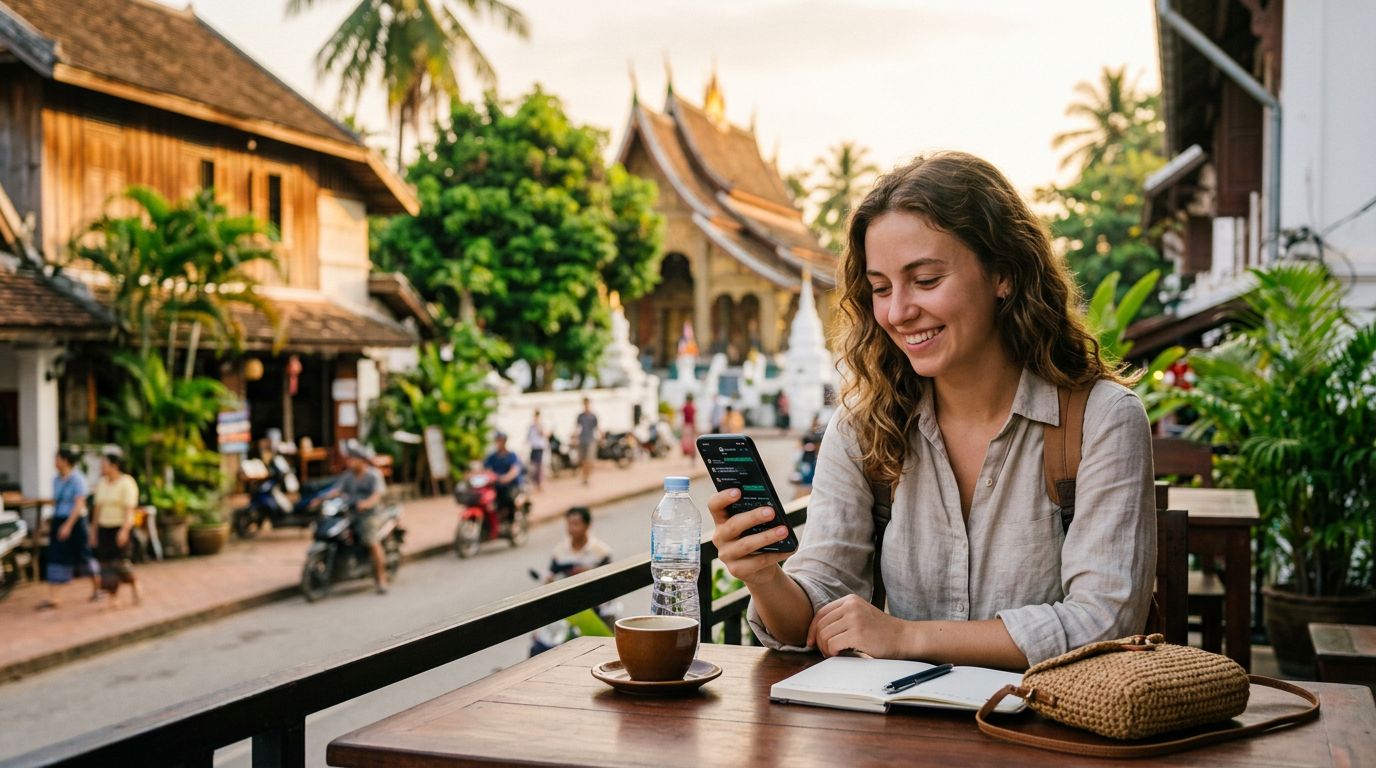
Traveling to Laos offers an incredible experience, from the serene temples of Luang Prabang to the stunning natural beauty of Vang Vieng. However, for most travelers, staying connected is a top priority. Whether you need to coordinate with local tour guides, book transportation, or simply keep in touch with family back home, messaging apps are essential. Among these, WhatsApp remains the global standard for communication. A common concern for many visitors is whether they will lose access to their existing chats or contacts when switching to a local network. The good news is that keeping your WhatsApp number in Laos is straightforward, provided you understand how the application functions in relation to your SIM card.
Understanding How WhatsApp Links to Your Identity
Many users mistakenly believe that WhatsApp is tied to the physical SIM card inside their phone. In reality, WhatsApp is linked to your phone number, not the specific piece of plastic or the local network you are currently using. When you first set up your account, you verify your identity using a specific phone number. Once that account is active, it remains tied to that number regardless of which SIM card is currently inserted into your device.
When you arrive in Laos, you might be tempted to remove your home SIM card to avoid roaming charges or to insert a local physical SIM. If you do this, your WhatsApp account will continue to function exactly as it did before. You do not need to change your number within the app settings just because you have changed your network connection. As long as you have an active data connection, your WhatsApp will continue to send and receive messages, make calls, and display your original contact list.
The confusion often stems from the initial verification process. If you were to delete the app and reinstall it while in Laos, WhatsApp would ask you to verify your number via SMS. If your home SIM card is removed or inactive, you might not receive that verification code. This is why it is vital to keep your home number active or ensure your device is configured correctly before you leave. By using a modern solution like an eSIM, you can maintain your home SIM for SMS verification while using a secondary data-only plan for your internet needs.
The Role of eSIM Technology for Seamless Connectivity
The most efficient way to manage your connectivity while traveling is through eSIM technology. An eSIM is a digital version of a physical SIM card that is embedded directly into your smartphone. Because it is digital, you can install it before you even land in Laos, ensuring that you have data the moment you step off the plane.
When you use an eSIM from a provider like OneTapSIM, you are essentially adding a secondary data connection to your phone. This allows you to keep your primary SIM card active in the background. Because your primary SIM remains "on," your phone can still receive SMS messages from your home carrier. This is the "secret" to keeping your WhatsApp number in Laos without any disruption. You receive the data you need for maps, social media, and messaging through the eSIM, while your primary SIM sits quietly in the device, ready to receive any verification codes or important banking alerts that might arrive via SMS.
This setup eliminates the need to swap out physical SIM cards at the airport, which carries the risk of losing your original card. With a OneTapSIM eSIM, you simply activate the data plan through your phone’s settings, select it as your primary source for cellular data, and keep your home SIM enabled for voice and text services. This dual-SIM configuration is supported by almost all modern smartphones and is the most reliable way to ensure your digital life remains uninterrupted while you explore the Mekong region.
Best Practices for Maintaining Your Connection
To ensure a smooth experience, there are a few technical steps you should take before and during your trip. First, verify that your smartphone is unlocked. A carrier-locked phone will not accept an eSIM from a third-party provider, which would prevent you from using this method. You can check your device status in your phone’s settings menu or by contacting your home mobile provider.
Once you have confirmed your phone is compatible, install your eSIM profile before your departure. Most providers offer a simple QR code or a manual activation code that you can input into your settings. Once installed, you can toggle the eSIM off until you arrive in Laos. Upon landing, simply turn off your home carrier's data roaming to avoid unexpected charges, and turn on your eSIM data.
It is also wise to check your WhatsApp settings to ensure that your "Change Number" feature has not been accidentally triggered. You should not change your number in the app unless you are permanently switching to a new phone number. If you are just traveling, your existing number will work perfectly. Additionally, ensure that your WhatsApp is backed up to your cloud storage account before you leave. This provides a safety net for your message history, photos, and videos.
Finally, keep an eye on your data usage. While WhatsApp itself uses very little data, other background applications on your phone might consume your eSIM data plan quickly. You can manage this by checking which apps have permission to use cellular data in your phone's settings. By prioritizing your data for essential communication and navigation tools, you can ensure that your OneTapSIM plan lasts throughout your entire stay in Laos.
By following these steps, you can focus on the beauty of the Kuang Si Falls or the history of the Plain of Jars, knowing that your communication lines remain open and your WhatsApp identity is secure. The combination of a reliable data-only eSIM and a properly configured smartphone is the modern traveler's best tool for staying connected globally.
Get an eSIM for
Plans for the destinations covered in this guide, with instant QR delivery.