Why Your WhatsApp Number Matters When Traveling
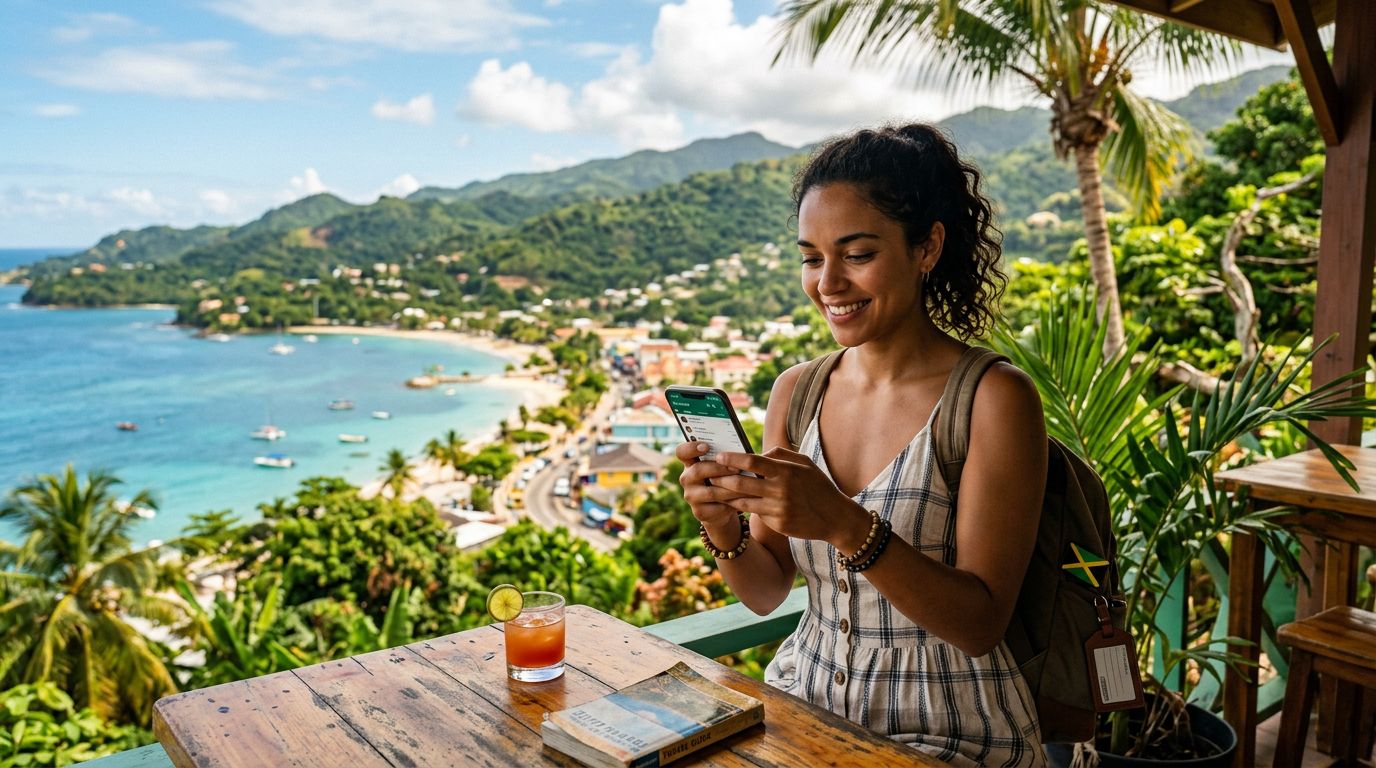
When you land in a beautiful destination like Jamaica, the last thing you want to worry about is losing touch with your contacts. For most international travelers, WhatsApp has become the primary method for staying connected with friends, family, and even local service providers. Whether you are coordinating a snorkeling trip in Montego Bay or simply letting your family know you have arrived safely at your resort, having a reliable connection is essential.
The confusion often begins when travelers look at local SIM cards. Many people assume that if they swap out their home SIM card for a local one, they will lose their WhatsApp account or have to switch to a new number. Fortunately, this is a common misconception. WhatsApp is linked to your phone's storage and your specific account identity, not the physical SIM card currently inside your device. As long as you keep your original account active, you can swap your data connection without losing your chat history, group memberships, or contact list.
The challenge arises when you need data to actually use the app. Relying on hotel Wi-Fi can be frustrating, as it is often slow or restricted to specific areas of the property. Public hotspots are rarely secure, and roaming charges from your home carrier can be exorbitant. This is where a travel eSIM becomes the most practical solution. By using a digital SIM, you maintain your original phone number for WhatsApp while gaining the freedom of a local data connection.
Keeping Your WhatsApp Number in Jamaica
The process of keeping your WhatsApp number while traveling is straightforward if you understand how the application functions. When you open WhatsApp, the app verifies your account based on the phone number you registered with originally. It does not automatically update to a new number just because you inserted a different SIM card. Even if you receive a prompt asking if you would like to change your number, you can simply decline it.
When you arrive in Jamaica, you can install a OneTapSIM eSIM to handle your data needs. Because the eSIM functions as a secondary data line, your primary SIM card—the one associated with your WhatsApp account—remains "active" in the background for verification purposes. You do not need to receive SMS messages to keep your WhatsApp working once it is already set up. You simply need an active data connection, which the eSIM provides.
This setup offers the best of both worlds. You get the reliable, high-speed data coverage required to send photos, make voice calls, and share your location in real-time across the island. Meanwhile, your WhatsApp remains exactly as you left it. You will not lose your messages, and you will not have to notify all your contacts that you are using a temporary number. By keeping your original SIM card in your device alongside your OneTapSIM eSIM, you ensure that your digital identity remains constant throughout your entire Jamaican getaway.
Setting Up Your eSIM for Seamless Connectivity
Transitioning to a digital SIM is a modern convenience that eliminates the need to visit a kiosk at the airport or fumble with tiny plastic cards. To ensure a smooth experience, it is helpful to understand how to configure your device settings before you board your flight. Most modern smartphones support dual-SIM functionality, which allows you to run your home SIM and your travel eSIM simultaneously.
Before you depart, ensure your phone is unlocked and compatible with eSIM technology. Once you receive your OneTapSIM details, you can add the eSIM to your cellular settings. When you land in Jamaica, you simply toggle the eSIM on and ensure that "Cellular Data" is set to use the eSIM profile. Your home SIM should be set to "On" but with "Data Roaming" turned off to prevent any unexpected charges from your home carrier.
By keeping your home SIM active, your phone remains registered to your original network's signal, which is enough to satisfy WhatsApp's internal verification requirements. You are effectively tricking the phone into thinking it is still at home while providing it with the local data bridge it needs to function. This method is the most reliable way to maintain your current WhatsApp presence without the stress of managing multiple accounts or losing your chat history.
The beauty of this approach is its simplicity. You do not need to be a tech expert to manage your connectivity. With your OneTapSIM profile installed, your phone will automatically connect to local Jamaican networks, providing the bandwidth necessary for high-quality video calls and instant messaging. You can spend your time enjoying the white sands of Seven Mile Beach or exploring the Blue Mountains, confident that your communication lines are secure.
If you ever need to check your data usage or adjust your settings, you can do so through your phone’s standard cellular menu. There is no need for third-party apps to manage your data usage, and the transition between your home network and the local eSIM is usually instantaneous. This seamless integration is exactly why digital SIMs have become the preferred choice for frequent travelers who want to avoid the pitfalls of traditional roaming.
Ultimately, your goal is to enjoy your trip without technical headaches. By separating your data needs from your identity-based apps like WhatsApp, you create a fail-safe environment for your travel. You keep your number, you keep your chats, and you keep your peace of mind. Whether you are traveling for business or pleasure, having a consistent connection allows you to focus on the experience rather than the logistics of staying online. With the right preparation and a reliable eSIM provider, staying connected in Jamaica is as easy as it is essential.
Get an eSIM for
Plans for the destinations covered in this guide, with instant QR delivery.