The Challenge of Staying Connected While Traveling
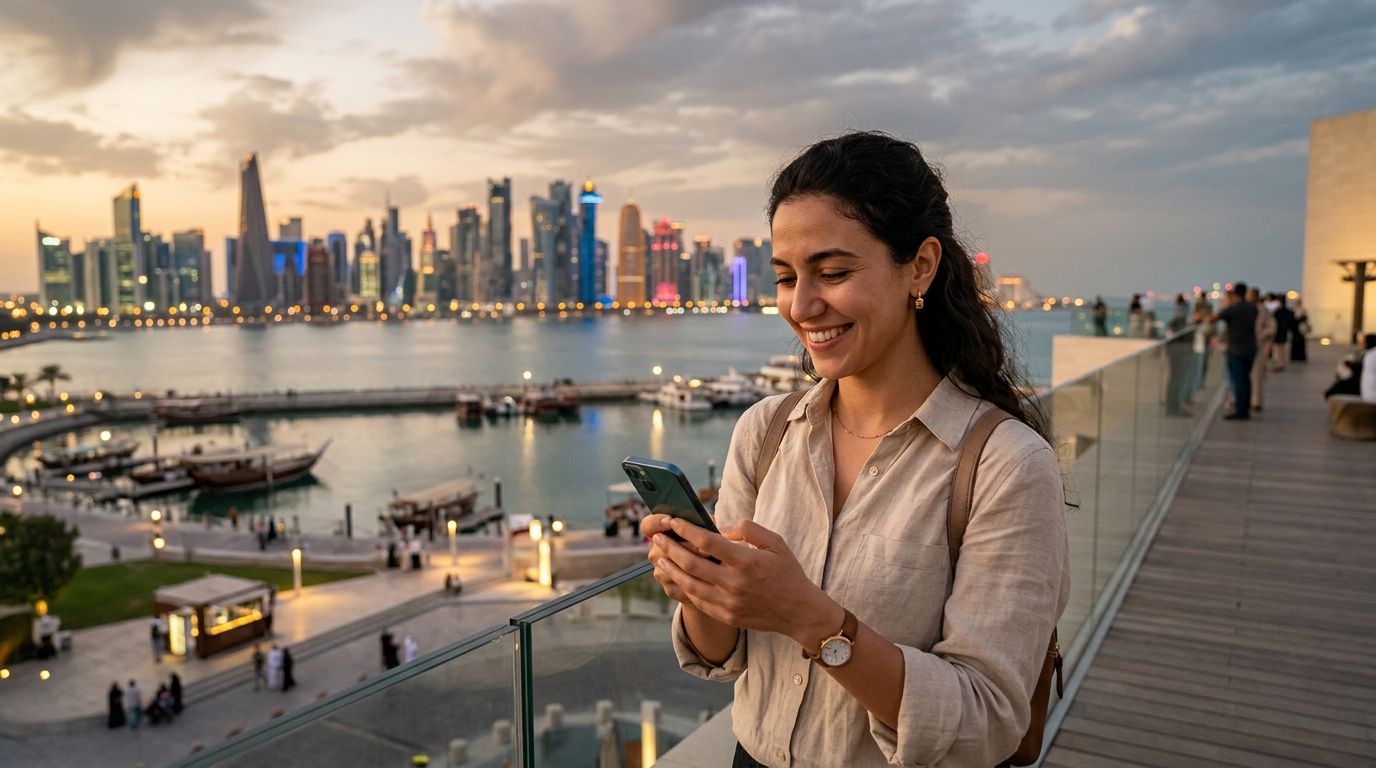
Traveling to Qatar brings a mix of excitement and logistical hurdles, especially when it comes to communication. Whether you are visiting Doha for a business conference, exploring the architectural wonders of the National Museum, or catching a flight through Hamad International Airport, staying in touch is a priority. One of the most common concerns for international travelers is how to manage their messaging apps without losing access to their existing contacts or chat history.
The primary issue many travelers face is the fear that swapping a physical SIM card will deactivate their primary messaging accounts. For most people, WhatsApp is the lifeline for family, friends, and professional colleagues. If you have spent years building your chat history and contact list, the thought of losing access to that account is stressful. Fortunately, the way modern messaging apps function makes this transition much easier than it used to be.
When you arrive in a new country, your immediate instinct might be to buy a local SIM card to avoid expensive roaming charges. However, this often leads to a physical card swap that removes your home number from your device. If you are not careful, you might inadvertently trigger a verification process that causes confusion. The goal is to maintain your home number for your apps while enjoying local data connectivity. This is where modern eSIM technology changes the game, allowing you to keep your primary number active for authentication while using a separate data plan for your internet needs.
How WhatsApp Handles Your Phone Number
It is a common misconception that changing your SIM card automatically deletes your WhatsApp account or wipes your data. WhatsApp is linked to your phone number, not the physical plastic card inside your phone. As long as your account is already registered and active, it will remain associated with your original number regardless of which SIM card is currently providing your data connection.
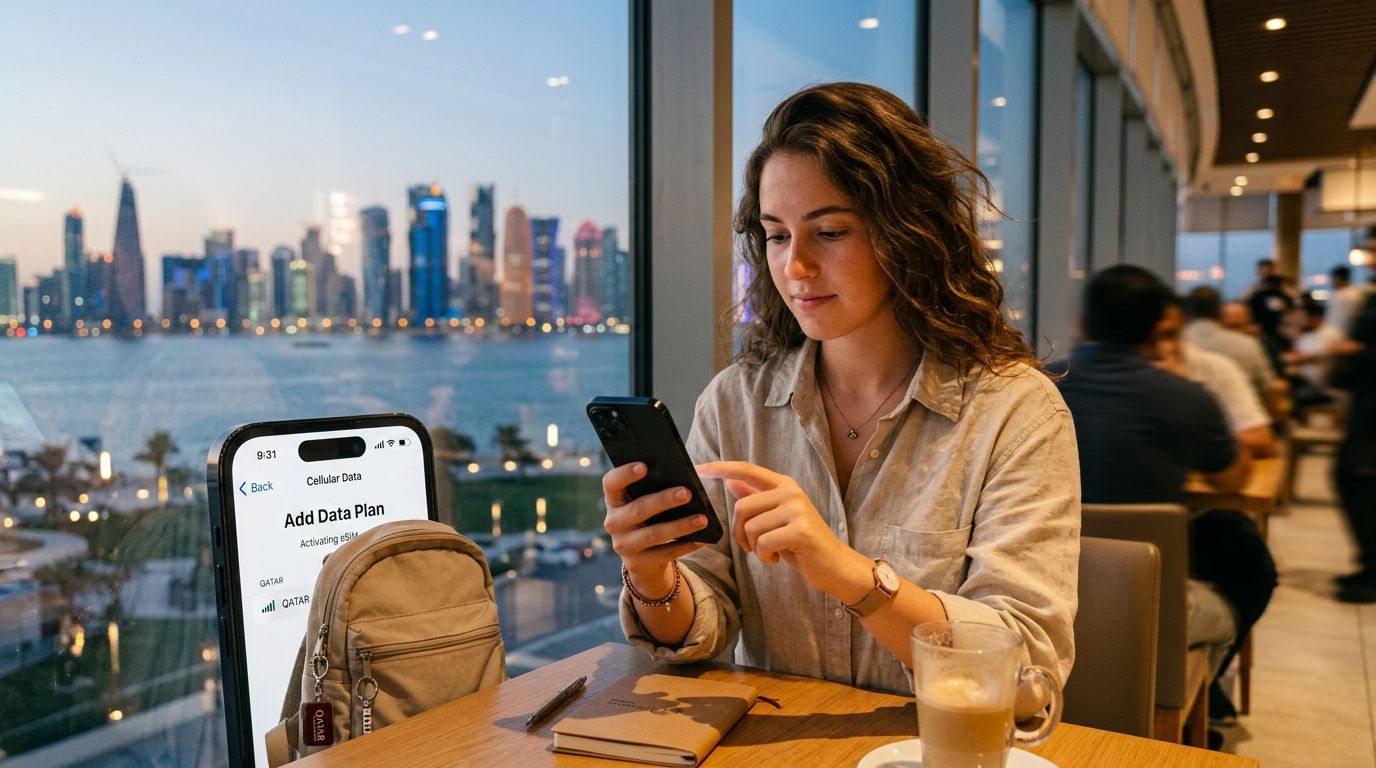
When you install a travel eSIM, you are essentially adding a second line to your device. Your phone then treats your primary SIM (or eSIM) and the new travel eSIM as two distinct sources of connectivity. You can designate your travel eSIM to handle all your mobile data traffic, which ensures you have reliable internet access throughout Qatar. Meanwhile, your primary number stays "active" in the background for the purpose of receiving SMS codes or maintaining your app identity.
Because WhatsApp relies on the number used during the initial registration, it does not matter if you are currently using a data plan from a different provider. You do not need to "change" your number within the app settings unless you are permanently switching to a new permanent phone number. If you are simply visiting Qatar for a short trip, you should avoid the "Change Number" feature entirely. Simply keep your original number linked to the account, and the app will continue to function exactly as it did back home.
Using OneTapSIM for Seamless Qatar Connectivity
The most effective way to manage your connectivity while keeping your WhatsApp number in Qatar is by utilizing an eSIM. OneTapSIM provides a streamlined way to get online the moment you land, without the need to visit a physical kiosk or juggle small plastic cards. By using an eSIM, you keep your primary SIM card slot (or primary eSIM profile) active. This ensures your phone remains registered to your home network for incoming signals, even if you have disabled data roaming on that line to avoid fees.
When you set up your OneTapSIM plan, your phone will allow you to select which line is used for "Cellular Data." By setting this to your travel eSIM, you ensure that all your browsing, map navigation, and messaging happen over the local network. Because your home number remains active on the device, WhatsApp continues to see that number as the primary identifier. You will be able to send messages, make voice calls, and share media without any interruption to your chat history.
This setup is particularly beneficial for travelers who need to receive two-factor authentication codes. Many banking and security apps require an SMS verification sent to your home number. If you remove your physical SIM card to make room for a local one, you lose the ability to receive those codes. By keeping your home SIM in the phone and using OneTapSIM for data, you remain reachable and secure. You get the best of both worlds: the cost-effective data connectivity of a local provider and the convenience of your permanent phone number.
Best Practices for a Smooth Experience
To ensure your trip to Qatar is stress-free, there are a few technical steps you should take before and during your arrival. First, confirm that your smartphone is unlocked. A locked phone is restricted to a specific carrier and will not be able to accept an eSIM from a different provider. If you are unsure about your device's status, check your settings or contact your home carrier before you leave.
Second, familiarize yourself with your phone's dual-SIM management settings. Both iOS and Android devices have dedicated menus that allow you to toggle between different data sources. You can label your plans so you know exactly which one is for your home number and which one is for your OneTapSIM data. It is recommended to disable "Data Roaming" on your home line to prevent your home carrier from charging you for unintended background data usage.
Finally, ensure your WhatsApp settings are configured correctly. You can check your account information within the app to see which number is currently linked. As long as that number matches your home SIM, you are ready to go. If you ever find yourself in a situation where you need to switch your data plan, your messages will remain safely stored on your device. By following these simple steps, you can focus on the sights of the Souq Waqif or the beauty of the desert rather than worrying about your phone settings. Using an eSIM is the modern standard for international travel, offering a reliable, digital-first approach to staying connected while keeping your essential digital identity intact.
Get an eSIM for
Plans for the destinations covered in this guide, with instant QR delivery.