Why Your WhatsApp Number Matters While Traveling
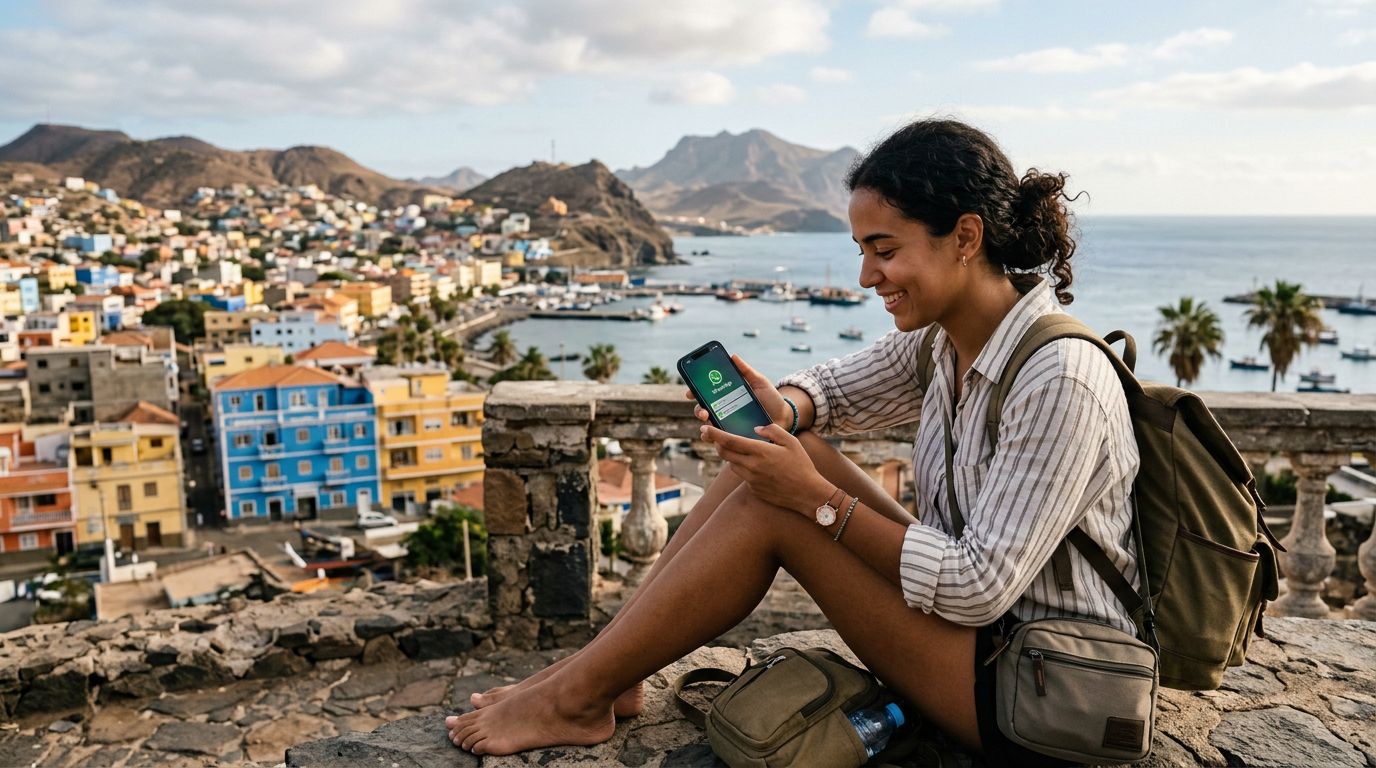
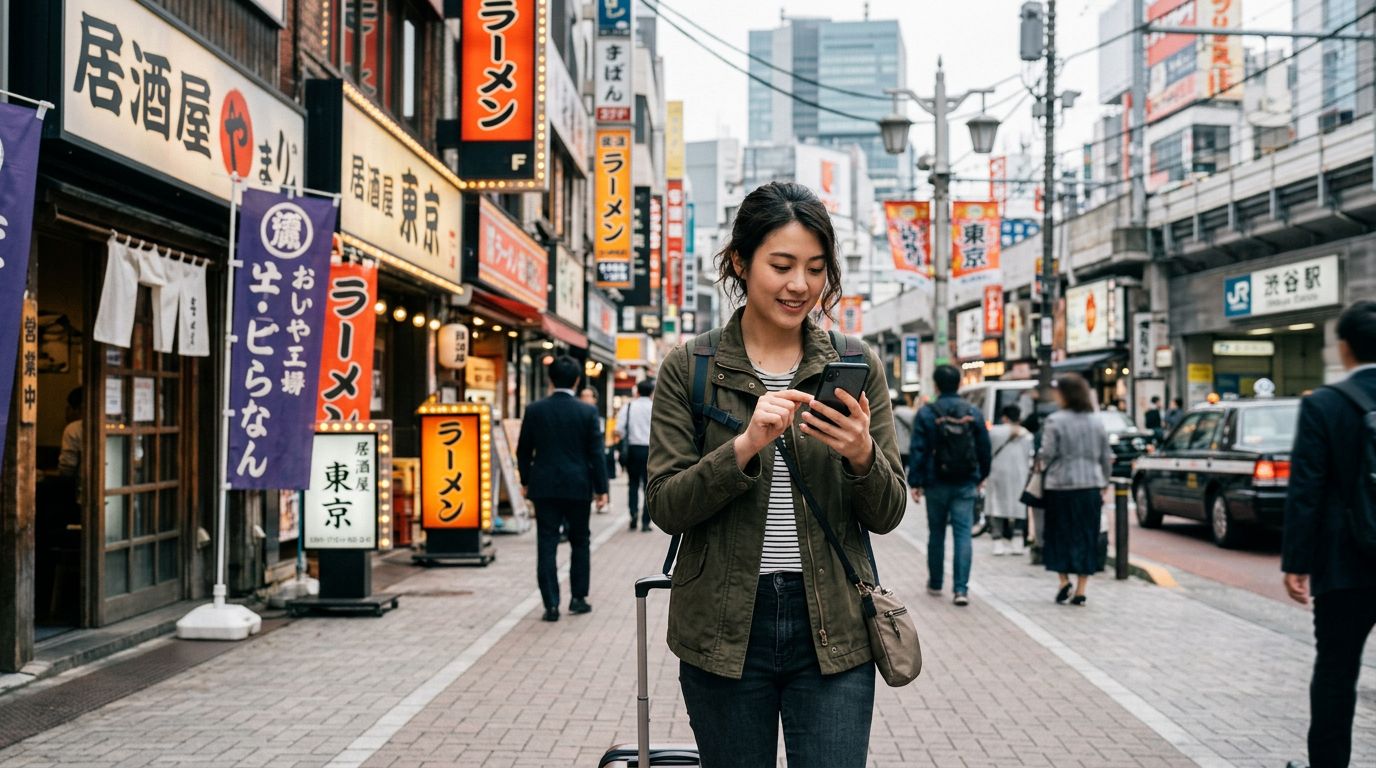
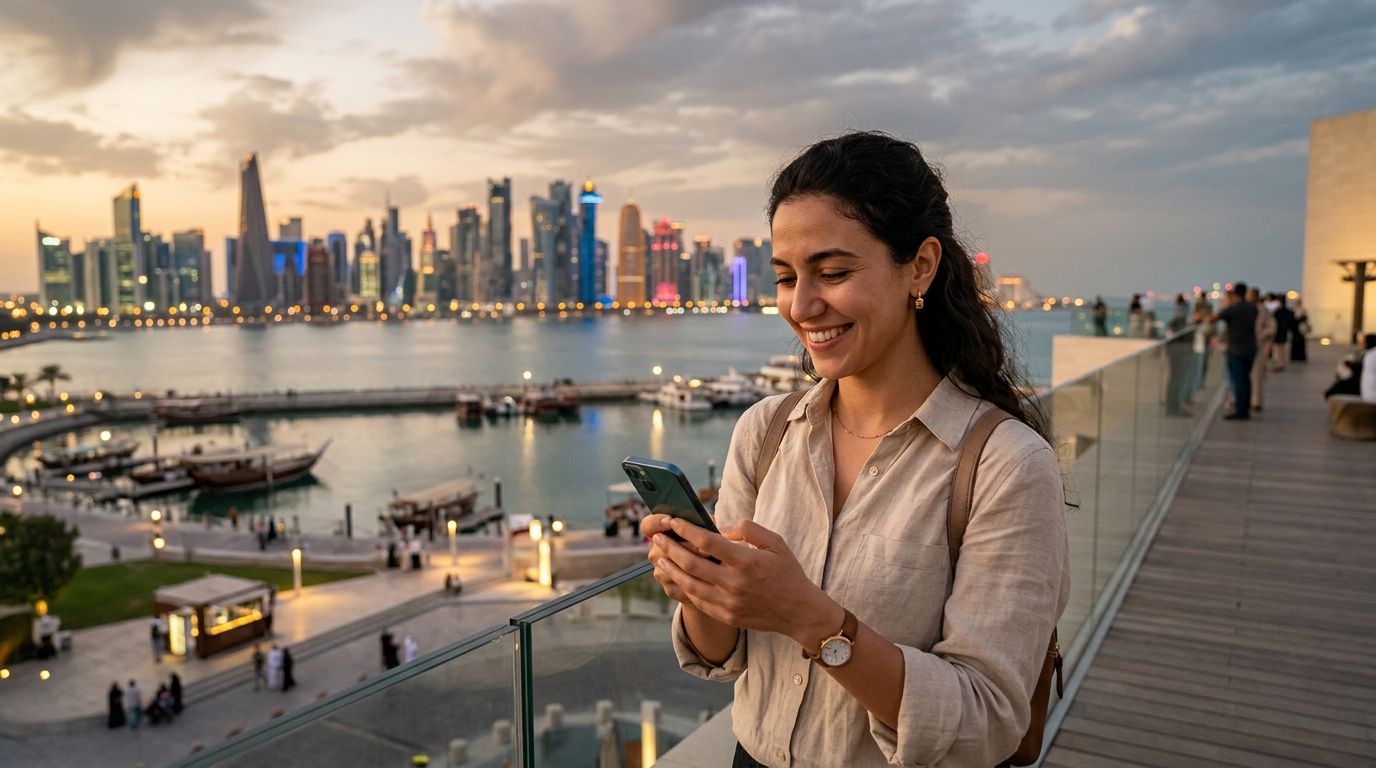
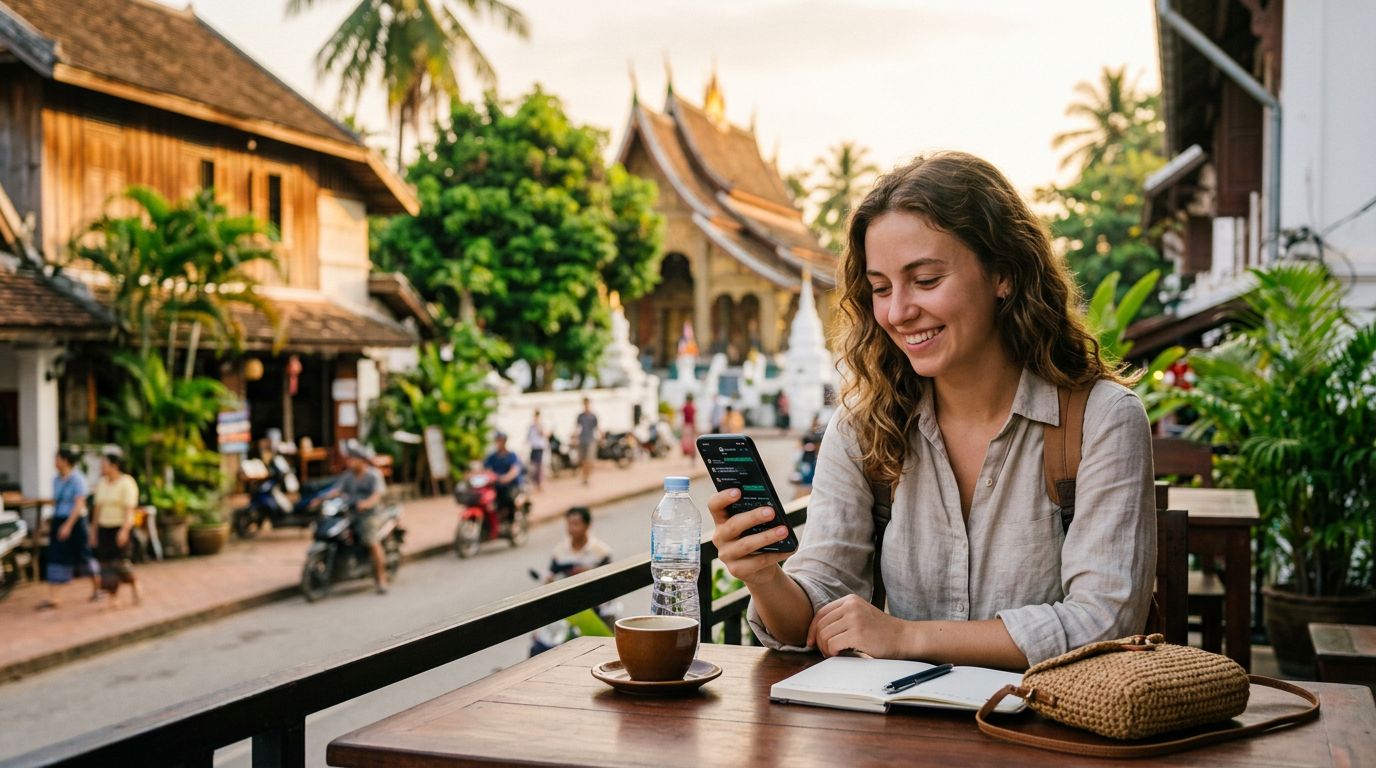
For most international travelers, digital connectivity is no longer just about browsing maps or checking restaurant reviews. It is about maintaining the social and professional threads that connect us to home. WhatsApp has become the primary communication tool for billions of people, acting as a bridge that spans borders without the need for traditional international roaming fees. However, a common point of anxiety for those embarking on long-term trips is the uncertainty surrounding their account access.
The core of the issue lies in how WhatsApp functions. Unlike traditional SMS, which relies on a cellular network provider's handshake, WhatsApp is tied to a specific phone number for identity verification. When you switch your physical SIM card to a local one in a foreign country, you might worry that your account will be deactivated or that you will lose your chat history. Fortunately, the way WhatsApp is designed means your account is not physically tied to the SIM card currently sitting in your phone tray. It is tied to your account registration.
As long as you do not delete the application or manually change your number within the app settings, your WhatsApp account remains active. You can keep your original number linked to your account even while you are using a completely different data source, such as a travel eSIM from OneTapSIM, to access the internet. This separation of data connectivity and identity verification is the key to stress-free international travel.
Managing Connectivity Without Losing Your Identity
The most effective strategy for keeping your WhatsApp number during long trips involves a clear distinction between your "data" identity and your "communication" identity. When you land in a new country, your phone needs a data connection to function. Historically, travelers would buy a local plastic SIM card. Today, the transition to eSIM technology has made this process seamless. By installing a OneTapSIM eSIM, you provide your phone with a high-speed data stream that allows your apps to function exactly as they would at home.
When you use an eSIM for data, your phone effectively treats that connection as a Wi-Fi-like source. Because WhatsApp uses data to send and receive messages, it does not care that your cellular data is coming from a travel eSIM rather than your home carrier. Your messages will continue to arrive, your calls will connect, and your group chats will remain intact.
However, there is a specific scenario where you must be careful: the initial setup. If you are prompted to verify your WhatsApp account while abroad, the app will send an SMS code to your original phone number. If you have removed your home SIM card and cannot receive SMS messages, you will be unable to verify the account. To avoid this, ensure that you are fully logged into WhatsApp before you leave your home country. If you absolutely must swap SIMs, keep your home SIM in a secondary slot or a separate device to receive that verification SMS if the app ever logs you out unexpectedly.
Best Practices for Long-Term Digital Stability
If you are planning an extended trip spanning several months, maintaining your WhatsApp number requires a bit of proactive management. First, consider the "Change Number" feature within the WhatsApp settings. If you decide to permanently adopt a local number in your destination country, you can use this tool to migrate your account to the new digits. This process preserves your chat history, group memberships, and profile information while updating your account identity. However, if you intend to return home and resume your regular life, it is usually better to keep your original number as the primary account identifier.
Battery management and background data usage are also critical for long-term travelers. Since WhatsApp relies on a constant data connection to receive messages in real-time, ensure that your phone settings allow WhatsApp to use background data. With a OneTapSIM eSIM, you can designate your eSIM as the primary source for cellular data while keeping your phone’s settings optimized to prevent unnecessary drain. This ensures that you are always reachable for important messages without having to constantly toggle your settings.
Another vital tip is to maintain a cloud backup of your chat history. Whether you use an iPhone or an Android device, ensure that your messages are being backed up regularly to your respective cloud storage provider. If your phone is lost, stolen, or damaged during your travels, having a cloud backup allows you to restore your entire conversation history to a new device using your original phone number. This provides a safety net that goes beyond just keeping your number; it protects the digital memories and information stored within your chats.
Finally, remember that WhatsApp does not require your original SIM card to be active for the app to function. You can keep your home SIM card in your phone, turn off "Data Roaming" for that specific line to avoid expensive charges, and let the eSIM handle all your internet needs. By keeping your home SIM in a "standby" state, you ensure that you can still receive the occasional SMS from your bank or home carrier if needed, while the eSIM provides the reliable, cost-effective data connection that keeps your WhatsApp account fully functional. This dual-layer approach is the gold standard for travelers who want to remain connected without the fear of losing their primary communication line. By leveraging modern eSIM technology, you can focus on your journey, knowing your connections remain as stable as they were at home.