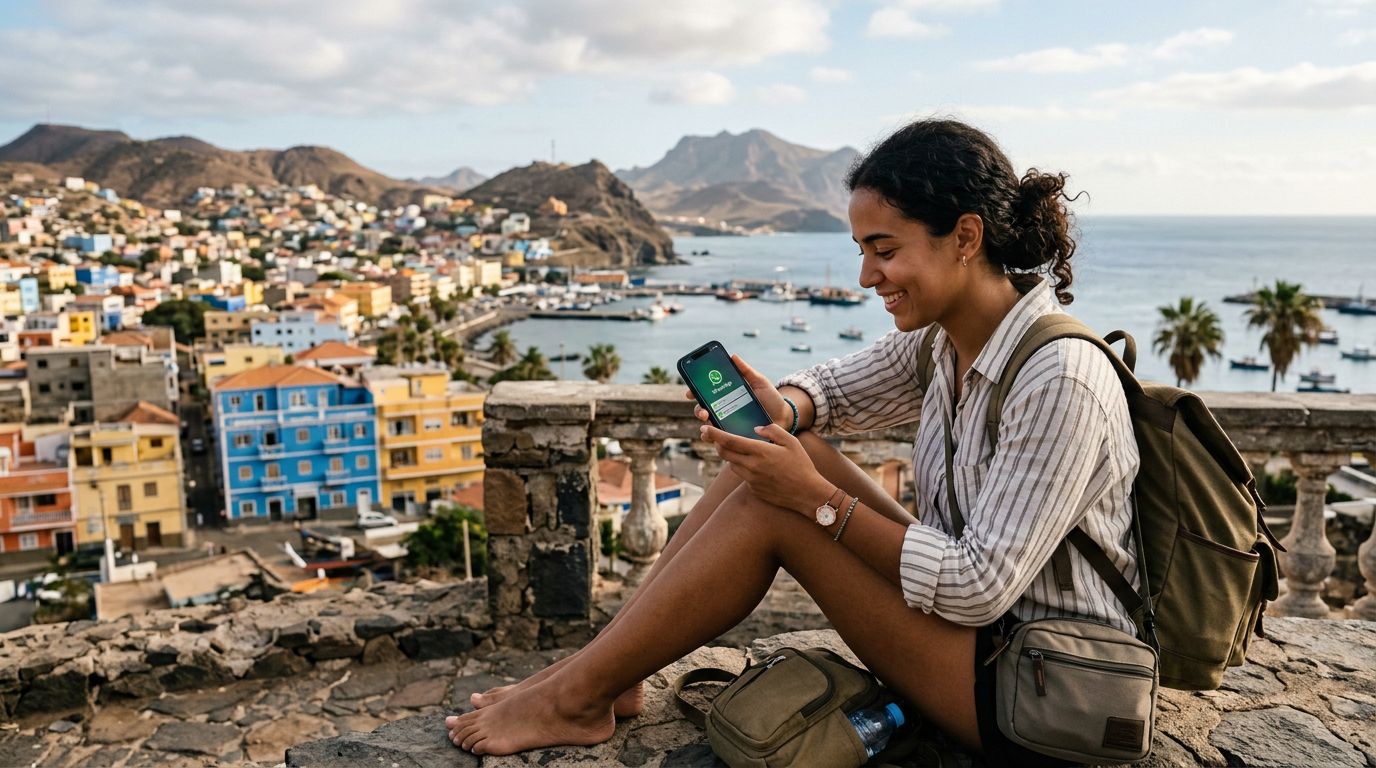
Understanding How WhatsApp Handles Your Phone Number
When you travel internationally, one of the most common concerns is whether your messaging apps will continue to function as expected. WhatsApp is uniquely tied to your phone number, which often leads to confusion about whether switching SIM cards while abroad will break your account or delete your chat history. The good news is that WhatsApp is designed to be portable across different network connections, provided you follow the correct procedures.
Your WhatsApp account is linked to your identity through your phone number, but it is not physically tethered to your physical SIM card once the account is verified. When you land in Cabo Verde, you do not need to change your number within the app settings just because you are using a local or travel data connection. If you simply swap your physical SIM for a local one or install an eSIM, your WhatsApp account remains active with your original home number.
The application uses your phone number as a unique identifier to route messages to your device. As long as your account is already registered, you do not need to re-verify it every time you switch networks. This means you can keep your home number active within the app even if your physical SIM card is removed or disabled. The key is ensuring that you do not trigger the "Change Number" feature unless you are actually switching to a permanent new phone number. By keeping your original number registered, your contacts will still see you as the same person, and your group chats will remain uninterrupted.
The Role of eSIM Technology in Maintaining Connectivity
The most efficient way to stay connected while visiting the islands of Cabo Verde is by using an eSIM. An eSIM is a digital version of a traditional plastic SIM card. It allows you to add a data plan to your smartphone without having to remove your primary home SIM card. This is particularly beneficial for travelers who want to maintain their home phone number for SMS banking codes, calls, or simply to keep their WhatsApp account linked to their familiar number.
When you use a service like OneTapSIM, you can install a data plan directly onto your device. Because your primary SIM card remains active in your phone's settings, your WhatsApp account continues to recognize it as the primary line. This setup creates a seamless experience: your phone uses the travel eSIM for high-speed data, while your home SIM remains in standby mode to handle your WhatsApp verification and any incoming SMS messages that might be necessary for authentication.
By keeping both the eSIM and your home SIM active, you avoid the common pitfalls of physical SIM swapping. Many travelers lose their plastic SIM cards or damage their phone’s tray during the constant switching process. With an eSIM, you simply toggle your settings to ensure that data is routed through the travel plan, while your phone continues to use your home number for the app’s background services. This method ensures that you can keep your WhatsApp number in Cabo Verde without any technical friction, allowing you to focus on the beautiful beaches and vibrant culture rather than troubleshooting your connectivity.
Best Practices for Seamless WhatsApp Usage Abroad
To ensure your messaging experience remains smooth during your trip, there are a few configuration steps you should follow before and after arriving in Cabo Verde. First, verify that your WhatsApp account is fully updated and backed up before you leave home. Using a cloud backup service ensures that your chat history is safe, regardless of what happens to your device during your travels.
Once you arrive, check your phone’s cellular settings. If you are using a dual-SIM setup with a travel eSIM, ensure that your data roaming is toggled on for the eSIM profile and that your primary SIM is set to "On" for voice and SMS. You do not need to enable data roaming for your home SIM; in fact, keeping data roaming off for your home SIM is a great way to prevent accidental and expensive roaming charges from your domestic carrier.
If you receive a prompt from WhatsApp asking if you want to update your phone number because a new SIM has been detected, you should select "Keep Current Number." This is a standard security feature designed to protect your account, but it can be misinterpreted by travelers as a mandatory requirement to switch. By choosing to keep your current number, you ensure that your account remains tied to your home identity.
Furthermore, consider disabling the "Auto-Download" feature for media files over mobile data within your WhatsApp settings. While travel data plans are robust, being mindful of your data usage helps you stay connected longer. You can always download photos and videos once you connect to a stable Wi-Fi network at your hotel or a local café.
Finally, remember that WhatsApp relies on an internet connection to send and receive messages. Whether you are using a public Wi-Fi network or your travel eSIM, the app will function exactly as it does at home. If you ever lose your data connection, your messages will simply queue up and deliver the moment you regain access to the internet. By leveraging modern eSIM solutions, you maintain total control over your digital identity, ensuring that your friends, family, and professional contacts can reach you on your original number, no matter where your travels take you in Cabo Verde. This approach removes the stress of losing access to your contacts and keeps your communication lines open throughout your entire journey.