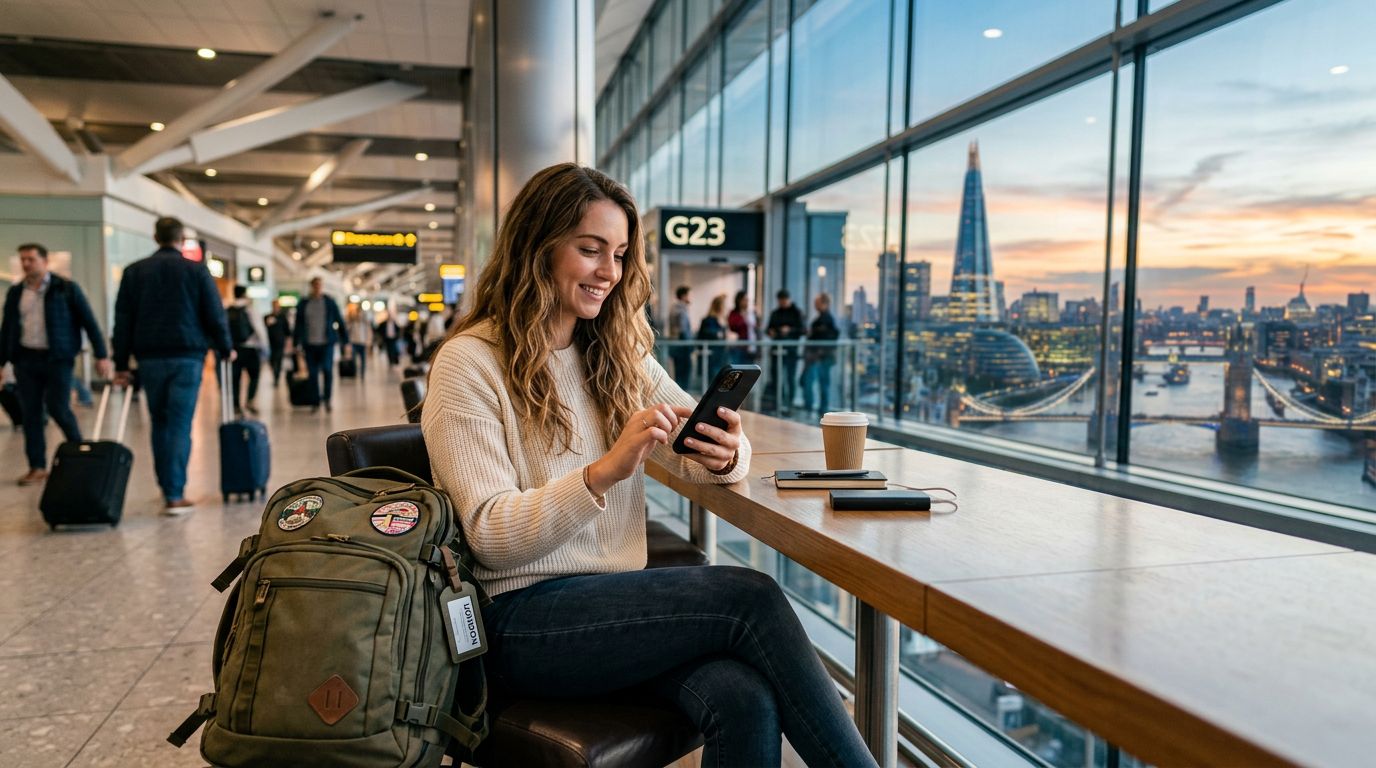
Viajar para o estrangeiro traz frequentemente uma sensação de liberdade, mas também introduz a dor de cabeça logística de se manter ligado. Uma das preocupações mais comuns para os viajantes internacionais é como manter os seus serviços de mensagens existentes sem incorrer em taxas de roaming elevadas. Especificamente, o desafio de manter o seu número de WhatsApp enquanto viaja é uma prioridade para aqueles que dependem da aplicação para trabalho, atualizações familiares e coordenação com contactos locais.
A beleza do WhatsApp é que este está associado ao seu número de telefone, não ao seu cartão SIM. Isto significa que não precisa de manter fisicamente o seu cartão SIM de origem ativo no seu telemóvel para continuar a utilizar a sua conta de WhatsApp. No entanto, gerir esta transição de forma eficaz requer algum planeamento, especialmente quando pretende evitar os custos elevados associados ao roaming tradicional.
Como o WhatsApp lida com mudanças de SIM
Muitos utilizadores acreditam erradamente que trocar o seu cartão SIM por um local ou por um eSIM resultará na desativação da sua conta de WhatsApp ou na eliminação do histórico de conversas. Este é um equívoco. O WhatsApp foi concebido para funcionar independentemente do cartão SIM físico que se encontra atualmente no seu dispositivo. Uma vez verificada a sua conta, esta permanece ligada ao seu perfil até que escolha manualmente alterar o número nas definições da aplicação.
Quando chegar ao seu destino, pode remover em segurança o seu cartão SIM de origem ou desativá-lo nas definições do seu telemóvel para evitar taxas de roaming. Assim que tiver instalado um eSIM de viagem, como uma solução da OneTapSIM, o seu telemóvel utilizará os dados desse eSIM para fornecer conectividade à internet. Desde que o seu telemóvel tenha uma ligação à internet ativa, o WhatsApp continuará a funcionar exatamente como funcionava em casa. Continuará a receber mensagens, chamadas de voz e ficheiros multimédia dos seus contactos originais sem precisar de atualizar o seu número ou notificar alguém de uma mudança.
Se está preocupado com o processo de verificação, lembre-se de que apenas precisa que o cartão SIM associado à sua conta esteja ativo durante a configuração inicial do WhatsApp. Uma vez configurada e verificada a conta no seu dispositivo, esta permanece ativa independentemente do cartão SIM que está a fornecer os seus dados. Isto torna os eSIMs de viagem num companheiro ideal para viagens internacionais, uma vez que fornecem os dados necessários para manter as suas aplicações a funcionar sem problemas, sem o risco de uma fatura de roaming dispendiosa.
Preparar o seu telemóvel para uma conectividade perfeita
Antes de embarcar no seu voo, é essencial configurar as definições do seu dispositivo para garantir que a sua transição para um eSIM de viagem seja suave. O objetivo é evitar que a sua operadora de origem ative taxas de roaming de dados dispendiosas no momento em que aterra.
Comece por verificar as definições de rede móvel do seu telemóvel. A maioria dos smartphones modernos permite-lhe gerir múltiplos perfis de SIM. Se estiver a utilizar um dispositivo compatível com eSIM, pode manter o seu perfil de SIM de origem instalado, mas defini-lo como "Desativado" ou "Roaming de Dados Desativado" antes de chegar ao seu destino. Isto garante que o seu telemóvel não se liga acidentalmente a uma rede estrangeira utilizando o seu plano de origem.
Em seguida, instale o seu eSIM de viagem. Utilizar um serviço como a OneTapSIM permite-lhe pré-instalar o seu plano de dados antes de partir. Desta forma, assim que o seu avião aterrar, pode simplesmente alternar as suas definições de dados para utilizar o eSIM de viagem. Como o WhatsApp funciona através da internet, este detetará automaticamente a nova ligação de dados e retomará as suas funções. Verá as suas conversas, grupos e listas de contactos existentes exatamente como os deixou.
É também uma boa prática garantir que a sua cópia de segurança do WhatsApp está atualizada antes de viajar. Quer utilize serviços de armazenamento na nuvem ou cópias de segurança locais, ter uma cópia recente dos seus dados proporciona tranquilidade. Se encontrar algum problema com o seu dispositivo, ter uma cópia de segurança recente garante que as suas conversas estão seguras, mesmo que tenha de reinstalar a aplicação num dispositivo diferente.
Gerir configurações de Dual SIM no estrangeiro
Muitos viajantes preferem manter o seu SIM de origem ativo para chamadas e SMS enquanto utilizam um eSIM de viagem para dados. Esta é uma configuração comum, mas requer uma gestão cuidadosa para evitar taxas de roaming. Se optar por manter o seu SIM de origem ativo para SMS recebidas (como códigos de autenticação de dois fatores do seu banco), certifique-se de que desativou explicitamente o "Roaming de Dados" para esse perfil de SIM específico.
Nas definições de rede móvel do seu telemóvel, pode designar o seu eSIM de viagem como a fonte principal para "Dados Móveis". Ao fazê-lo, força o seu telemóvel a encaminhar todo o tráfego de internet — incluindo WhatsApp, e-mail e navegação web — através do eSIM de viagem. O seu SIM de origem será utilizado apenas para o seu propósito pretendido: receber chamadas ou mensagens. Esta configuração é o padrão de ouro para manter o seu número de WhatsApp enquanto viaja, porque equilibra a necessidade de conectividade com a necessidade de controlo de custos.
Uma das vantagens significativas de utilizar um eSIM para dados é que este fornece uma ligação estável e de alta velocidade em muitos países. Quando depende de Wi-Fi de hotel ou hotspots públicos, a sua ligação ao WhatsApp pode ser intermitente, levando a mensagens atrasadas ou má qualidade nas chamadas de voz. Com um plano de dados dedicado, tem uma ligação consistente que mantém a sua experiência no WhatsApp fiável durante toda a sua viagem.
Se descobrir que precisa de alterar o seu número de WhatsApp para um local por algum motivo, a aplicação fornece uma funcionalidade específica "Mudar de número" no menu de definições. Esta funcionalidade permite-lhe migrar as informações da sua conta, grupos e definições para um novo número de telefone, mantendo o seu histórico de conversas intacto. No entanto, para a maioria dos viajantes de curta duração, isto é desnecessário. Manter o seu número original é geralmente a melhor abordagem, pois evita a confusão de ter de informar dezenas de contactos sobre o seu estado temporário.
Aproveitando a flexibilidade da tecnologia eSIM, pode manter a sua vida digital sem interrupções. Quer esteja a explorar uma nova cidade, a falar com a família ou a coordenar reuniões de trabalho, a sua conta de WhatsApp permanece uma ferramenta constante e fiável. Com um pouco de preparação e o plano de dados certo, pode concentrar-se na experiência da viagem em vez da logística de se manter ligado.
Obtenha um eSIM para
Planos para os destinos abordados neste guia, com entrega instantânea por QR.