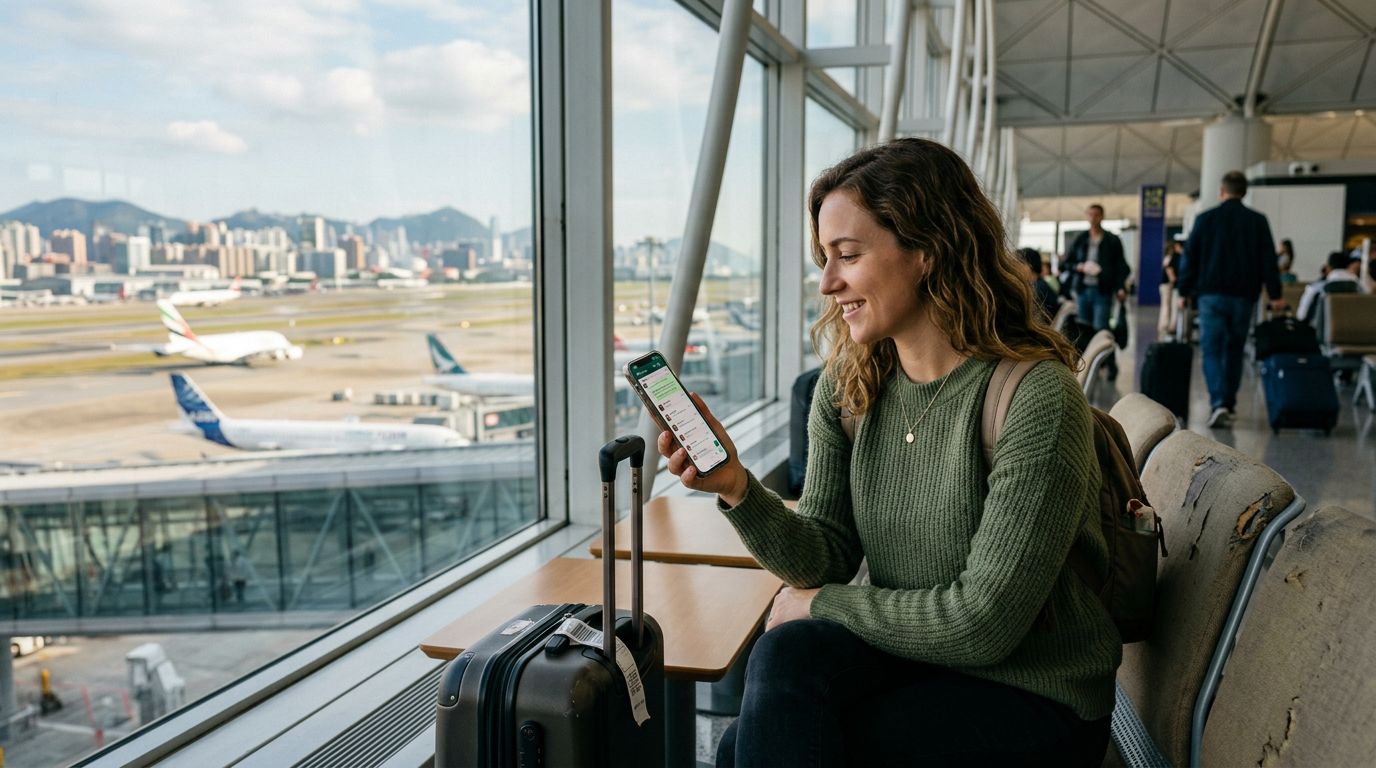
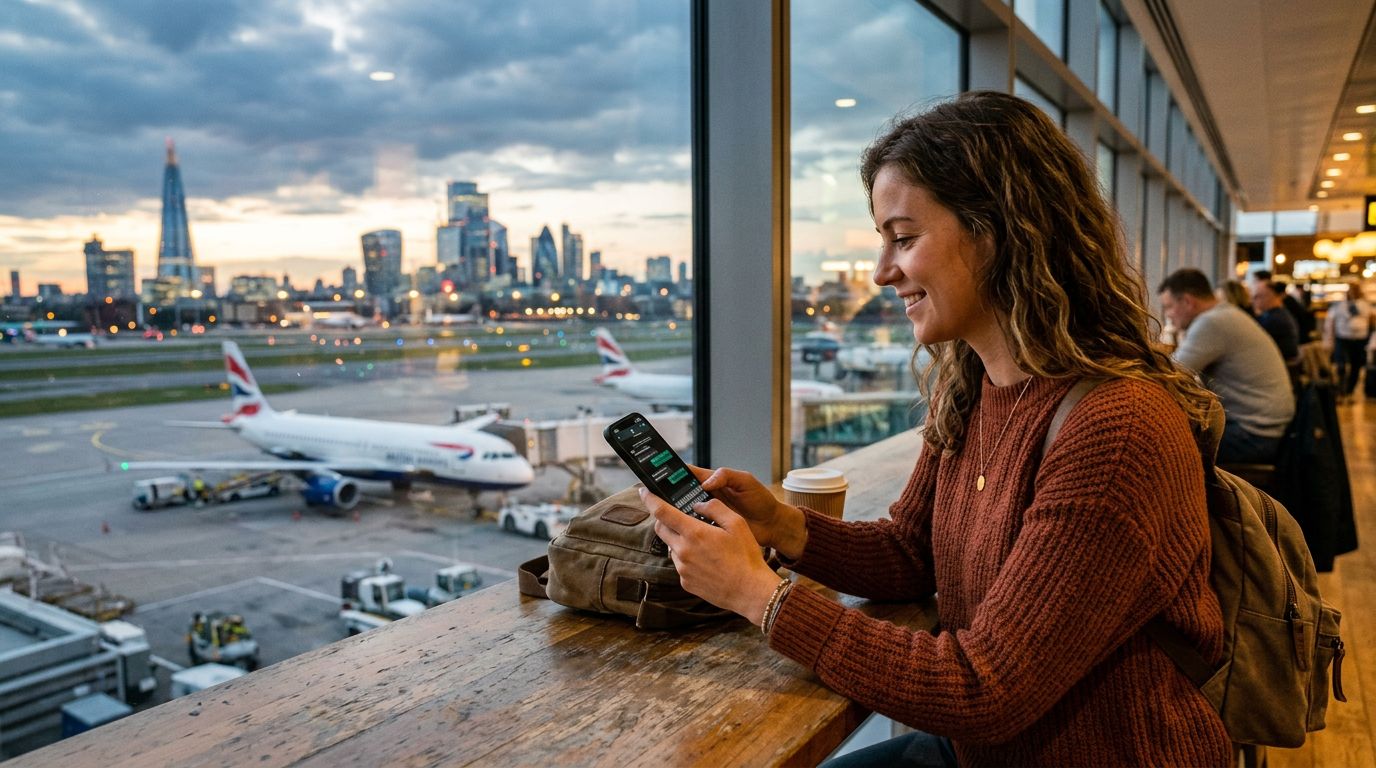
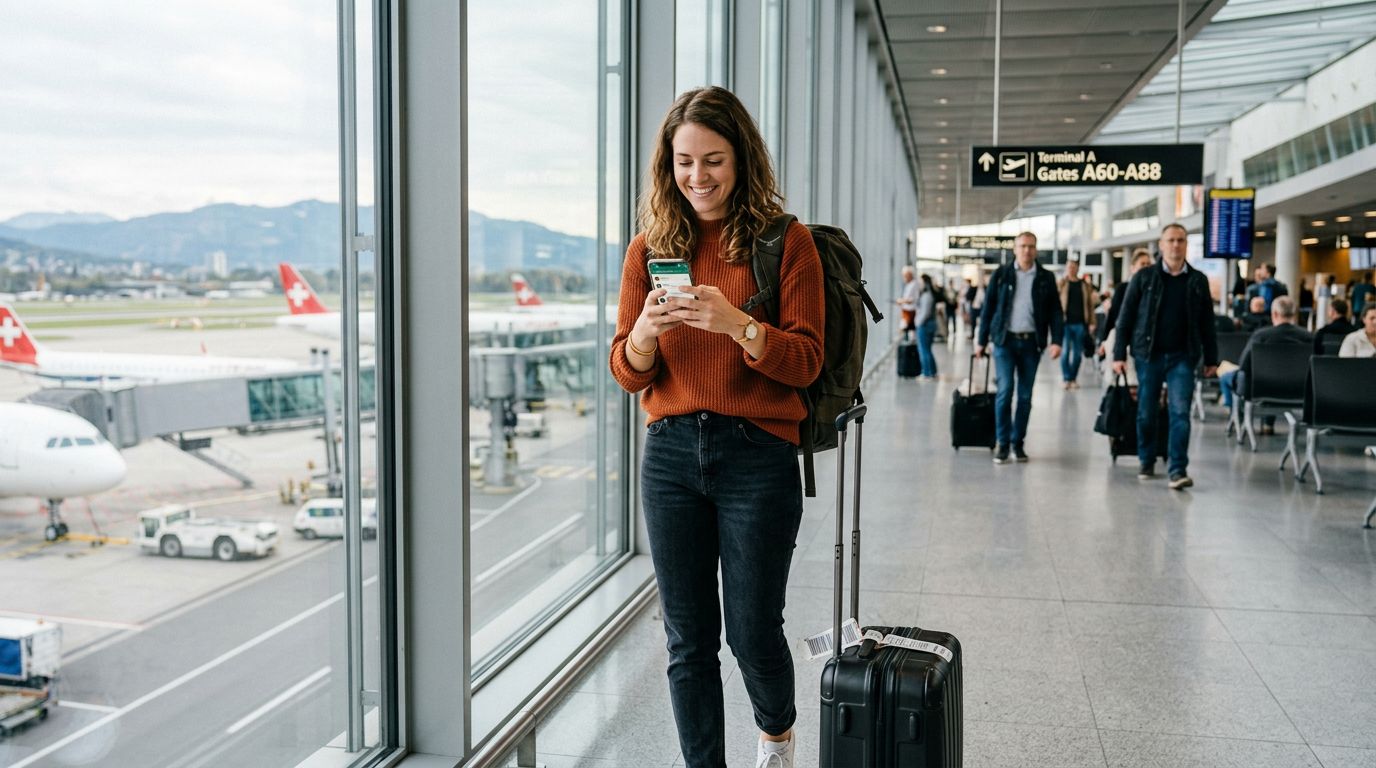
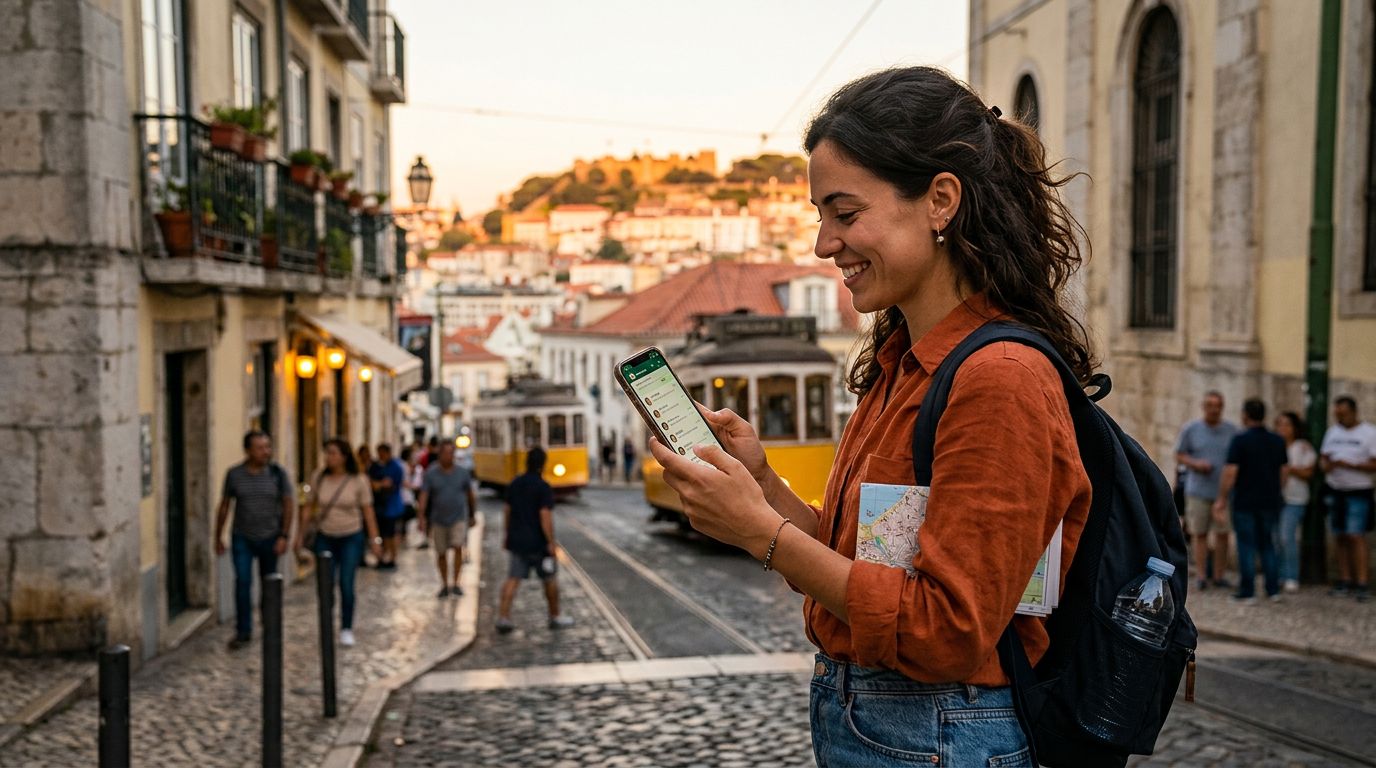
Traveling abroad often brings a sense of freedom, but it also introduces a logistical headache: how to stay reachable without paying exorbitant roaming fees. For most people, the primary concern is maintaining access to their existing messaging apps. Specifically, keeping your WhatsApp number while traveling internationally is a top priority because it serves as the primary communication channel for friends, family, and even business contacts.
When you land in a new country, your instinct might be to swap your physical SIM card for a local one. However, doing so can create confusion with apps tied to your home phone number. The good news is that WhatsApp is designed to remain functional even when you change your network connection, provided you understand how the application handles identity verification.
Understanding How WhatsApp Links to Your Number
WhatsApp is unique because it uses your phone number as your account identifier. Unlike email-based services that allow you to log in from anywhere using a password, WhatsApp verifies your identity by sending an SMS code to the number associated with the account. This is where many travelers get nervous. They fear that if they remove their home SIM card, they will lose access to their chats or be forced to create a new account.
The reality is much simpler. WhatsApp does not require your original SIM card to be inside the phone to function. Once your account is set up and verified on your device, the app remains linked to that specific account regardless of which network you are using for data. You can keep your chat history, your contacts, and your group memberships intact even if you are using a completely different mobile network or a local data plan in a foreign country.
The critical step is to complete the initial setup of WhatsApp before you leave your home country. As long as you have verified your number while your home SIM is active, you are effectively "locked in." When you switch to a travel eSIM, such as those provided by OneTapSIM, you are simply changing the pipe through which your data travels. WhatsApp will continue to recognize your device and your account, treating the new data connection just like a local Wi-Fi network.
Managing Data Connections with Travel eSIMs
The most efficient way to maintain connectivity while abroad is by using an eSIM. An eSIM is a digital version of a physical SIM card that allows you to connect to local networks without needing to swap out hardware. This is particularly useful for travelers who want to keep their home SIM card in their phone to receive important SMS verification codes from banks or other services, while using a secondary eSIM for data.
When you use a service like OneTapSIM, you are essentially setting up a secondary data path. On most modern smartphones, you can configure your device to use your home SIM for voice and SMS, while designating your eSIM as the primary source for cellular data. This configuration is ideal for WhatsApp users. Because WhatsApp relies on data, it will automatically route its traffic through your active data plan.
If you are worried about accidentally incurring roaming charges on your home number, you can simply turn off "Data Roaming" for your home SIM in your phone settings. This ensures that your phone only uses the eSIM for internet-related tasks. Since WhatsApp uses data to send messages, photos, and voice notes, it will function perfectly over the eSIM connection. You will still receive your WhatsApp messages in real-time, and your contacts will still see your original phone number when you message them. You do not need to update your number within the WhatsApp settings when you travel, as your account is tied to your identity, not your current physical location.
Best Practices for Seamless International Communication
While the technology is straightforward, there are a few best practices to ensure your communication remains uninterrupted during your trip. First, ensure that your WhatsApp application is updated to the latest version before you depart. Developers frequently release updates that improve connectivity and security, and running an outdated version can sometimes lead to synchronization issues when switching between different network providers.
Second, consider the "Dual SIM" capabilities of your smartphone. Most modern devices allow you to manage two active SIMs simultaneously. You should designate your home SIM as the "Voice" line and your travel eSIM as the "Data" line. This setup prevents your phone from trying to pull data through your home carrier, which is where those surprise roaming charges often originate. By keeping your home SIM active for calls and texts, you ensure that you can still receive high-security verification codes from your bank, which often require an active SMS connection.
Third, be aware of how WhatsApp handles media downloads. If you are on a limited data plan, you may want to adjust your WhatsApp settings to prevent the automatic downloading of photos and videos. You can find these options within the app’s storage and data settings. By restricting downloads to Wi-Fi only, you can preserve your eSIM data for text-based messages and essential navigation.
Finally, remember that your WhatsApp account is tied to your phone number, not your phone device. If you ever lose your phone while traveling, you can restore your account on a new device by installing WhatsApp and verifying the same phone number. This is why it is essential to have a cloud backup of your chat history enabled before you travel. Whether you use a cloud service or a local backup, having your chat history saved ensures that you can recover your conversations even if your hardware is compromised.
By leveraging the flexibility of eSIM technology, you can maintain your digital life without the stress of constant connectivity issues. Keeping your WhatsApp number while traveling internationally is not a complex task; it is simply a matter of understanding that your account is portable. With a reliable data connection provided by an eSIM, you can focus on your journey rather than worrying about your phone settings. Whether you are navigating a bustling city or relaxing in a remote destination, your communication remains as consistent as it is at home.