The Challenge of Staying Connected While Traveling
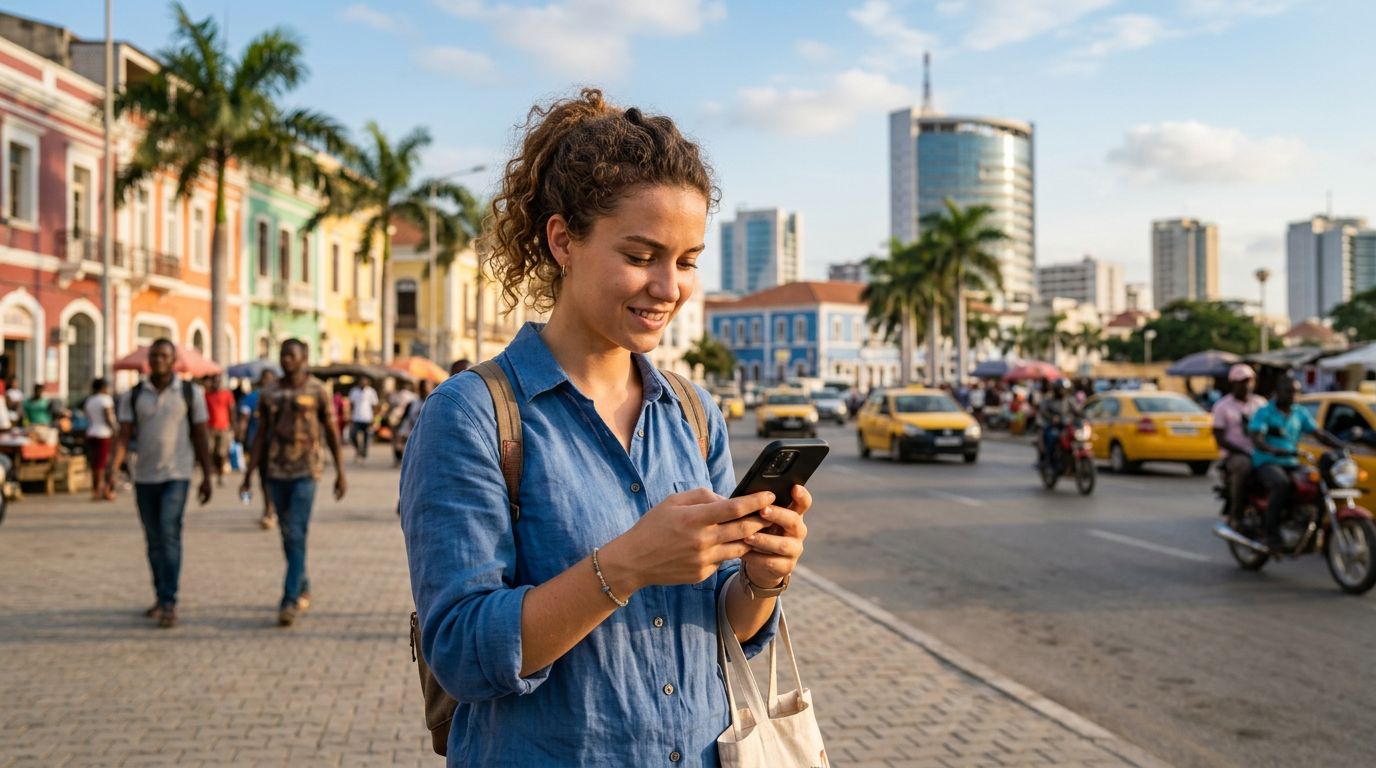
Traveling to Angola offers a unique experience, from the bustling markets of Luanda to the breathtaking landscapes of the Kalandula Falls. However, for most modern travelers, the excitement of exploring a new country is often tempered by the anxiety of staying connected. One of the primary concerns for international travelers is maintaining access to their existing communication tools, specifically WhatsApp. Because WhatsApp is tied to a specific phone number, the fear of losing access to chats, groups, and contacts when swapping SIM cards is a common pain point.
Many people mistakenly believe that changing their physical SIM card will automatically deactivate their WhatsApp account or force them to change their number within the app. Fortunately, this is a misconception. WhatsApp is linked to your account, not your physical SIM card. As long as you have access to the internet, your WhatsApp will function exactly as it did back home, regardless of which network provider you are using in Angola. The real challenge, therefore, is not the app itself, but rather ensuring you have a reliable, affordable, and convenient way to access data without incurring exorbitant roaming charges from your home carrier.
How WhatsApp Works Across International Borders
Understanding how WhatsApp functions is the first step toward stress-free travel. When you set up WhatsApp, the app verifies your phone number via an SMS code. Once that verification is complete, the app creates a unique ID for your account. This ID is stored on the WhatsApp servers and is associated with your phone number. When you travel to Angola and insert a new SIM card or activate an eSIM, your WhatsApp account remains completely unaffected. You do not need to change your number in the settings, and you do not need to notify your contacts that you have moved to a different network.
The only time you would need to change your number within the app is if you permanently switch your phone number to a new one. If you are simply using a travel eSIM for data, you can continue using your original home number for WhatsApp verification purposes. The app will continue to recognize your identity based on the original number you used during registration.
The main hurdle for travelers is the "dual SIM" configuration. If you are using a phone that supports both a physical SIM and an eSIM, you can keep your home SIM active for SMS verification and calls, while using the eSIM for data. This is where OneTapSIM becomes a valuable tool. By installing a OneTapSIM eSIM, you gain access to local data networks in Angola without needing to remove your home SIM card. This allows you to keep your home number active for those rare instances when you might need to receive a banking verification code or an important text message, while simultaneously enjoying seamless data for your WhatsApp messaging, voice calls, and video chats.
Seamless Connectivity with OneTapSIM
When you arrive in Angola, the last thing you want to do is hunt for a local kiosk, deal with language barriers, or struggle with complex registration processes for a physical local SIM card. This is where the convenience of an eSIM truly shines. OneTapSIM provides a digital solution that allows you to purchase and activate your data plan before you even board your flight.
By choosing an eSIM, you effectively bypass the need to physically swap out your home SIM card. This is critical for keeping your WhatsApp number in Angola because it removes the risk of losing or damaging your original card. Furthermore, it ensures that your phone remains connected to your home network for essential services like SMS, while the OneTapSIM handles your data needs.
To get started, ensure your device is compatible with eSIM technology. Most modern smartphones support this feature, but it is always wise to check your device settings or the manufacturer's support pages to confirm. Once you have verified compatibility, you can purchase a data plan through the OneTapSIM website. You will receive a QR code or an activation link that allows you to add the eSIM to your phone’s cellular settings.
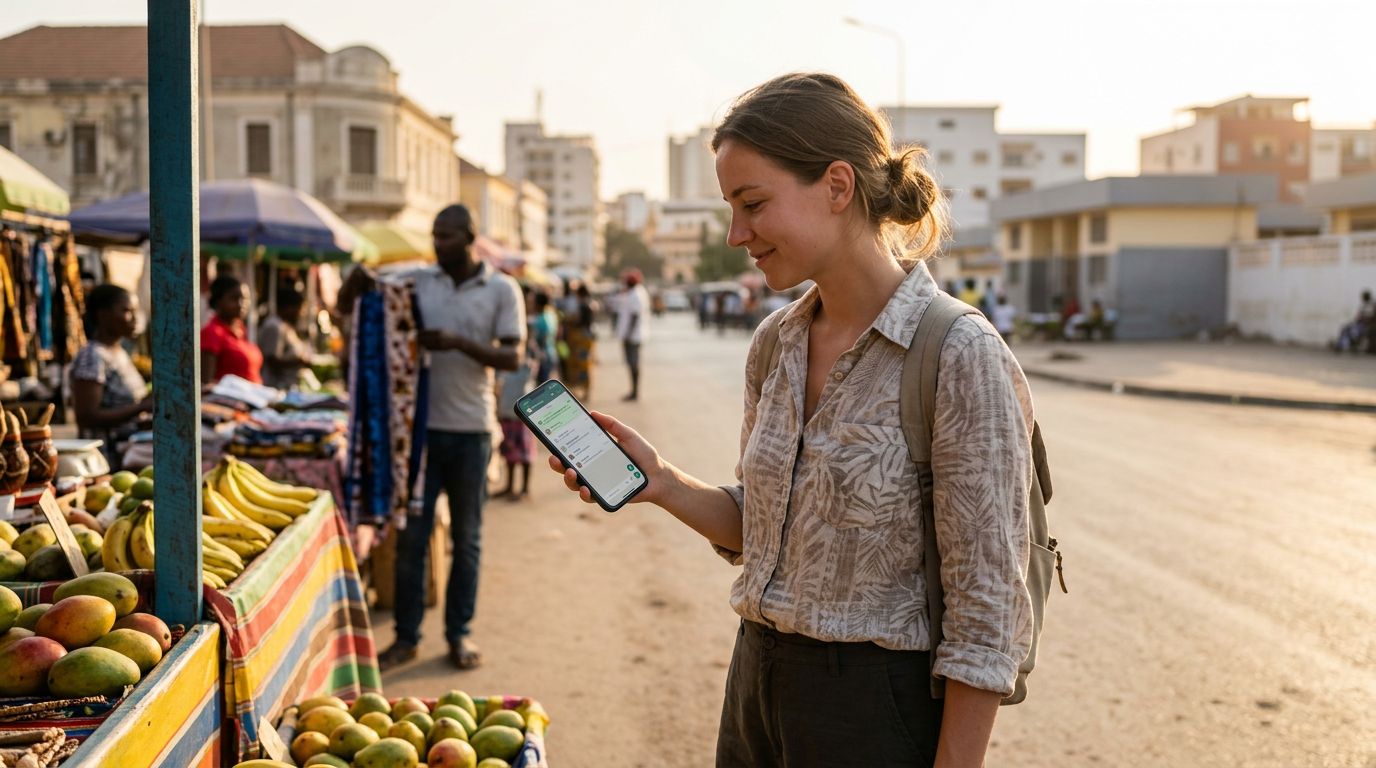
Once you land in Angola, simply toggle your data settings to use the OneTapSIM eSIM. Your WhatsApp will immediately detect the internet connection provided by the eSIM and function as normal. You will be able to send messages, share photos, and make calls through the app without any interruption. Because OneTapSIM manages the data connection, you won't have to worry about your home carrier's roaming data fees, which can often be unpredictable and costly.
Maintaining your digital identity while traveling should be a background task, not a primary concern. By separating your data needs from your voice and SMS needs, you gain the flexibility to explore Angola with peace of mind. Whether you are navigating the streets of Luanda or visiting the coast, your WhatsApp conversations will remain uninterrupted. With the right preparation and the use of modern connectivity solutions like OneTapSIM, you can focus on the sights and sounds of your trip rather than the technicalities of your phone settings. It is a simple, effective, and reliable way to ensure that your communication remains consistent from the moment you leave home until you return, all while keeping your WhatsApp number exactly where it belongs.
Get an eSIM for
Plans for the destinations covered in this guide, with instant QR delivery.