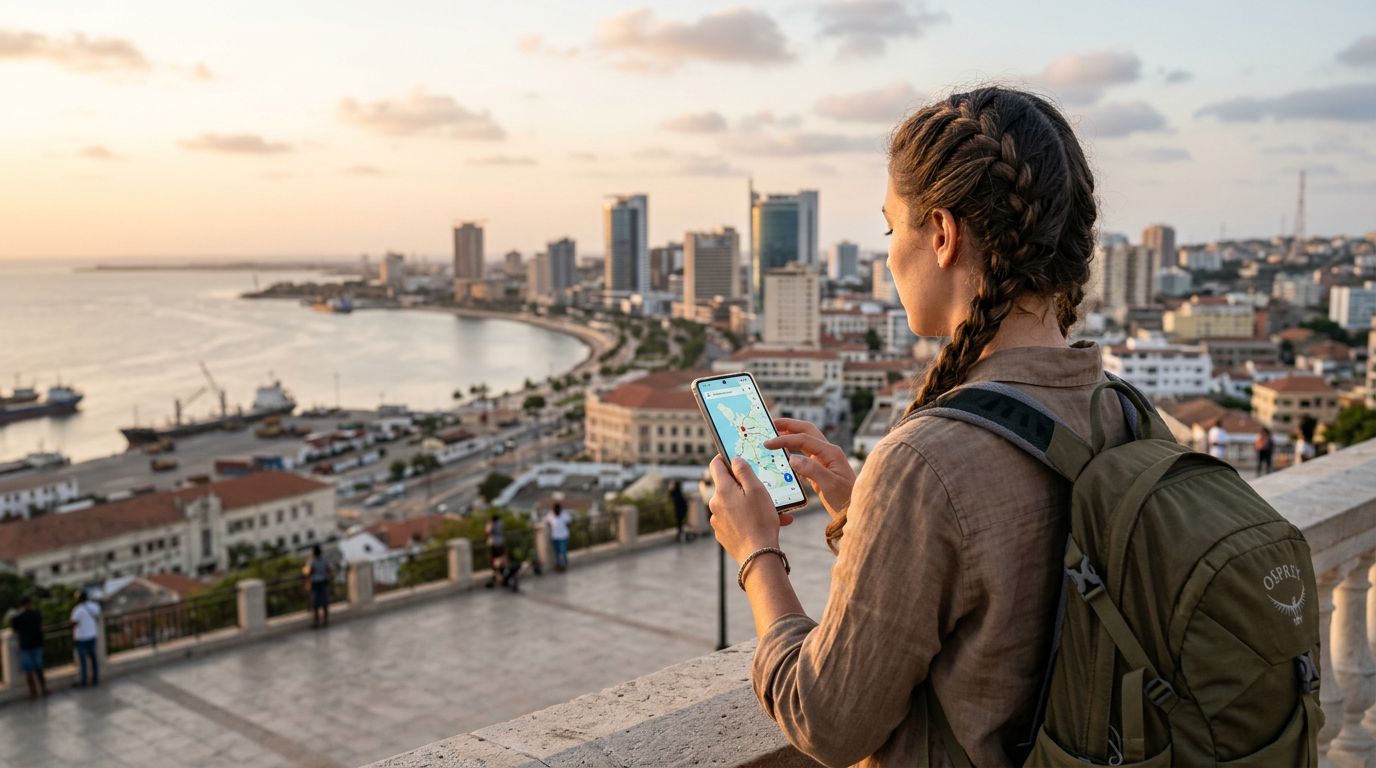
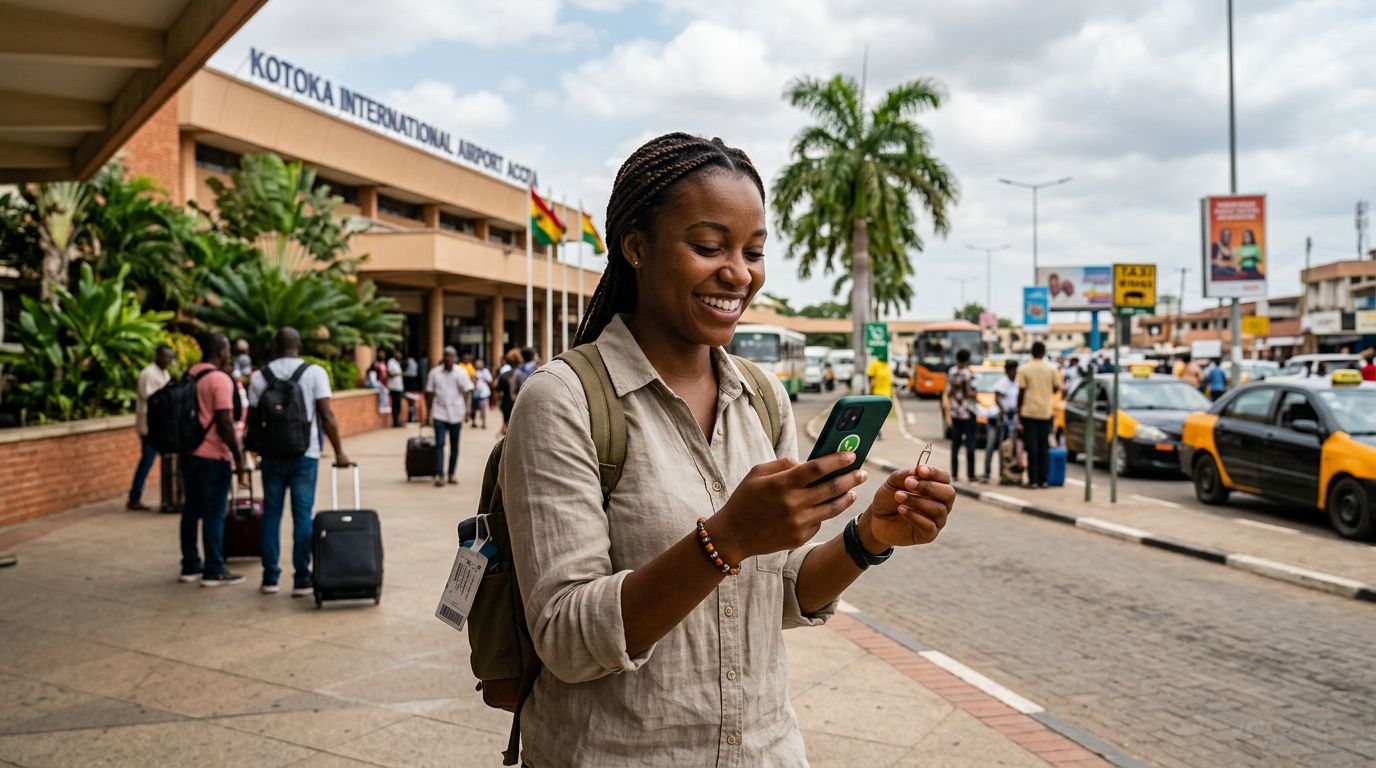
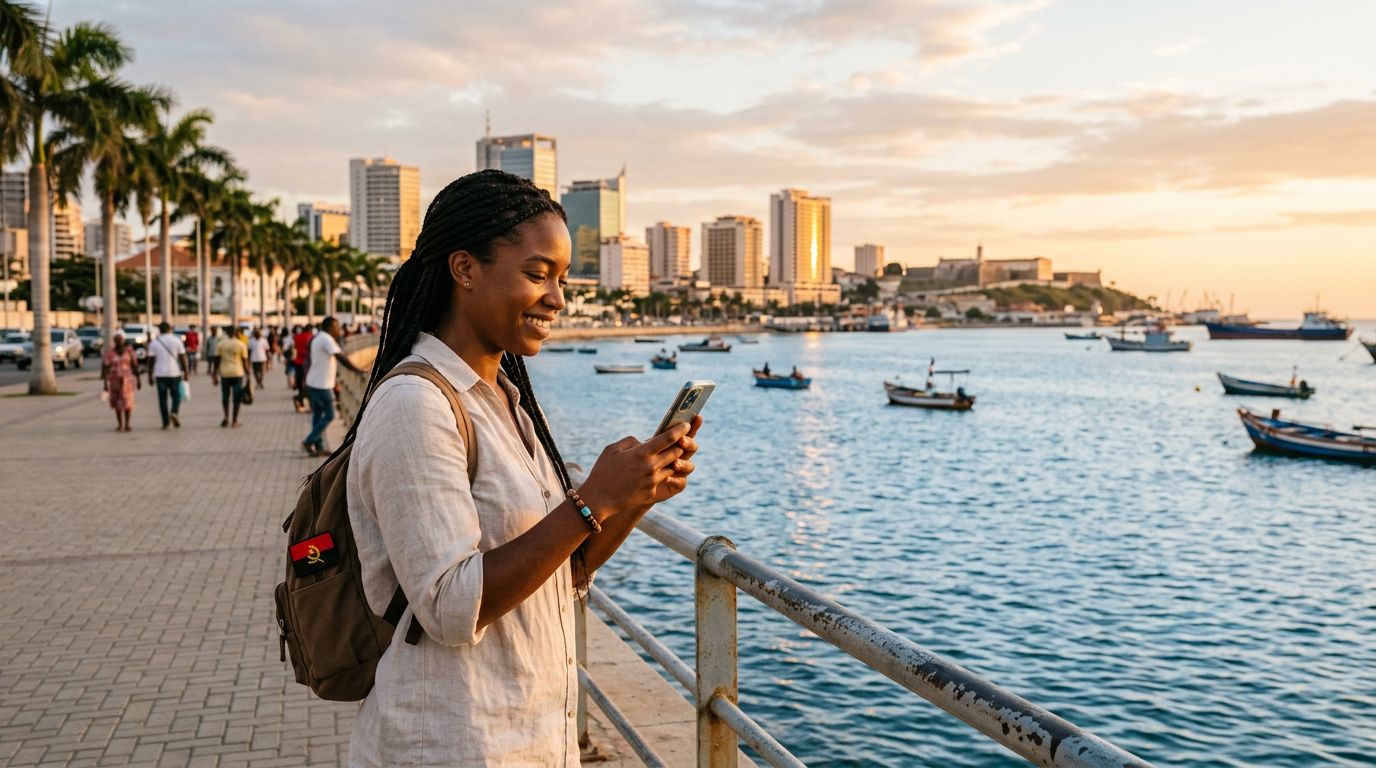
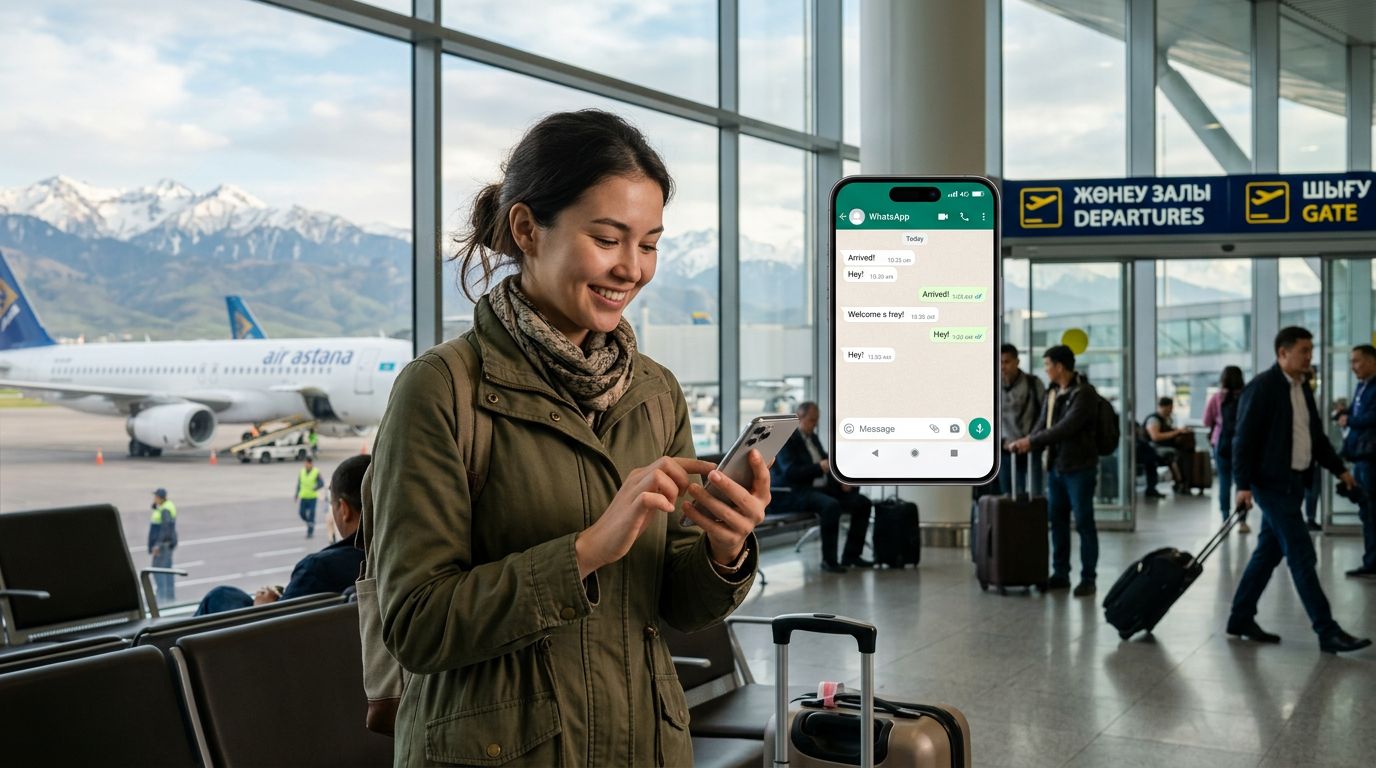
Traveling to Angola is an exciting prospect, whether you are visiting the bustling streets of Luanda, exploring the natural beauty of the Kwanza River, or heading out for a business venture. However, one of the most common anxieties for international travelers is communication. Specifically, many people worry about losing access to their primary messaging accounts. If you are wondering how to keep your WhatsApp number in Angola without the hassle of swapping physical cards or losing your message history, you are in the right place.
Why WhatsApp Stays Linked to Your Original SIM
It is a common misconception that WhatsApp is tied to the physical SIM card inside your phone. In reality, WhatsApp is tied to the account registered to your phone number, not the hardware currently inserted into your device. When you register WhatsApp, the app verifies your identity via SMS. Once that verification is complete, the app remains linked to that specific number until you manually change it in the settings.
This is the key to stress-free travel. You do not need to register a new WhatsApp account just because you are using a local network in a different country. As long as you have an active internet connection, your existing WhatsApp account will continue to function exactly as it did back home. You will still receive messages from your contacts, your group chats will remain active, and your media history will stay intact. The challenge, therefore, is not about the app itself, but about how you maintain that internet connection affordably and reliably while abroad.
The Role of eSIM Technology in Seamless Connectivity
The most effective way to stay connected while traveling is by using an eSIM. An eSIM is a digital version of a traditional physical SIM card that is embedded directly into your phone’s hardware. Instead of heading to a local kiosk in Angola to buy a plastic card and risk losing your original one, you can activate a data plan digitally.
OneTapSIM provides a streamlined way to manage this process. By installing a travel eSIM, you can designate it as your primary source for mobile data while keeping your original SIM active in the background. Because your phone can handle multiple SIM profiles, you can keep your home SIM card in your device to receive essential SMS verification codes or calls, while the OneTapSIM profile handles the heavy lifting of your data usage.
This setup is the answer to the question of how to keep your WhatsApp number in Angola. By using a data-only eSIM, you ensure that your phone has a constant, reliable internet connection. Since WhatsApp relies on data to send and receive messages, as long as your OneTapSIM plan is active, your WhatsApp will remain fully operational. You avoid the roaming charges that often come with using your home carrier abroad, and you avoid the logistical nightmare of removing your home SIM card and potentially misplacing it.
Setting Up Your Device for Success
Before you depart for Angola, there are a few technical steps you should take to ensure a smooth experience. First, verify that your smartphone is carrier-unlocked. If your device is locked to a specific network provider, it may not accept an eSIM from another source. Most modern smartphones are compatible with eSIM technology, but it is always wise to check your device settings to confirm that the "Add eSIM" or "Add Cellular Plan" option is available.
Once you have your OneTapSIM plan ready, you can install it before you even board your flight. The eSIM will remain dormant until you arrive in Angola and switch it on. When you land, simply navigate to your cellular settings and toggle your data to the OneTapSIM profile. Ensure that your home SIM is set to "On" but that "Data Roaming" is turned off for that specific card. This prevents your home carrier from triggering expensive roaming charges while still allowing you to receive incoming calls or SMS messages if you absolutely need them.
With your data routed through the eSIM, open WhatsApp. You will notice that nothing has changed. Your profile photo, your chat list, and your notifications will appear just as they do at home. Because you have kept your home SIM active in the device, you still have the ability to receive the occasional verification code from your bank or other services that require SMS authentication, all while enjoying the high-speed data connectivity provided by your travel plan.
This method is significantly more secure than using public Wi-Fi networks found in airports or cafes. Public networks are often unencrypted, leaving your data vulnerable to interception. By relying on a dedicated eSIM plan, you are using a private, secure connection that protects your personal information and your WhatsApp conversations.
When you return home, the process of switching back is just as simple. You can disable the travel eSIM profile in your settings and reactivate your home data plan. Your WhatsApp account remains untouched throughout the entire journey. By planning ahead and utilizing modern connectivity tools, you can focus on the sights and sounds of Angola rather than worrying about your digital footprint. Keeping your number is not about complex technical workarounds; it is about choosing the right tools to keep your existing identity connected to the world, no matter where your travels take you.
Get an eSIM for
Plans for the destinations covered in this guide, with instant QR delivery.