Understanding WhatsApp and Your SIM Card
Traveling to a destination as beautiful as Fiji often brings up a common concern for international visitors: connectivity. Many travelers worry that swapping their physical SIM card for a local one will disrupt their digital life, specifically their WhatsApp account. The good news is that WhatsApp is tied to your account identity, not the physical SIM card currently inside your phone.
When you install a new SIM or an eSIM, your WhatsApp remains perfectly functional. The application does not automatically delete your chats or change your account details just because your phone detects a different network provider. Your contacts, group chats, and message history are linked to the phone number you used during the initial registration process. As long as you do not go through the "Change Number" feature within the WhatsApp settings, your account will remain associated with your original home number.
The confusion usually stems from the prompt WhatsApp displays when it detects a new SIM card. The app may ask if you want to update your number to the new one detected by the device. You should simply decline this request. By selecting "Keep" or ignoring the prompt, you ensure that your existing account remains active and tied to your original home SIM. This allows you to travel across Fiji, from the bustling markets of Nadi to the serene beaches of the Yasawa Islands, while keeping your primary WhatsApp identity intact.
The Role of eSIM Technology in Seamless Connectivity
The most efficient way to manage your mobile data while traveling is by using an eSIM. An eSIM is a digital version of a traditional plastic SIM card that is embedded directly into your phone’s hardware. For travelers heading to Fiji, this technology eliminates the need to visit a physical kiosk at the airport or fumble with tiny SIM cards and ejector tools.
OneTapSIM provides a streamlined way to get connected the moment you land. Because your phone can handle multiple eSIM profiles simultaneously, you can keep your home SIM active for SMS and calls (if your provider supports roaming) while letting the OneTapSIM profile handle all your data needs. This dual-setup is the secret to maintaining your WhatsApp presence without interruption.
To ensure your WhatsApp continues to work through your data connection, you must verify your phone's settings. In your device’s cellular or mobile data menu, you should designate your OneTapSIM profile as the primary source for cellular data. Because WhatsApp uses the internet to send and receive messages, it will piggyback off the data connection provided by your eSIM. This means you can send photos, make voice calls, and participate in group chats exactly as you would at home, regardless of the fact that your phone is technically connected to a Fijian network.
If you are using an iPhone or a modern Android device, the process of managing these profiles is straightforward. You can toggle between your home line and your travel line through the system settings. By keeping your data roaming enabled on your OneTapSIM profile and disabled on your home line, you avoid unexpected roaming charges from your home carrier while ensuring your WhatsApp remains connected to the internet.
Practical Steps for a Smooth Experience in Fiji
Before you depart for your trip, there are a few technical preparations that will make your transition to a travel eSIM much easier. First, ensure your device is unlocked. An unlocked phone is required to use an eSIM from a provider other than your home carrier. If you are unsure about your device's status, check your settings or contact your home carrier before you leave.
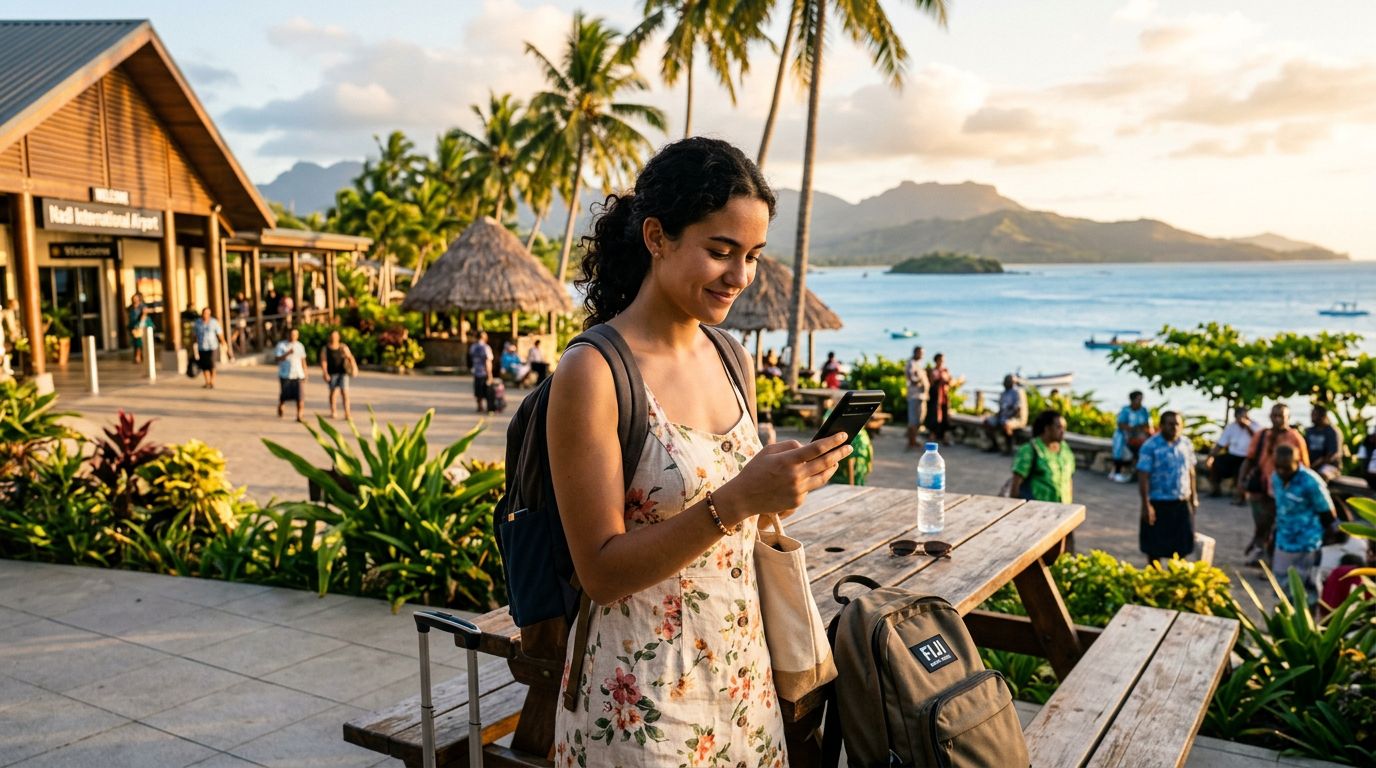
Once you have your OneTapSIM profile ready, you can install it before you even board your flight. The profile will remain dormant until you land in Fiji and activate it. Upon arrival, you simply switch your data preference to the eSIM. Because WhatsApp is already installed and verified on your device, it will recognize the new data connection immediately. You will see your messages load, and you can continue communicating with friends and family without them ever knowing you have changed your network provider.
Another advantage of this method is the stability of your communication. Local Fijian networks provide excellent coverage in populated areas, and by using a reliable eSIM provider, you ensure that your data connection remains consistent. If you find yourself in a remote area, you can easily switch back to your home network if necessary, though this may incur standard roaming fees. Most travelers find that the data provided by their eSIM is more than sufficient for high-quality video calls and media sharing on WhatsApp.
If you ever need to troubleshoot your connection, the settings on your device are your best resource. For Apple users, the official support documentation provides clear instructions on managing multiple SIMs. Similarly, Android users can find guidance on the official support pages for their operating system. These resources are helpful if you encounter any difficulty in toggling your data settings.
By following these steps, you remove the stress of losing contact with your network. You can focus on enjoying your time in Fiji, knowing that your digital identity is secure and your communication lines are wide open. Whether you are coordinating travel plans with friends or sharing photos of the sunset, your WhatsApp will function as if you never left home, thanks to the combination of your original account settings and the flexibility of modern eSIM technology. Always remember to check your device compatibility before purchasing your travel data plan to ensure a seamless setup process upon arrival.
Get an eSIM for
Plans for the destinations covered in this guide, with instant QR delivery.