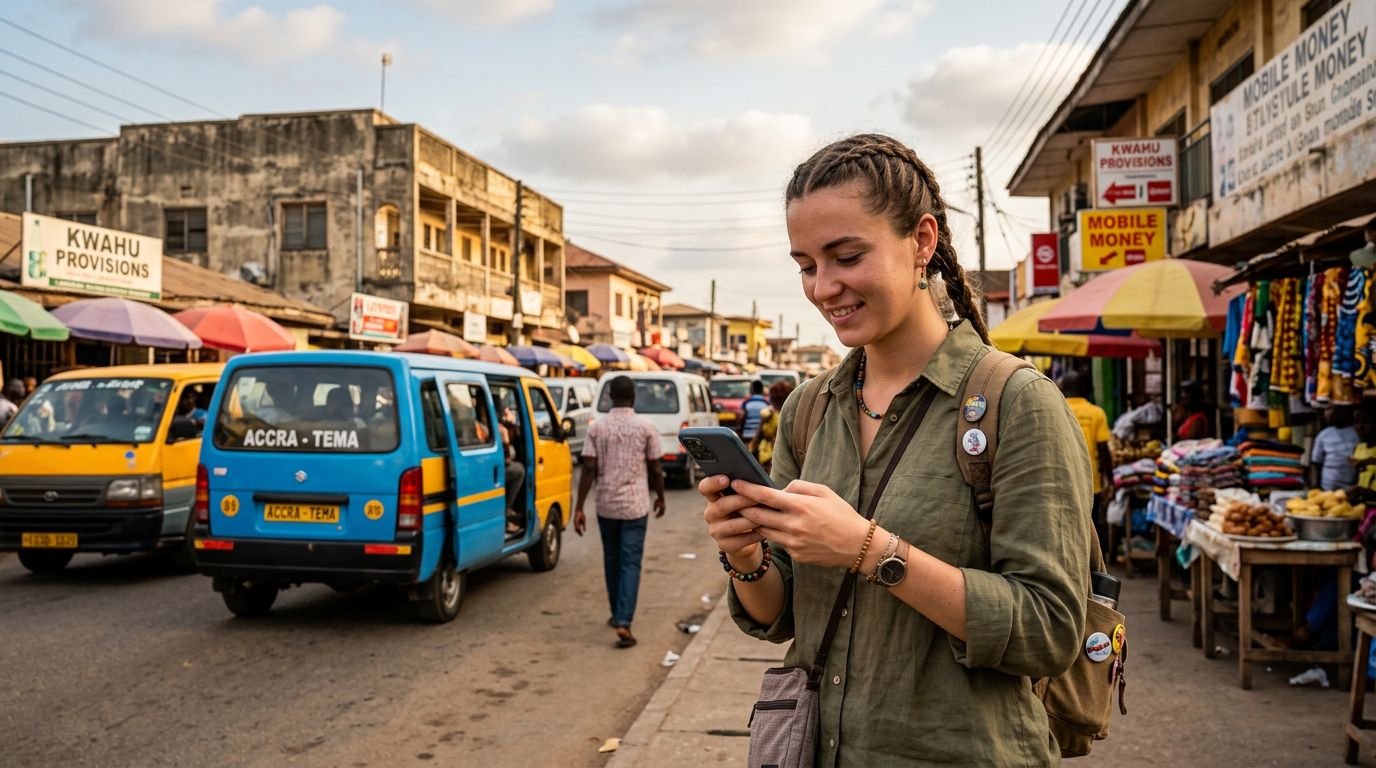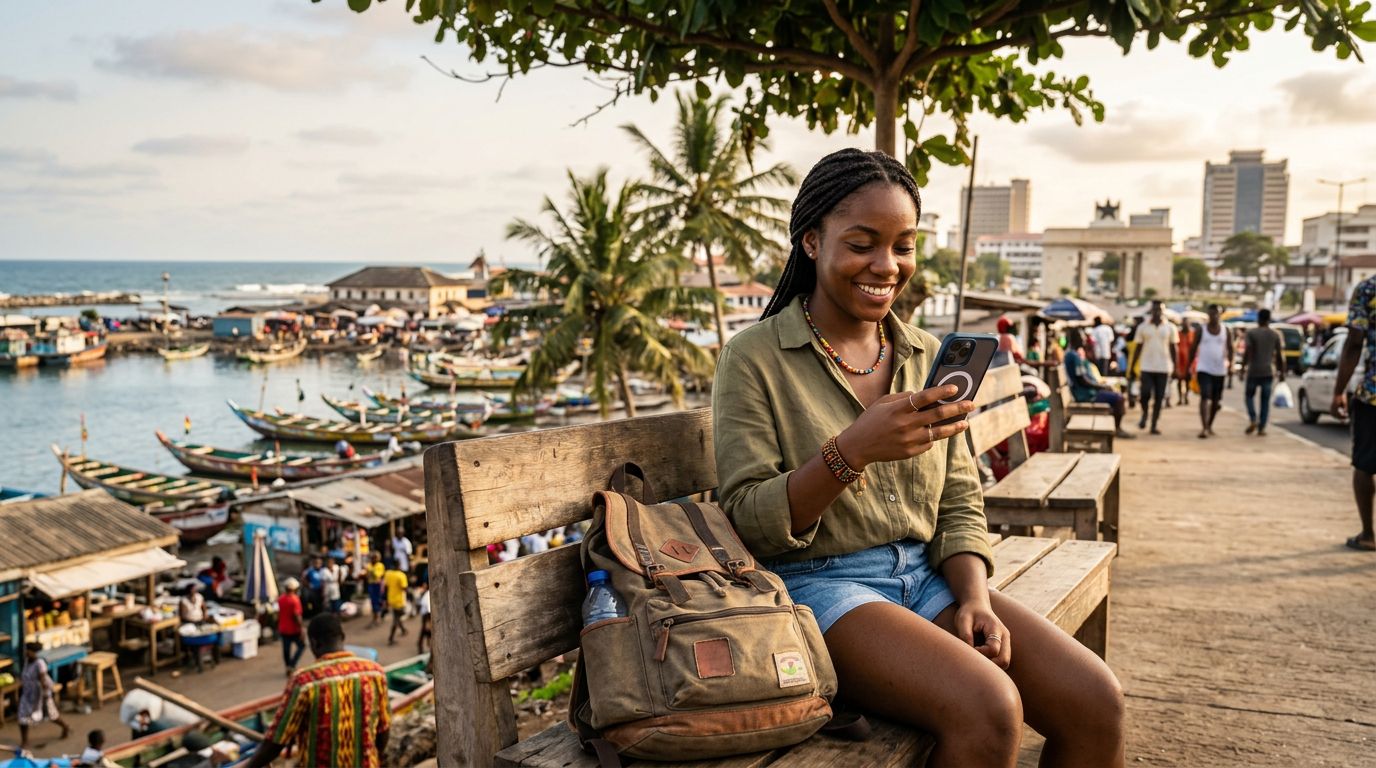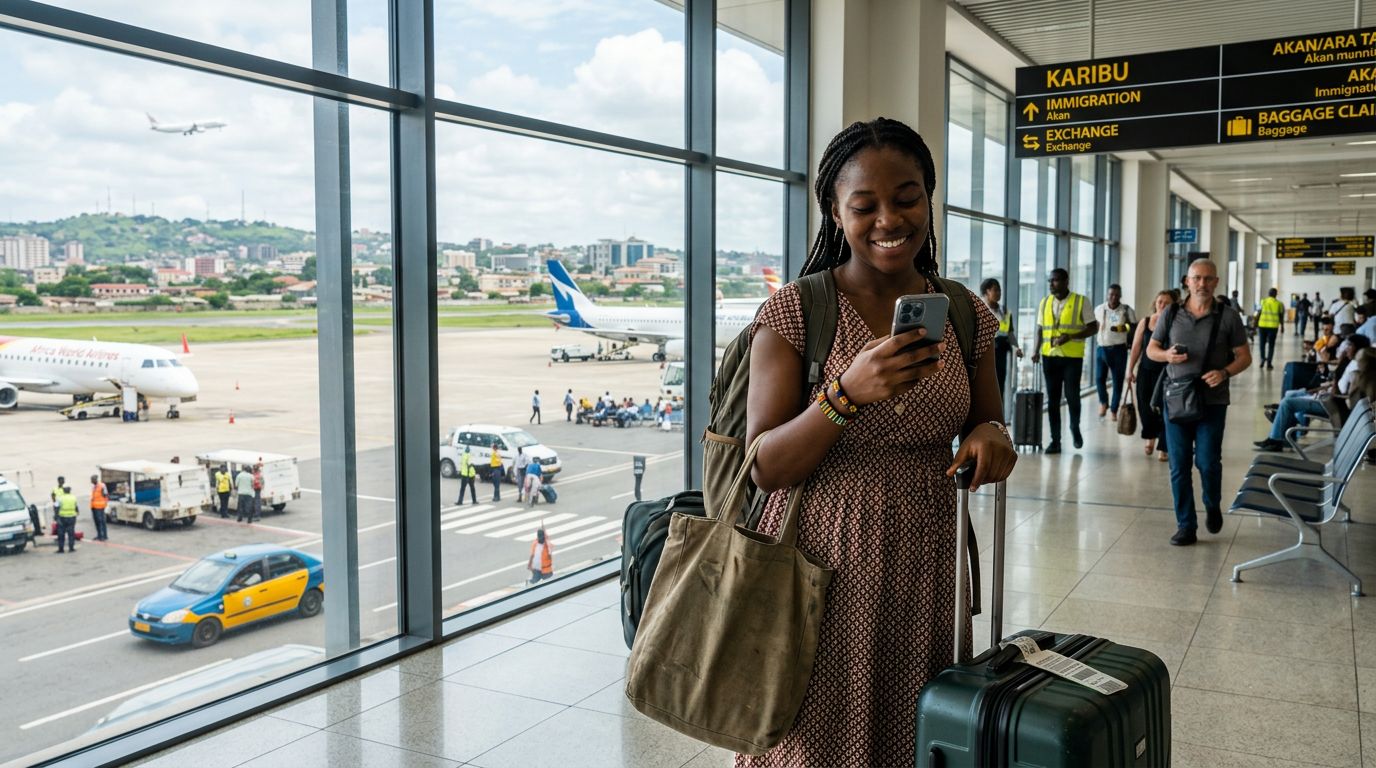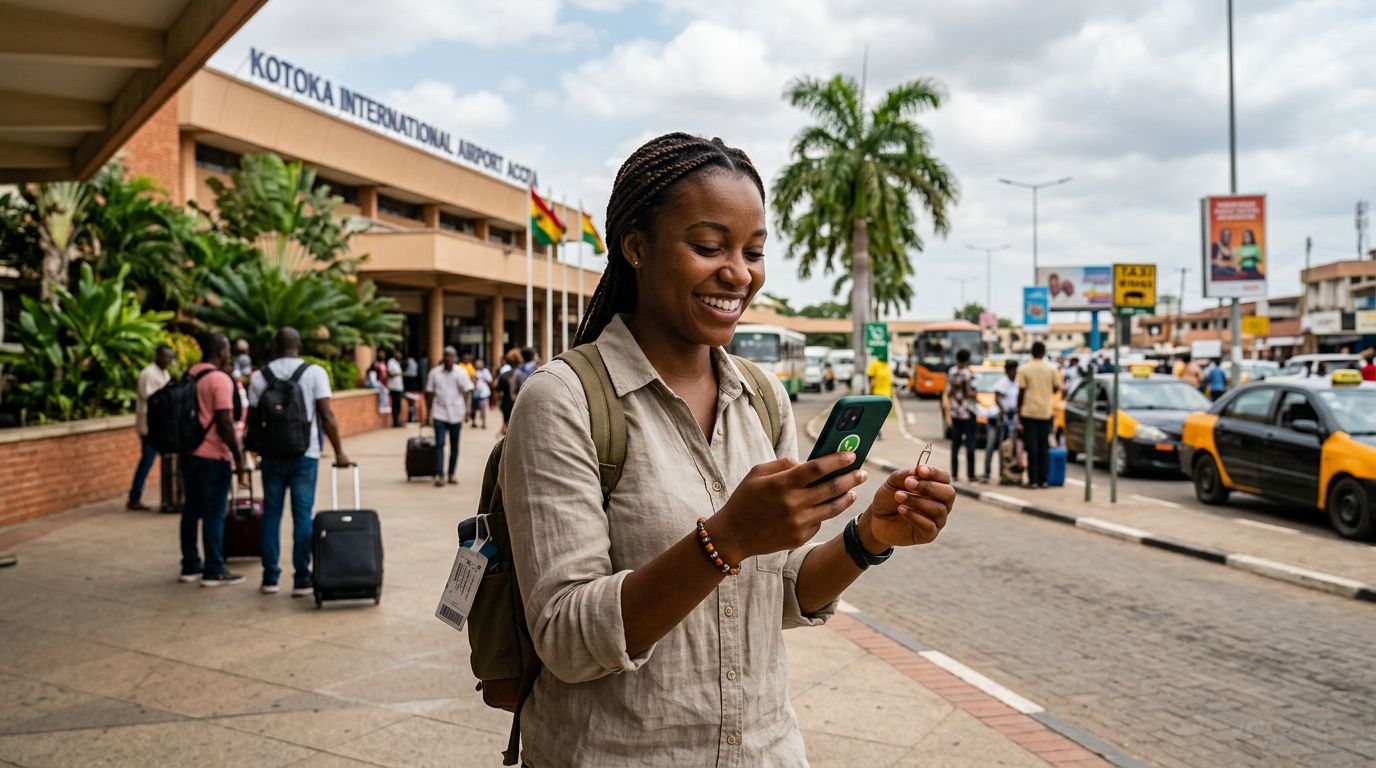
Traveling to Ghana is an exciting adventure, whether you are visiting the vibrant streets of Accra, exploring the historic castles of Cape Coast, or taking in the natural beauty of the Volta Region. As you prepare for your trip, one of the most common concerns is staying connected. Specifically, many travelers worry about losing access to their primary messaging app. If you are wondering how to keep WhatsApp in Ghana without losing your chat history or contact list, you are not alone.
The good news is that WhatsApp is tied to your account, not your physical SIM card. Because the app uses your phone number for verification during the initial setup, you can continue using your home number for WhatsApp even when you are abroad. However, managing your connectivity while traveling requires a bit of planning to ensure you do not get locked out or face unexpected roaming charges from your home carrier.
Understanding How WhatsApp Connectivity Works
WhatsApp functions by linking your account to a specific phone number. When you first install the app, it sends a verification code to that number. Once verified, the app remains active on your device regardless of which SIM card you have inserted, provided you have a stable internet connection.
When you arrive in Ghana, you have a few options for staying online. You could rely on hotel Wi-Fi, but this limits your connectivity to when you are indoors. Alternatively, you could use your home carrier’s international roaming plan, but this is often expensive and can be unreliable. Many modern travelers prefer using an eSIM, such as OneTapSIM, to get local data access without the hassle of swapping out physical cards.
Because your WhatsApp account is already registered to your home number, switching to a data-only eSIM does not affect your messages. As long as your WhatsApp app is already installed and activated on your phone before you leave home, the app will continue to function normally. When you land in Ghana, you simply turn on your data-enabled eSIM, and WhatsApp will automatically use that data connection to send and receive messages, make calls, and share media.
Preparing Your Phone Before You Leave
To ensure a smooth transition, there are a few steps you should take before your flight departs. First, ensure that your WhatsApp is fully updated to the latest version available on your device. This prevents compatibility issues that might arise when connecting to new networks abroad.
Second, back up your chat history. Using the settings menu within WhatsApp, you can sync your messages to a cloud service. This ensures that even if you encounter a technical issue, your photos, videos, and conversations are safely stored and can be restored if necessary.
Third, verify that your phone is unlocked. If your device is locked to a specific carrier, it will not accept an eSIM or a local physical SIM card. If you are unsure, contact your home service provider to request an unlock. Once your device is unlocked, you can easily add an eSIM profile. Using a service like OneTapSIM allows you to activate your data plan quickly, ensuring you have a reliable internet connection the moment you step off the plane. By having your data plan ready, you avoid the anxiety of searching for a public Wi-Fi hotspot just to check your messages.
It is also important to leave your home SIM card in your phone if you wish to receive SMS verification codes from your bank or other services. Most modern smartphones allow you to keep your home SIM active for calls and texts while designating your eSIM as the primary source for cellular data. This configuration allows you to keep your WhatsApp number active while enjoying the benefits of a local data plan.
Managing Data and Connectivity While in Ghana
Once you are in Ghana, the focus shifts to maintaining a consistent connection. Since WhatsApp relies on data, having a reliable data plan is essential. When you use an eSIM, you can manage your data usage directly through your phone’s settings. You can monitor how much data your apps are consuming and ensure that your WhatsApp remains connected throughout your trip.
One of the benefits of using an eSIM is the flexibility it provides. If you find that you need more data, you can often manage your plan through your provider’s interface without needing to visit a physical store. This is particularly helpful when traveling through different regions of Ghana, where you might want to share your location or photos of your journey in real-time.
Avoid the temptation to remove your home SIM card if you still need it for two-factor authentication. Many banking apps and security services send codes to your home number. If you remove the physical SIM, you will not receive these codes. Instead, keep the home SIM in the device, set it to "off" for cellular data, and set your eSIM as the "primary" or "default" for mobile data. This setup ensures that your WhatsApp continues to use your home number for identity while using the eSIM for the data traffic required to keep the app running.
If you ever receive a prompt from WhatsApp asking if you want to change your number because you have inserted a new SIM card, simply select "Keep" or "No." This keeps your account linked to your original number, ensuring that your contacts do not lose track of you and your group chats remain intact.
By following these simple steps, you can enjoy your time in Ghana without worrying about your communication tools. Whether you are navigating the bustling markets of Kumasi or relaxing on the beaches of the coast, staying connected via WhatsApp is straightforward. With a bit of preparation and the right data solution, you can share your experiences with friends and family back home as easily as if you were sitting in your own living room. Staying connected is a vital part of the modern travel experience, and with the right approach to your digital setup, you can focus on the sights, sounds, and culture of Ghana.
Get an eSIM for
Plans for the destinations covered in this guide, with instant QR delivery.