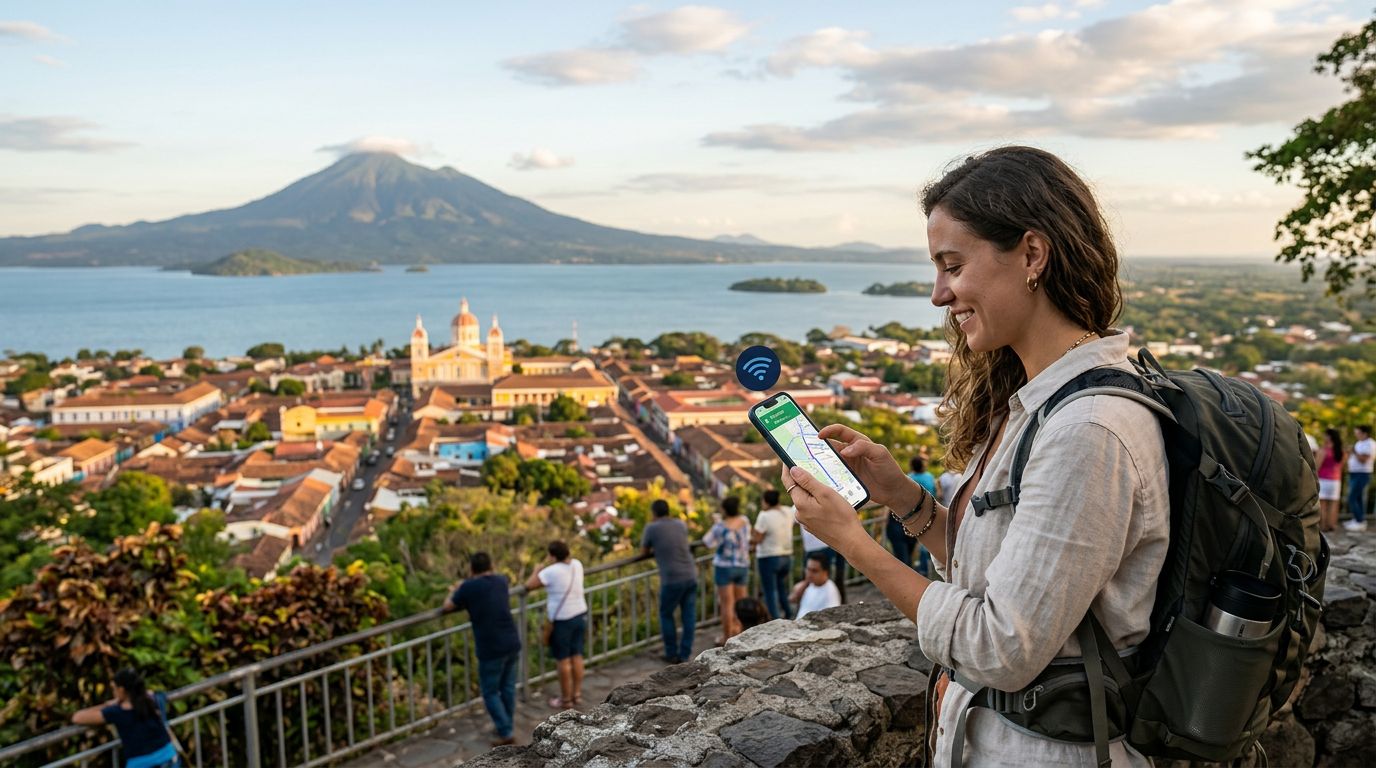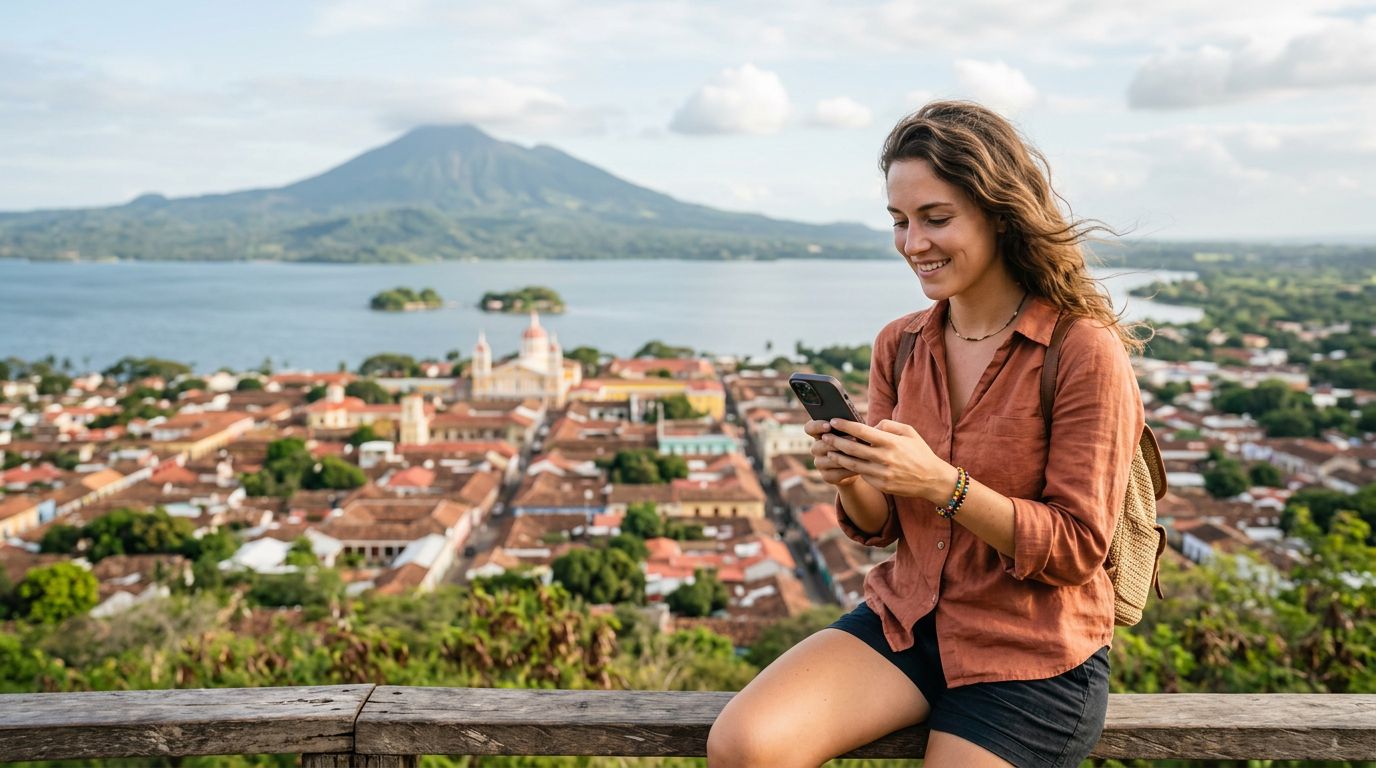
Planning a trip to Nicaragua is an exciting prospect. From the volcanic landscapes of Ometepe to the colonial charm of Granada and the surf breaks of San Juan del Sur, the country offers a diverse range of experiences. However, one of the most common anxieties for modern travelers is how to maintain connectivity without losing access to essential communication tools. Specifically, keeping your WhatsApp number during Nicaragua travel is a priority for most people, as it serves as the primary method for contacting friends, family, and local service providers.
The good news is that your WhatsApp account is tied to your SIM card’s identity, not the physical plastic card itself. As long as you manage your settings correctly, you can travel anywhere in the world and continue using your existing number without interruption.
Understanding How WhatsApp Connectivity Works
Many travelers mistakenly believe that changing their SIM card will automatically change their WhatsApp number or wipe their chat history. It is important to clarify that WhatsApp is linked to your account registration, not the physical hardware in your phone. When you install a new eSIM for your trip to Nicaragua, your phone simply treats it as a new data source.
If you are using a dual-SIM setup—where you keep your home SIM card active alongside a travel eSIM—your phone will continue to recognize your original number for WhatsApp verification. Even if you choose to turn off your home SIM to avoid roaming charges, WhatsApp will remain fully functional. The application does not require your home SIM to be physically active or connected to a cellular network to send messages; it only requires an active internet connection.
By utilizing a data-only eSIM, you can connect to the local Nicaraguan networks while your WhatsApp remains logged into your home number. This means you do not need to go through the process of updating your number within the app or notifying all your contacts of a temporary change. Your chats, groups, and media will stay exactly where you left them.
Preparing Your Phone for Seamless Connectivity
Before you board your flight, there are a few technical steps to ensure a smooth transition. The most reliable way to handle international travel is to use an eSIM provider like OneTapSIM. By setting up your eSIM before you reach Nicaragua, you ensure that as soon as your plane lands, your phone can latch onto a local network for data.
To keep your WhatsApp number active, ensure that "Data Roaming" is turned off for your primary home SIM card in your phone settings. This prevents your home carrier from triggering expensive international roaming fees. Meanwhile, ensure that your travel eSIM is set as the primary source for "Cellular Data." Because WhatsApp uses data rather than traditional SMS or voice minutes, it will route all its traffic through your OneTapSIM data connection.
If you are using an iPhone or a modern Android device, you can manage these settings through your cellular or network manager menus. Apple and Google provide extensive documentation on how to toggle between multiple SIMs. By designating your travel eSIM as the data provider, you maintain a high-speed connection that allows WhatsApp to function just as it does at home. You can make voice calls, send photos, and share your location with fellow travelers or family back home without any disruption to your identity.
Managing Dual SIM Settings While Abroad
When you arrive in Nicaragua, your phone might ask you which SIM you would like to use for various services. It is essential to keep your primary SIM selected for "iMessage and FaceTime" or "SMS and Calls" if you still wish to receive traditional texts, but for WhatsApp specifically, the app will automatically default to the data connection provided by your active eSIM.
One of the greatest advantages of using a digital eSIM is the ability to maintain your home number for authentication purposes. Many banks and secure accounts use SMS verification codes. By keeping your home SIM active in a "standby" mode—where data roaming is disabled but the signal is still on—you can receive these important security codes while using your OneTapSIM data for everything else.
If you prefer to disable your home SIM entirely to be absolutely certain that no roaming charges occur, you can still use WhatsApp. The application does not need to verify your number every time you open it. As long as the account is already set up and active, it will continue to work over Wi-Fi or your travel data connection.
When you are exploring the markets of Masaya or hiking the Cerro Negro, you will want reliable data to look up maps, translate phrases, and keep in touch. Using a dedicated travel eSIM ensures that your phone remains a tool for exploration rather than a source of stress. You can share your experiences in real-time, coordinate meeting points with local guides, and stay connected with your social circle, all while keeping your WhatsApp number consistent and secure. By planning your connectivity ahead of time, you remove the barriers to communication and allow yourself to focus on the beauty and culture of Nicaragua.
Get an eSIM for
Plans for the destinations covered in this guide, with instant QR delivery.