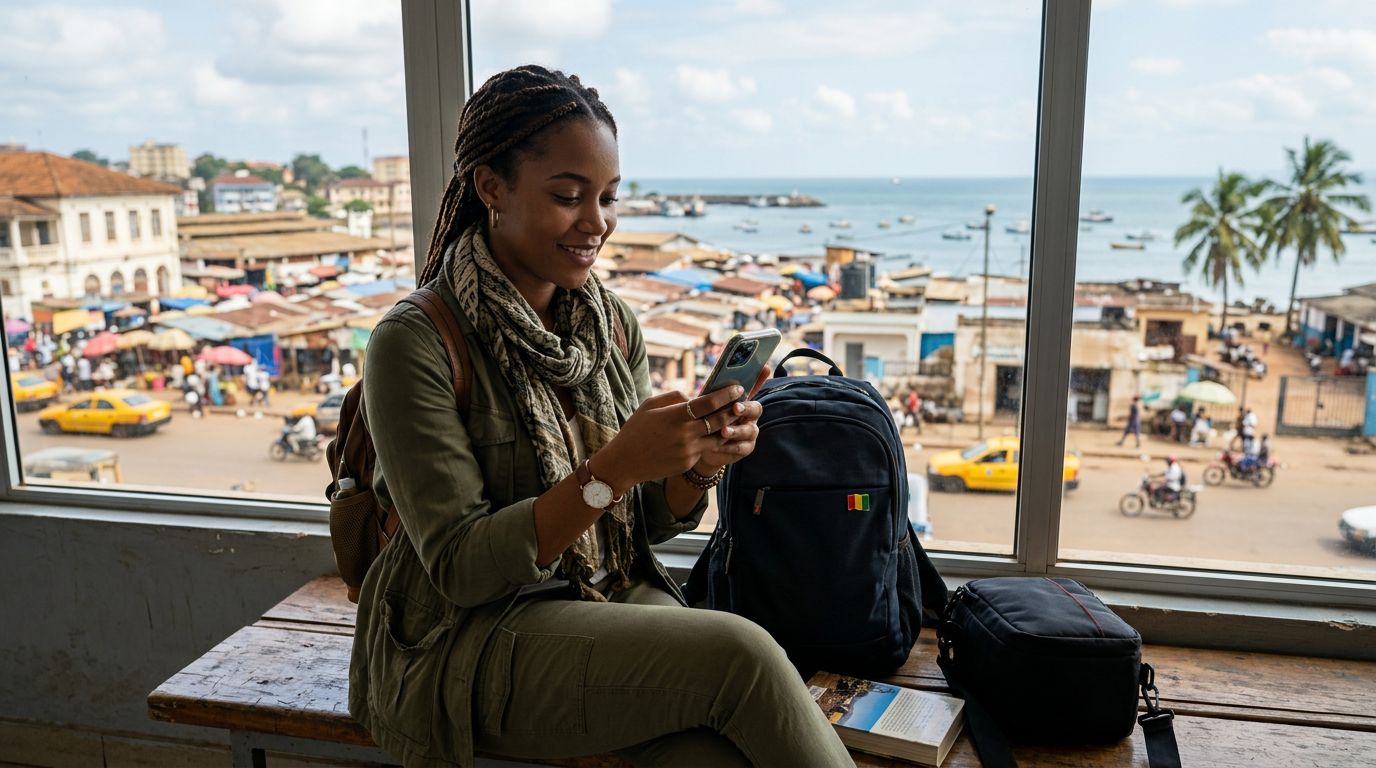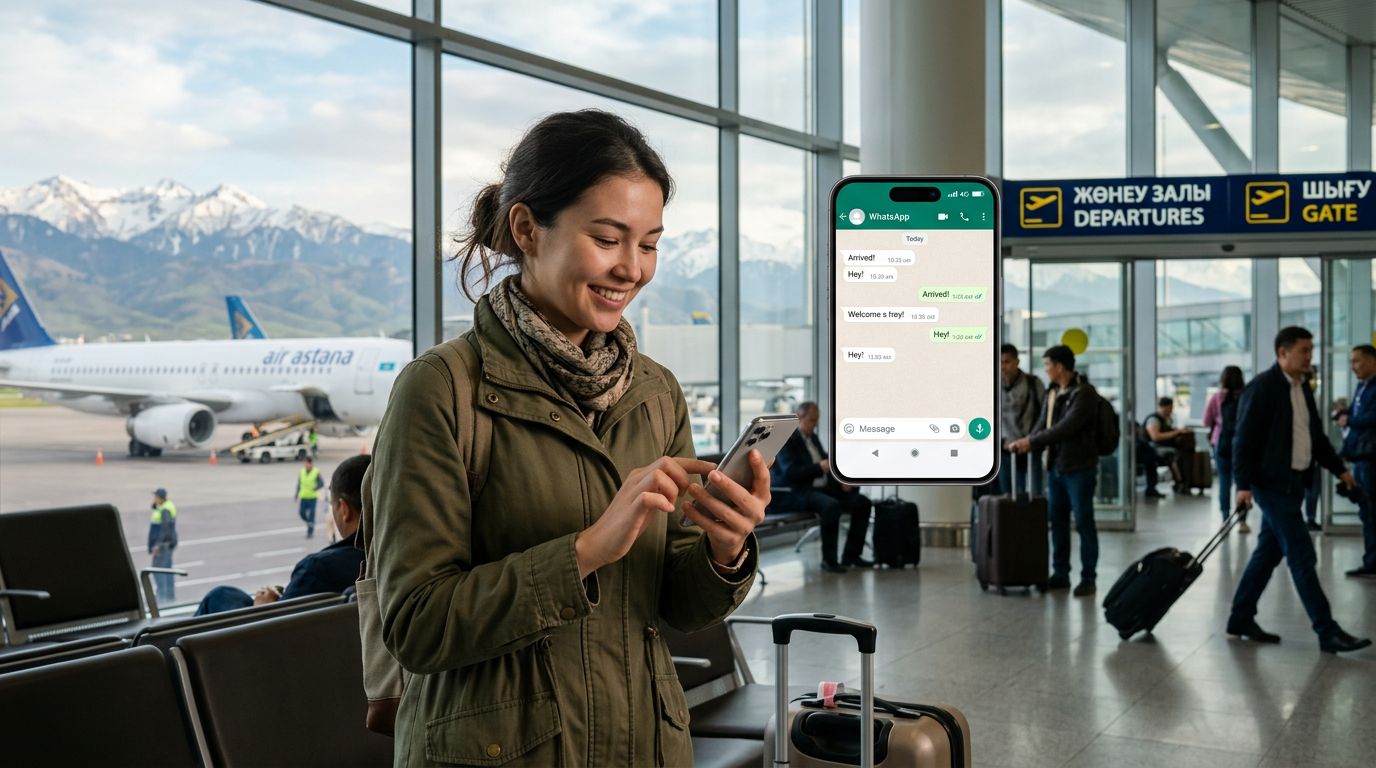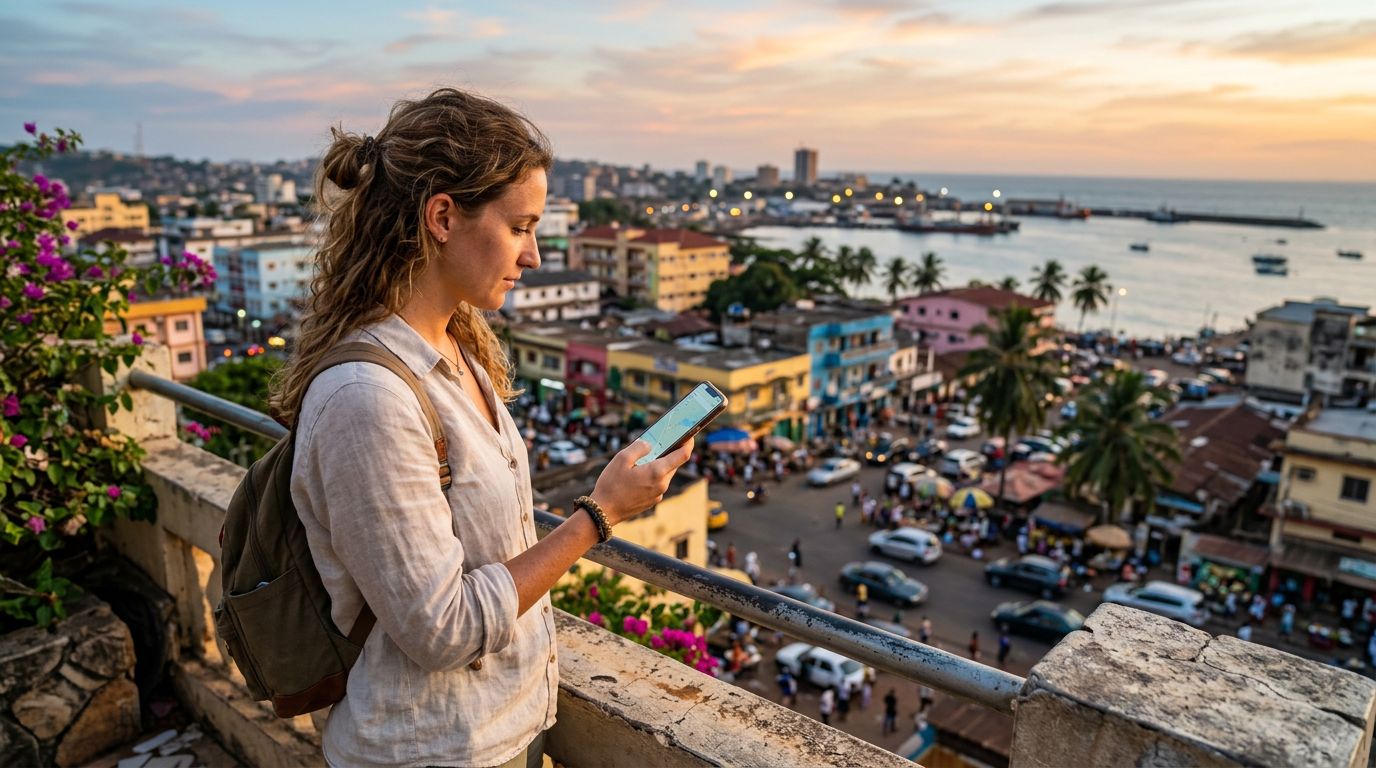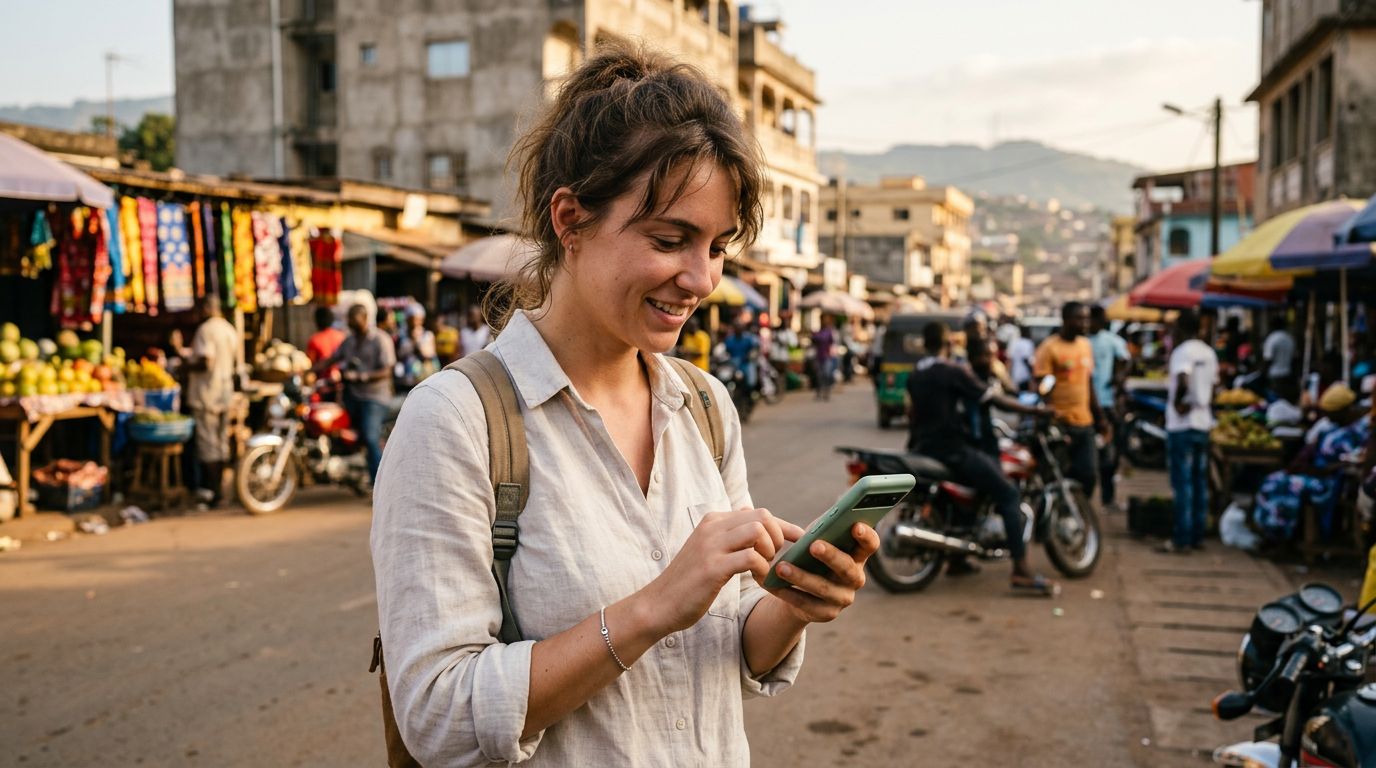
Traveling to Guinea offers a unique experience, from the lush landscapes of the Fouta Djallon highlands to the vibrant markets of Conakry. As you prepare for your journey, one of the most common concerns is maintaining your digital connectivity. Many travelers worry that swapping their physical SIM card for a local one will disrupt their messaging apps, specifically WhatsApp. The good news is that you can easily maintain your existing account without interruption.
Understanding How WhatsApp Operates Abroad
A common misconception among international travelers is that WhatsApp is tied to the physical SIM card inside their phone. In reality, WhatsApp is linked to your phone number, not the specific piece of plastic or the network provider currently providing your cellular service. Once your account is verified, it remains active regardless of which SIM card is inserted into your device.
When you arrive in Guinea, you have a few options for connectivity. You could rely on public Wi-Fi, purchase a local physical SIM card, or use a travel eSIM. If you choose to use a local physical SIM, your WhatsApp account will not automatically switch to the new number. As long as you do not select the "Change Number" option within the WhatsApp settings, your account will remain associated with your original home country number. Your contacts will still see your familiar profile, and your chat history will remain intact.
However, the challenge arises if you need to receive a verification code or if you accidentally trigger a re-registration process. By keeping your home SIM card safe or using an eSIM solution, you ensure that your digital identity remains consistent throughout your trip.
The Advantages of Using an eSIM for Guinea Travel
Modern smartphones have shifted toward eSIM technology, which allows for a more seamless travel experience. An eSIM is a digital version of a traditional SIM card that you download directly to your device. This technology is particularly beneficial when traveling to destinations like Guinea, where you might want to maintain your home line for essential calls or SMS while using a separate data plan for navigation, social media, and messaging.
By installing an eSIM from a provider like OneTapSIM, you can keep your primary SIM card active in your phone settings. This allows your phone to stay connected to your home network for incoming texts or calls if you have international roaming enabled, while the eSIM handles your data needs. Because your WhatsApp account is already registered to your primary number, it will continue to function perfectly over the data connection provided by your eSIM.
Using this method eliminates the need to physically swap out your home SIM card, which carries the risk of losing or damaging a tiny piece of hardware. Instead, you simply toggle between your data plans in your phone’s settings menu. This setup provides the stability needed to keep your WhatsApp number while traveling in Guinea without the stress of managing multiple physical cards.
Best Practices for Seamless Connectivity
To ensure that your WhatsApp experience remains trouble-free during your time in Guinea, there are a few technical steps you should take before and during your trip. First, ensure that your WhatsApp application is updated to the latest version before you depart. This ensures that you have the most recent security patches and features, reducing the likelihood of technical glitches.
Second, verify your WhatsApp settings. Within the application, you can check that your account is linked to your primary phone number. If you are using an eSIM for data, make sure that your phone is configured to use the eSIM for cellular data while keeping your primary line active for voice and SMS. On most modern devices, you can manage these settings under the "Cellular" or "Mobile Data" menu.
If you ever receive a prompt from WhatsApp asking if you would like to update your number, always select "No" or cancel the request. This prompt usually appears if the app detects a new SIM card insertion. By declining, you keep your original number as the primary identifier for your account.
Another important tip is to manage your data usage effectively. While WhatsApp is generally efficient, sending high-resolution videos or large files over a cellular connection can consume your data allowance quickly. If you are on a restricted data plan, consider adjusting your WhatsApp settings to download media only when connected to Wi-Fi. This preserves your eSIM data for essential communication tasks like messaging and voice calls.
Finally, remember that WhatsApp relies on an internet connection to send and receive messages. Whether you are using a local Wi-Fi network in a hotel or your OneTapSIM data plan, as long as your phone has an active internet signal, your WhatsApp will work exactly as it did at home. By preparing your device ahead of time and understanding how your messaging apps interact with your network settings, you can focus on the beauty and culture of Guinea rather than worrying about your digital connectivity. Keeping your WhatsApp number while traveling in Guinea is not only possible but straightforward when you utilize modern eSIM technology to manage your data needs.
Get an eSIM for
Plans for the destinations covered in this guide, with instant QR delivery.