Understanding Mobile Connectivity While Traveling in Poland
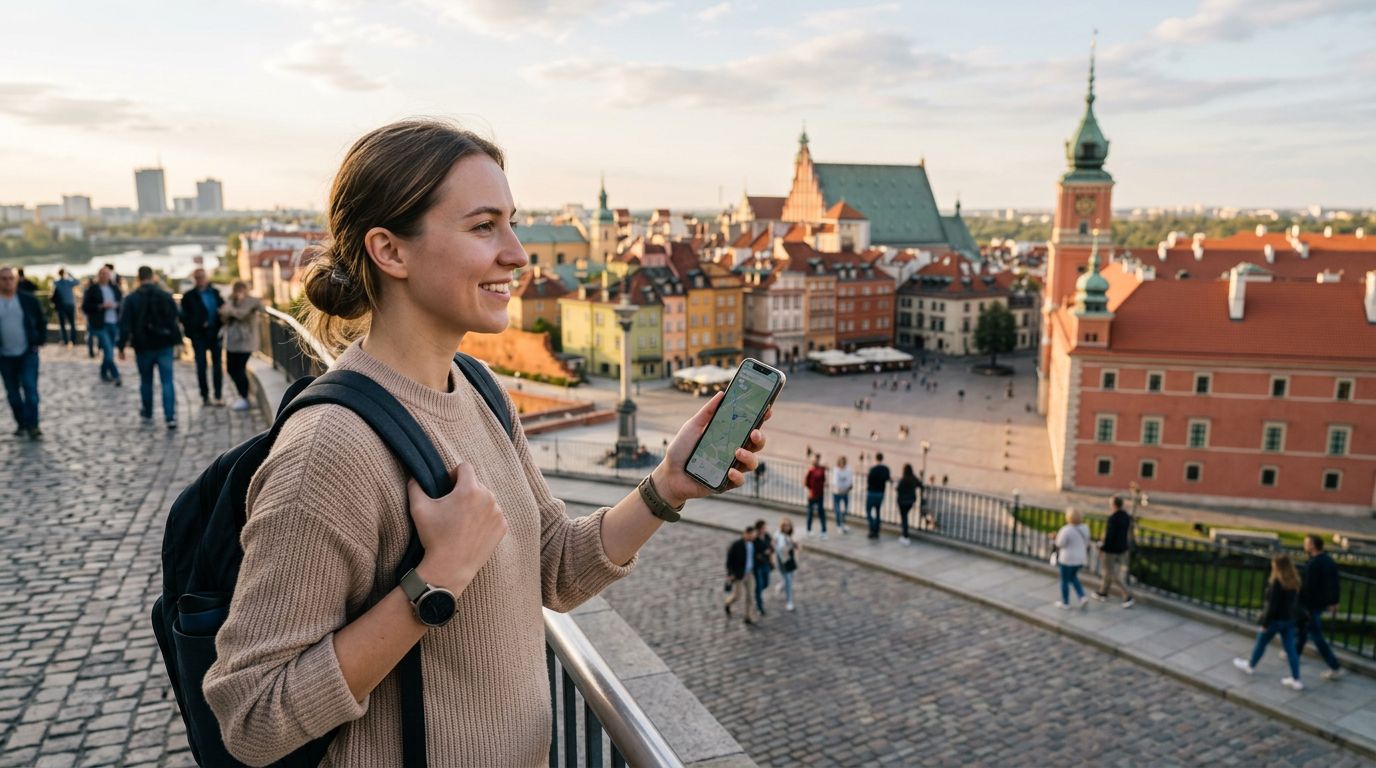
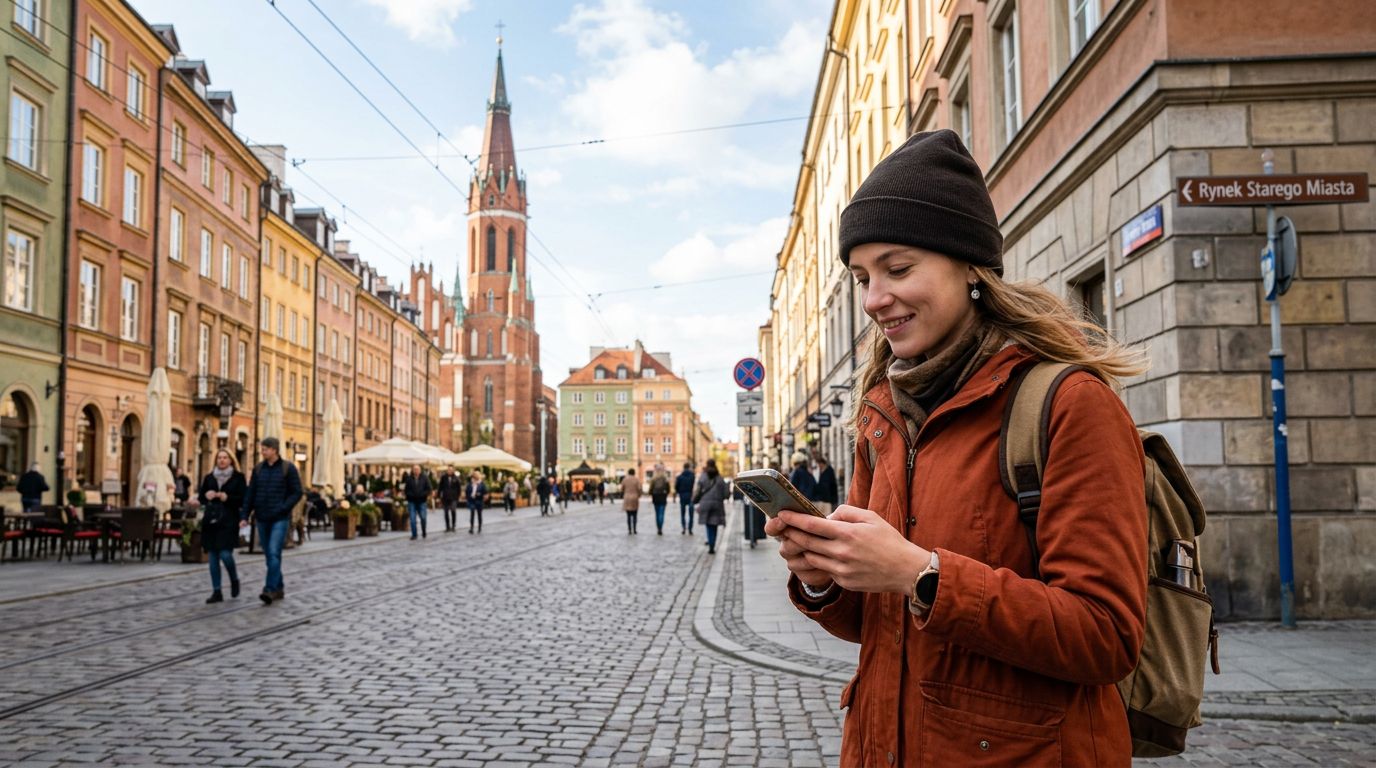
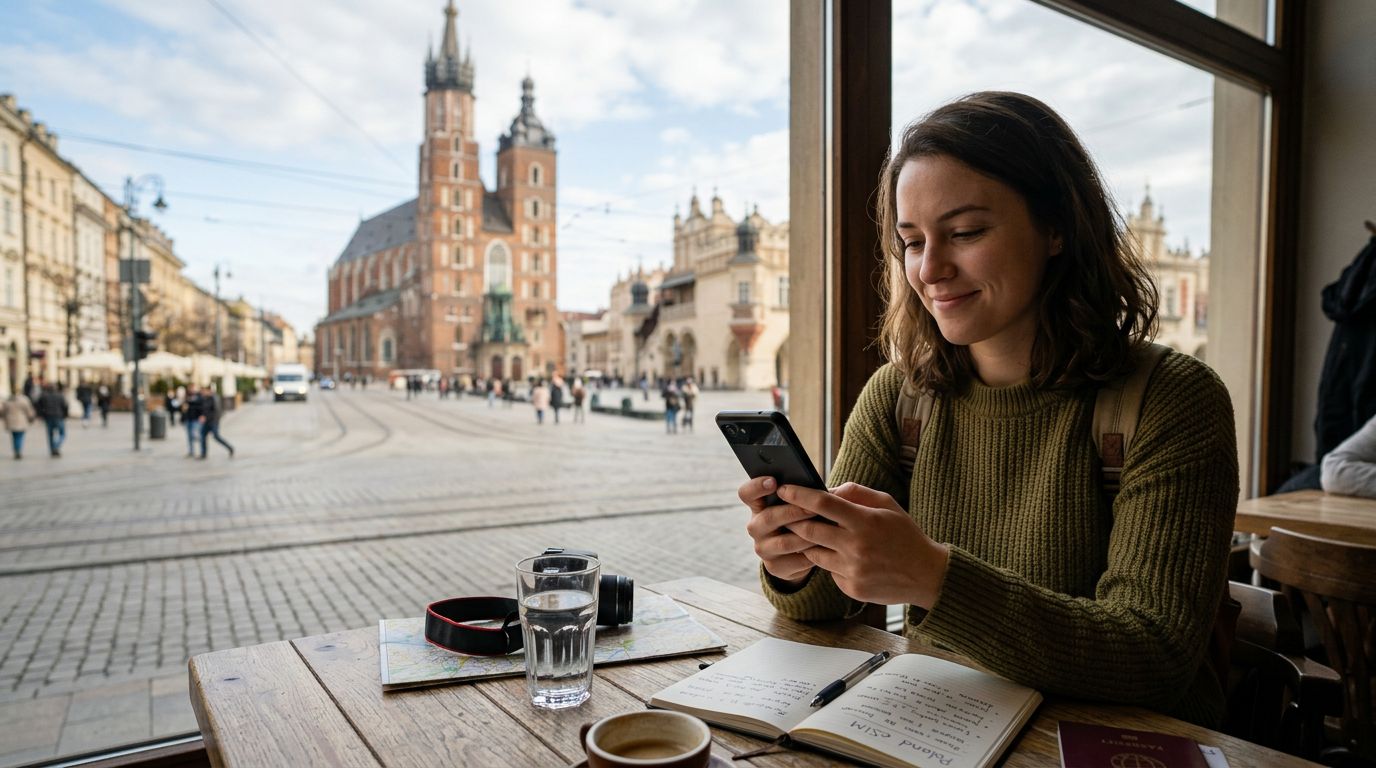
Poland is a country that blends rich history with modern infrastructure, making it a fantastic destination for both leisure and business travelers. Whether you are exploring the cobblestone streets of Krakow, visiting the historic sites in Warsaw, or hiking in the Tatra Mountains, staying connected is essential. You likely need to check maps, translate signs, share photos, or manage work emails while on the move.
Many travelers find that their home mobile carrier charges exorbitant fees for international roaming. This is where understanding your connectivity options becomes vital. One of the most practical solutions for staying online is using a mobile hotspot. By sharing your data connection, you can keep your laptop, tablet, or a travel companion’s phone online without needing multiple SIM cards or expensive roaming packages.
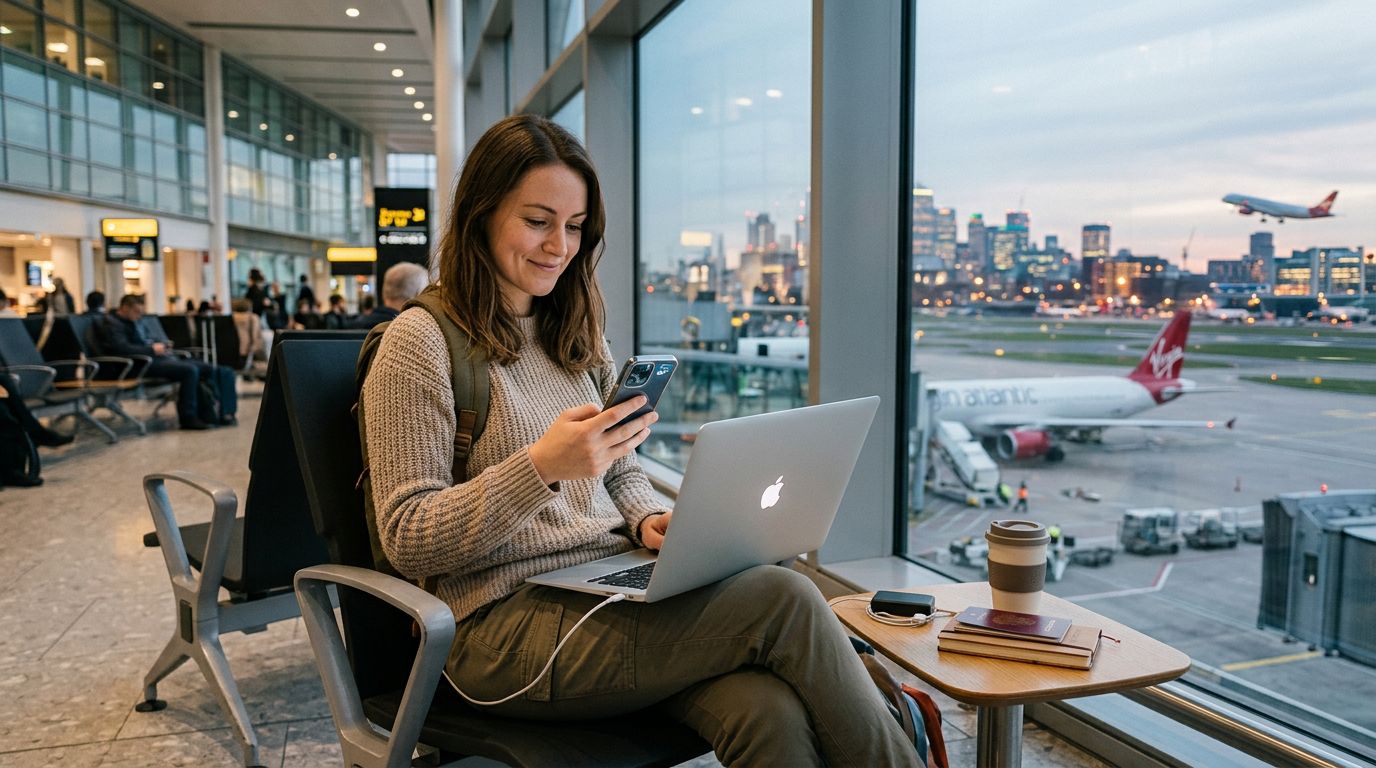
When you arrive in Poland, you have a few choices. You can rely on public Wi-Fi, purchase a local physical SIM card, or opt for an eSIM. Public Wi-Fi is available in many cafes and hotels, but it is often insecure and unreliable for sensitive tasks. Local physical SIM cards require you to visit a shop, provide documentation, and physically swap your card. For many, an eSIM from a provider like OneTapSIM is the most efficient choice, as it allows you to activate your data plan before you even land, ensuring you have a stable connection the moment you step off the plane.
How to Use Mobile Hotspot in Poland with Your eSIM
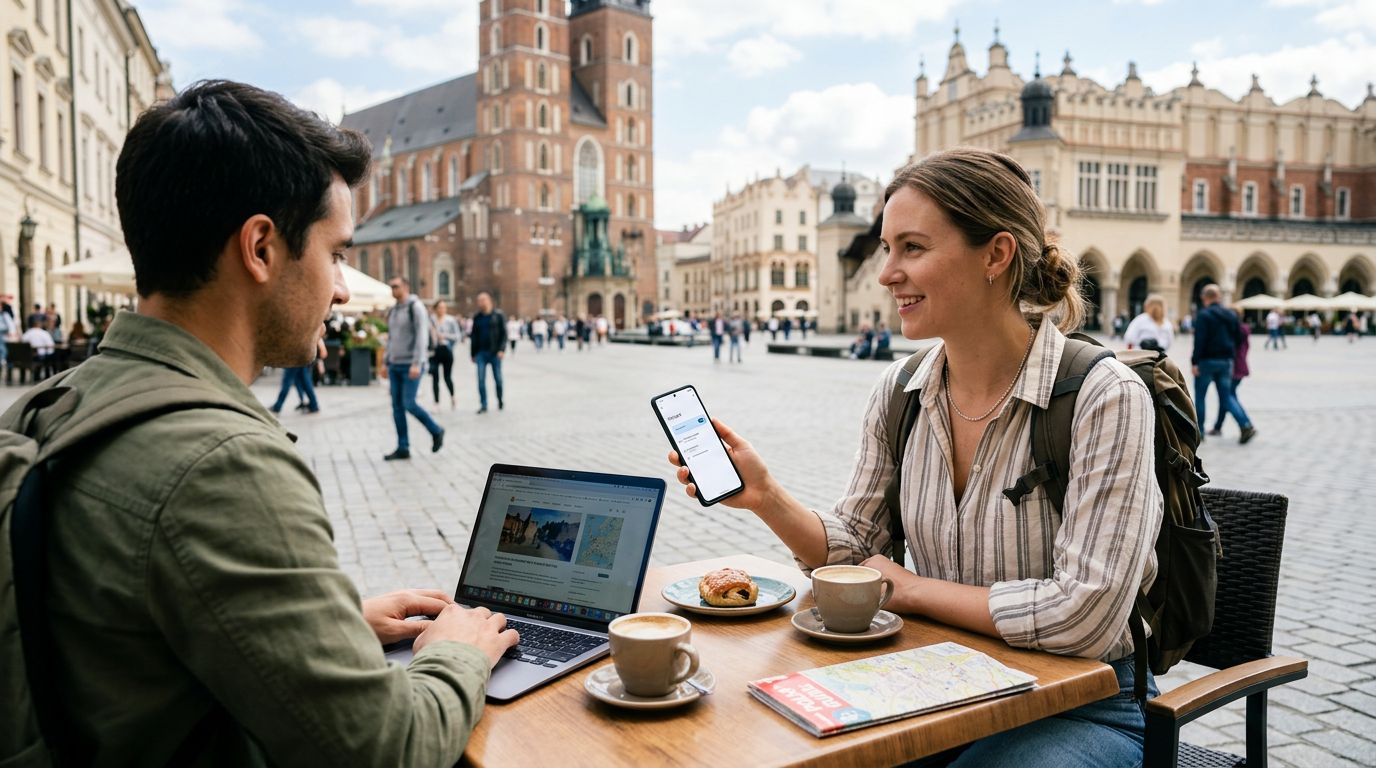
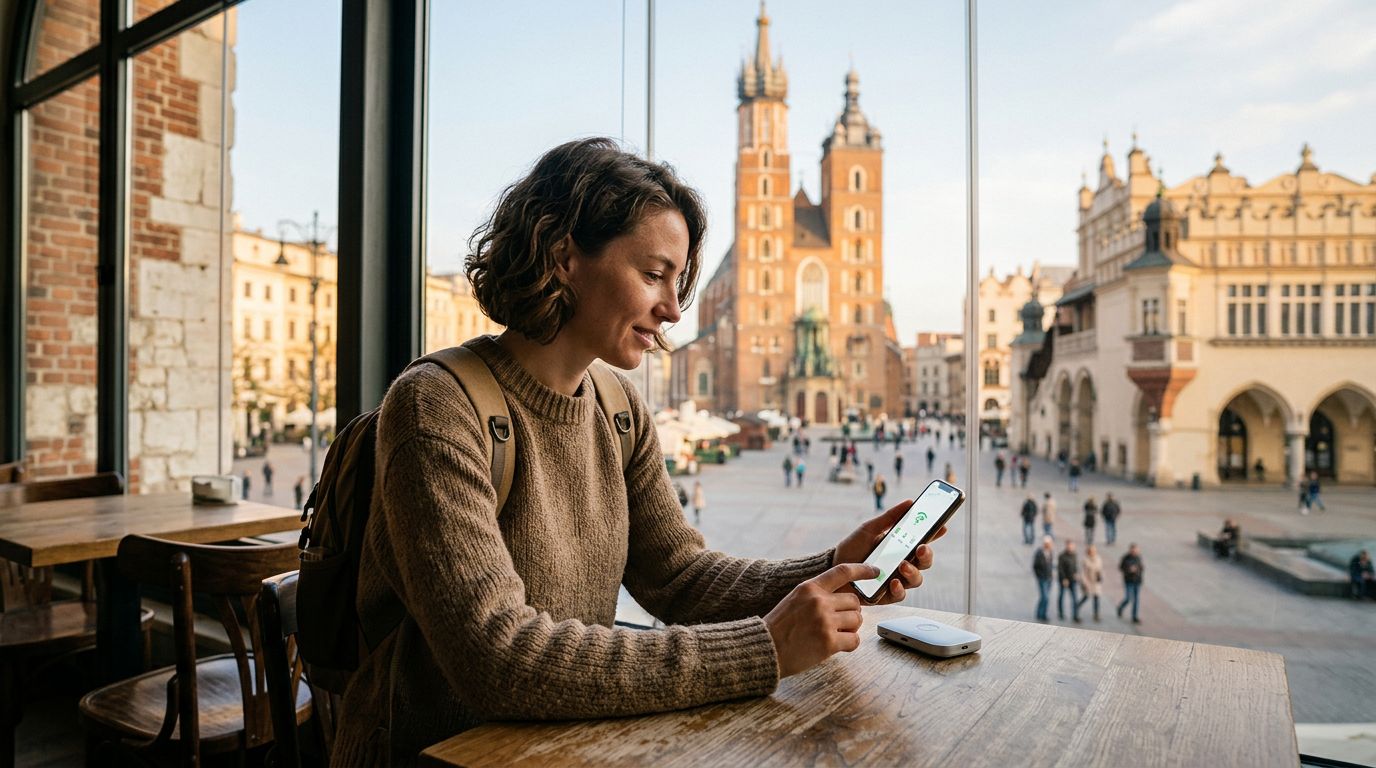
If you have decided to use an eSIM for your trip, setting up a mobile hotspot is straightforward. Once your eSIM is active and you have a confirmed data connection, your phone essentially acts as a portable router. This feature is particularly useful if you are traveling with a laptop and need to work from a park or a train, or if you simply want to ensure your secondary devices have access to the internet.
To start, ensure your cellular data is enabled and that your eSIM is selected as the primary source for mobile data. On an iPhone, navigate to your settings, look for the Personal Hotspot menu, and toggle the "Allow Others to Join" switch. You will see a Wi-Fi password displayed; you can share this with your other devices. On an Android device, the process is similar: look for "Hotspot & Tethering" under your network settings. Once enabled, your device will broadcast a Wi-Fi signal that your laptop or tablet can connect to just like a standard home network.
Using a mobile hotspot while traveling requires a bit of awareness regarding your data consumption. Because you are sharing your connection, background processes on your laptop—such as software updates or cloud synchronization—can consume data much faster than a mobile browser would. To manage this effectively, consider turning off automatic updates on your laptop while connected to your hotspot. OneTapSIM provides a seamless data experience, but it is always good practice to monitor your usage through your phone’s settings to ensure you stay within your plan’s limits throughout your stay in Poland.
Best Practices for Reliable Connectivity
Connectivity in Poland is generally excellent, with high-speed 4G and 5G networks covering most urban areas and major tourist routes. However, even with the best coverage, there are several steps you can take to ensure your mobile hotspot experience remains smooth.
First, keep your device updated. Software updates often include improvements to network compatibility and modem performance. If you are using an iPhone, check the official resources from Apple to ensure your device is configured correctly for international roaming and hotspot tethering. Similarly, if you are using an Android device, the support pages from Google can help you troubleshoot any connectivity issues that might arise.
Second, be mindful of battery life. Running a mobile hotspot is a power-intensive task. It forces your phone to maintain a constant cellular connection while simultaneously broadcasting a Wi-Fi signal. If you plan on using your hotspot for extended periods, carry a portable power bank. This ensures that your phone does not die while you are relying on it for navigation or communication.
Third, consider the location. While Poland has robust infrastructure, deep valleys in rural mountain regions or thick-walled historic buildings might occasionally cause signal fluctuations. If you find your hotspot speed is slow, try moving closer to a window or an open area.
Finally, security is paramount. When you enable a mobile hotspot, you are effectively creating a private network. Always ensure that you have a strong, unique password set for your hotspot. Avoid using simple or default passwords that could allow nearby individuals to connect to your data plan. By following these simple guidelines, you can enjoy a reliable, secure, and flexible internet connection throughout your Polish journey. Whether you are uploading travel photos or finishing a project on your laptop, having a solid plan through a service like OneTapSIM allows you to focus on the experience of your trip rather than the technicalities of your connectivity.
Get an eSIM for
Plans for the destinations covered in this guide, with instant QR delivery.