Understanding Connectivity While Traveling in Poland
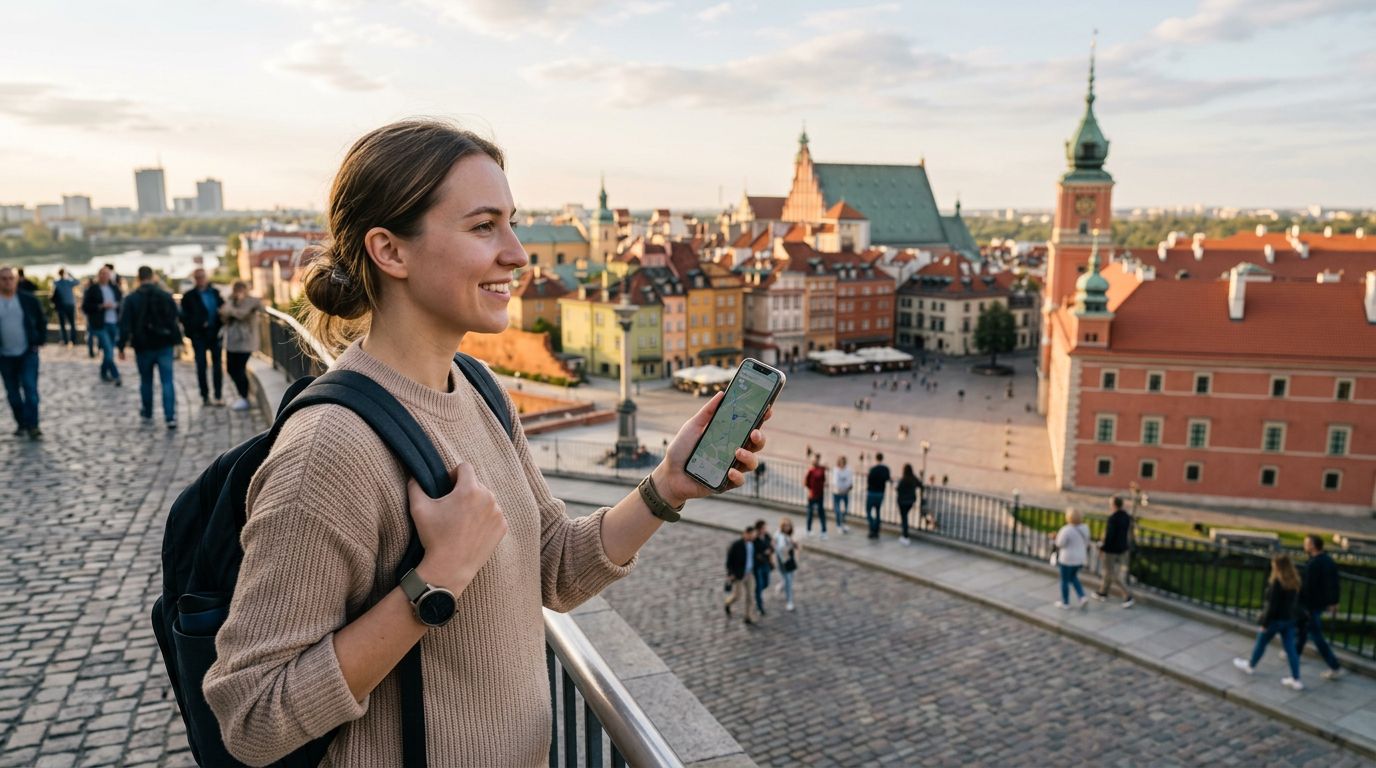
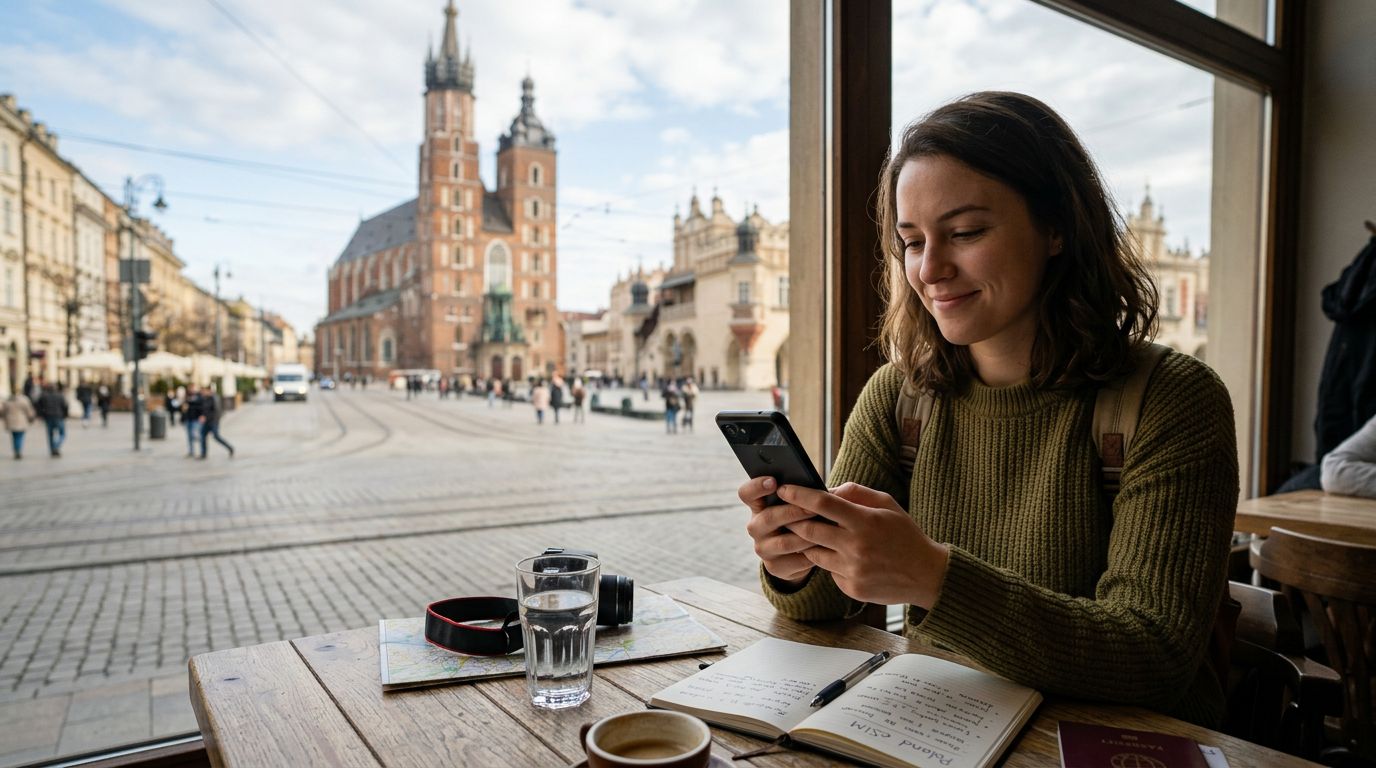
Poland is a country that beautifully balances historical depth with modern infrastructure. Whether you are exploring the medieval charm of Krakow’s Old Town, the bustling streets of Warsaw, or the scenic trails of the Tatra Mountains, staying connected is essential. Travelers often find themselves needing more than just a smartphone connection; they frequently require a reliable internet source for laptops, tablets, or even to share a connection with travel companions. This is where knowing how to use hotspot in Poland becomes a vital skill for any visitor.
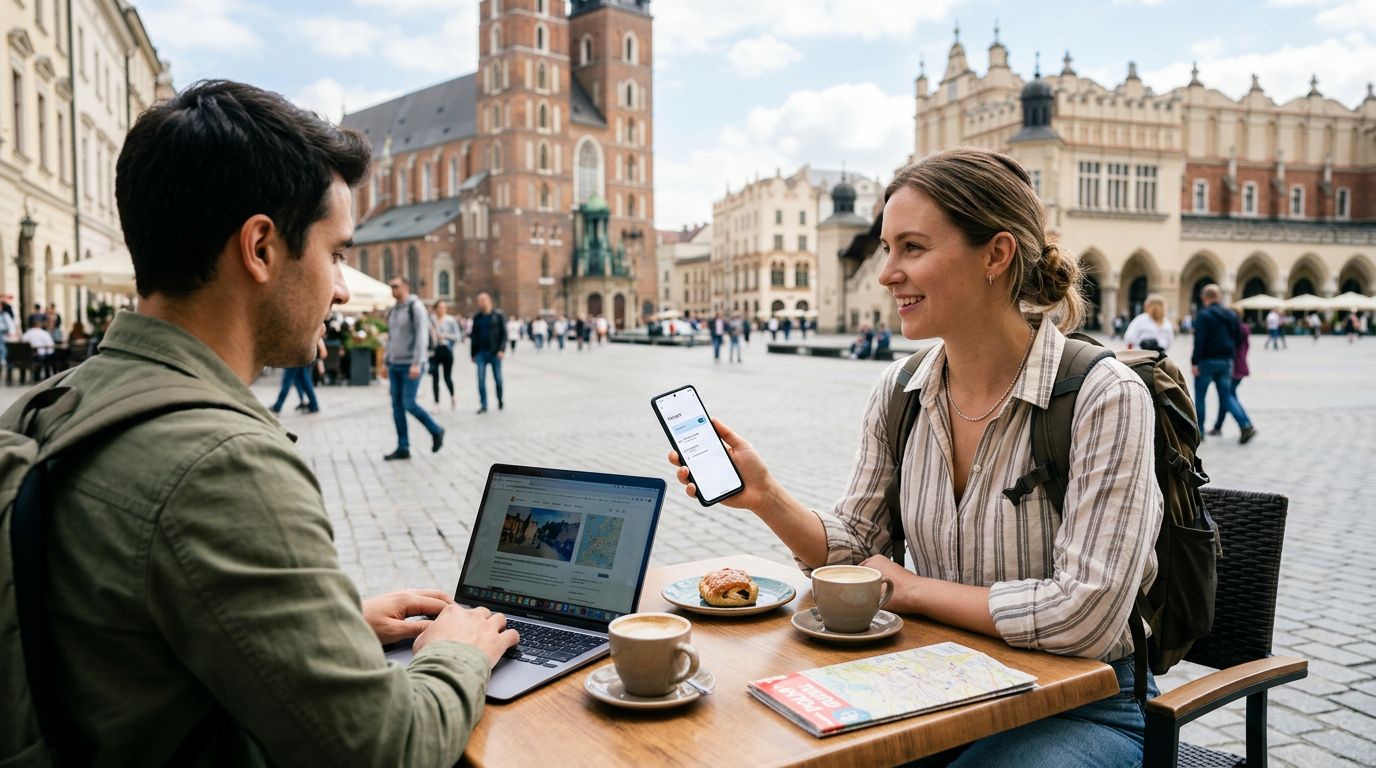
A mobile hotspot allows you to turn your smartphone into a portable Wi-Fi router. By utilizing the cellular data from your eSIM, you can broadcast a signal that other devices can connect to. This is particularly useful if you are working remotely, need to upload large files, or simply want to stream media on a larger screen while sitting in a cafe or a park.
OneTapSIM provides a seamless way to access high-speed data across Poland. Because these eSIMs are designed for international travelers, they are optimized for the local network infrastructure, ensuring that when you activate your hotspot, you are drawing from a stable and fast connection. Unlike relying on public Wi-Fi networks, which can be insecure and inconsistent, your own personal hotspot provides a private, encrypted gateway to the internet.
Setting Up Your Hotspot on iOS and Android
Configuring your device to share its internet connection is a straightforward process, regardless of whether you are using an iPhone or an Android device. Before you begin, ensure that your OneTapSIM eSIM is properly installed and that your cellular data is active.
For iPhone users, the process is managed through the Settings menu. Navigate to the "Personal Hotspot" section. Here, you can toggle the "Allow Others to Join" switch to the on position. You will also see a Wi-Fi password field, which you should set to something secure to prevent unauthorized users from accessing your data. Once this is enabled, your iPhone will broadcast a network name that your other devices can find in their Wi-Fi settings. It is helpful to keep the Personal Hotspot screen open on your iPhone if you are having trouble connecting a new device for the first time.
On Android devices, the terminology can vary slightly depending on the manufacturer, but the function is generally found under "Network & Internet" or "Connections." Look for "Hotspot & Tethering." Within this menu, you can select "Wi-Fi Hotspot" to configure your network name, security type, and password. Once you turn the switch on, your Android device will act as a local access point.
When you are using an eSIM for this purpose, it is important to monitor your data usage. While OneTapSIM offers generous data packages, high-bandwidth activities like video calls or software updates can consume data quickly. Most modern smartphones have built-in data tracking tools that allow you to see exactly how much data has been consumed by your hotspot sessions. Checking these settings periodically will help you manage your data effectively throughout your trip.
Best Practices for Reliable Hotspot Performance
To get the most out of your connectivity while traveling, a few technical adjustments can significantly improve your experience. Signal strength is the most critical factor when using a hotspot. If you are in a remote area or inside a building with thick stone walls, your hotspot performance may fluctuate. Whenever possible, place your phone near a window or in an area with a clear line of sight to the nearest cell tower.
Another factor is battery consumption. Broadcasting a Wi-Fi signal is an intensive task for your smartphone’s processor and antenna. If you plan to use your hotspot for an extended period, it is highly recommended to keep your phone plugged into a portable power bank. This prevents your device from entering a low-power mode, which can sometimes throttle the speed of your hotspot connection to save energy.
Security is another aspect that should not be overlooked. Always use a strong password for your hotspot. Avoid using simple or predictable sequences. Furthermore, ensure that your connected devices have their own firewalls active. Since you are essentially creating a small local area network, you want to ensure that your laptop or tablet is protected just as it would be on a home network.
If you find that your connection speed is slower than expected, try changing the frequency band if your phone supports it. Many modern smartphones allow you to choose between 2.4 GHz and 5 GHz bands. The 5 GHz band is generally faster and less prone to interference in crowded areas, though it has a shorter range. If your devices are close together, 5 GHz is usually the superior choice.
Finally, remember that your OneTapSIM eSIM is designed to prioritize data efficiency. However, if you are sharing your connection with multiple devices simultaneously, the available bandwidth will be divided among them. If you notice a significant drop in speed, consider disconnecting devices that are not currently in use. By managing your connected devices and keeping your phone charged, you can enjoy consistent, high-speed internet throughout your Polish adventure, whether you are attending a virtual meeting or simply uploading photos of your travels to the cloud. Staying connected in Poland is simple when you have the right tools and a solid understanding of how to manage your mobile data.
Get an eSIM for
Plans for the destinations covered in this guide, with instant QR delivery.