The Importance of Reliable Connectivity in Serbia
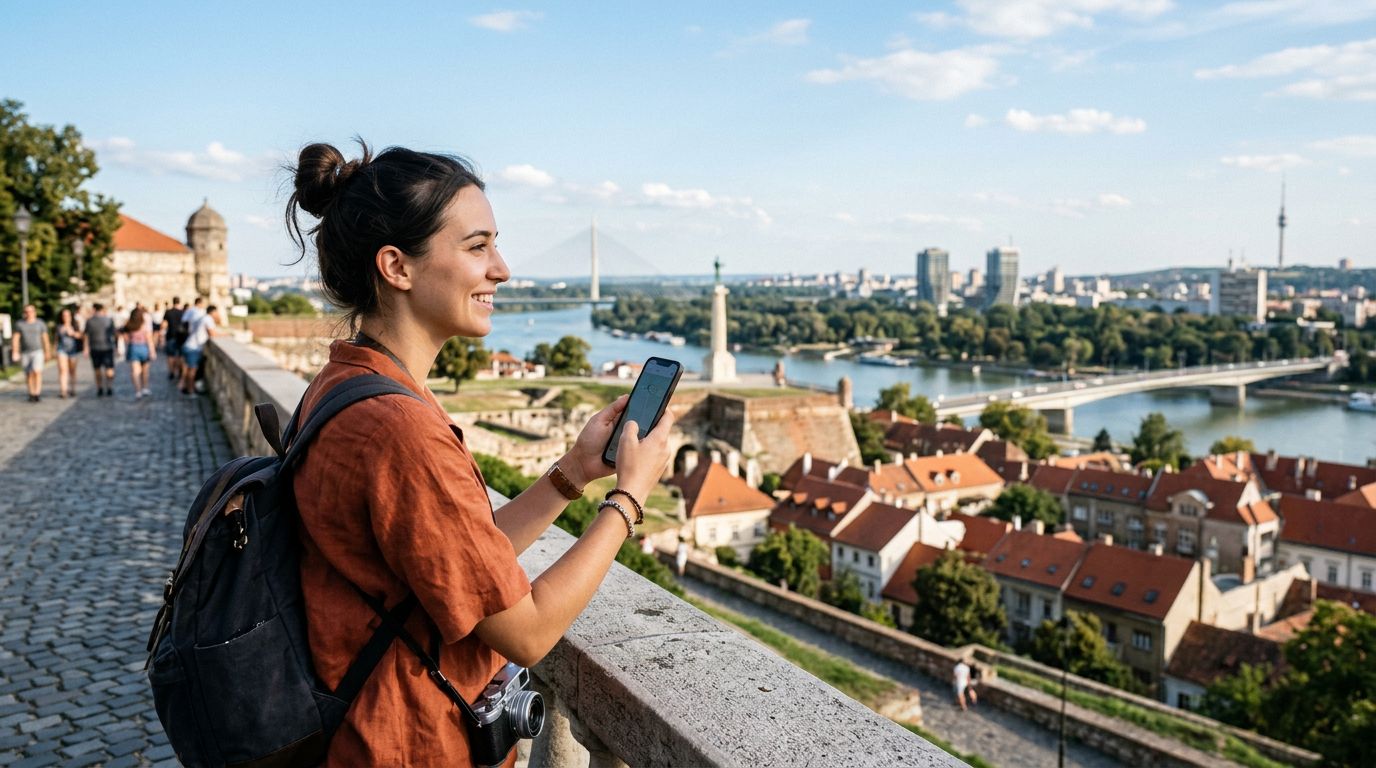
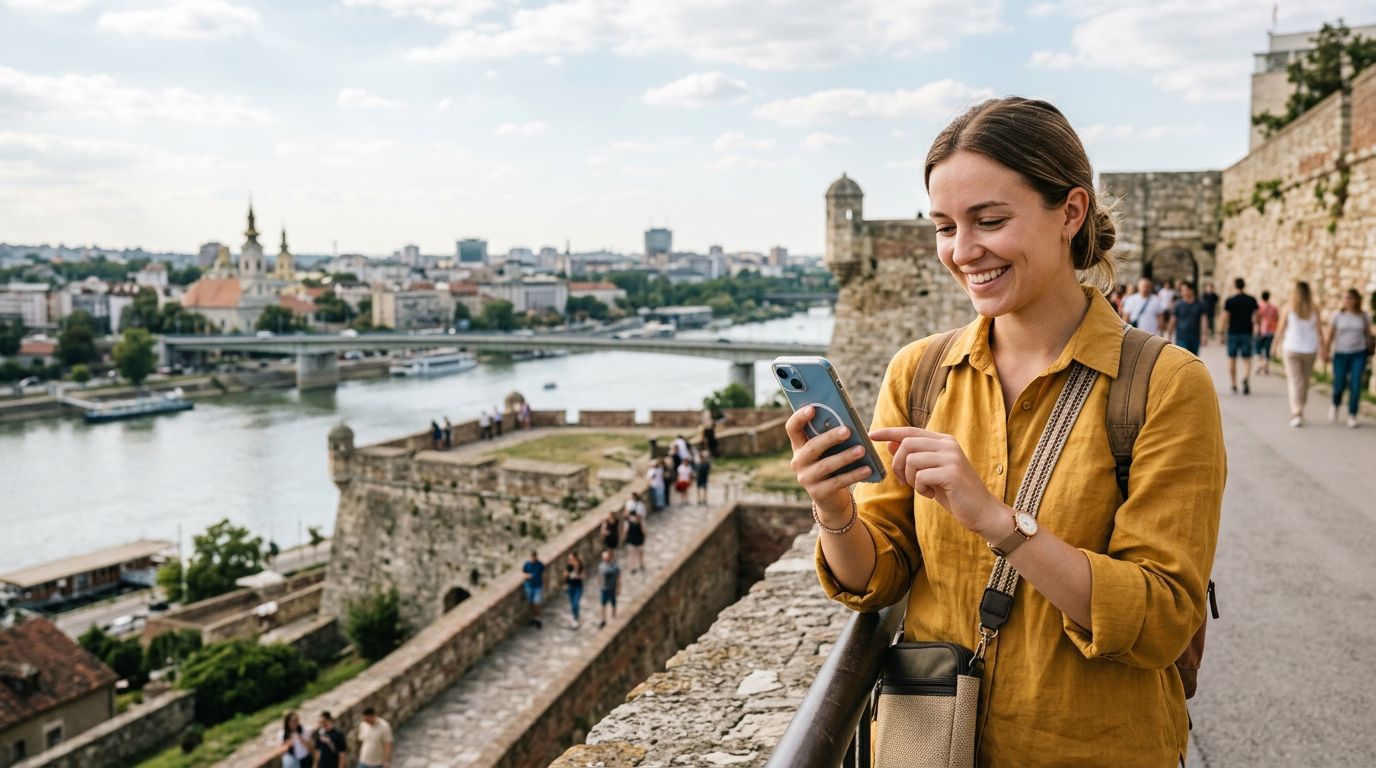
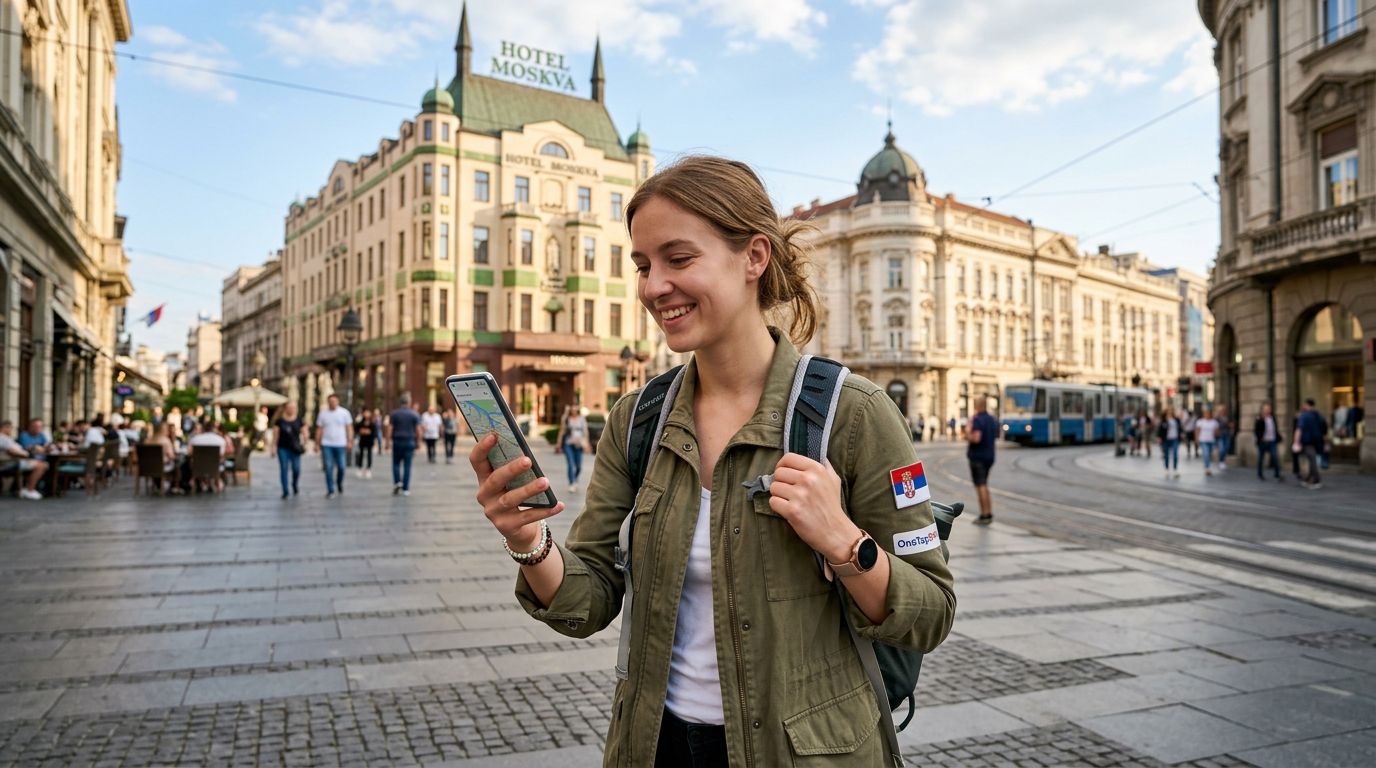
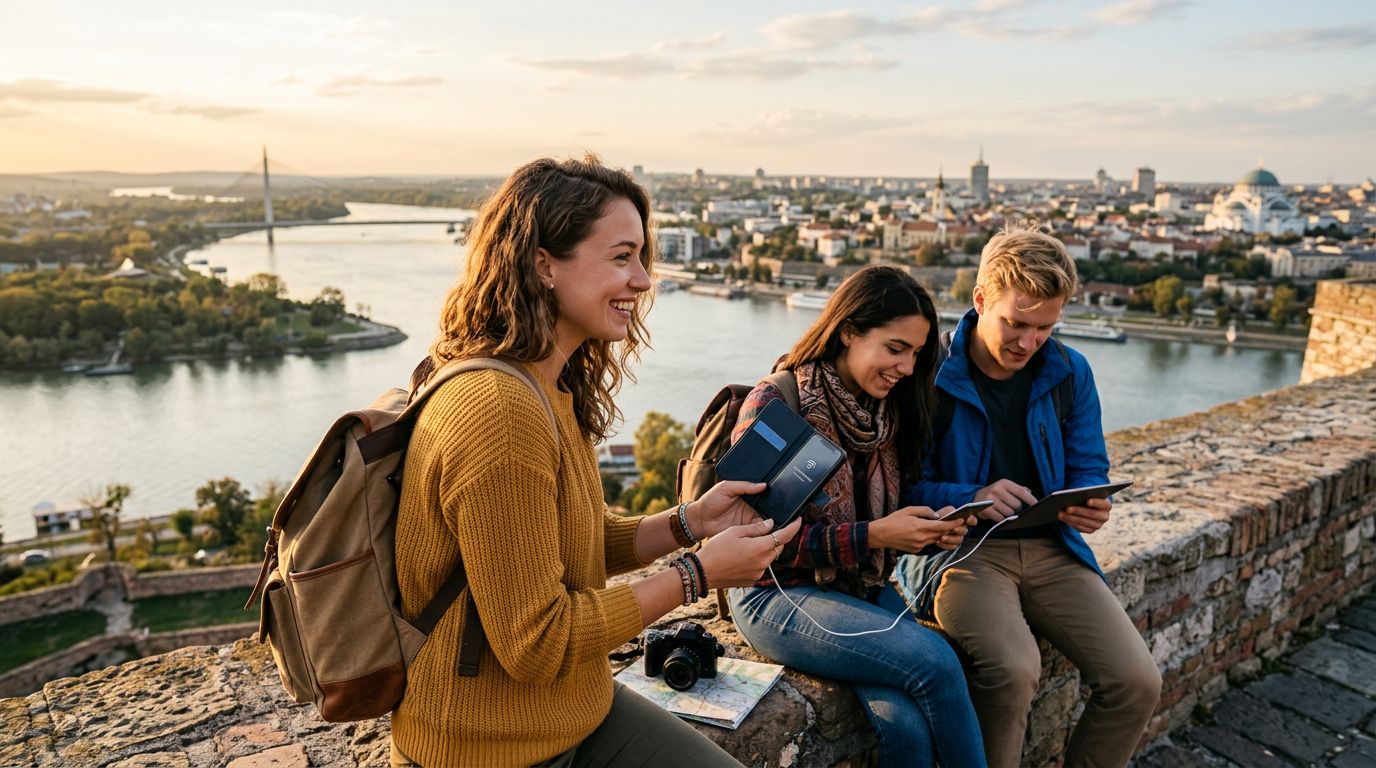
Serbia is a country of striking contrasts, where the vibrant, bustling streets of Belgrade meet the serene, rolling landscapes of the Danube and the rugged mountains of the south. Whether you are wandering through the historic Kalemegdan Fortress, exploring the bohemian quarter of Skadarlija, or trekking through the Tara National Park, staying connected is essential. Modern travel relies heavily on digital tools, from real-time navigation and translation apps to sharing your experiences on social media.
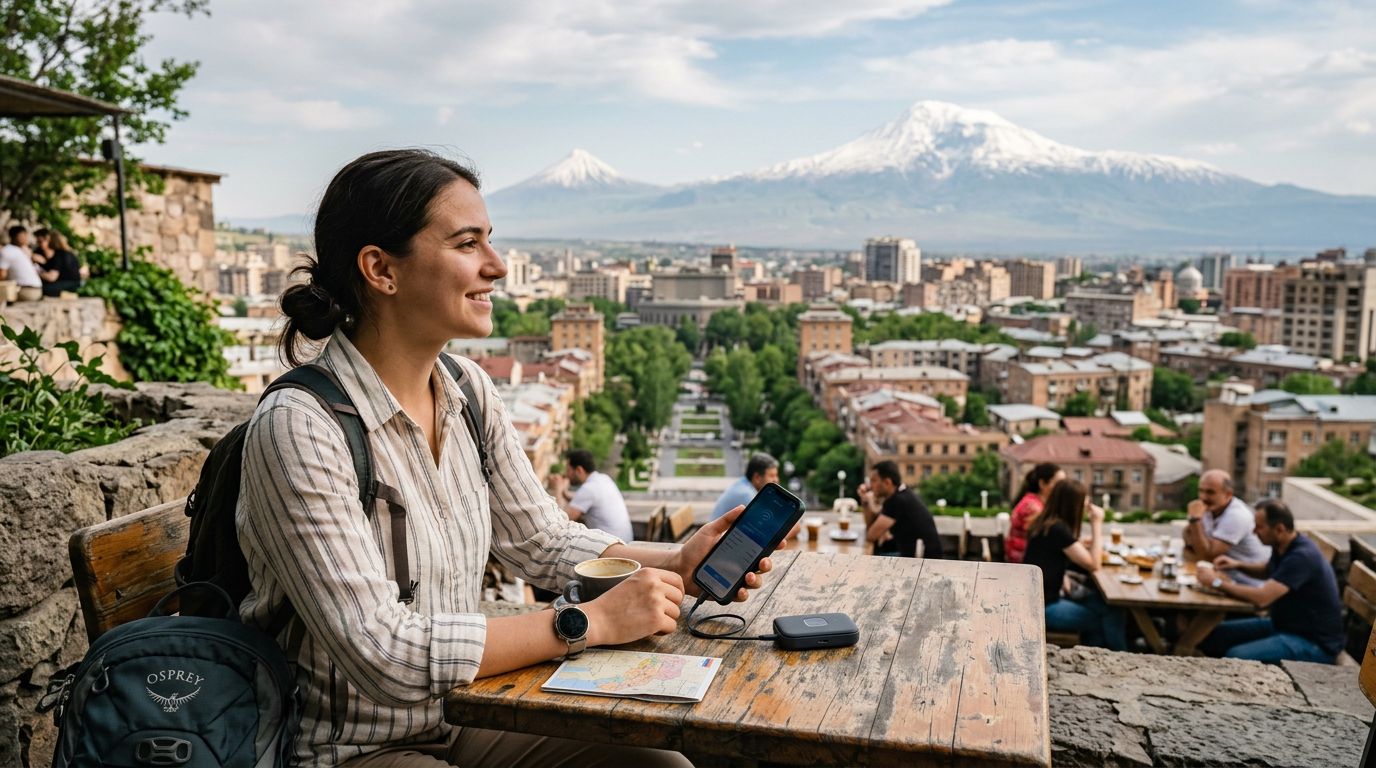
For many travelers, a single smartphone is not enough. You might be carrying a tablet for editing photos, a laptop for remote work, or traveling with a companion who also needs access to the internet. This is where mobile hotspot functionality becomes a vital asset. By turning your phone into a portable Wi-Fi hub, you can share your data connection across multiple devices, ensuring that you and your travel group remain productive and informed throughout your Serbian adventure.
However, relying on local public Wi-Fi in cafes or hotels can be risky and inconvenient. Public networks are often unsecured, leaving your personal data vulnerable to cyber threats. Furthermore, signal strength in remote areas or even in older buildings within city centers can be unreliable. Using a dedicated travel eSIM, such as those provided by OneTapSIM, allows you to maintain a consistent, private, and high-speed connection that supports the heavy data demands of a mobile hotspot.
How to Set Up Your Mobile Hotspot
Before you can share your internet connection, you must ensure your device is properly configured. The process is straightforward, but it requires a stable data source. Once you have activated your OneTapSIM eSIM, your phone will recognize the local Serbian network. From there, enabling the hotspot feature takes only a few moments.
On an iPhone, navigate to the Settings menu and select "Personal Hotspot." Ensure the "Allow Others to Join" toggle is switched on. You will be prompted to set a strong password. This is a critical security step; a strong password prevents unauthorized users nearby from tapping into your data allotment. Once configured, other devices can simply search for your phone’s name in their Wi-Fi settings, enter your password, and connect instantly.
For Android users, the process is equally intuitive. Go to Settings, then look for "Network & Internet" or "Connections," depending on your specific model. Select "Hotspot & Tethering" and then "Wi-Fi Hotspot." Here, you can customize your network name and password. Once you toggle the switch to "On," your phone acts as a mobile router.
If you encounter issues, verify that your data roaming is enabled for your eSIM profile. Without active roaming permissions, the hotspot feature will remain disabled or fail to connect to the internet. Always check your device’s support pages if you are unsure about specific hardware limitations, as some older devices may require specific software updates to handle high-speed tethering efficiently.
Optimizing Your Data Usage for Hotspotting
Sharing a connection with multiple devices or using a laptop over a cellular network consumes data much faster than browsing on a mobile screen. When you connect a computer to your hotspot, it may automatically trigger background updates, cloud syncing, or high-resolution media downloads. To make the most of your data while traveling in Serbia, it is wise to manage your settings proactively.
First, consider enabling "Low Data Mode" on your connected devices. On iPhones, this is found within the Wi-Fi settings for your specific hotspot connection. This setting prevents apps from automatically syncing photos to the cloud or downloading background updates, which can quickly exhaust your data. On laptops, manually pausing background services like Dropbox, OneDrive, or automatic OS updates will significantly extend the lifespan of your data plan.
Another tip is to monitor your usage regularly. Most modern smartphones have a built-in data tracker that shows exactly how much data has been consumed since the last reset. By keeping an eye on this, you can adjust your usage habits if you notice you are burning through your data faster than anticipated. If you find yourself needing more connectivity, OneTapSIM offers flexible solutions that allow you to manage your travel needs without the stress of hunting for physical SIM cards or dealing with local language barriers at a retail store.
Furthermore, be mindful of the physical placement of your phone. When acting as a hotspot, your device may generate more heat than usual. Keep it in a well-ventilated area away from direct sunlight, especially during the hot Serbian summer months. A phone that overheats may throttle its performance, leading to slower internet speeds for all connected devices. By following these simple management practices, you ensure that your digital connection remains as reliable as your itinerary, allowing you to focus on the history, culture, and beauty of Serbia rather than troubleshooting connectivity issues. Whether you are uploading a video from the top of the Avala Tower or attending a virtual meeting from a quiet cafe in Novi Sad, your mobile hotspot will keep you seamlessly connected to the world.
Get an eSIM for
Plans for the destinations covered in this guide, with instant QR delivery.