Staying Connected While Exploring Armenia
Armenia is a land of dramatic landscapes, ancient monasteries, and vibrant city life. Whether you are wandering through the bustling streets of Yerevan, hiking the trails of Dilijan National Park, or capturing the sunset over Lake Sevan, staying connected is essential. Modern travelers rely on their smartphones for navigation, translation, and sharing memories in real-time. However, relying solely on public Wi-Fi can be risky and inconvenient. This is where a travel eSIM becomes a vital tool for your journey.
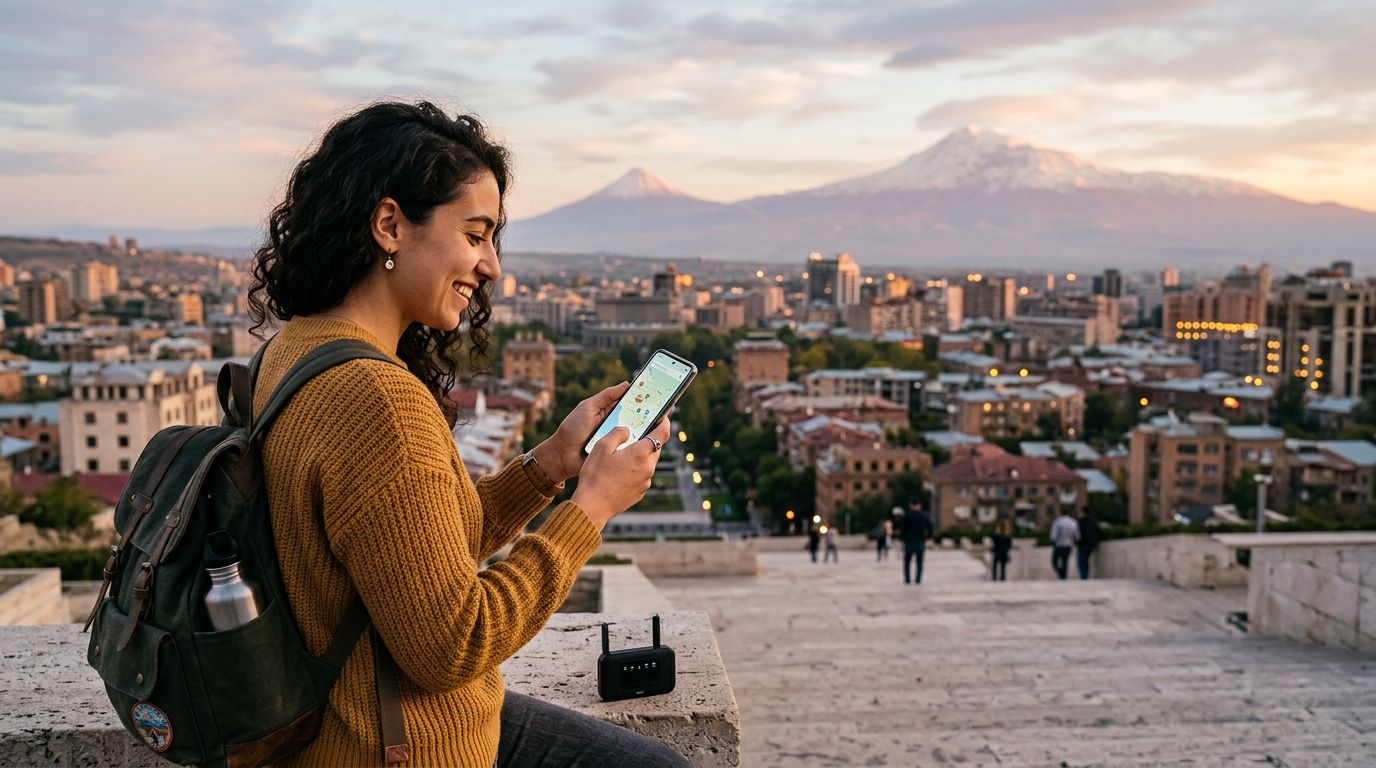
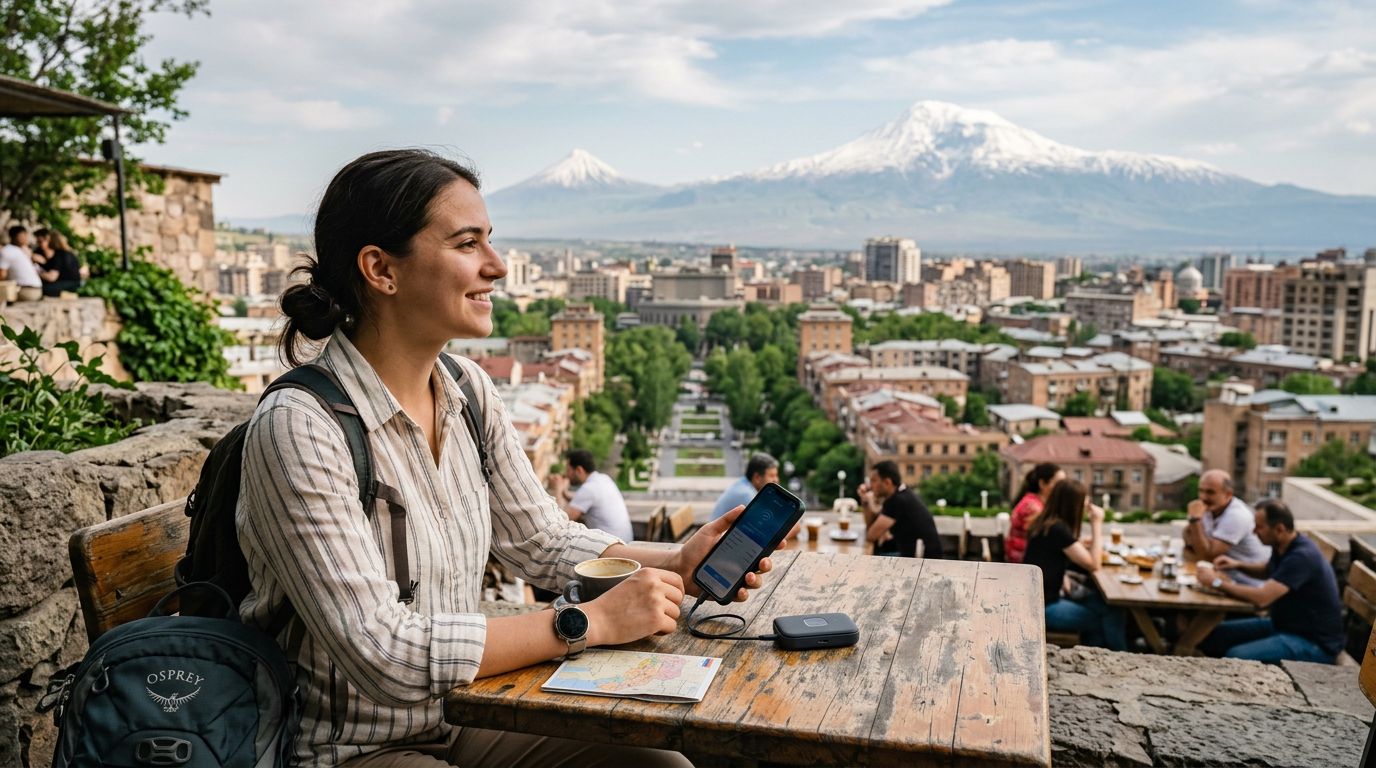
Using an eSIM allows you to maintain a reliable data connection without the hassle of swapping physical SIM cards or searching for local kiosks upon arrival. When you land at Zvartnots International Airport, your data is ready to go. One of the most practical features of having a dedicated travel data plan is the ability to share your connection with other devices. If you are traveling with a companion or need to connect your laptop to finish some work while overlooking the mountains, knowing how to use hotspot in Armenia is a skill that will save you time and stress.
Setting Up Your Hotspot for Seamless Sharing
Before you can share your data, you must ensure your device is properly configured. Most modern smartphones support personal hotspot functionality, which turns your phone into a portable Wi-Fi router. When using a OneTapSIM eSIM, the process is straightforward, but it requires a few specific steps to ensure your data is accessible to your other devices.
First, verify that your eSIM is active and that you have a stable signal. Once your data is flowing, navigate to your phone's settings menu. On iOS devices, look for the "Personal Hotspot" option. On Android devices, this is typically found under "Network & Internet" or "Connections" labeled as "Hotspot & Tethering."
When you enable the hotspot, you will need to set a secure password. This is a critical step to prevent unauthorized users nearby from tapping into your data allowance. Once the hotspot is active, your other devices—such as a tablet or a laptop—will see your phone’s network name in their Wi-Fi settings. Select it, enter your password, and you are ready to browse. Keep in mind that sharing your connection consumes data faster than using it on a single device. If you plan on streaming high-definition video or downloading large files, keep an eye on your usage through your phone's settings to ensure you stay within your data limits throughout your trip.
Troubleshooting and Optimizing Your Connection
Even with the best technology, you might occasionally encounter a situation where your hotspot does not connect as expected. If you find yourself struggling with connectivity, there are a few standard procedures to follow. First, ensure that "Low Data Mode" is turned off on your device, as this setting often restricts background processes and can interfere with hotspot functionality.
If your devices are not seeing the hotspot, toggle the hotspot setting off and back on again. Sometimes, a simple refresh of the network settings is enough to resolve the issue. Additionally, ensure that your device is running the latest software version, as updates often include patches that improve connectivity and compatibility with international networks.
When you are in more remote areas of Armenia, such as the southern regions near Tatev, signal strength can fluctuate due to the mountainous terrain. If your hotspot speed is sluggish, try moving your phone closer to a window or to a higher elevation if you are indoors. Positioning your phone in an area with a clear line of sight to the nearest cell tower can make a significant difference in your browsing experience.
OneTapSIM provides a reliable foundation for your connectivity needs, but your device settings play the most important role in how that data is distributed. By managing your background apps—such as cloud syncing or automatic software updates—you can ensure that your hotspot data is reserved for the tasks that matter most, like checking maps or uploading photos of your travels.
Why Reliable Data Matters in Armenia
Armenia offers a unique blend of history and modernity. You might find yourself using a ride-sharing app to get across Yerevan, then switching to a map application to find a hidden trail in the Caucasus Mountains. A stable internet connection is the thread that ties these experiences together. By using an eSIM, you avoid the roaming charges that often come with home-country carriers, which can be prohibitively expensive.
Furthermore, having your own private hotspot provides a layer of security that public networks simply cannot match. Public Wi-Fi in cafes or hotels can be vulnerable to security breaches. When you use your own hotspot, you are connecting through a private, encrypted channel, which is much safer for checking emails or accessing sensitive accounts.
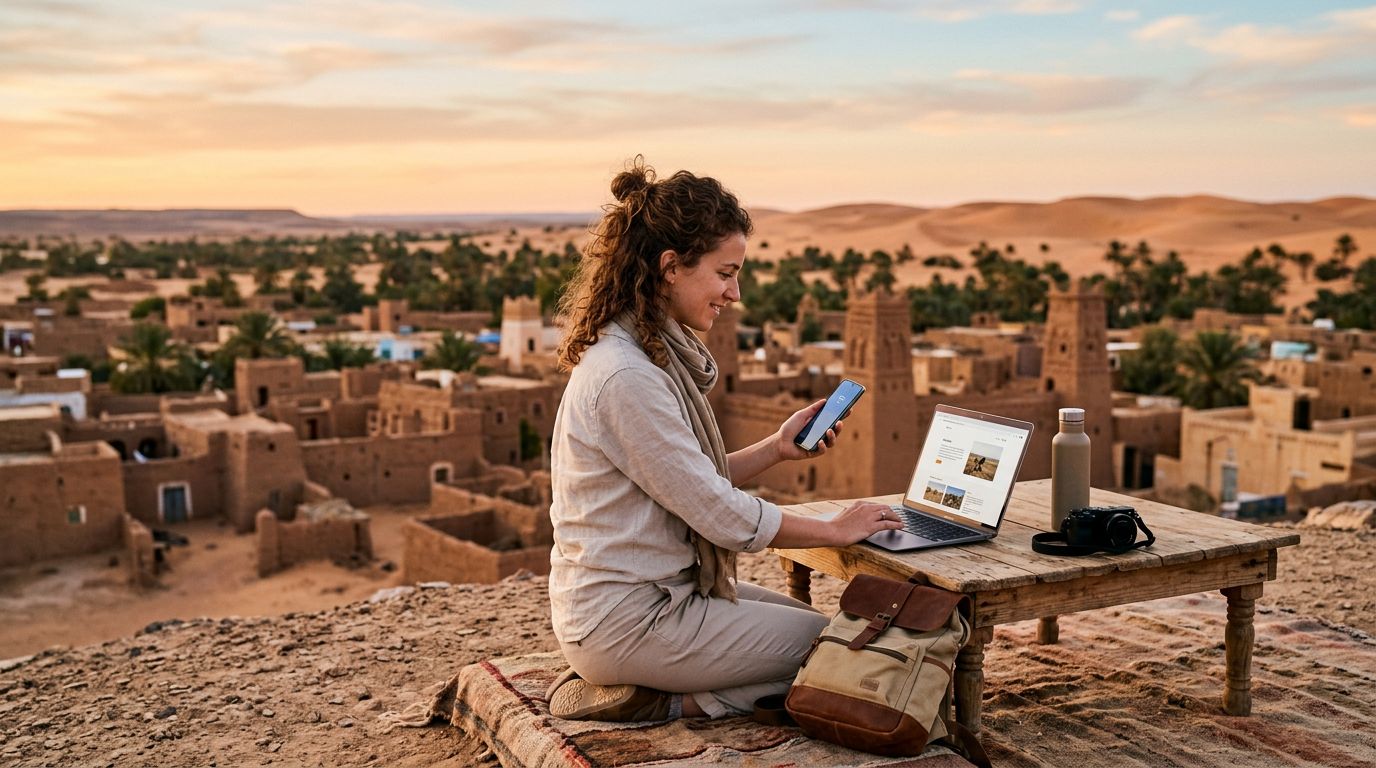
As you plan your itinerary, consider how much data you might need. If you are a digital nomad or someone who needs to stay connected for work, having a flexible data plan is a significant advantage. Armenia is becoming an increasingly popular destination for remote workers, and the infrastructure is growing to support this. With a clear understanding of how to use hotspot in Armenia, you can work from a quiet cafe in Gyumri or a scenic viewpoint in the Lori region with confidence.
Ultimately, the goal of your trip is to enjoy the culture, the food, and the breathtaking scenery. Technology should be a silent assistant that makes your life easier, not a source of frustration. By preparing your device before you leave and understanding the nuances of hotspot sharing, you ensure that your focus remains on the beauty of Armenia rather than the technicalities of your phone settings. Whether you are navigating the winding roads of the countryside or relaxing in a city park, your connection will be there whenever you need it.
Get an eSIM for
Plans for the destinations covered in this guide, with instant QR delivery.