Understanding Hotspot Connectivity While Traveling
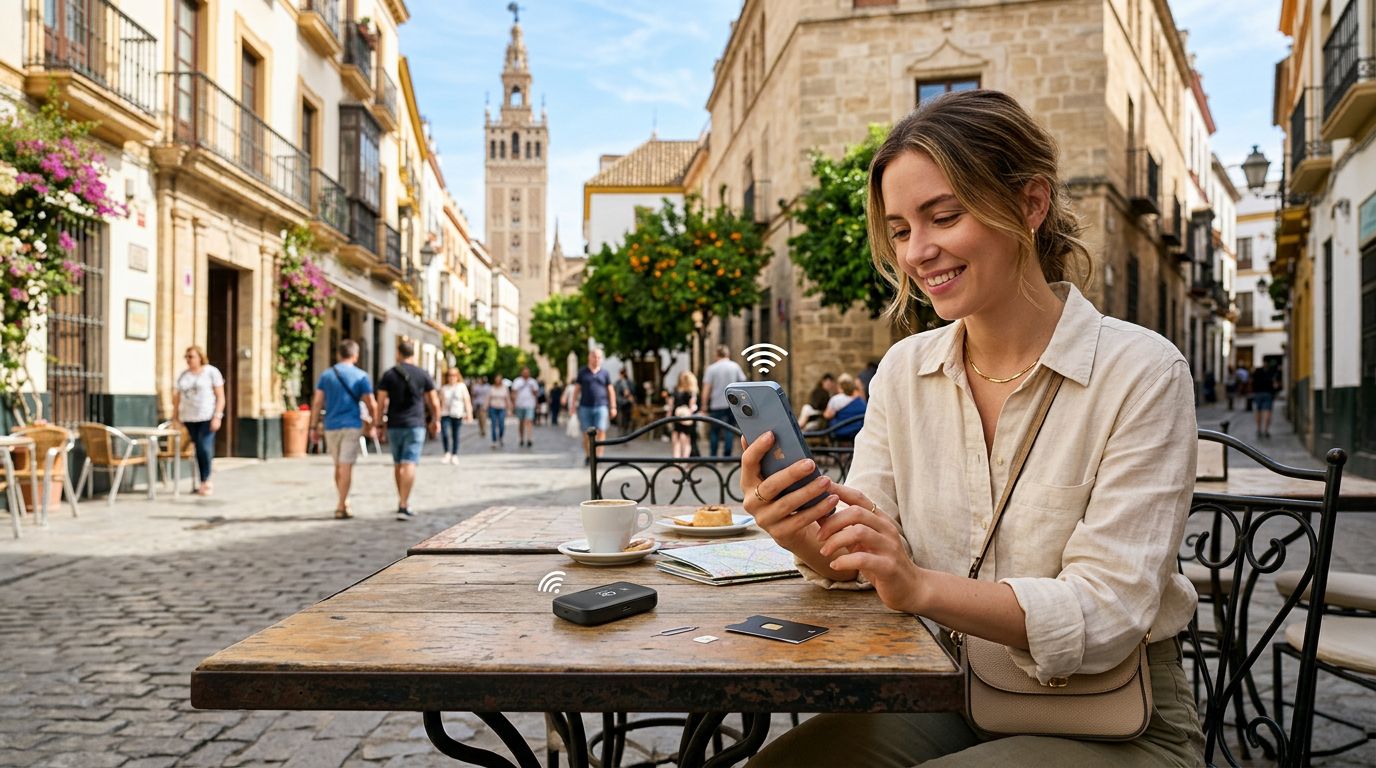
Spain is a country that begs to be explored, from the bustling streets of Madrid to the quiet, sun-drenched beaches of the Costa Brava. Whether you are a digital nomad working from a café in Barcelona or a tourist trying to upload photos of the Alhambra, staying connected is essential. One of the most common questions travelers have is how to use hotspot in Spain effectively without relying on insecure public Wi-Fi networks.
A mobile hotspot allows you to share your cellular data connection with other devices, such as your laptop, tablet, or a travel companion’s phone. When you are abroad, this is often the most reliable way to ensure your secondary devices have internet access. However, the functionality depends heavily on your cellular plan and your device settings. Using a dedicated travel eSIM, such as those provided by OneTapSIM, is a popular way to manage this because it allows you to maintain a local data connection without the risk of international roaming charges from your home carrier.
Before you arrive in Spain, it is important to verify that your current mobile provider allows for personal hotspot usage while roaming. Some carriers restrict this feature on international plans. If your carrier does not support it, or if the costs are prohibitive, switching to an eSIM profile is a practical alternative. Once your eSIM is active, the hotspot feature generally functions just as it would on your home network, provided your device is configured correctly.
Setting Up Your Device for Personal Hotspot
Configuring your phone to act as a mobile hotspot is a straightforward process, but it requires a few specific steps to ensure your devices connect securely. If you are using an iPhone, you should navigate to your settings menu, select the cellular or mobile data section, and look for the option labeled "Personal Hotspot." From there, you can toggle the switch to "Allow Others to Join." It is highly recommended that you set a strong password for your hotspot to prevent unauthorized devices from consuming your data.
For those using Android devices, the path is similar. Go to your settings, find the "Network & Internet" or "Connections" menu, and look for "Hotspot & Tethering." You will want to select "Wi-Fi Hotspot" to configure the name of your network and the security credentials. Once these settings are saved, your phone will broadcast a Wi-Fi signal that your other devices can detect.
When using a OneTapSIM eSIM, the data connection is treated as your primary or secondary data source. Ensure that your phone is set to use the eSIM for cellular data in your device settings. If you have both a physical SIM and an eSIM installed, your phone may ask which line should provide the data. Selecting the travel eSIM ensures that you are utilizing the specific data package you purchased for your trip to Spain. If you encounter issues, ensure that your APN (Access Point Name) settings are correctly configured according to the instructions provided with your eSIM, as these settings are sometimes required to enable tethering functionality.
Best Practices for Managing Data Usage in Spain
Using a hotspot can be a significant drain on your data allowance if you are not careful. When you connect a laptop to your phone’s hotspot, the laptop often treats the connection as a standard broadband Wi-Fi network. This means it may automatically begin downloading system updates, syncing cloud storage files, or running background processes that consume large amounts of data without you realizing it.
To manage your data effectively, there are several steps you can take. First, enable "Low Data Mode" on your iPhone or "Data Saver" mode on your Android device. These settings instruct your phone to pause background syncs and automatic updates while you are tethered. On your laptop, you can manually set the connection as a "metered connection" in your operating system settings. This tells your computer to avoid large background downloads while connected to that specific network.
Another tip for travelers is to be mindful of streaming services. High-definition video streaming is the fastest way to deplete your data balance. If you need to watch videos, try to lower the quality settings within the app to standard definition. Similarly, if you are working, try to avoid large file transfers or video conferencing unless absolutely necessary.
By choosing a reliable data solution like OneTapSIM, you gain the advantage of knowing exactly how much data you have available. You can monitor your usage through your device's built-in data tracking tools, which provide a breakdown of how much data each application has consumed. This transparency allows you to adjust your habits on the fly. If you find yourself needing more data, you can often manage your plan directly through your provider’s portal, ensuring that you stay connected throughout your journey.
Finally, remember that battery life is a major factor when using a hotspot. Broadcasting a Wi-Fi signal requires significant power from your phone’s radio, which will drain your battery much faster than normal usage. It is a good idea to carry a portable power bank with you while exploring Spain. Keeping your phone plugged in while using it as a hotspot will prevent your device from shutting down unexpectedly, ensuring you remain reachable and connected to the digital tools you need to navigate your trip. Whether you are using your phone to find the best local tapas bar or to upload your travel memories, these steps will help you maintain a stable and efficient connection throughout your Spanish adventure.
Get an eSIM for
Plans for the destinations covered in this guide, with instant QR delivery.