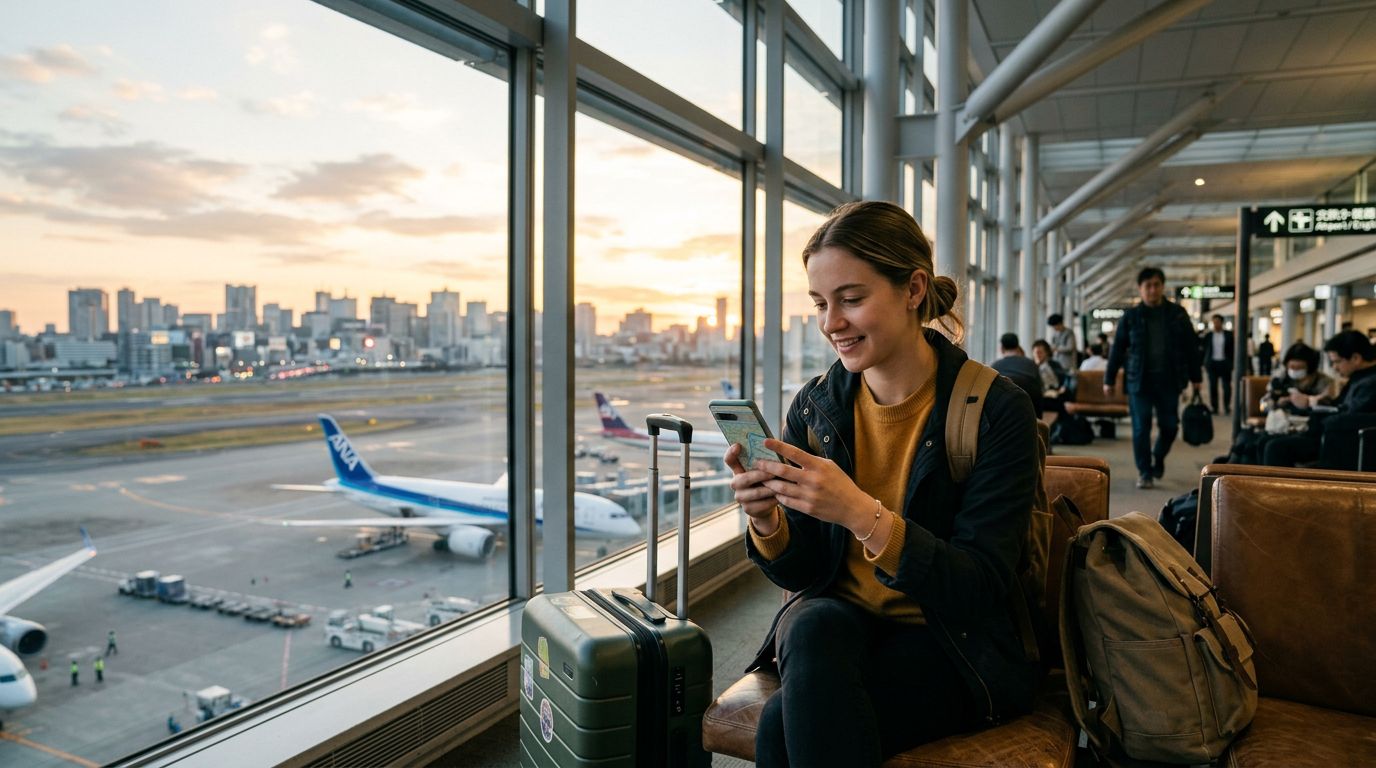
Understanding Data Sharing While Abroad
Traveling across international borders often brings a unique set of connectivity challenges. Whether you are a digital nomad working from a café in a foreign city or a vacationer trying to upload photos to social media, having a reliable internet connection is essential. One common question travelers ask is how to use hotspot while roaming without incurring unexpected fees or dealing with unstable connections.
When you use your smartphone as a mobile hotspot, you are essentially turning your device into a portable Wi-Fi router. This allows your laptop, tablet, or a travel companion’s phone to connect to the internet using your mobile data allowance. While this feature is built into almost every modern smartphone, the way it functions while roaming can vary significantly depending on your service provider and the specific SIM card you are using.
Many traditional roaming plans provided by home carriers are notoriously restrictive. They often throttle data speeds or block hotspot functionality entirely to prevent users from consuming too much bandwidth. This is where modern solutions like OneTapSIM become invaluable. By using a travel-specific eSIM, you can secure a dedicated data pool designed for the region you are visiting, which typically includes full support for hotspot tethering. Understanding the technical requirements for your specific device is the first step toward ensuring you stay connected on all your gadgets.
Configuring Your Device for Tethering
Before you can share your internet connection, you must ensure your device is configured correctly. Most smartphones require specific settings to be adjusted before a hotspot will function properly while roaming.
For iPhone users, you should navigate to your settings menu and locate the Personal Hotspot section. Ensure that the "Allow Others to Join" toggle is switched to the on position. It is also important to check your Cellular Data Network settings. Sometimes, when installing a new eSIM, the APN (Access Point Name) settings for the hotspot feature might not populate automatically. If you find that your devices can connect to your phone but cannot access the internet, you may need to manually enter the APN details provided by your eSIM provider. You can find detailed guides on managing these network settings through official support documentation provided by apple.com.
Android users will follow a similar process. Head into your network and internet settings to find the Hotspot and Tethering menu. Here, you can set a custom network name and a strong password to keep your connection secure. Similar to iOS, if you experience issues, verify that your mobile data is active and that your roaming settings are enabled for the specific eSIM profile you are using. If you encounter persistent issues, visiting support.google.com can provide troubleshooting steps specific to your device model.
When using a service like OneTapSIM, the configuration is often streamlined. Because these eSIMs are designed specifically for international travel, they are usually pre-configured to allow tethering right out of the box. This removes the guesswork and technical frustration that often accompanies roaming with a traditional carrier SIM.
Best Practices for Managing Data Usage
While tethering is a convenient way to keep your laptop or other devices online, it is important to remember that desktop operating systems consume data differently than mobile devices. Background processes, automatic software updates, and cloud synchronization services can quickly deplete your data bucket if you are not careful.
To manage your data effectively while using a hotspot abroad, start by disabling automatic updates on your laptop or tablet. Operating systems frequently download large patches in the background, which can consume several gigabytes of data in a matter of minutes. Additionally, consider using a browser extension that blocks advertisements or restricts high-resolution video streaming. These small adjustments can significantly extend the lifespan of your data package.
Another strategy is to monitor your data consumption directly from your smartphone settings. Most modern phones provide a breakdown of how much data each connected device has used since the hotspot was activated. By keeping an eye on these metrics, you can identify if a specific device is hogging your bandwidth.
Furthermore, ensure that your hotspot security is robust. Always use a strong, complex password for your mobile hotspot. If you leave your network open, nearby devices may automatically connect to your hotspot, leading to unexpected data drain. Even if you are in a secure location like a private hotel room, maintaining a password-protected connection is a fundamental habit for any traveler.
Finally, remember that the quality of your hotspot connection depends on the signal strength of your eSIM. When you arrive at a new destination, give your phone a moment to register with the local network. If you find the speeds are slower than expected, try toggling your airplane mode on and off to force a fresh handshake with the local cell tower. By choosing a reliable provider like OneTapSIM, you ensure access to high-quality local networks, which provides a much more stable foundation for tethering compared to relying on your home carrier's roaming agreements. With the right preparation and a mindful approach to data management, you can maintain a seamless connection across all your devices, no matter where your travels take you.