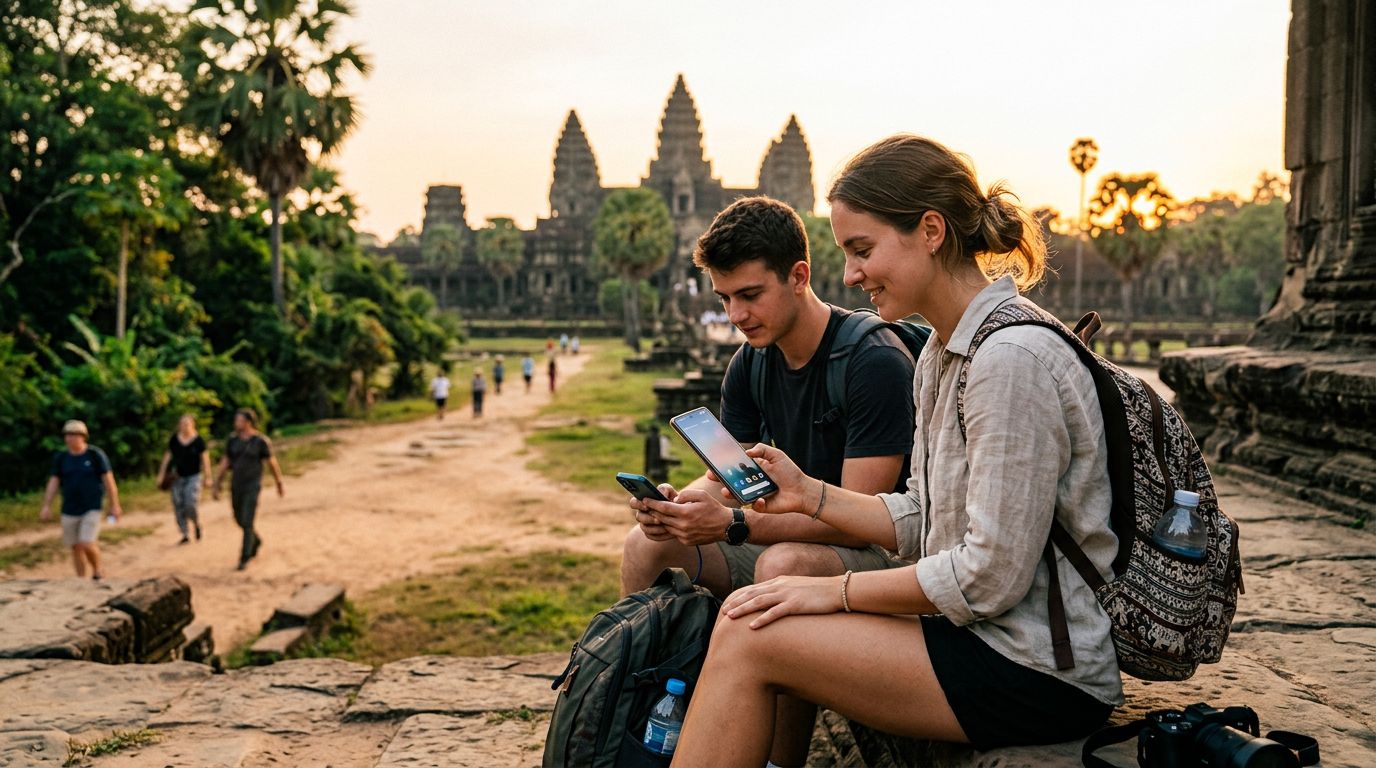
Understanding Connectivity Needs in Cambodia
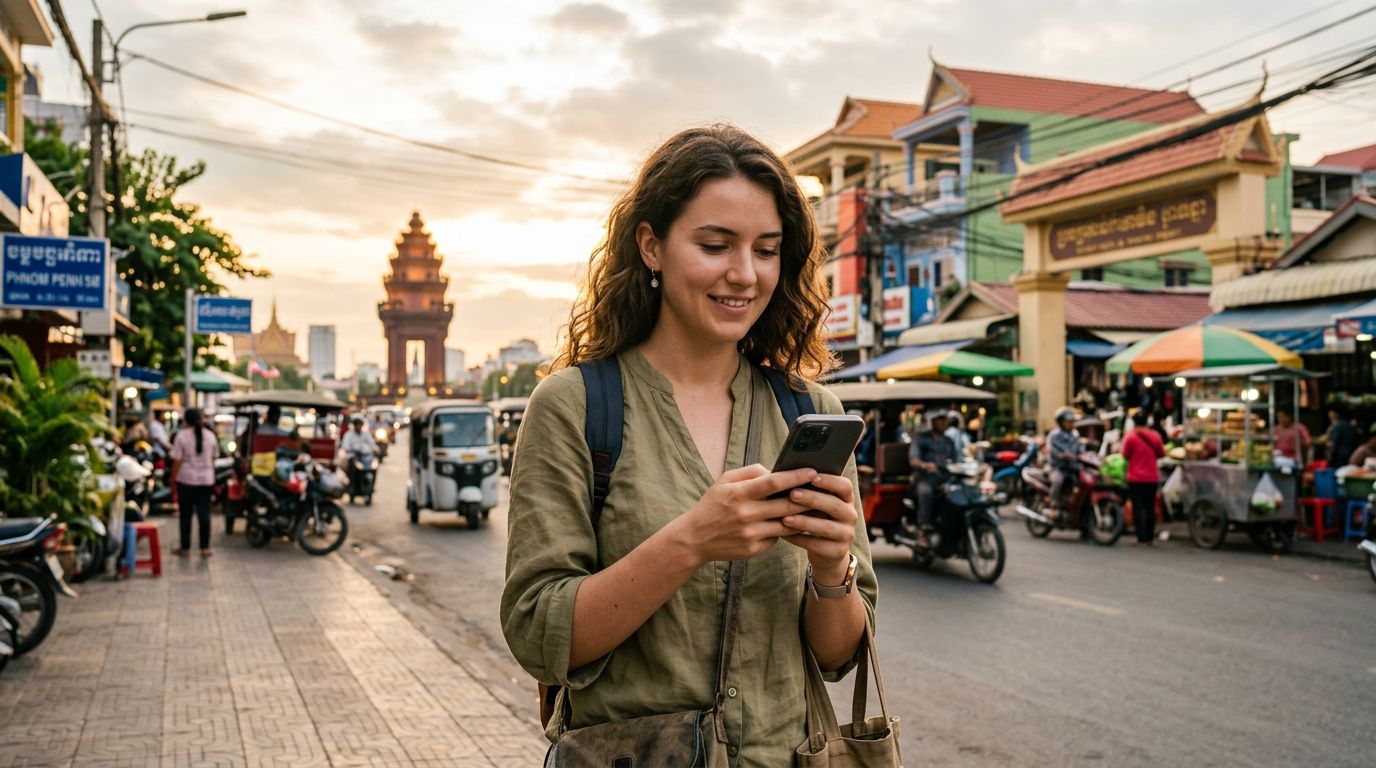
Traveling through Cambodia offers an incredible experience, from the ancient stone carvings of Angkor Wat to the bustling markets of Phnom Penh and the serene coastlines of the islands. However, staying connected while moving between these locations can be a challenge if you rely solely on local public Wi-Fi. Many travelers find that public networks are either inconsistent, slow, or pose security risks when accessing banking apps or sensitive emails. This is where understanding how to use hotspot in Cambodia becomes essential for a smooth journey.
Having a reliable internet connection is not just about social media; it is about having access to real-time maps, translation tools, and ride-hailing applications that make life in a foreign country much easier. When you are traveling with a group or carrying multiple devices, such as a laptop for remote work and a smartphone for navigation, a mobile hotspot is the most efficient way to maintain productivity. By turning your smartphone into a portable Wi-Fi hub, you ensure that all your devices remain connected to a stable network, regardless of whether you are sitting in a remote jungle lodge or a busy cafe in Siem Reap.
The primary advantage of using a travel eSIM for this purpose is the flexibility it provides. Unlike traditional physical SIM cards that require you to visit a local store, register your passport, and swap out your home card, an eSIM is integrated directly into your device. With a provider like OneTapSIM, you can activate your data plan before you even land at the airport, ensuring you have connectivity the moment you step off the plane. This immediate access allows you to book transportation and find your accommodation without searching for a roaming-enabled kiosk or a reliable Wi-Fi signal.
How to Set Up Your Hotspot for Seamless Sharing
Once you have your eSIM installed and active, setting up a hotspot is a straightforward process on most modern smartphones. The key to success is ensuring that your device’s data settings are correctly configured to allow tethering. For iPhone users, you can navigate to your settings menu, select the personal hotspot option, and toggle the switch to allow others to join. It is highly recommended to set a strong, unique password for your hotspot to prevent unauthorized devices from connecting and consuming your data.
Android users will find a similar option under their network or connection settings, often labeled as "Hotspot & Tethering." You can customize the network name and security protocol to ensure your connection remains private. When you are traveling, keep in mind that broadcasting a hotspot consumes more battery power than standard mobile data usage. It is a good practice to carry a portable power bank, especially if you plan to share your connection for extended periods while exploring remote temple complexes or taking long bus rides across the country.
If you encounter any issues with connectivity, the first step is to verify that your data roaming is enabled for the specific eSIM profile you are using. Travel eSIMs require roaming to be turned on to connect to local partner networks, even though you are not being charged traditional roaming fees. If your hotspot is not showing up on other devices, toggle the hotspot setting off and back on, or restart your phone. Using a service like OneTapSIM ensures that your APN settings are typically configured automatically, which minimizes the technical troubleshooting required to get your hotspot running smoothly.
Best Practices for Data Management and Security
When you learn how to use hotspot in Cambodia, you also need to be mindful of how your connected devices consume data. Laptops, in particular, are notorious for running background updates, cloud syncing, and high-definition video streaming, all of which can deplete your data allowance faster than expected. To manage this, adjust your computer's settings to recognize the hotspot as a "metered connection." This setting prevents the operating system from performing automatic updates while you are tethered, saving your data for essential tasks like navigation and communication.
Security is another critical component of using a mobile hotspot while traveling. Since you are essentially creating your own private Wi-Fi network, you are responsible for its protection. Always use WPA3 or WPA2 security protocols for your hotspot password. Avoid connecting to public Wi-Fi networks if you have your own high-speed data connection available through your eSIM. By relying on your own hotspot, you bypass the risks associated with public networks, such as man-in-the-middle attacks or malicious hotspots designed to intercept your data.
Furthermore, keep an eye on your data usage throughout your trip. Most smartphones have a built-in data monitor that shows you exactly how much information each application has consumed. If you notice a specific app is using a large portion of your data, you can restrict its background activity. Choosing a reputable provider like OneTapSIM allows you to enjoy a reliable connection that supports your travel needs without the stress of unexpected connectivity drops. By following these simple steps, you can focus on the beauty and history of Cambodia rather than worrying about your technical setup. Whether you are posting photos of the sunrise at Angkor Wat or coordinating your next destination with fellow travelers, having a personal hotspot ensures that your digital life remains as mobile as you are.