The Role of Reliable Connectivity in Digital Finance
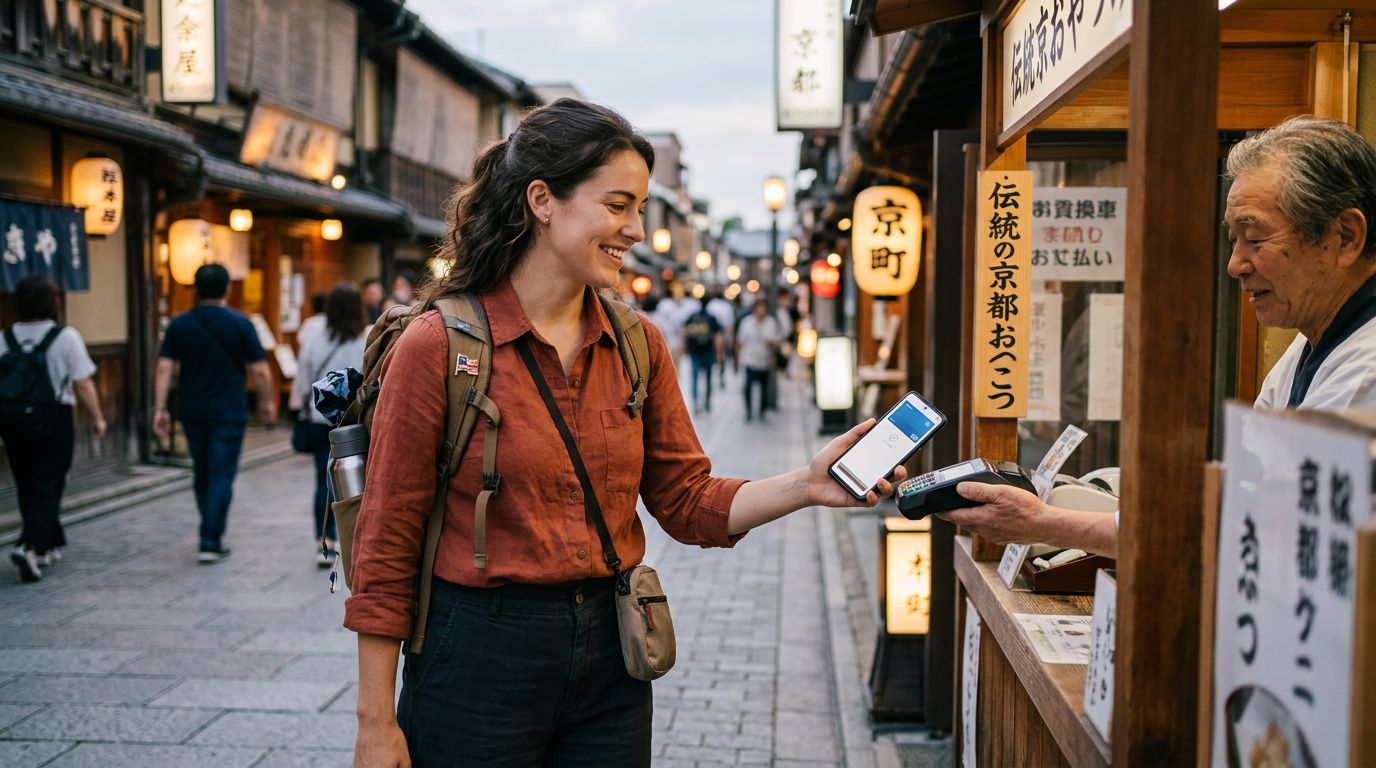
Traveling internationally used to mean carrying stacks of physical currency or relying on travelers' checks. Today, digital wallets and banking applications have transformed how we manage money while abroad. Whether you are splitting a dinner bill in Paris or paying for a taxi in Tokyo, your smartphone is likely your primary financial tool. However, the functionality of these apps depends entirely on a stable internet connection. This is where the importance of your mobile data strategy becomes clear.
When you land in a new country, your home carrier might offer roaming, but the costs can be unpredictable and the speeds often throttled. Relying on public Wi-Fi to access your banking app is a significant security risk. Public networks are frequently unsecured, making it easier for malicious actors to intercept sensitive data. By using an eSIM from a provider like OneTapSIM, you ensure that your financial transactions occur over a private, secure data connection that you control.
Having a dedicated travel eSIM allows you to maintain a consistent connection throughout your journey. This stability is crucial for two-factor authentication (2FA). Many banking and payment apps require you to receive a verification code via SMS or push notification to authorize a transaction. If your phone cannot connect to a local network, you may be locked out of your own funds. A reliable eSIM ensures that your device remains reachable and capable of processing these security checks, providing peace of mind while you explore.
Best Practices for Secure Transactions While Traveling
Using payment apps with eSIM abroad requires a proactive approach to security. While a travel eSIM provides a secure data pipe, the apps themselves must be managed correctly to protect your assets. Before you depart, take the time to audit your financial apps. Ensure that all your banking and payment applications are updated to their latest versions. Developers frequently release patches that fix security vulnerabilities, and running an outdated app is an unnecessary risk.
Once you arrive at your destination and activate your OneTapSIM, avoid using public Wi-Fi for any financial activity. Even if your eSIM data is running low, it is safer to wait until you can top up your data plan than to log into a bank account on a coffee shop’s open network. If you absolutely must use public Wi-Fi, ensure you are utilizing a reputable Virtual Private Network (VPN) to encrypt your traffic. However, a cellular data connection remains the gold standard for security.
Another critical habit is to disable "Auto-Join" for Wi-Fi networks in your phone settings. This prevents your device from automatically connecting to known or open networks that might be insecure. By keeping your phone tethered to your eSIM data, you maintain a "walled garden" for your financial data. Furthermore, consider enabling biometric authentication—such as FaceID or fingerprint scanning—within your payment apps. This adds an extra layer of protection that ensures only you can authorize a transfer, even if your device is unlocked.
Managing Your Data and Settings for Financial Apps
One of the most common frustrations for travelers is the sudden depletion of data, which can leave you stranded at a checkout counter. To prevent this, you should manage your phone’s data settings specifically for your financial apps. Most modern smartphones allow you to see exactly how much data each application consumes. Before your trip, check these settings and restrict background data usage for apps that do not need to be constantly syncing.
When you install your OneTapSIM, your phone will typically ask you to designate which line is for "Cellular Data." Ensure that your eSIM is selected for data while abroad. You can also configure your device to use your eSIM for data while keeping your primary SIM active for calls and texts if necessary. This setup is ideal for receiving those critical 2FA codes from your bank while using the eSIM’s data for your payment apps and navigation.
It is also wise to set up alerts within your banking apps. Many institutions allow you to receive push notifications for every transaction. If you see a charge that you do not recognize, you can immediately contact your bank to freeze your card. Because your eSIM provides constant connectivity, these notifications will arrive in real-time, allowing you to act quickly if something goes wrong.
Finally, keep a backup plan. While digital payments are convenient, they should not be your only option. Always carry a physical backup card and a small amount of local cash. Technology, no matter how reliable, can occasionally fail. By combining the convenience of a high-speed eSIM with traditional backup methods, you create a robust financial safety net. This approach allows you to focus on the experience of travel rather than worrying about the logistics of your next transaction. By preparing your device and your settings before you leave, you ensure that your financial life remains as mobile as you are.