The Importance of Reliable Connectivity for Digital Payments
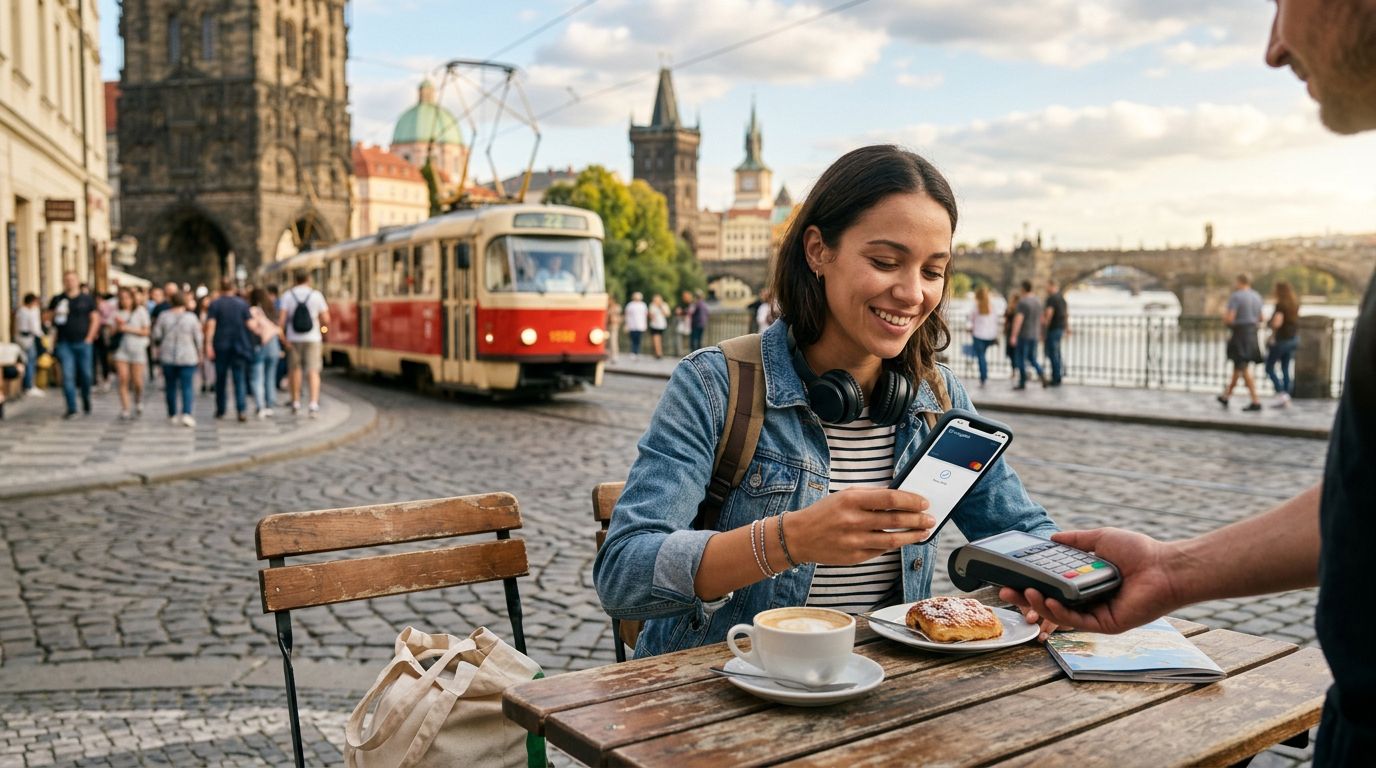
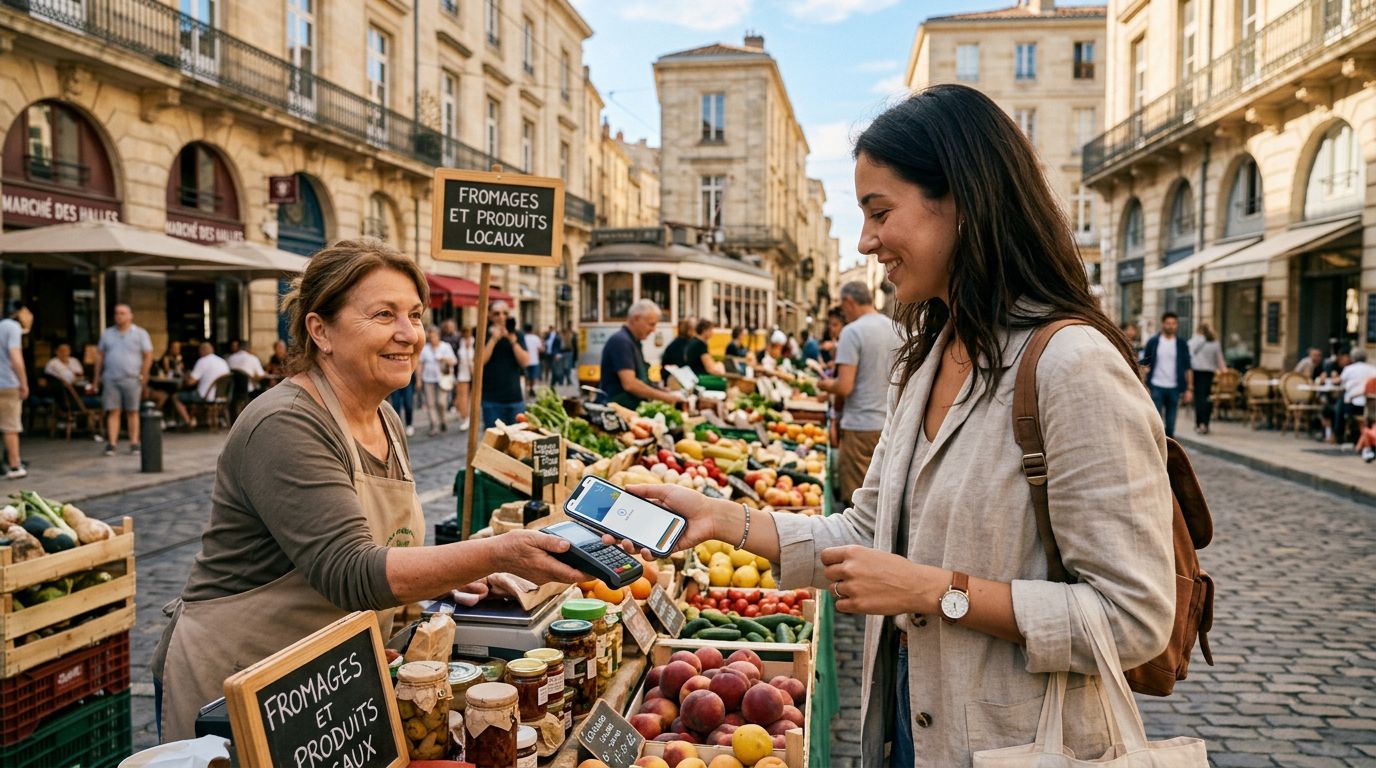
When you land in a foreign country, your smartphone becomes your most essential travel companion. Beyond taking photos or finding your way with maps, your phone is likely your primary tool for managing finances. Whether you are using a digital wallet to pay for a train ticket, checking your bank balance, or confirming a restaurant reservation, the ability to process transactions securely is vital. However, many travelers encounter a significant hurdle: the reliance on local data.
Using payment apps while traveling abroad requires a stable, secure, and constant internet connection. If your connection drops during a transaction, it can lead to frustration, failed payments, or even security concerns regarding pending charges. Many travelers mistakenly rely on public Wi-Fi networks at airports or cafes to handle these sensitive financial tasks. This is a risky habit. Public networks are often unencrypted, making it easier for malicious actors to intercept data.
Instead of searching for a spotty public signal, maintaining your own private data stream is the safest approach. By using a travel eSIM, you ensure that your device remains connected to a reliable cellular network throughout your journey. This allows you to use your preferred payment apps—such as Apple Pay or Google Pay—without needing to switch between different local SIM cards or hunt for open Wi-Fi. With OneTapSIM, you can activate your data plan before you even depart, ensuring that the moment you step off the plane, your device is ready to handle your financial needs securely over a cellular connection rather than a vulnerable public access point.
Best Practices for Secure Transactions Overseas
Security should be your top priority when managing money while abroad. The convenience of modern payment apps is undeniable, but it comes with the responsibility of protecting your financial data. One of the most effective ways to secure your transactions is to avoid public Wi-Fi entirely when accessing banking or payment applications. Cellular data is significantly more secure than public hotspots because it utilizes advanced encryption protocols provided by the mobile carrier.
To further enhance your security, ensure that your payment apps are updated to the latest versions before you leave home. Developers frequently release updates that patch vulnerabilities, and running an outdated version of an app can leave your account exposed. Additionally, enable multi-factor authentication (MFA) on all your financial accounts. Even if someone were to obtain your login credentials, they would still need a secondary verification step to access your funds.
It is also wise to set up transaction alerts through your bank’s app. If a suspicious charge occurs while you are traveling, you will receive a notification immediately, allowing you to freeze your account or contact your financial institution before significant damage is done. Keep in mind that some banks may flag international transactions as fraudulent if they are not expecting you to be abroad. Informing your bank of your travel dates and destinations is a standard but essential step.
When you use a travel eSIM like those provided by OneTapSIM, you maintain a consistent digital footprint. Because your phone number or data identity remains stable throughout your trip, your banking apps are less likely to trigger security alerts that might occur if you were constantly swapping physical SIM cards or jumping between various local networks. Consistency in your connection is not just about convenience; it is a fundamental component of keeping your digital identity secure.
Managing Your Data Usage for Financial Apps
While using payment apps does not typically require massive amounts of data, the background processes of your smartphone can consume your allowance quickly if you are not careful. When you are traveling, your phone may attempt to download large system updates, sync cloud photos, or run background app refreshes, all of which can eat into your data plan. If you run out of data while trying to pay for a taxi or a meal, you could find yourself in a difficult position.
To manage your data effectively, start by adjusting your smartphone settings. On both iOS and Android devices, you can toggle off "Background App Refresh" for non-essential applications. This ensures that your data is reserved for the apps you actually need, such as your payment platforms, navigation tools, and translation services. You should also disable automatic app updates over cellular data. These updates can be large and are best handled when you are back at your hotel on a secure, private network.
If you find yourself frequently checking your data balance, consider using a service that offers transparent usage tracking. OneTapSIM provides clear insights into your data consumption, helping you stay within your limits so you never have to worry about losing connectivity when you are at the checkout counter. By monitoring your usage, you can ensure that you always have enough bandwidth to complete your transactions, access your boarding passes, and communicate with your bank if necessary.
Another tip for international travel is to download offline maps and essential documents before you leave. By reducing the number of apps that require a constant data stream, you lower the risk of hitting a data cap. This leaves more capacity for the apps that truly matter, like your digital wallet. Remember that the goal is to use your phone as a tool to facilitate your travel experience, not to have it become a source of stress. With a proactive approach to data management and a reliable connection, using payment apps while traveling abroad becomes a seamless part of your journey, allowing you to focus on the experience rather than the logistics of your finances.
By combining these technical precautions with a reliable eSIM solution, you can travel with confidence, knowing that your financial tools are accessible, secure, and ready whenever you need them. Whether you are grabbing a quick coffee in a busy city or paying for a guided tour in a remote area, your connection will remain as steady as your itinerary.