Why Reliable Connectivity is Essential for Modern Travel
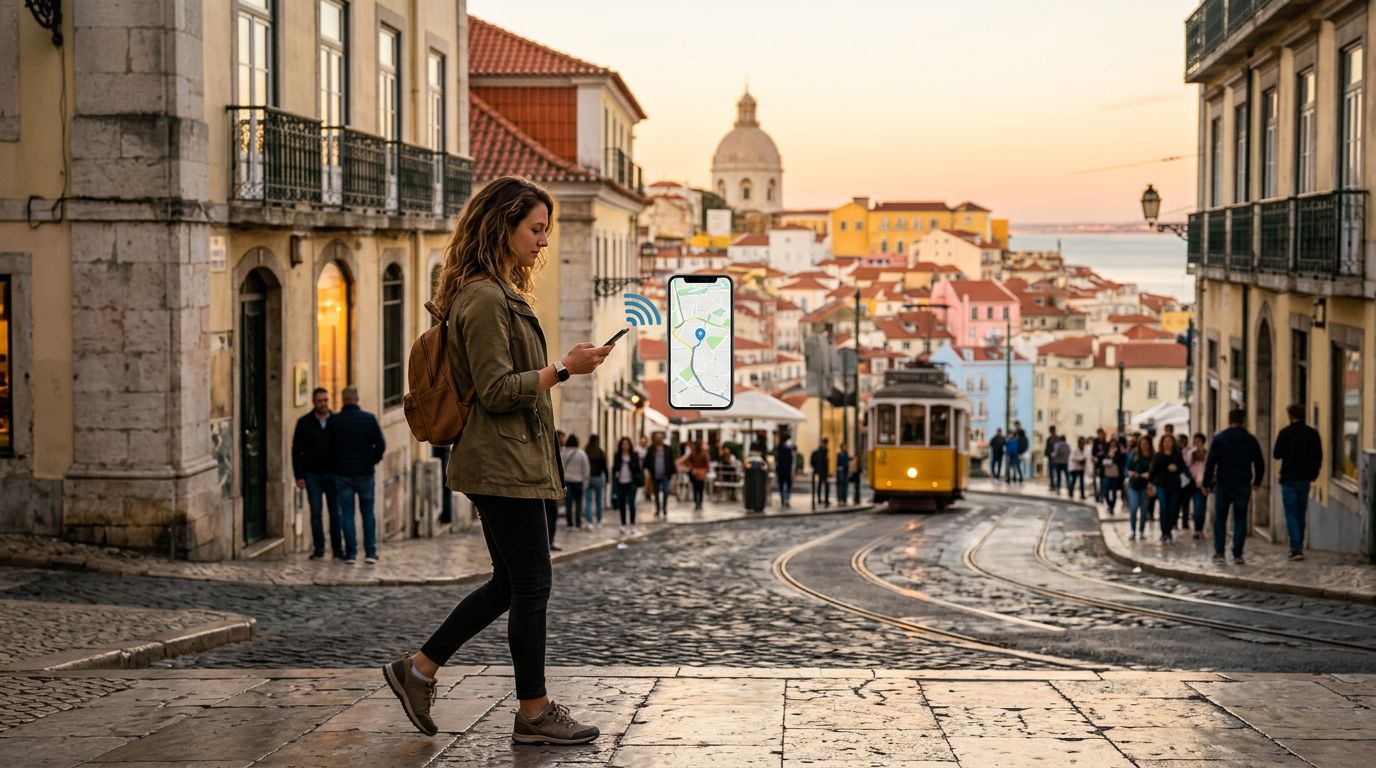
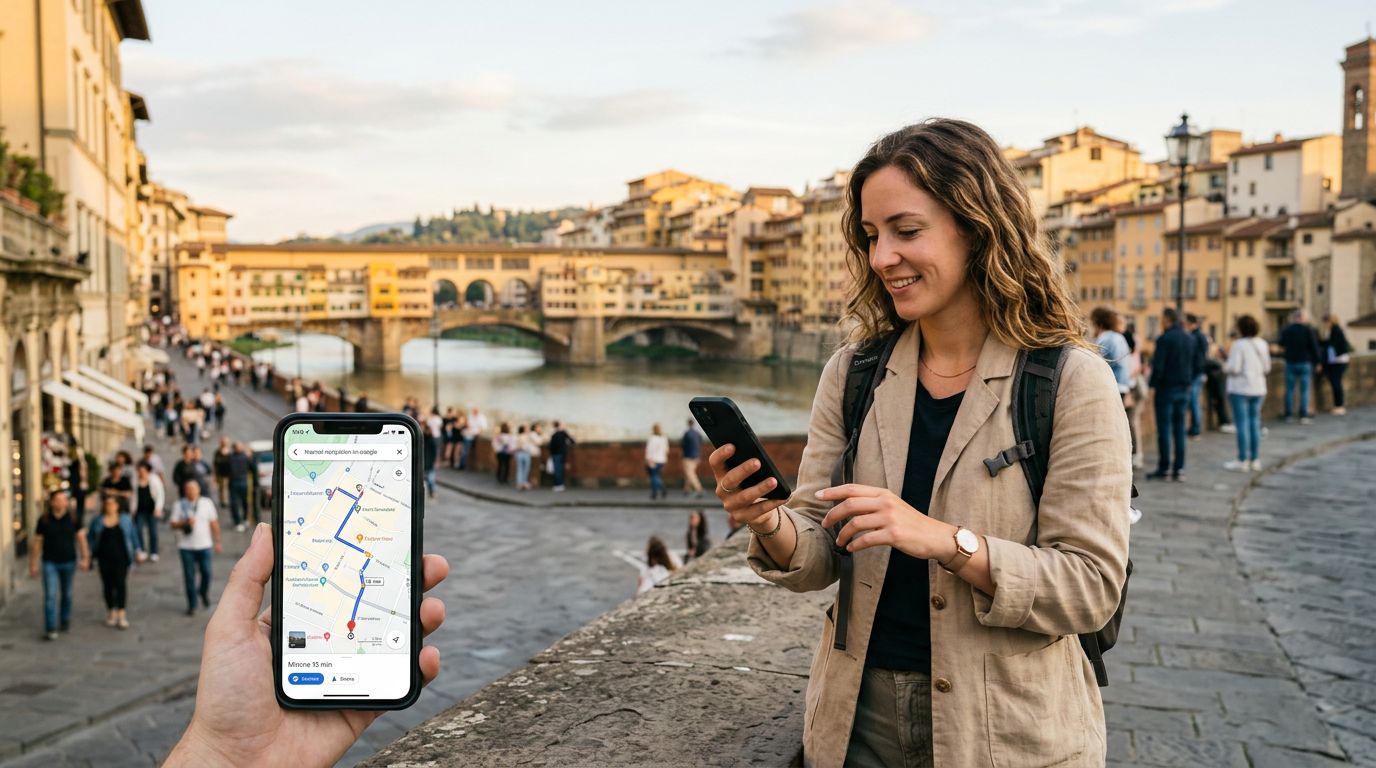
Getting lost in a foreign city can be an adventure, but more often than not, it is a source of unnecessary stress. Whether you are searching for a hidden gem of a cafe in Tokyo, trying to find your way back to your hotel in Rome, or tracking your train route across the Swiss Alps, navigation apps have become the backbone of independent travel. However, these applications are only as good as the data connection supporting them.
A travel eSIM has transformed how we approach international connectivity. Unlike traditional physical SIM cards that require you to visit a local kiosk or swap out fragile hardware, an eSIM allows you to activate a data plan digitally before you even board your flight. When you rely on navigation apps, you need a connection that is stable, fast, and secure. Using a travel eSIM from OneTapSIM ensures that as soon as your plane touches down, your phone is ready to guide you to your first destination without the need for public Wi-Fi or expensive roaming charges from your home carrier.
The primary advantage of using a dedicated travel eSIM for navigation is the consistency of the signal. Public Wi-Fi networks in airports or train stations are often congested, insecure, or require tedious login processes that can disrupt your GPS signal. By maintaining a cellular data connection throughout your journey, your navigation app can update in real-time, providing accurate traffic information, public transit schedules, and walking directions that adapt as you move.
Optimizing Navigation Apps for Data Efficiency
While a travel eSIM provides the data you need to get around, it is wise to manage how your navigation apps consume that data. Even with a generous data plan, being mindful of your usage ensures that your connection remains fast and responsive throughout your entire trip.
Most major navigation apps offer offline map features that are incredibly useful for travelers. Before you leave your accommodation or a location with a strong Wi-Fi connection, download the maps for the city or region you plan to visit. By downloading these maps ahead of time, your app will use significantly less data to determine your location and calculate routes. When you are on the move, the app will primarily use the cellular data from your OneTapSIM eSIM to track your GPS position and provide live traffic updates, rather than downloading the entire map interface from scratch.
Another strategy is to adjust the settings within your navigation app. Many apps have a "data saver" mode or allow you to restrict high-resolution satellite imagery. While satellite view looks impressive, it consumes much more data than standard map views. If you are trying to conserve your data allowance, stick to the standard map view. Additionally, ensure that your phone’s background app refresh settings are optimized. You want your navigation app to have the data it needs when you have it open, but you do not want other non-essential apps consuming your bandwidth in the background while you are trying to find your way.
If you find yourself in an area with spotty coverage, your navigation app will typically attempt to cache your route. If you have already set your destination while you had a strong signal, the app can often continue to provide turn-by-turn directions even if the connection briefly drops. A high-quality eSIM provider ensures that you reconnect to the strongest available local network as quickly as possible, minimizing the time you spend without guidance.
Best Practices for Seamless Travel Connectivity
To ensure your navigation experience is as smooth as possible, there are a few technical steps you should take before and during your trip. First, verify that your device is compatible with eSIM technology. Most modern smartphones support this feature, but it is always good to check your specific device settings to ensure the eSIM functionality is enabled and ready for a new profile.
When you install your OneTapSIM eSIM, make sure your phone’s cellular settings are configured correctly. You should designate your travel eSIM as the primary source for "Cellular Data" while you are abroad. This prevents your phone from accidentally attempting to use your home carrier’s roaming data, which can lead to unexpected connectivity issues or service interruptions. You can keep your home SIM active for calls and texts if necessary, but keep the data toggle strictly tied to your travel eSIM.
Battery life is another critical factor when using navigation apps. GPS tracking is one of the most power-intensive tasks a smartphone performs. Because your phone is constantly pinging satellites and maintaining a cellular connection to update your map, your battery will drain faster than usual. Carrying a portable power bank is a standard practice for experienced travelers. Furthermore, lowering your screen brightness or using a dark mode theme in your navigation app can help extend your battery life, allowing you to rely on your digital map for the entire day.
Finally, always have a backup plan. While modern eSIMs are incredibly reliable, technology can occasionally fail. It is a good habit to keep a physical copy of your destination address or a screenshot of your route. If you are in a particularly remote area, these simple precautions can save you from a stressful situation. By combining the convenience of an eSIM with smart data management and a bit of preparation, you can move through unfamiliar environments with the confidence of a local. Using navigation apps with a travel eSIM is not just about finding the right road; it is about having the freedom to explore at your own pace, knowing that you are always connected to the information you need.