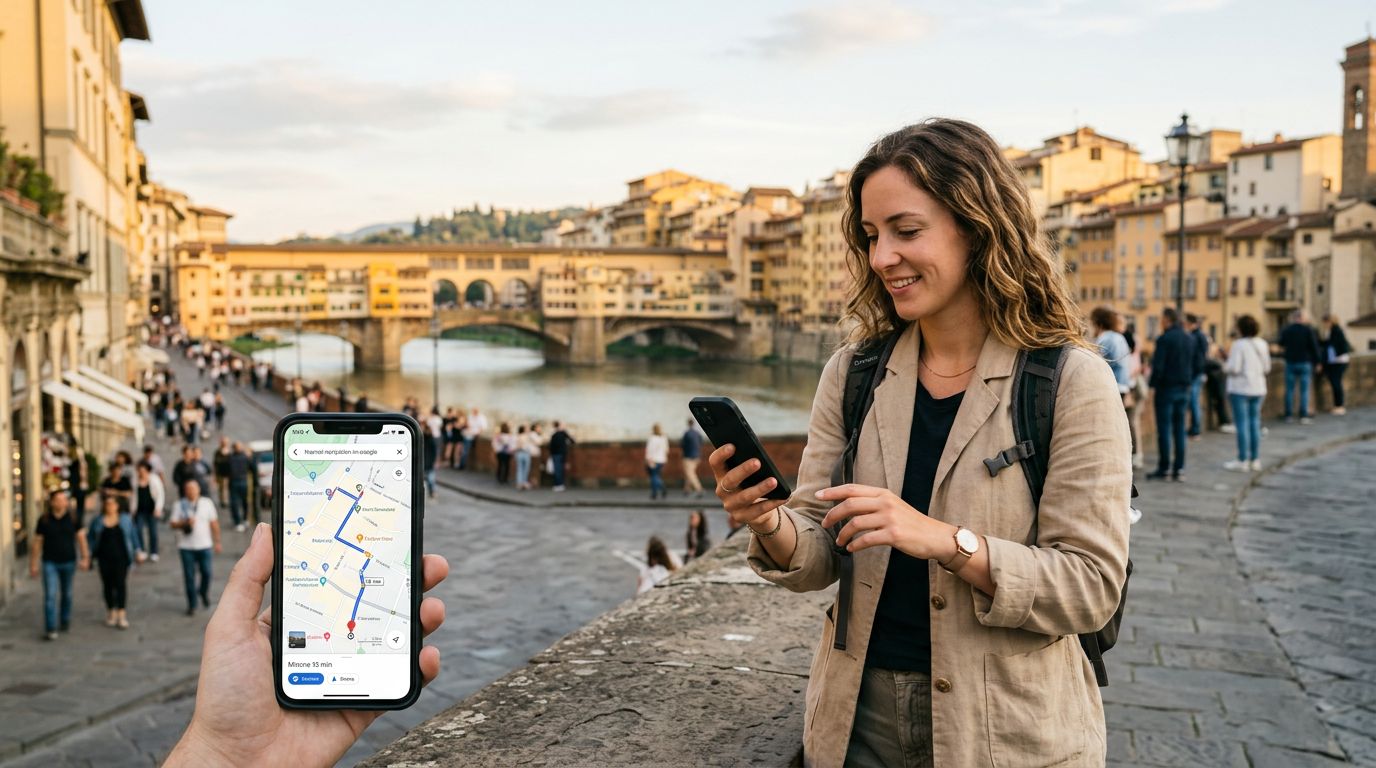
Getting lost in a foreign city is a classic travel trope, but it is one that modern technology has largely rendered obsolete. When you travel abroad, your smartphone becomes your most important tool, acting as a translator, a guidebook, and, most importantly, a GPS. However, relying on navigation apps requires a stable data connection. This is where an eSIM becomes essential. By using a digital SIM, you can maintain connectivity without the hassle of swapping physical cards, ensuring your maps stay live and accurate throughout your journey.
Why eSIMs Are the Best Choice for Navigation
For many years, travelers relied on local physical SIM cards or expensive roaming plans from their home carriers to get data abroad. Physical SIMs often require you to visit a kiosk at the airport, wait in line, and fiddle with tiny plastic cards that are easy to lose. If you lose your home SIM card in the process, you could be left without access to your primary phone number or two-factor authentication codes.
An eSIM, or embedded SIM, changes this dynamic entirely. Since the technology is built directly into your phone’s hardware, you can activate a data plan before you even leave your home country. By the time your plane touches down, you simply switch to your eSIM data profile, and your phone is ready to go.
When you are walking through the winding streets of a historic district or trying to find a specific transit stop in a sprawling metropolis, your maps app needs constant data to update your position and calculate routes. Because an eSIM provides a dedicated data connection, you do not have to rely on spotty public Wi-Fi networks. Public Wi-Fi is often slow, insecure, and requires constant re-authentication, which is the last thing you want to deal with when you are trying to catch a train. With a service like OneTapSIM, your connection remains stable, allowing your navigation software to work exactly as it does back home.
Setting Up Your Phone to Use Maps With an eSIM
Once you have purchased and installed your eSIM, the actual process of using maps is straightforward. However, there are a few settings you should verify to ensure your phone uses your eSIM data for navigation rather than accidentally triggering expensive roaming charges on your primary line.
First, ensure that your phone is set to use the eSIM for "Cellular Data." On most modern smartphones, you can manage this in your cellular or mobile network settings. You should designate your primary SIM for calls and texts if you wish to keep your home number active, but keep the eSIM selected for data.
Next, it is helpful to enable "Allow Cellular Data Switching" only if you are certain your primary carrier does not charge high roaming fees. For most travelers, it is safer to keep this setting off. By locking your data usage to your eSIM, you prevent your phone from defaulting to your home provider’s network when the signal fluctuates.
When you open your preferred map application, ensure that the app has permission to access your location "Always" or "While Using the App." If you are using a map app that offers offline functionality, you can download maps of the city you are visiting while you are connected to high-speed Wi-Fi at your hotel. This is a great way to save data. Even with an eSIM, having offline maps acts as a safety net. If you happen to travel into a remote area with limited cellular coverage, your phone will still be able to track your GPS coordinates and show you the pre-downloaded map data.
Tips for Efficient Data Usage While Navigating
While an eSIM provides a reliable connection, it is still wise to manage your data usage so you can stay connected for the duration of your trip. Navigation apps can be data-intensive, especially if they are constantly updating satellite imagery or traffic conditions in real-time.
One effective strategy is to use the "Offline Maps" feature found in most major mapping services. By downloading the map of your destination while you are on a stable connection, you significantly reduce the amount of data the app needs to pull from the network. The app will only use your eSIM data to track your movement and pull live traffic updates, rather than downloading the entire map interface from scratch.
Another tip is to pay attention to your phone’s background data usage. Many apps sync photos, emails, and software updates in the background. You can go into your phone settings and restrict background data for non-essential applications. This ensures that your entire data allowance is dedicated to the apps that matter most, like your maps, ride-sharing services, and translation tools.
If you are traveling in a group, try to designate one person as the "navigator" who keeps their map app open, rather than having four people simultaneously downloading the same map data. If you need to find a specific restaurant or attraction, look it up, get the directions, and then put the phone away. Constantly refreshing the map view consumes more data than following a set route.
Finally, remember that navigation apps are not just for driving. If you are using public transit, ensure your map app is set to the correct mode. Many apps provide real-time updates for buses and trains, which is invaluable when you are unfamiliar with local transit schedules. By keeping your OneTapSIM connection active, you can check for delays or route changes instantly, preventing the stress of waiting at the wrong platform.
Traveling with an eSIM provides a level of freedom that was previously unavailable to the average tourist. You no longer need to print out paper maps or memorize routes before you leave your accommodation. By following these simple steps—setting your data preferences correctly, utilizing offline map features, and managing background data—you can use your smartphone to explore the world with total confidence. Whether you are navigating a bustling city center or a quiet coastal village, having a reliable data connection ensures that you are never truly lost, just on an unexpected detour.