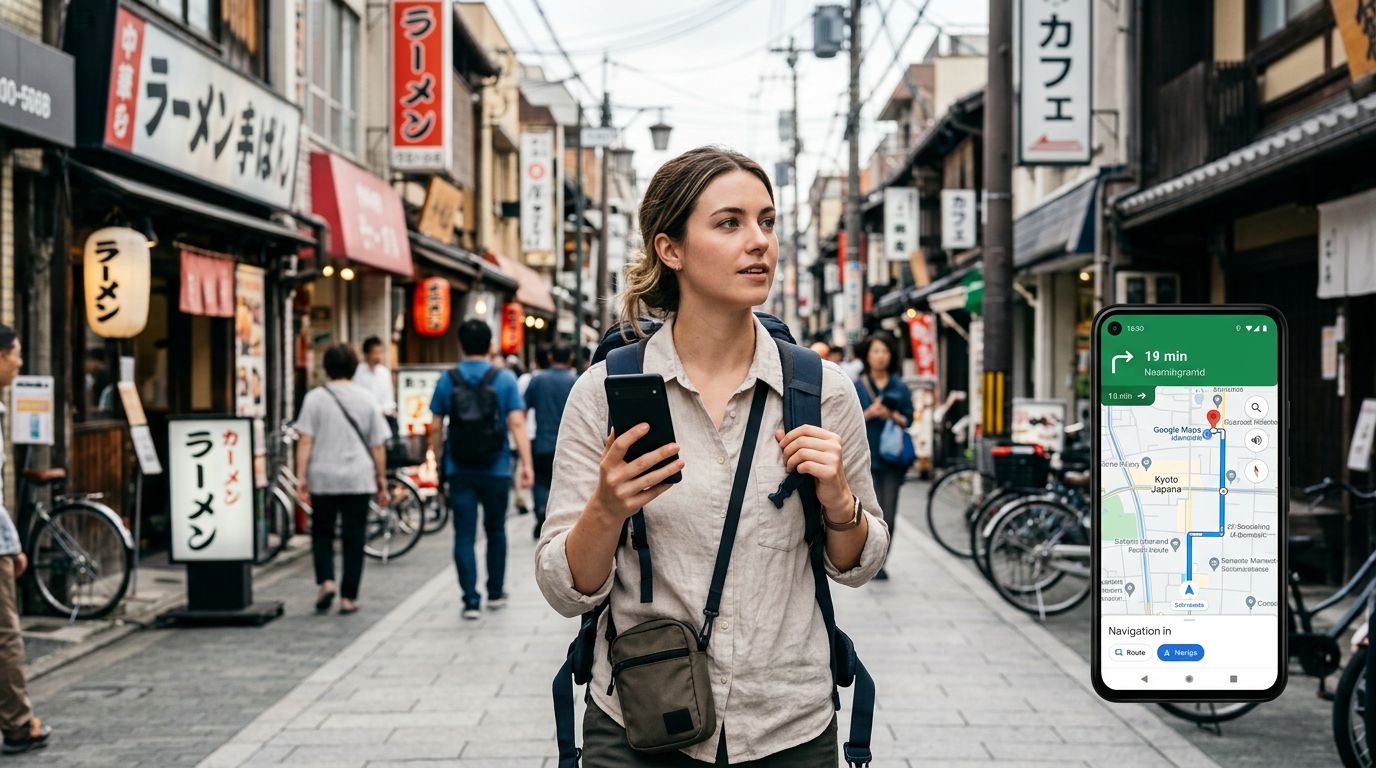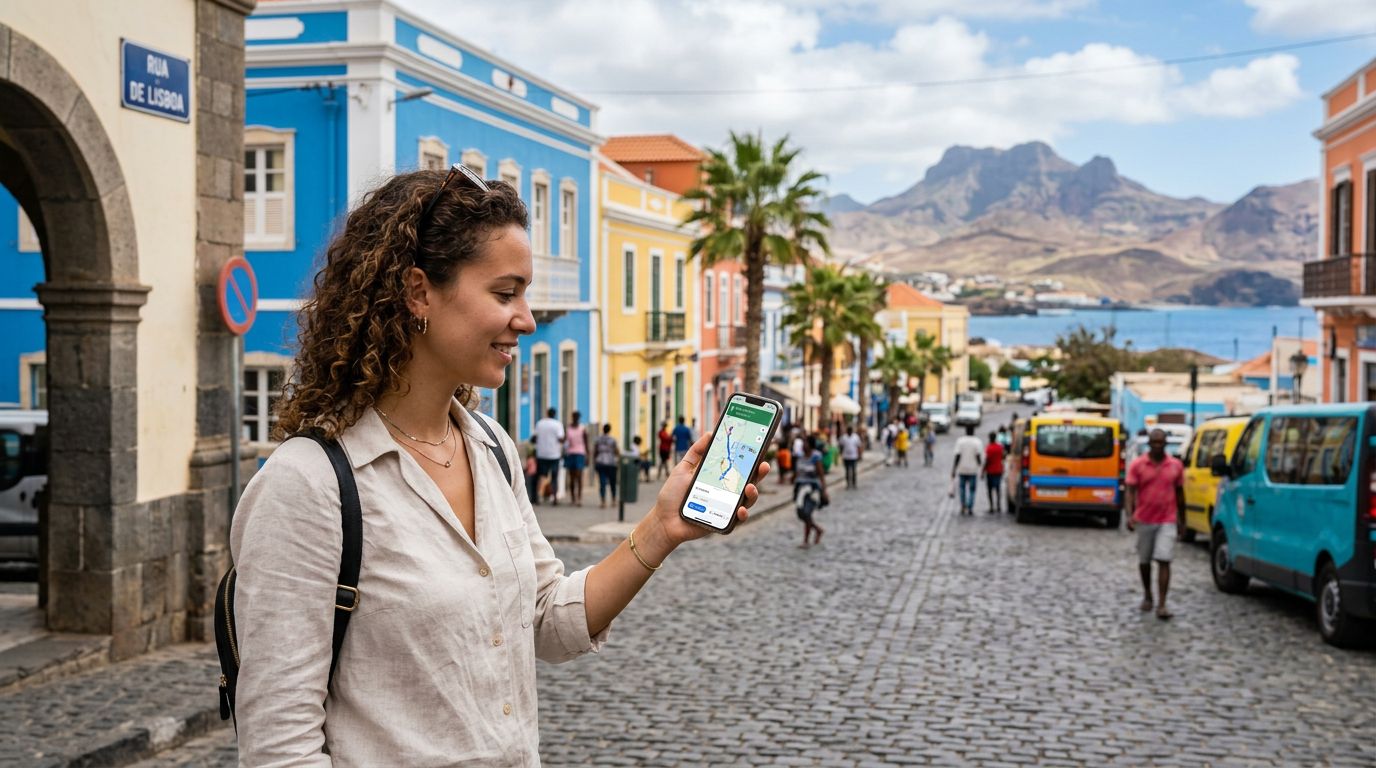
Honduras is a country of striking contrasts, where lush cloud forests meet the pristine turquoise waters of the Caribbean. Whether you are trekking through the ancient ruins of Copán, exploring the vibrant streets of Tegucigalpa, or heading to the sandy shores of Roatán, having a reliable connection is essential. Modern travel relies heavily on digital tools, and among these, navigation apps are arguably the most important. If you are planning a trip, understanding the nuances of using maps with eSIM in Honduras will ensure you spend your time enjoying the scenery rather than trying to figure out which turn to take.
Why Reliable Connectivity Matters for Navigation
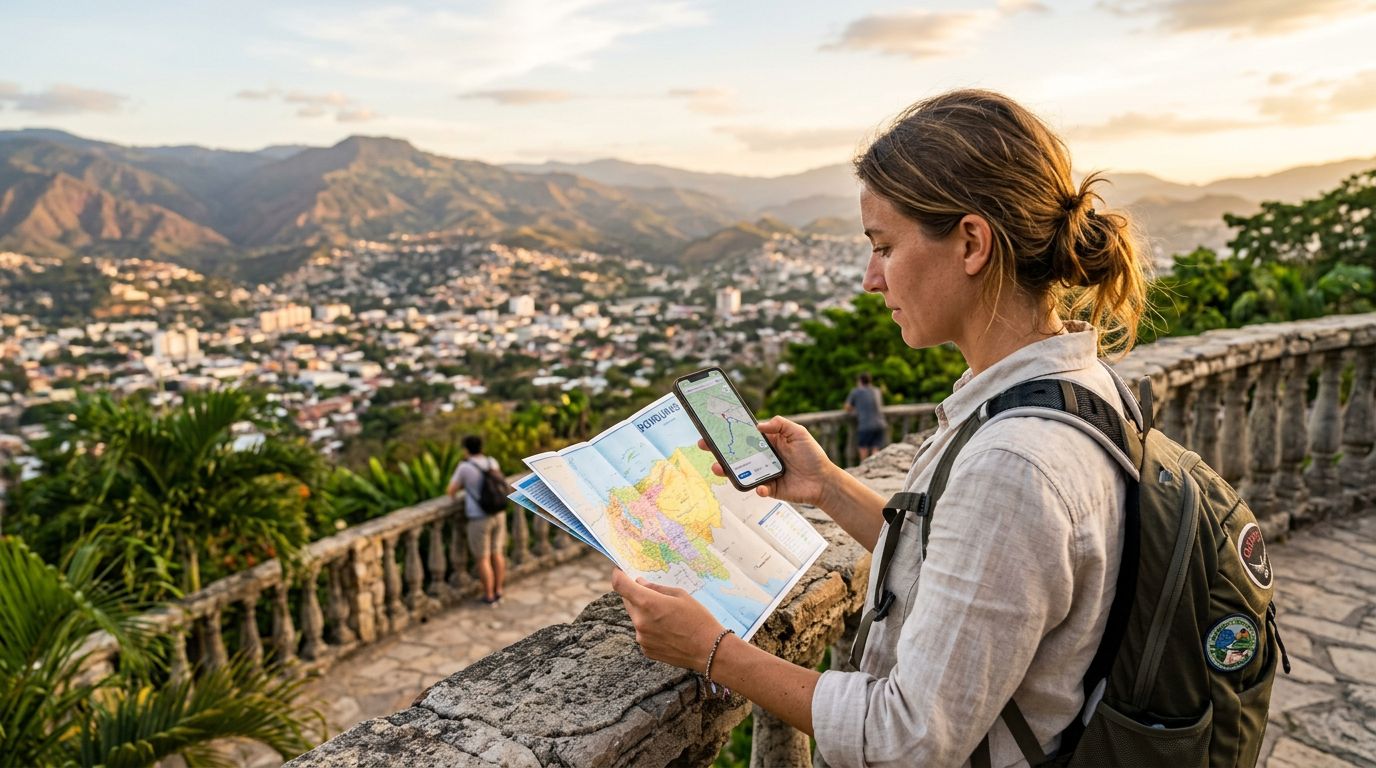
When you arrive in a new country, the immediate challenge is orientation. While physical maps have a certain nostalgic charm, they lack the real-time functionality required for modern travel. Navigation apps provide turn-by-turn directions, traffic updates, and public transport information that can save you hours of frustration. However, these apps are only as good as the data connection supporting them.
Using maps with eSIM in Honduras allows you to maintain a consistent data stream without the hassle of swapping physical plastic cards. An eSIM, or embedded SIM, is a digital version of a traditional SIM card that you activate directly on your device. By choosing a travel-focused provider like OneTapSIM, you ensure that your phone connects to local networks as soon as you land. This is critical for navigation because map applications often need to download large amounts of data to render high-resolution satellite imagery or calculate complex routes.
Without a stable data connection, your phone may struggle to pinpoint your exact location. A weak signal can lead to "GPS drift," where your blue dot on the screen jumps around, leaving you unsure if you have missed your exit or if you are on the right trail. By utilizing a high-quality eSIM, you provide your device with the bandwidth it needs to keep your location accurate and your route updated in real-time.
Optimizing Your Mapping Experience
To get the most out of your navigation tools while traveling, it is helpful to understand how these apps interact with your data plan. Most popular mapping services offer offline capabilities, but these are often limited. While you can download specific regions for offline use, these files do not include live traffic data, business hours, or user reviews. For a truly seamless experience, you need a live connection.
When using maps with eSIM in Honduras, you should adjust your phone settings to prioritize data efficiency. For instance, you can disable background app refresh for applications that do not need to be constantly updated. This ensures that the majority of your data allocation is reserved for the mapping software. If you are moving through remote areas, such as the mountainous regions near the Guatemalan border, data coverage can vary. In these instances, having an eSIM that connects to multiple local carriers can be a significant advantage, as it allows your phone to switch to the strongest available signal automatically.
Another tip for travelers is to use the "satellite" view sparingly. While it looks impressive, it consumes significantly more data than the standard map view. If you are concerned about your data usage, stick to the standard or terrain views. Furthermore, remember that navigation apps are battery-intensive. Keeping your screen bright and your GPS active will drain your power quickly. Carrying a portable power bank is a standard practice for any traveler relying on their phone for navigation, as it ensures that you aren't left with a dead device in the middle of a remote area.
Managing Your Digital Infrastructure
The beauty of the eSIM technology is its simplicity. You do not need to visit a local kiosk or deal with language barriers to get connected. By setting up your plan before you leave home, you essentially hit the ground running. When you land at the airport in San Pedro Sula or Roatán, your phone will automatically register with the local network, allowing you to open your map application immediately. This immediate access is particularly useful for finding your pre-booked transportation or locating your hotel without needing to search for public Wi-Fi.
OneTapSIM focuses on providing a streamlined experience that removes the technical hurdles often associated with international roaming. When you are moving through a country with diverse terrain like Honduras, having a reliable partner for your digital connectivity makes a noticeable difference. You can focus on the vibrant culture and the natural beauty of the landscape, confident that your digital tools are working in the background.
It is also worth noting that navigation is not just about driving. In many Honduran towns, walking is the best way to explore. Navigation apps are excellent for finding pedestrian-friendly routes that avoid busy highways or finding hidden gems like local cafes and viewpoints that aren't mentioned in traditional guidebooks. By keeping your eSIM active, you are essentially carrying a local guide in your pocket.
Finally, always ensure your device software is up to date before you depart. Older operating systems may not support the latest features of mapping apps, which can lead to performance issues. Check your settings to ensure that location services are granted the necessary permissions for your mapping apps. By taking these small, proactive steps, you ensure that your journey through Honduras is smooth, efficient, and filled with discovery. Whether you are navigating the bustling urban centers or the quiet coastal roads, your eSIM acts as the bridge between your curiosity and the world around you. With the right preparation, you can confidently explore every corner of this beautiful country.
Get an eSIM for
Plans for the destinations covered in this guide, with instant QR delivery.