Arriving in Honduras with Instant Connectivity
Stepping off the plane in Honduras, the last thing you want to do is hunt for a physical kiosk or struggle with a foreign language to purchase a local SIM card. By installing your OneTapSIM eSIM while you are still at home on your own Wi-Fi, you ensure that your device is ready the moment you land. When you touch down at Toncontín or Ramón Villeda Morales, you simply toggle your settings, and your phone will find a signal.
The first hour in a new country is often the most stressful. Having immediate data access means you can instantly pull up your ride-hailing app to book a safe transport to your hotel, check your digital booking confirmation for your accommodation, or drop a pin to your host to let them know you have arrived safely. Instead of standing in a queue at the airport, you can walk straight out to your waiting car, confident that your maps are loading and your messaging apps are syncing. This seamless transition allows you to focus on the excitement of your arrival in Honduras rather than the logistics of your mobile connection.
Data Habits and Essential Apps in Honduras
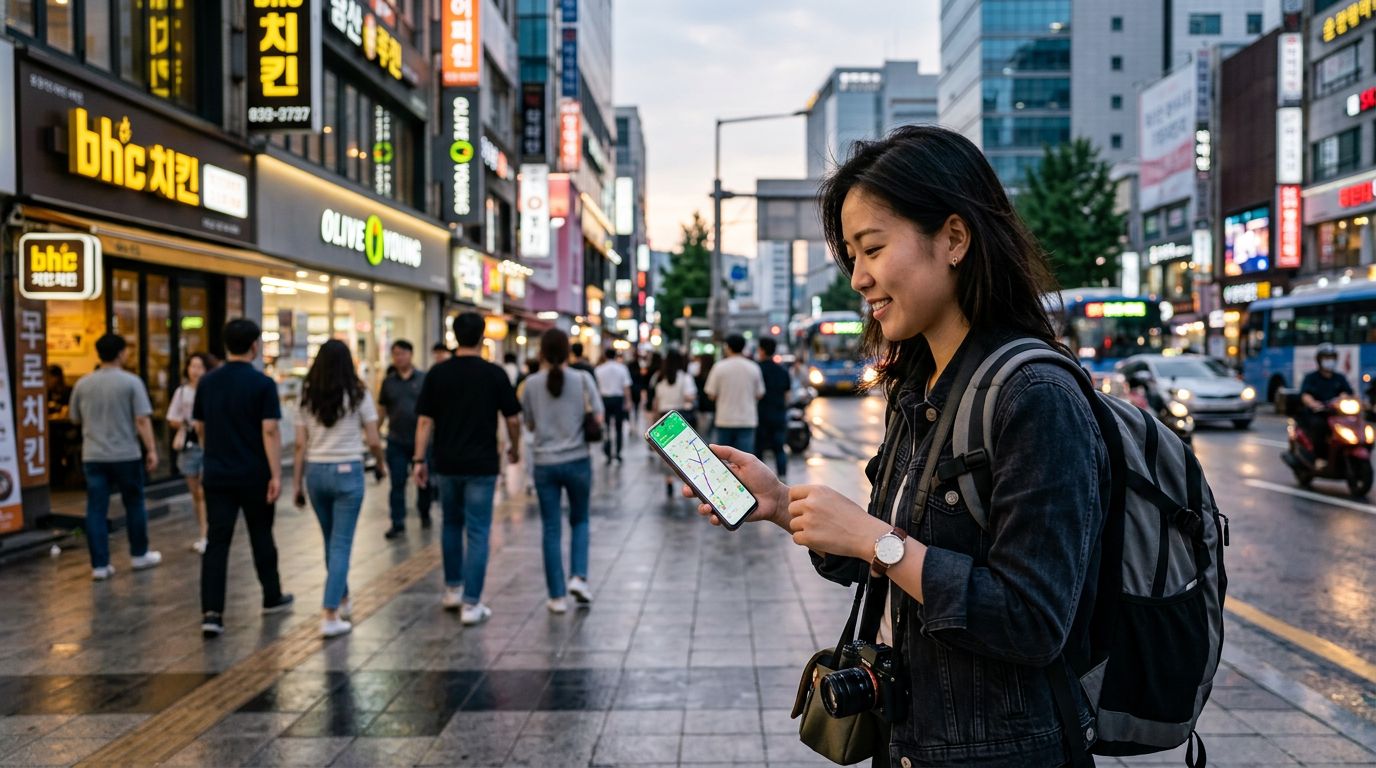
Travelers in Honduras rely on data for more than just social media; it is a vital tool for navigating the local infrastructure. If you are exploring urban centers like San Pedro Sula or Tegucigalpa, you will likely use ride-hailing services to move between neighborhoods safely. Having a reliable connection is essential for tracking your driver and communicating any specific pickup instructions.
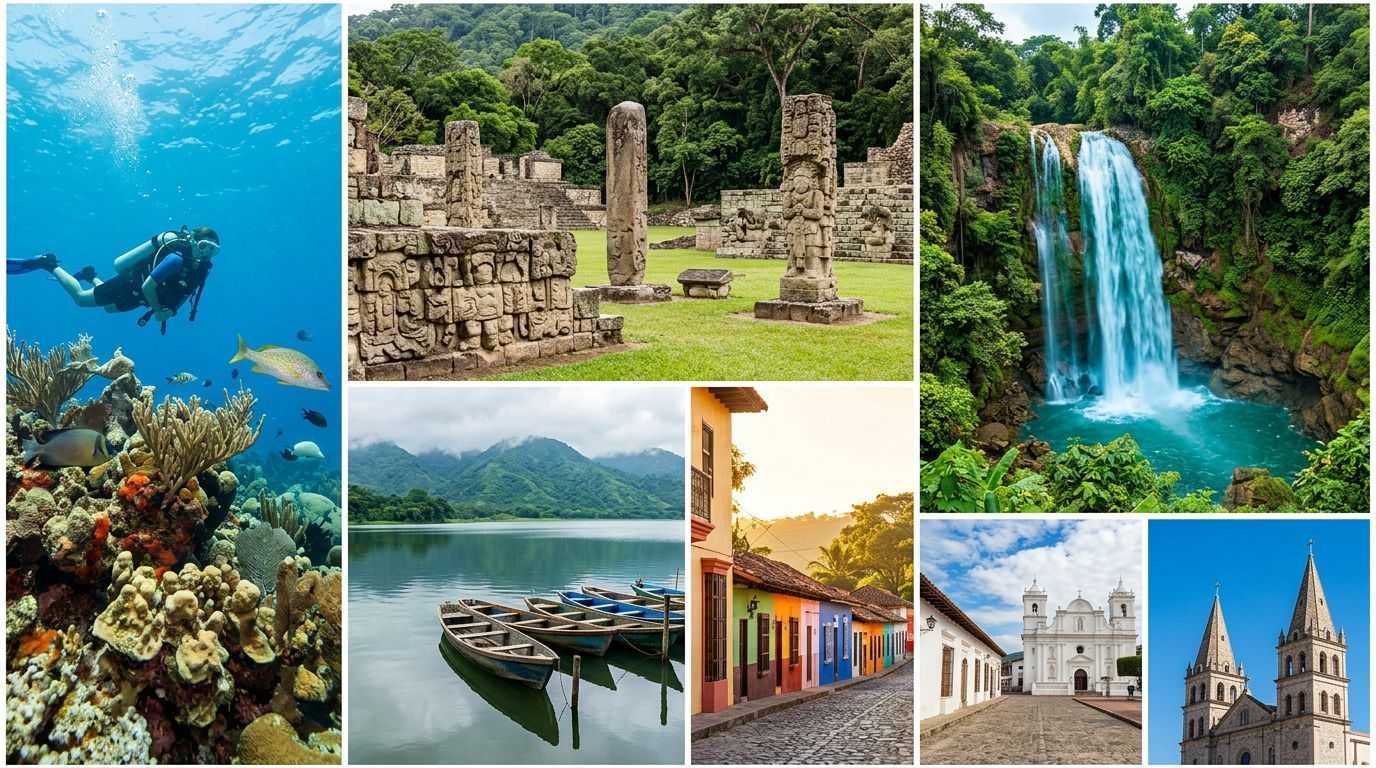
Beyond transit, data is your primary tool for translation and local discovery. Whether you are deciphering a menu in a bustling local eatery or using a translation app to ask for directions in a market, your connection acts as a bridge. Messaging apps are the standard for communication in the region, and being able to send photos or voice notes to family back home or coordinate with tour guides for excursions to the Bay Islands or Mayan ruins is invaluable. While many cafes and hotels offer Wi-Fi, it is often inconsistent or requires a local phone number for authentication. Having your own dedicated data line ensures you can handle QR code menus, digital payments, and real-time itinerary adjustments without relying on public hotspots.
Reliable Connectivity Across the Country
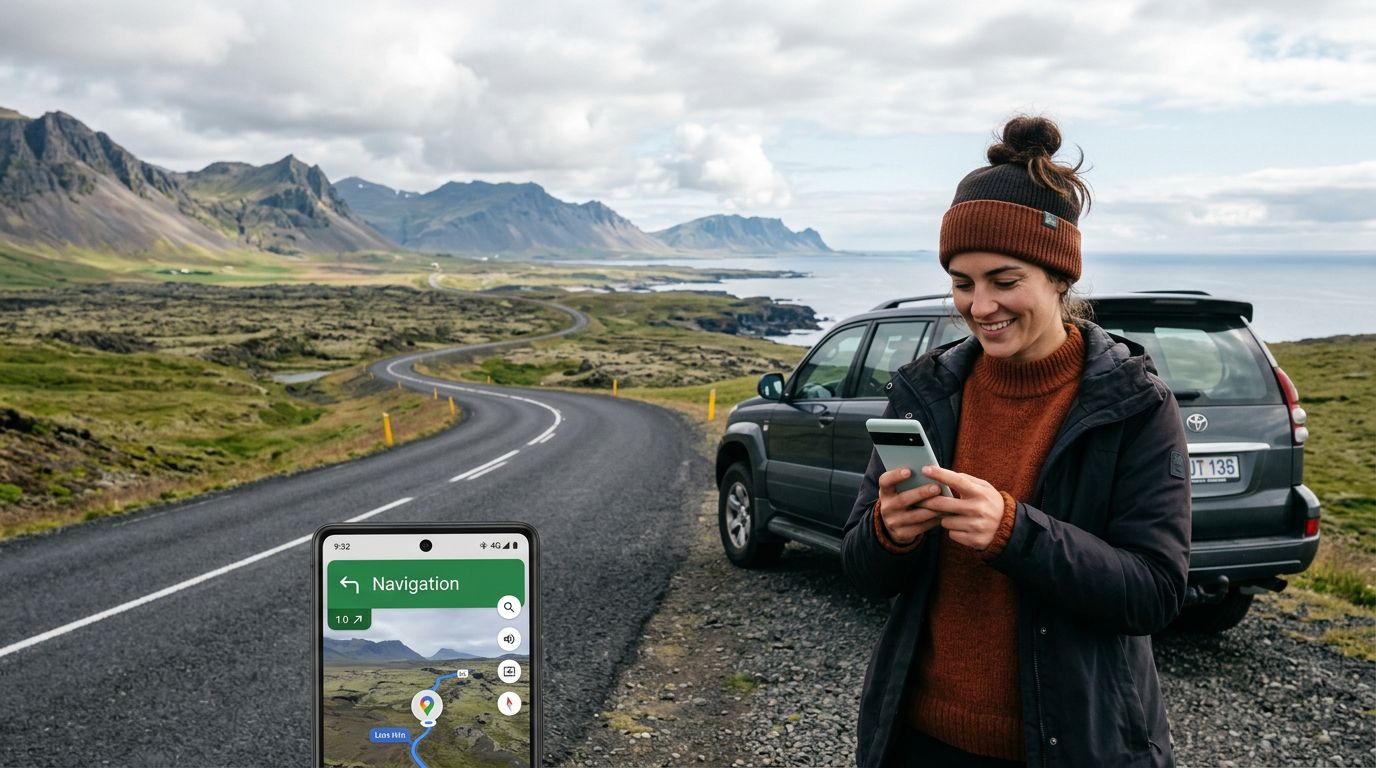
When you choose a OneTapSIM eSIM for your journey, your device connects through partner networks such as Claro. This partnership provides a stable foundation for your mobile data needs while you travel through the diverse landscapes of North America’s Central American heartland. Whether you are visiting the colonial streets of Comayagua, trekking through the cloud forests, or relaxing on the coast, your device will search for the available signals provided by these networks. By relying on established infrastructure, you can maintain a consistent connection that keeps your navigation, messaging, and information-gathering tools functional as you move between different regions of Honduras.
Selecting the Right Plan for Your Trip
With 10 different plans available, you can tailor your data allowance to match the specific rhythm of your trip to Honduras. Our options range from 1 GB to 20 GB, with validity periods spanning from 1 to 30 days. If you are planning a short city break or a quick weekend getaway, a smaller data allowance is often sufficient for basic mapping, messaging, and the occasional web search. For travelers planning an extended stay or those who rely heavily on uploading high-resolution photos and video calls, a larger allowance provides the peace of mind to use your device freely without monitoring your usage constantly. Because some of our plans support mid-trip top-ups, you have the flexibility to start with a moderate amount and add more if your travel plans change or you find yourself using more data than anticipated.
Practical Tips for Dual-SIM Management
Managing your mobile settings while traveling is straightforward if you follow a few simple steps. Most modern smartphones allow you to keep your home SIM card active alongside your eSIM. This is useful for receiving essential two-factor authentication codes from your bank or important incoming calls from home. To avoid unexpected charges from your home provider, ensure that you go into your phone’s cellular settings and specifically toggle "Data Roaming" to "Off" for your home SIM, while keeping it "On" for your travel eSIM.
OneTapSIM makes this process intuitive, allowing you to treat your travel line as your primary source of data. Remember that while Wi-Fi is available in many hotels and restaurants in Honduras, it should be treated as a secondary backup. By keeping your data roaming settings correctly configured, you ensure that your phone uses your eSIM for all internet-based tasks, keeping your home number active for calls and texts without accidentally triggering expensive roaming fees. This setup provides the perfect balance of connectivity and control for your international travels.