Understanding Connectivity Options for Your Guyana Trip
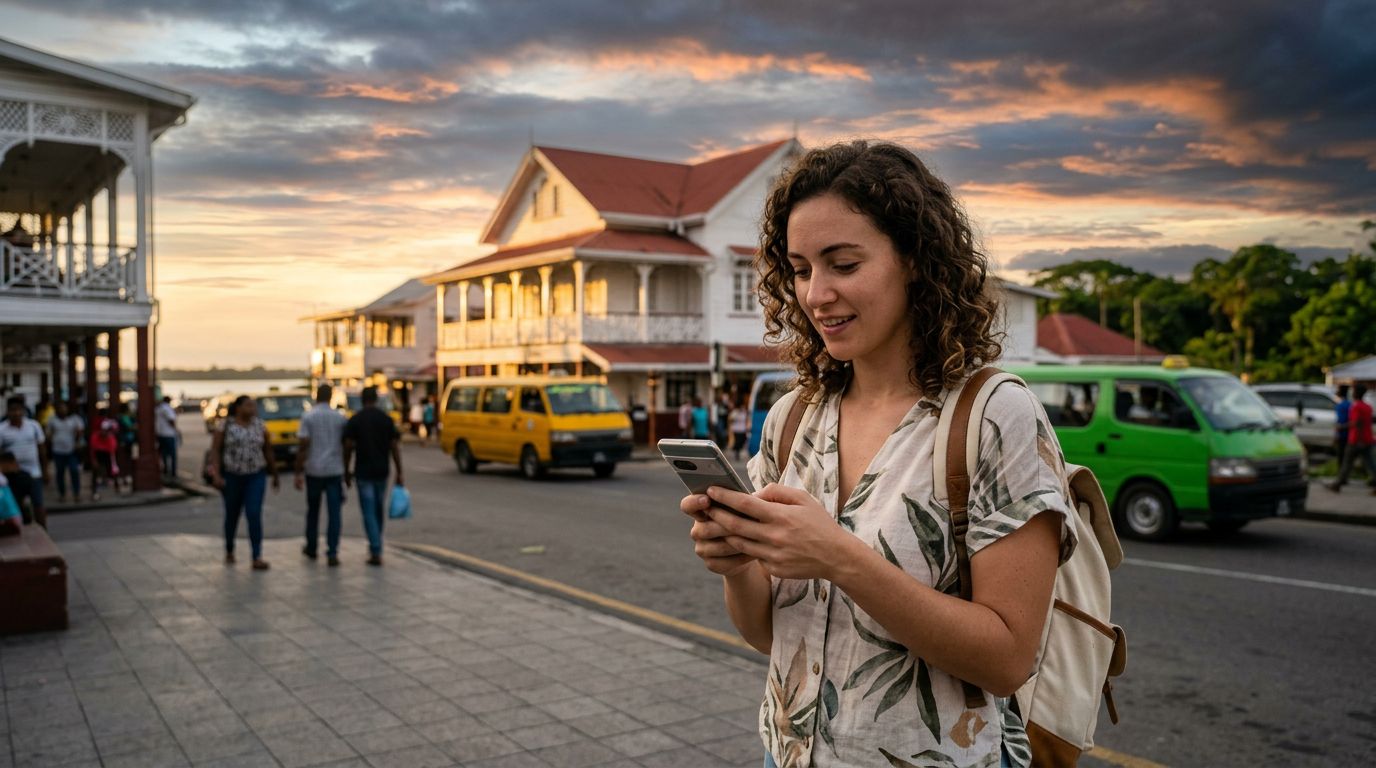
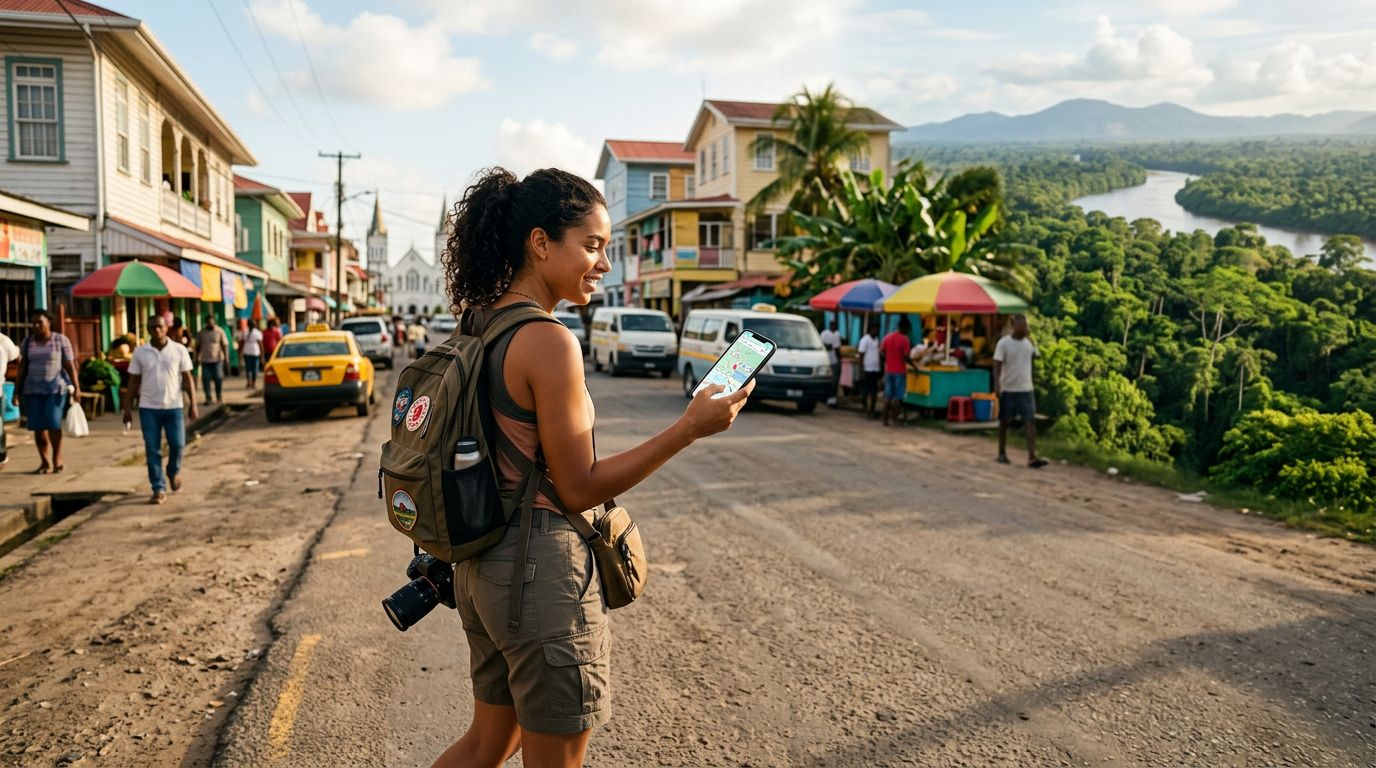
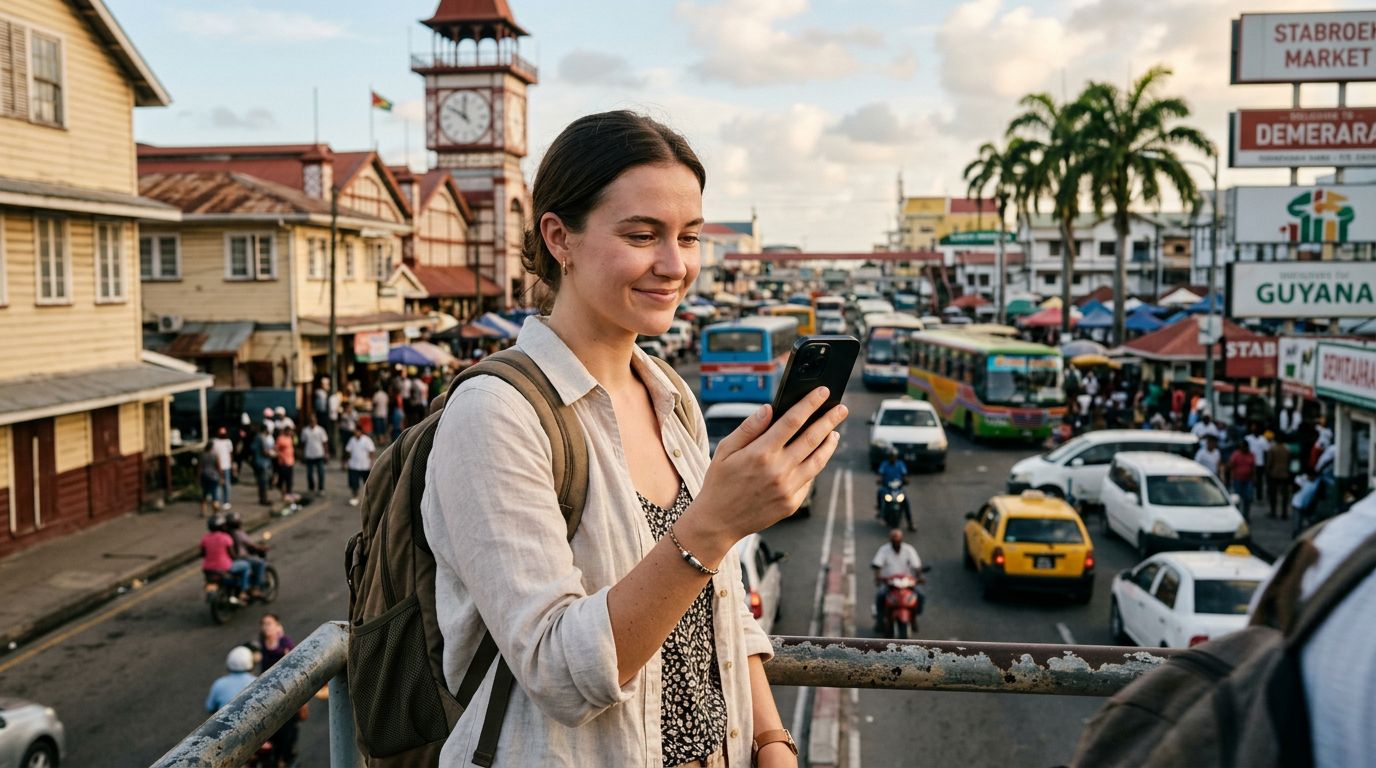
Guyana is a land of vast rainforests, stunning waterfalls, and a vibrant culture that draws adventurers from across the globe. Whether you are trekking through the interior or conducting business in Georgetown, staying connected is essential. For many international travelers, the most efficient way to manage communication is by using dual SIM in Guyana. This configuration allows you to keep your primary phone number active for critical calls or two-factor authentication while utilizing a local or travel-specific data plan to browse the web, use maps, and stay in touch via messaging apps.
The dual SIM capability is a standard feature on most modern smartphones, allowing the device to hold two separate profiles simultaneously. By combining your home SIM with a travel eSIM, you avoid the common pitfalls of international roaming, such as unpredictable charges or the need to physically swap out your home SIM card. This setup ensures that your device remains protected and that you do not risk losing your primary physical SIM while moving between remote locations.
The Advantages of Using Dual SIM in Guyana
When you arrive in a country like Guyana, the immediate priority is often finding a reliable way to access navigation and translation tools. Relying solely on your home carrier's roaming package can be restrictive, as these plans often throttle speeds or come with strict usage caps. By using dual SIM in Guyana, you gain the flexibility to choose a dedicated data source that is optimized for travel.
One primary benefit is the separation of voice and data. You can set your phone to use your home SIM for incoming calls or SMS, while designating your travel eSIM as the primary source for cellular data. This prevents your home carrier from triggering expensive roaming data sessions while still allowing you to receive important notifications. For travelers who rely on ride-sharing apps, finding a local guide, or uploading photos of the Kaieteur Falls, having a robust data connection is indispensable.
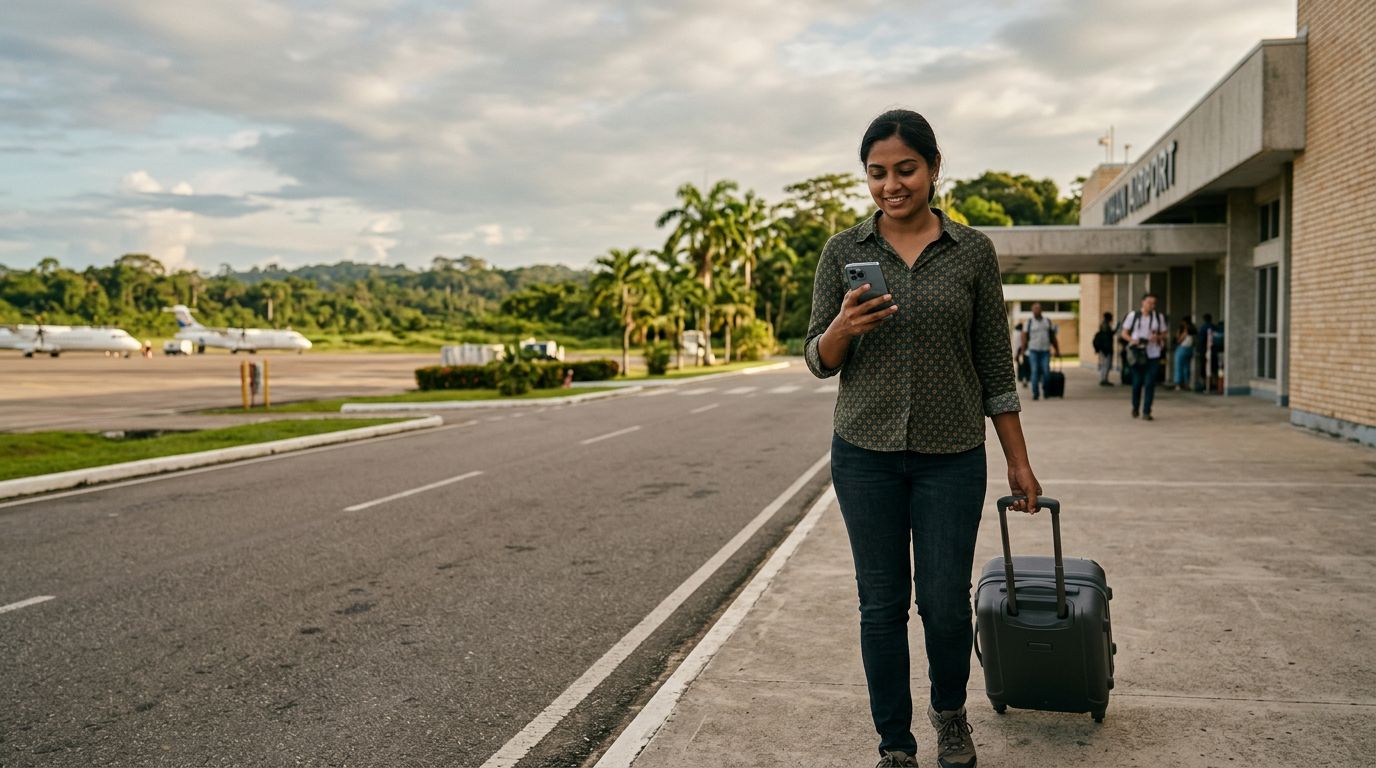
Furthermore, using an eSIM solution like OneTapSIM allows for a seamless transition. You can install your data plan before you even board your flight. Once you land in Georgetown, your phone will automatically detect the local network, and you can switch your data settings to the new profile. This eliminates the need to visit a physical store or wait in line at the airport to purchase a local SIM card, saving you precious time during your trip.
How to Set Up Your Device for Dual SIM Travel
Configuring your phone for dual SIM functionality is generally straightforward, provided your device is carrier-unlocked. Before you depart, it is important to verify that your smartphone supports eSIM technology. Most flagship devices from the last few years are compatible, but it is always wise to check your manufacturer’s support documentation to ensure your specific model is ready for digital SIM management.
To begin, ensure your phone is connected to a stable Wi-Fi network. If you are using a service like OneTapSIM, you will typically receive a QR code or an activation link. You can add this as a secondary cellular plan through your phone's settings menu. Once added, you can label your plans—for example, labeling your home SIM as "Primary" and your travel SIM as "Travel."
When you are ready to use your dual SIM setup in Guyana, navigate to your cellular settings. Here, you can select which SIM card handles cellular data. It is recommended to turn off "Allow Cellular Data Switching" to prevent your phone from accidentally reverting to your home carrier’s roaming data if the signal strength of your travel eSIM fluctuates. This simple setting change ensures that you maintain control over your data usage throughout your journey.
Managing your data usage is also easier with this setup. You can monitor how much data you have consumed directly through your phone’s built-in settings, allowing you to track your usage in real-time. If you find yourself needing more data, you can often top up your travel eSIM plan digitally without having to replace your physical SIM or find a local vendor.
Best Practices for Reliable Connectivity
While using dual SIM in Guyana provides significant convenience, maintaining a reliable connection requires a bit of foresight. Guyana’s infrastructure is concentrated in urban areas, but the interior regions can be remote. In Georgetown and along the coast, you will generally find strong coverage. However, when venturing deep into the rainforest or toward the border regions, signal strength can vary regardless of which carrier you choose.
To maximize your connectivity, always keep your phone’s operating system updated. Software updates often include carrier settings that improve network compatibility and battery efficiency. Additionally, consider downloading offline maps for the specific regions you plan to visit. While your eSIM will provide the data needed for live updates, having an offline backup ensures you can navigate safely even if you move into a "dead zone" where cellular signals are weak or unavailable.
Another tip for travelers is to manage your apps to reduce background data consumption. Many modern smartphones allow you to restrict specific apps from using cellular data. By turning off background data for non-essential applications, you can preserve your travel data for the tools that matter most, such as navigation, messaging, and emergency communication.
By choosing to use dual SIM in Guyana, you are opting for a smarter, more flexible way to travel. You keep your home identity intact while embracing the freedom of a local data experience. Whether you are navigating the bustling streets of the capital or preparing for an excursion into the wild, this digital approach ensures you stay connected on your own terms, allowing you to focus on the beauty and excitement of your Guyanese adventure.
Get an eSIM for
Plans for the destinations covered in this guide, with instant QR delivery.