Connectivity Challenges in Madagascar
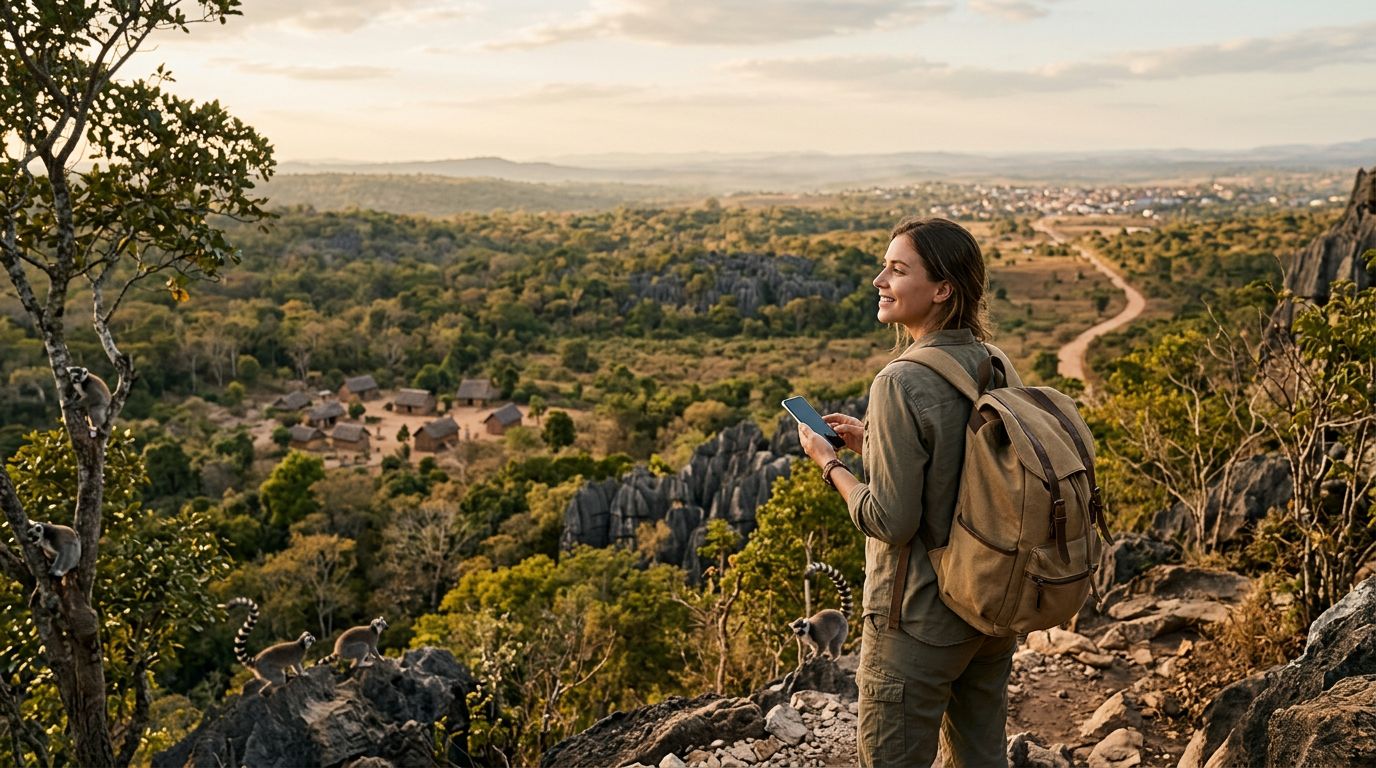
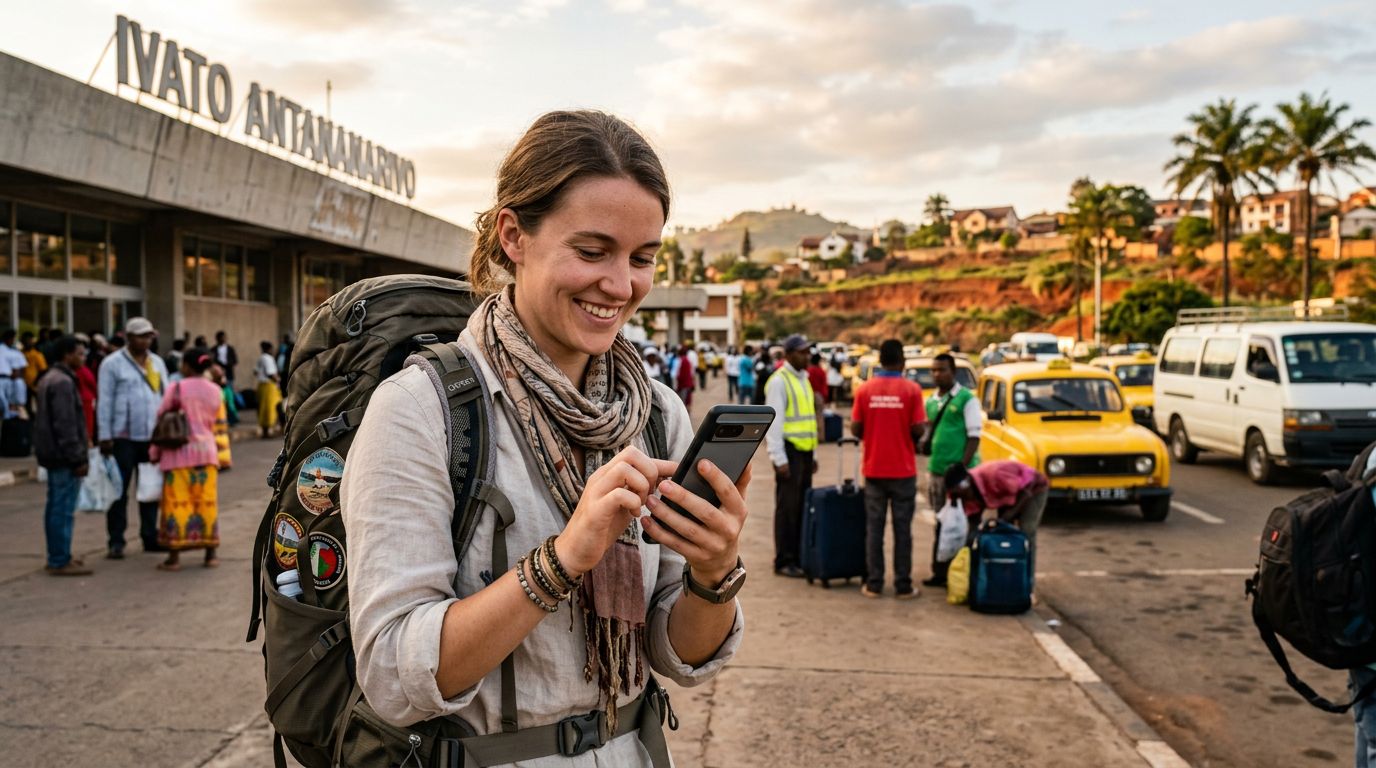
Madagascar is a destination defined by its unique biodiversity, sprawling national parks, and remote coastal villages. For the modern traveler, maintaining a connection while exploring the Avenue of the Baobabs or the rainforests of Andasibe is essential for safety, navigation, and sharing experiences. However, the telecommunications landscape in Madagascar can be complex for international visitors. Relying on your home carrier often leads to exorbitant roaming fees, and finding a reliable local physical SIM card upon arrival can be time-consuming, especially if you land at night or head straight to a remote region.
The infrastructure in Madagascar relies heavily on a few major mobile network operators. While coverage has improved significantly in urban centers like Antananarivo, the signal can become inconsistent as you venture into the rural interior or the deep south. This is why having a robust connectivity strategy is vital. Many travelers find that the most effective way to stay online is by utilizing the dual SIM capabilities of their modern smartphones. By keeping your home number active for essential calls or two-factor authentication and adding a dedicated data-only eSIM for your local internet needs, you can enjoy the best of both worlds without the stress of unexpected bills.
How Dual SIM Technology Simplifies Your Trip
Dual SIM technology allows your smartphone to manage two different mobile networks simultaneously. In the context of travel, this means you can keep your primary SIM card active for incoming SMS or emergency calls from home, while assigning your data usage to a secondary eSIM. This setup is particularly beneficial when traveling to a country like Madagascar, where you may need to rely on GPS mapping apps, translation tools, or instant messaging to coordinate with local guides and drivers.
When you use a service like OneTapSIM, you are essentially installing a digital profile onto your phone’s internal chip. This process eliminates the need to physically swap out your home SIM card, which carries the risk of losing or damaging a tiny piece of plastic. Once the eSIM is installed, you can toggle between networks through your phone’s settings menu. You can designate your primary SIM for voice and your secondary eSIM for cellular data. This configuration ensures that your phone automatically pulls data from the local network, providing you with consistent connectivity without interrupting your ability to receive important messages on your home number.
For those using iPhones, the process is managed within the Cellular settings menu, where you can label your plans to distinguish between your home carrier and your travel data. Android users will find similar options under Network & Internet settings. By setting your data preference to the eSIM, you avoid the risk of your phone defaulting to your home carrier’s roaming data, which is often the primary cause of high travel expenses. This level of control is a significant advantage for anyone planning an extended trip across the diverse landscapes of Madagascar.
Best Practices for Using Dual SIM in Madagascar
Successfully using dual SIM in Madagascar requires a bit of preparation before you leave home. First and foremost, you must ensure that your smartphone is carrier-unlocked. If your phone is locked to a specific provider, it will not be able to accept an eSIM from a different service. You can verify this status by checking your device settings or contacting your home carrier. Additionally, ensure that your device is compatible with eSIM technology, which is standard on most flagship smartphones released in the last few years.
Once you have confirmed your device compatibility, the next step is to install your eSIM before you depart. OneTapSIM provides a straightforward installation process that involves scanning a QR code or entering manual details provided after your purchase. By setting this up while you are still at home and connected to reliable Wi-Fi, you ensure that your data connection is ready to activate the moment your plane touches down in Antananarivo.
Upon arrival, you may need to enable data roaming on your eSIM profile. It is a common misconception that enabling roaming will trigger charges from your home carrier; however, as long as you have correctly configured your phone to use the eSIM for cellular data, the roaming setting simply allows the eSIM to connect to local partner towers. It is also wise to download offline maps of the areas you plan to visit. While a dual SIM setup provides excellent connectivity, Madagascar’s remote geography means that you may occasionally encounter "dead zones" where no cellular signal is available. Having offline maps ensures that you can always find your way back to your hotel or the next town.
Finally, manage your data usage by monitoring your consumption through your phone’s built-in data tracking tools. While digital eSIMs offer a convenient way to stay connected, streaming high-definition video or downloading large files over a mobile network can deplete your data allowance quickly. By sticking to essential tasks like navigation, messaging, and web browsing, you can make the most of your data plan throughout your journey. Whether you are trekking through Tsingy de Bemaraha or relaxing on the beaches of Nosy Be, having a reliable, pre-configured data connection allows you to focus on the incredible sights rather than worrying about how to get back online. Using dual SIM in Madagascar with a provider like OneTapSIM is a practical, efficient, and stress-free way to maintain your digital lifeline while exploring this unique island nation.
Get an eSIM for
Plans for the destinations covered in this guide, with instant QR delivery.