Why Dual SIM is the Smart Choice for Malaysia
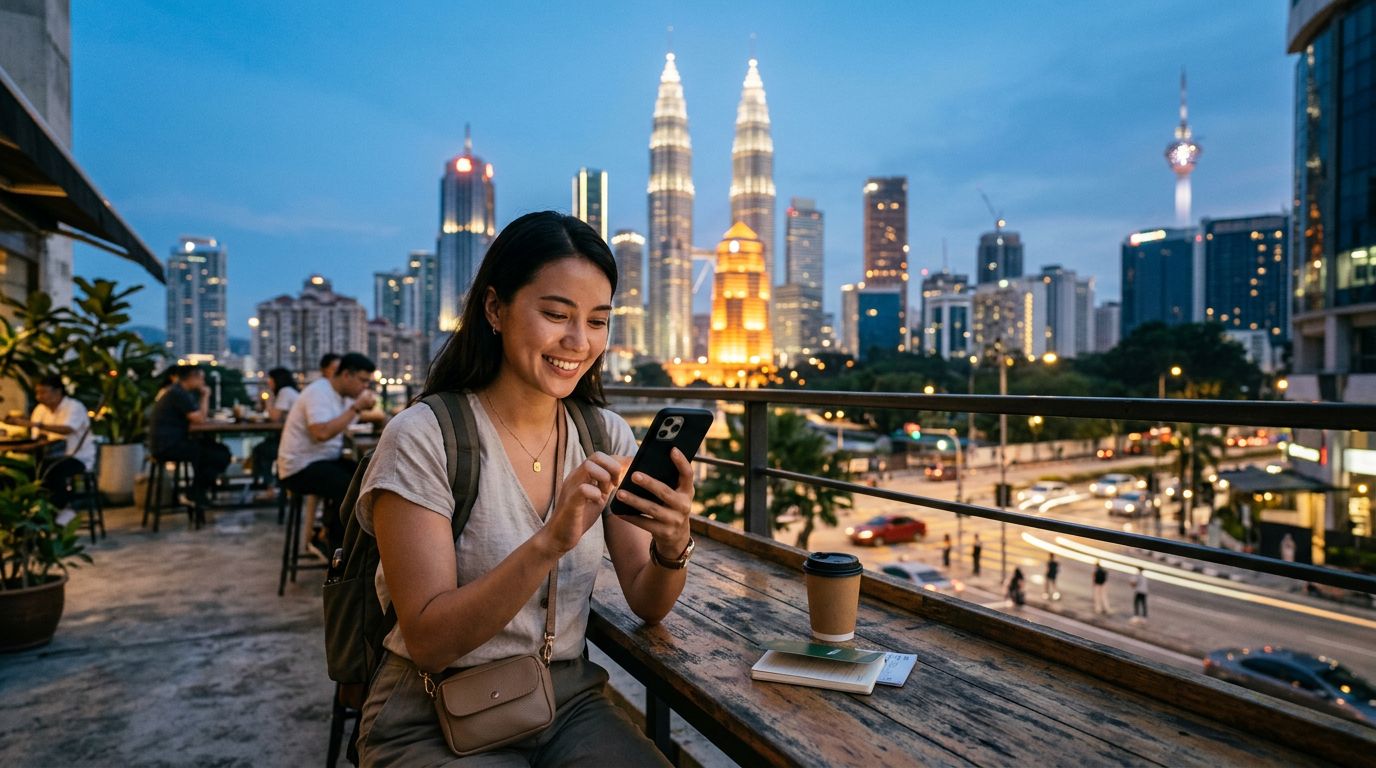
Traveling to Malaysia offers a blend of vibrant cityscapes in Kuala Lumpur, lush tea plantations in the Cameron Highlands, and pristine beaches in Langkawi. To make the most of these experiences, you need reliable internet access for navigation, translation, and sharing your journey. Many modern travelers are discovering that using dual SIM for travel in Malaysia is the most efficient way to stay connected without the hassle of swapping physical cards or dealing with roaming fees from their home carrier.
When you use a dual SIM setup, you can keep your primary phone number active for essential calls or texts from home while dedicating a secondary digital SIM, or eSIM, to handle your data needs locally. This approach ensures that you never lose access to your banking apps or two-factor authentication codes that might be tied to your home number. Simultaneously, you enjoy the high-speed data connectivity provided by a local network provider.
Managing two SIMs on a single device eliminates the physical risk of losing your home SIM card while fumbling with tiny trays at the airport. By setting your home SIM to "Voice" and your travel eSIM to "Data," you gain full control over your connectivity. This configuration is particularly useful in Malaysia, where ride-sharing apps and digital maps are essential for getting around efficiently.
Setting Up Your Device for Seamless Connectivity
Before you arrive in Malaysia, it is important to ensure your smartphone is compatible with eSIM technology. Most flagship devices released in the last few years support this feature. You can check your device settings to confirm if your phone is unlocked and capable of hosting an eSIM profile. If you are unsure, you can consult official resources provided by apple.com or google.com to verify your specific model's capabilities.
The process of installing an eSIM is straightforward. Once you have selected a provider like OneTapSIM, you will typically receive a QR code or an activation link. Adding this to your device takes only a few moments. Once the profile is downloaded, you can label it as "Travel" or "Malaysia" in your cellular settings to keep it distinct from your primary line.
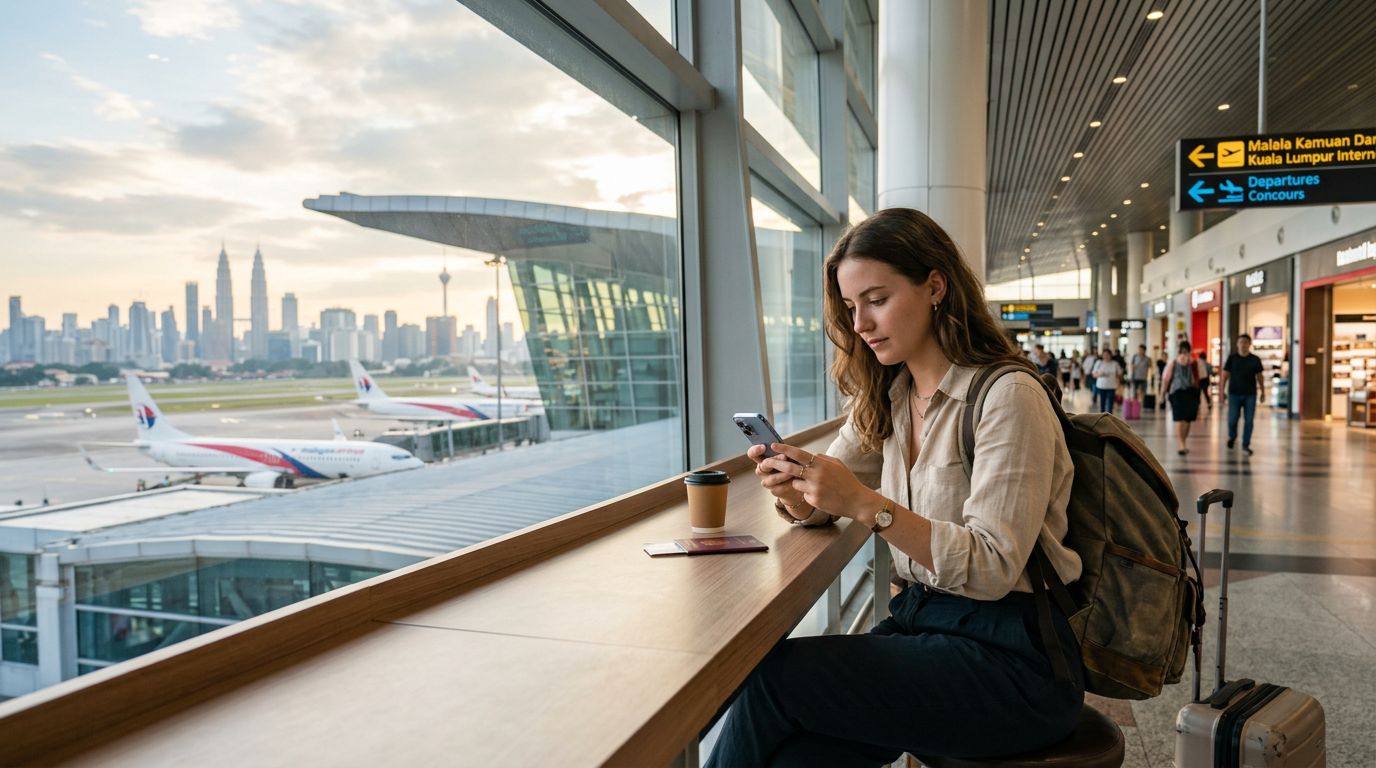
When you land at Kuala Lumpur International Airport or cross the border, you can simply toggle your data settings to the OneTapSIM profile. Your phone will automatically search for the best available network in Malaysia. Because you are using a digital solution, there is no need to stand in long queues at airport kiosks or hunt for physical shops to buy a local plastic SIM. You can activate your connectivity while sitting in the terminal, ensuring you have maps and transport information ready the moment you step outside.
Managing Data and Battery Life While Exploring
One common concern for travelers is how maintaining two active SIM cards affects battery performance. While having two radios active can consume slightly more power than a single SIM, modern smartphones are highly optimized for this configuration. To conserve battery, you can turn off data roaming on your home SIM completely. This prevents your home carrier from constantly searching for a signal or attempting to sync background data, which is where most of the battery drain occurs.
When using dual SIM for travel in Malaysia, you should also be mindful of your data usage. Streaming high-definition video or backing up large photo libraries should ideally be reserved for when you are connected to hotel Wi-Fi. For general tasks like using ride-sharing apps, checking restaurant reviews, or posting updates to social media, your eSIM data will be more than sufficient.
If you find that you are running low on data, some providers allow you to top up your plan remotely through an app or a web portal. This flexibility is a significant advantage over traditional SIM cards, which often require you to visit a physical store to purchase a top-up voucher. By managing your usage through your device settings, you can stay within your limits while enjoying the freedom of constant connectivity.
Troubleshooting Common Connectivity Issues
While the process is generally smooth, you may occasionally encounter minor hurdles. If you find that your data is not connecting immediately upon arrival, the first step is to check your "Cellular Data" settings to ensure the correct SIM is selected as the active provider for data. Sometimes, toggling "Airplane Mode" on and off helps the device refresh its connection to the local cellular towers.
Another frequent issue involves the Access Point Name (APN) settings. While most modern devices configure these automatically, you may occasionally need to enter them manually if your data is not flowing as expected. Your eSIM provider should offer clear, step-by-step instructions on how to verify these settings. If you are still having trouble, checking the official support pages at support.apple.com or support.google.com can provide guidance on managing dual SIM configurations.
Remember that Malaysia has excellent 4G and 5G coverage in urban areas, but signals can be weaker in remote jungle regions or deep within the highlands. If you are planning a trip to a more secluded area, it is wise to download offline maps before you leave your hotel. This ensures that even if you experience a temporary dip in network coverage, your navigation tools remain functional.
By choosing a reliable service like OneTapSIM, you minimize the risk of connectivity gaps. The goal is to spend your time enjoying the street food in Penang or the architecture in Malacca, rather than worrying about your phone settings. Using dual SIM for travel in Malaysia provides the perfect balance of convenience and control, allowing you to stay connected on your own terms while you explore everything the country has to offer.
Get an eSIM for
Plans for the destinations covered in this guide, with instant QR delivery.