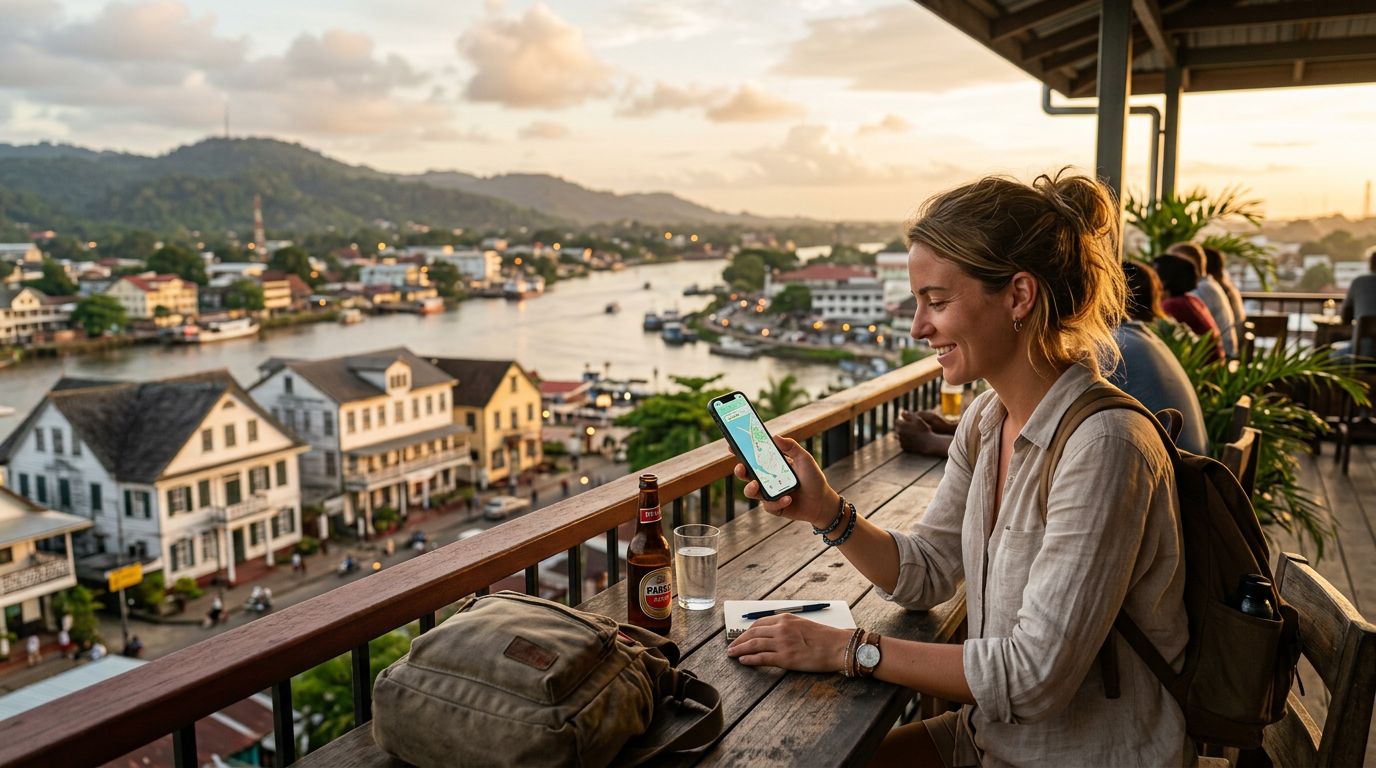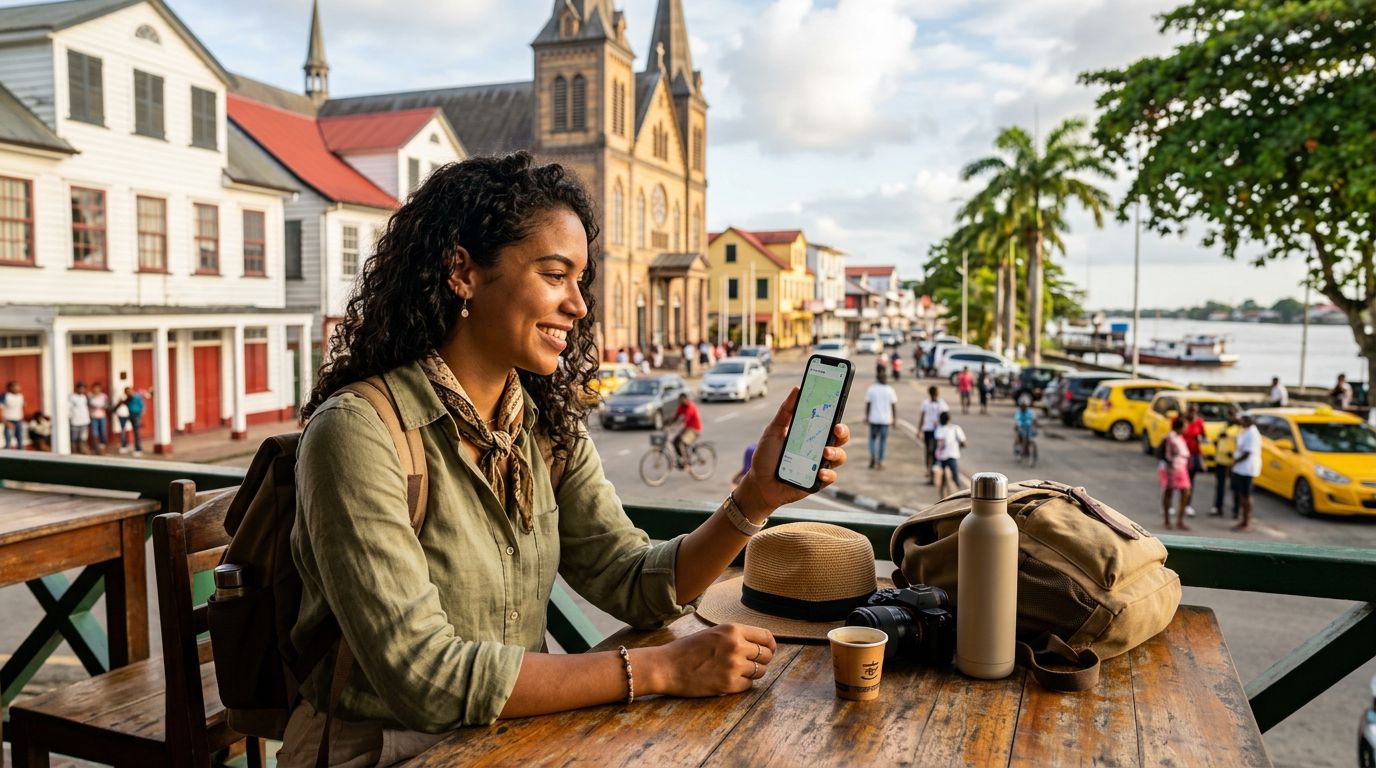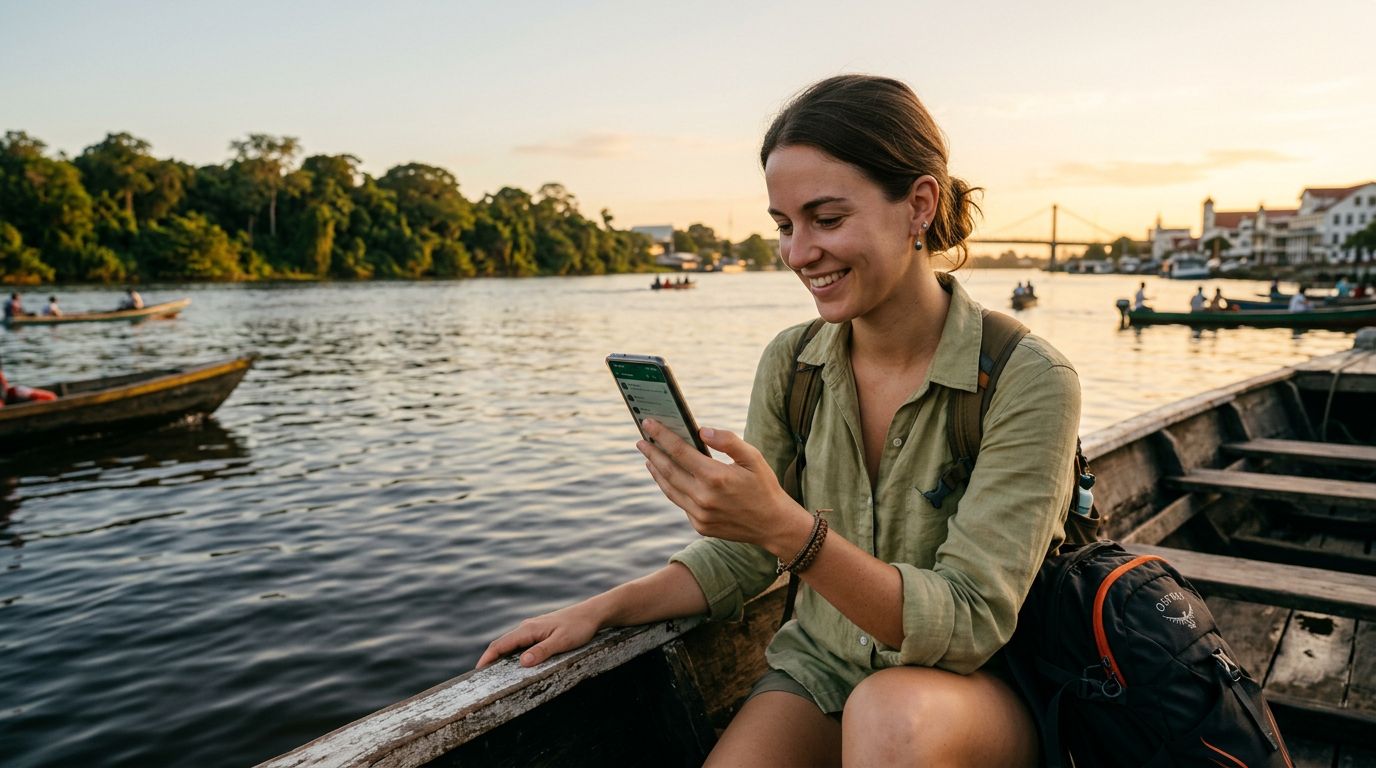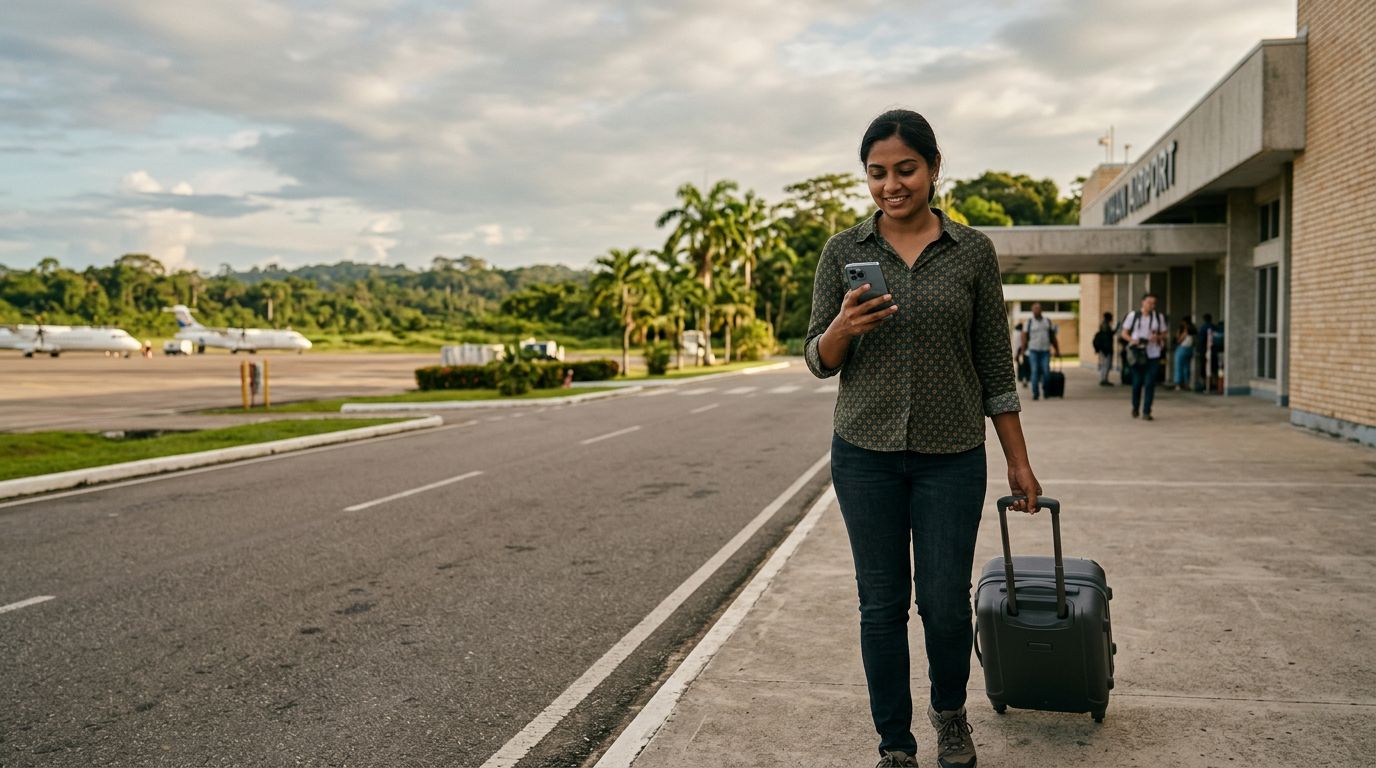
Suriname is a destination of immense natural beauty, from the dense Amazonian rainforests to the historic, colonial architecture of Paramaribo. Whether you are trekking through the interior or exploring the vibrant culture of the capital, staying connected is essential for safety, navigation, and sharing your experiences. For travelers arriving from abroad, the most efficient way to manage connectivity is by using dual SIM technology. By combining your home number with a travel eSIM, you can maintain your primary line while enjoying reliable local data access.
Understanding Dual SIM Functionality for International Travel
Modern smartphones have revolutionized how we travel by allowing two active SIM profiles simultaneously. This technology is known as Dual SIM. Most recent devices allow you to use one physical SIM card alongside an eSIM, or even two active eSIMs at the same time. This is particularly useful when visiting a country like Suriname, where you may want to keep your home number active for important SMS messages or calls, while using a separate data plan to avoid heavy international roaming fees.
When using dual SIM in Suriname, your phone treats the two profiles as distinct entities. You can designate one for cellular data and the other for voice and text. This setup ensures that you are never disconnected from your primary contacts, yet you are not reliant on your home carrier's expensive roaming data packages. Setting up your device for this configuration is straightforward. On most modern smartphones, you can manage these settings directly through the cellular or mobile network menu in your device settings.
By utilizing an eSIM, you eliminate the need to physically swap out your home SIM card at the airport or a local kiosk. This protects your original SIM card from being lost or damaged during your travels. Once you have activated your secondary profile, your phone will intelligently switch between networks, ensuring that you always have the best available signal for your data needs.
Why OneTapSIM is the Ideal Choice for Suriname
Choosing the right data provider is the most critical step in ensuring a smooth trip. OneTapSIM offers a streamlined experience designed for travelers who value simplicity and reliability. Instead of searching for a local mobile store upon arrival in Paramaribo or worrying about language barriers when trying to purchase a physical prepaid card, you can prepare your connection before your plane even touches the ground.
The primary advantage of using OneTapSIM is the ease of installation. Once you purchase your plan, you receive a digital profile that can be added to your phone in minutes. Because it is a digital product, there is no physical waste and no need to wait in queues. Once you land in Suriname, your device will recognize the network, and your data connection will be ready to use. This is especially helpful if you are arriving late at night or during a holiday when local retail shops might be closed.
Furthermore, OneTapSIM provides a consistent user experience. You do not have to worry about compatibility issues or complicated APN settings that often plague local prepaid SIM cards. The service is designed to connect to the most stable local networks, providing you with the coverage you need to use map applications, messaging services, and travel booking tools without interruption. By keeping your home SIM active for calls and using OneTapSIM for data, you create a robust communication setup that covers all bases.
Practical Tips for Managing Your Connectivity
To get the most out of using dual SIM in Suriname, a few configuration steps are recommended. Before you depart, ensure that your smartphone is carrier-unlocked. If your device is locked to a specific network, it will not be able to accept an eSIM from a different provider. You can verify this status in your device settings or by contacting your home service provider.
Once you have confirmed your device is unlocked, manage your data settings to prevent accidental roaming charges. In your cellular settings, you should explicitly set your home SIM to "Voice and SMS" only, while designating your OneTapSIM profile as the primary source for "Cellular Data." This prevents your phone from defaulting to your home carrier's data roaming, which can lead to unexpected charges.
While in Suriname, you may find that coverage varies depending on your location. While Paramaribo and the surrounding coastal areas have excellent signal strength, the interior rainforest regions may have limited connectivity regardless of the provider. It is always a good idea to download offline maps for the specific regions you plan to visit. This ensures that even if you move into a zone with lower signal strength, your navigation tools remain functional.
Additionally, keep an eye on your data usage. While many travelers prefer the convenience of an eSIM, it is helpful to monitor your consumption through your phone’s built-in data tracking tools. If you find yourself using more data than expected for video calls or high-resolution photo uploads, you can easily manage your usage patterns by adjusting your phone’s background app refresh settings.
Finally, remember that your battery life may be slightly impacted by having two active SIMs, especially if you are in an area with a weak signal, as the phone will work harder to maintain a connection. Carrying a portable power bank is a standard practice for any traveler in Suriname, as it allows you to keep your device charged during long excursions. By combining the flexibility of dual SIM technology with the reliability of OneTapSIM, you can focus on the unique experiences Suriname has to offer, from the bustling markets of the capital to the serene beauty of the jungle, all while staying connected to the world back home.
Get an eSIM for
Plans for the destinations covered in this guide, with instant QR delivery.