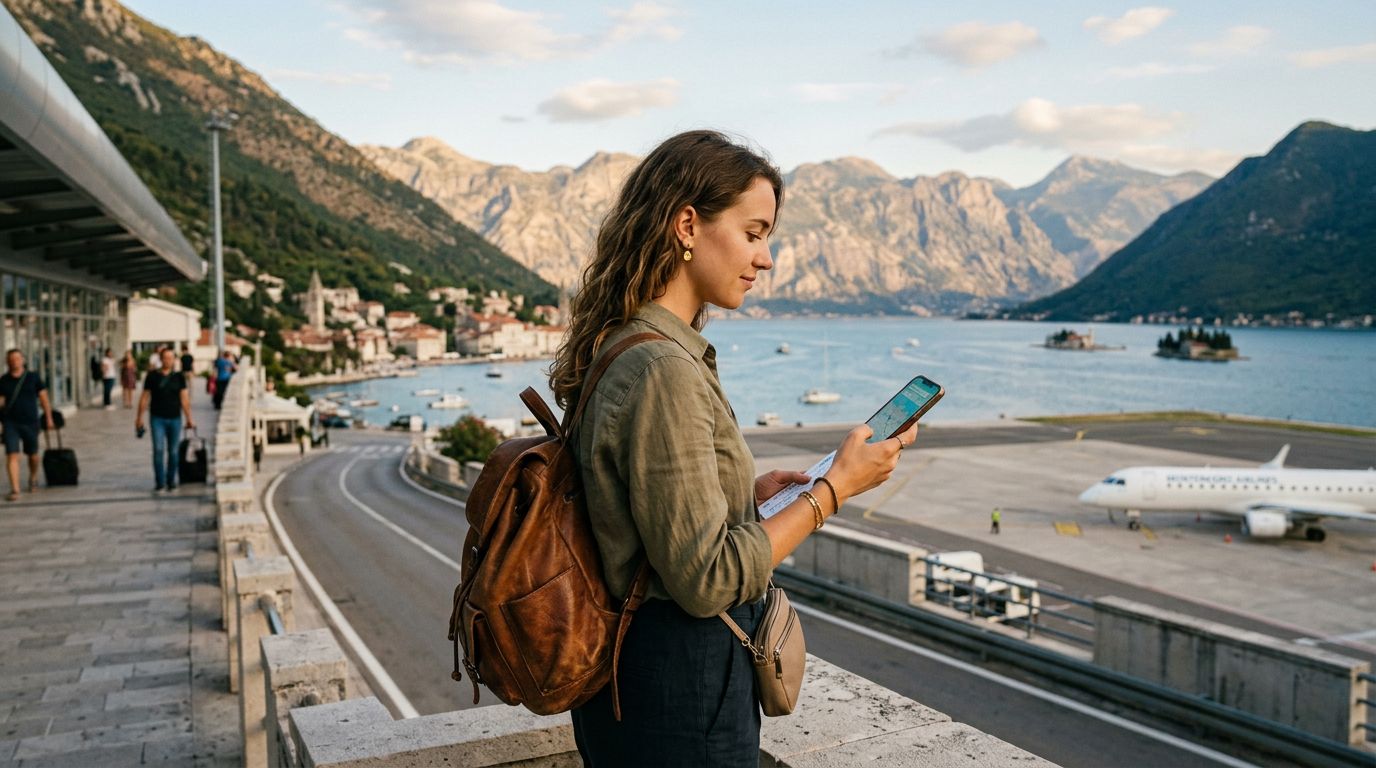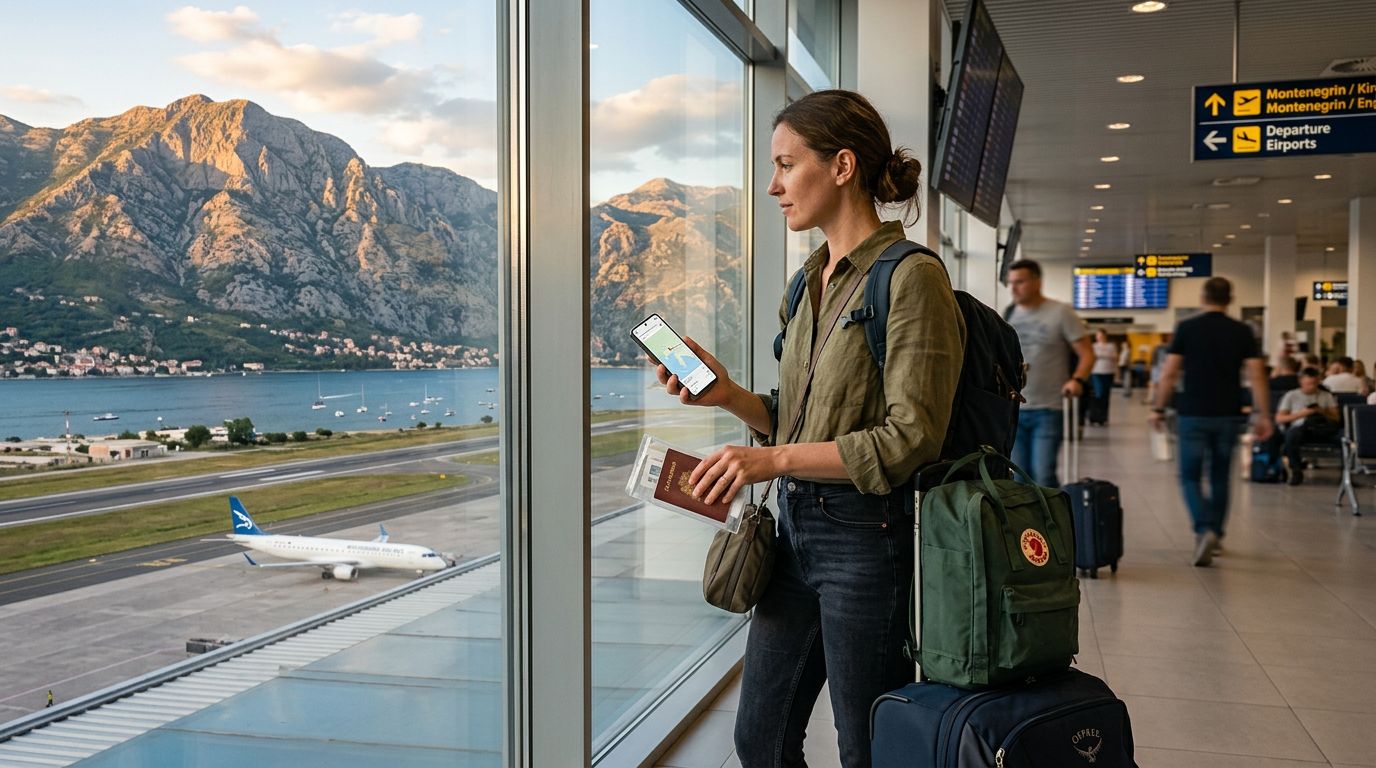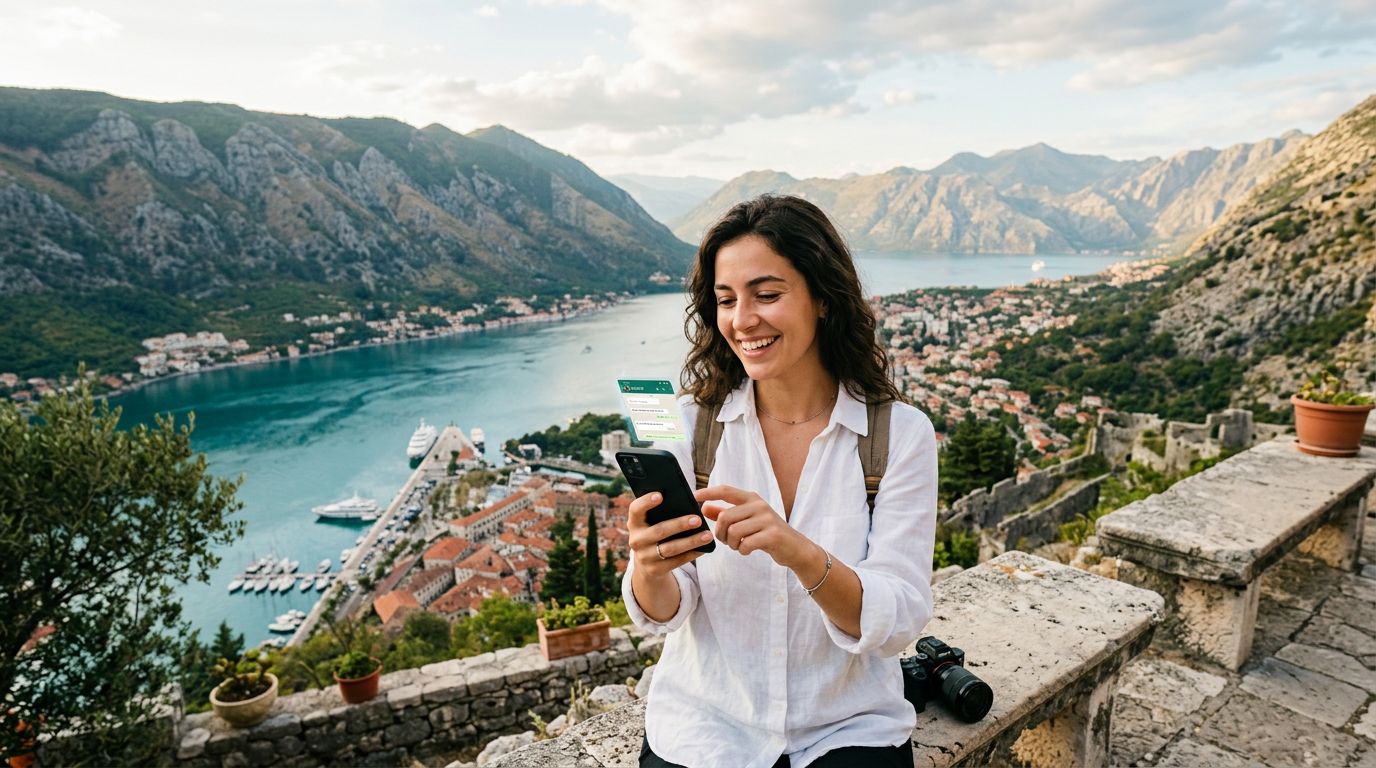
Montenegro is a destination that captures the heart with its dramatic limestone peaks, crystal-clear Adriatic waters, and medieval coastal towns. Whether you are wandering through the winding streets of Kotor or hiking in the rugged terrain of Durmitor National Park, staying connected is essential for sharing your journey and coordinating your plans. For many travelers, the biggest concern isn't just finding a signal; it is ensuring they stay reachable on their primary messaging apps.
If you are worried about keeping your WhatsApp number while traveling in Montenegro, you can breathe a sigh of relief. Modern technology has evolved to make international connectivity seamless, allowing you to maintain your digital identity without the headache of swapping physical SIM cards or dealing with exorbitant roaming charges from your home carrier.
How WhatsApp Handles International Travel
Many users mistakenly believe that their WhatsApp account is tied to a specific physical SIM card or a specific country’s network. In reality, WhatsApp is tied to the phone number you used to register the account. As long as you have an active internet connection—whether via Wi-Fi or a mobile data plan—your WhatsApp will function exactly as it does at home.
When you land at Tivat or Podgorica airport, your phone will attempt to connect to a local network. If you have not prepared, your home carrier might trigger a roaming pass, which can be unpredictable and costly. However, if you use a travel eSIM, you are simply providing your phone with a local data source. Because your WhatsApp is already linked to your home number, the app does not care which network provides the data. You can send messages, make voice calls, and share photos with your contacts back home without them ever knowing you are thousands of miles away.
The beauty of this system is that you do not need to change your settings within the WhatsApp application itself. When you open the app, your chat history remains intact, your groups stay organized, and your contacts remain visible. You do not need to register a new number or notify your friends that you have a "temporary" contact. The transition is entirely transparent to the people you are communicating with.
The Advantages of Using an eSIM for Connectivity
To maintain your connection, the most efficient method is to install an eSIM before you depart. An eSIM is a digital version of a physical SIM card that is embedded directly into your device's hardware. By using a service like OneTapSIM, you can download a data profile for Montenegro that activates the moment you arrive.
The primary advantage of this approach is convenience. You avoid the stress of hunting for a physical kiosk in a foreign airport, dealing with language barriers, or trying to insert a tiny piece of plastic into your phone while juggling your luggage. With an eSIM, the setup process happens digitally. You simply scan a QR code or follow the activation steps provided, and your phone is ready to access local data networks.
Furthermore, using an eSIM allows you to keep your primary physical SIM card inside your phone. This is crucial for those who need to receive SMS verification codes for banking or security purposes. By setting your primary SIM to "Voice/SMS" and your eSIM to "Data," you ensure that you are always reachable for important calls while enjoying high-speed internet for your maps, translation apps, and social media. OneTapSIM simplifies this process by providing clear instructions on how to manage these dual-SIM settings, ensuring that your phone manages the transition between networks automatically.
Best Practices for a Smooth Experience in Montenegro
While the technology is user-friendly, a little preparation goes a long way. Before you leave, ensure your phone is carrier-unlocked. This is a common requirement for any device using an eSIM from a third-party provider. If you are unsure about your device's status, you can check your phone’s settings or contact your home service provider to confirm that your device is not locked to their network.
Once you arrive in Montenegro, ensure that your data roaming is toggled off for your primary SIM card to avoid accidental charges from your home provider. Simultaneously, ensure that data roaming is toggled on for your OneTapSIM eSIM profile. This allows your device to "roam" onto the local Montenegrin network using the data allowance you have purchased, without incurring the high costs typically associated with international roaming on your home plan.
It is also wise to download offline maps of the regions you plan to visit. While Montenegro has excellent coverage in tourist hubs, the mountainous interior can occasionally have pockets where signal strength fluctuates. Having your maps and essential documents downloaded locally ensures that you are never stranded, even if you move away from a cellular tower.
Finally, keep an eye on your data usage. While most modern smartphones provide built-in tools to monitor how much data each app consumes, it is helpful to be mindful of heavy background tasks. For example, you might want to disable automatic cloud backups for your photos until you are connected to a stable hotel Wi-Fi network. This preserves your data plan for the things that matter most: navigating the winding roads of the Bay of Kotor, finding the best local restaurants, and, of course, keeping your WhatsApp number active so you can share your favorite moments with friends and family back home.
By choosing a reliable digital solution, you remove the barriers to communication. You can enjoy the stunning sunsets over the Adriatic or the historic charm of Perast, knowing that your digital connection is as stable as your travel itinerary. Staying connected is no longer a logistical burden; it is a simple, background task that lets you focus on the beauty of Montenegro.
Get an eSIM for
Plans for the destinations covered in this guide, with instant QR delivery.