The Challenge of Staying Connected While Traveling
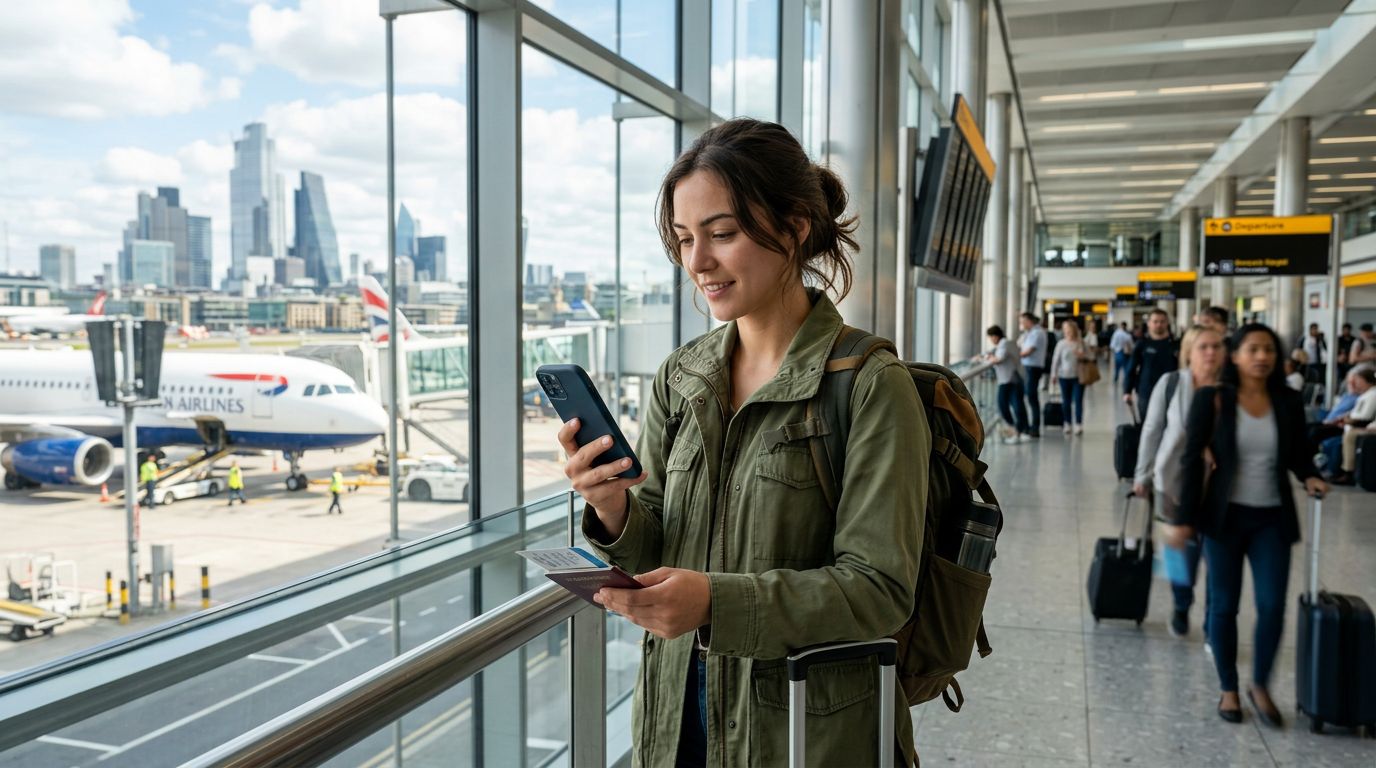
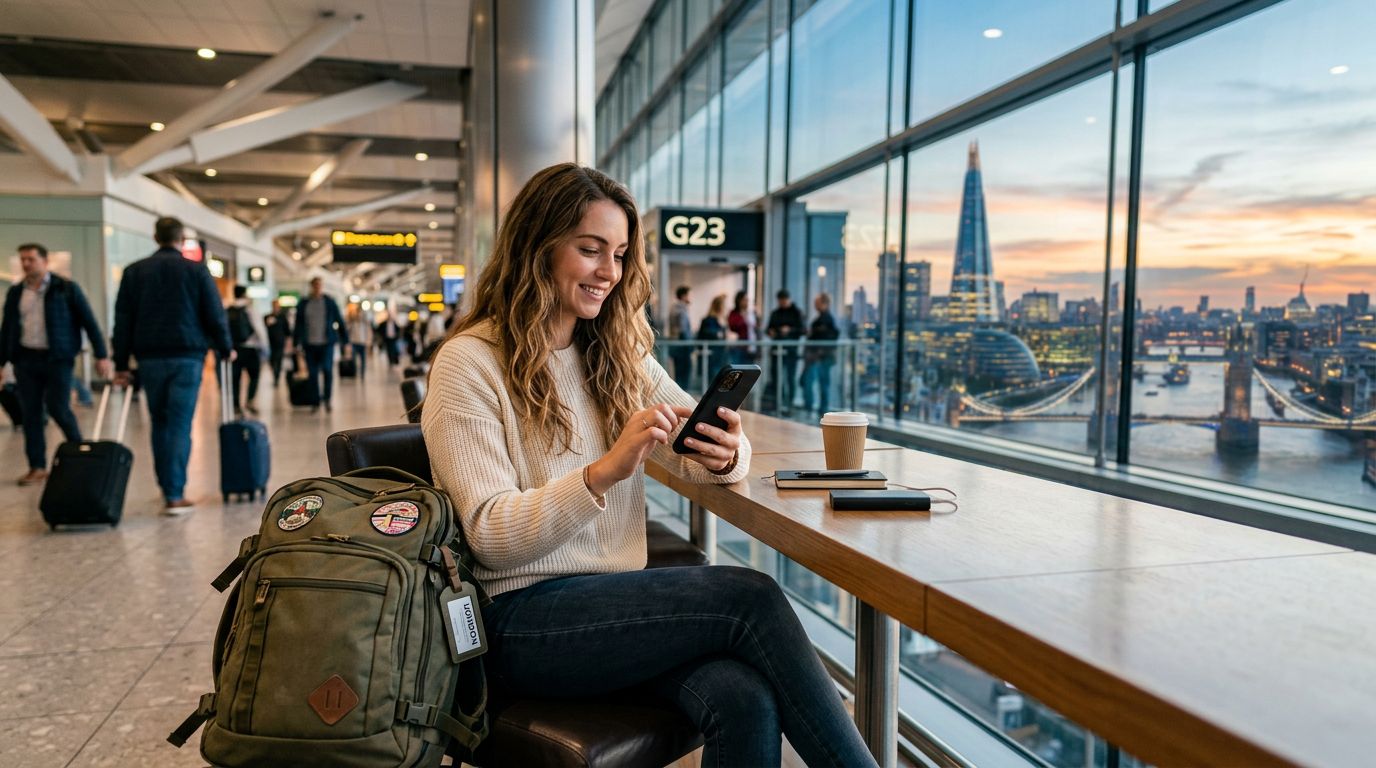
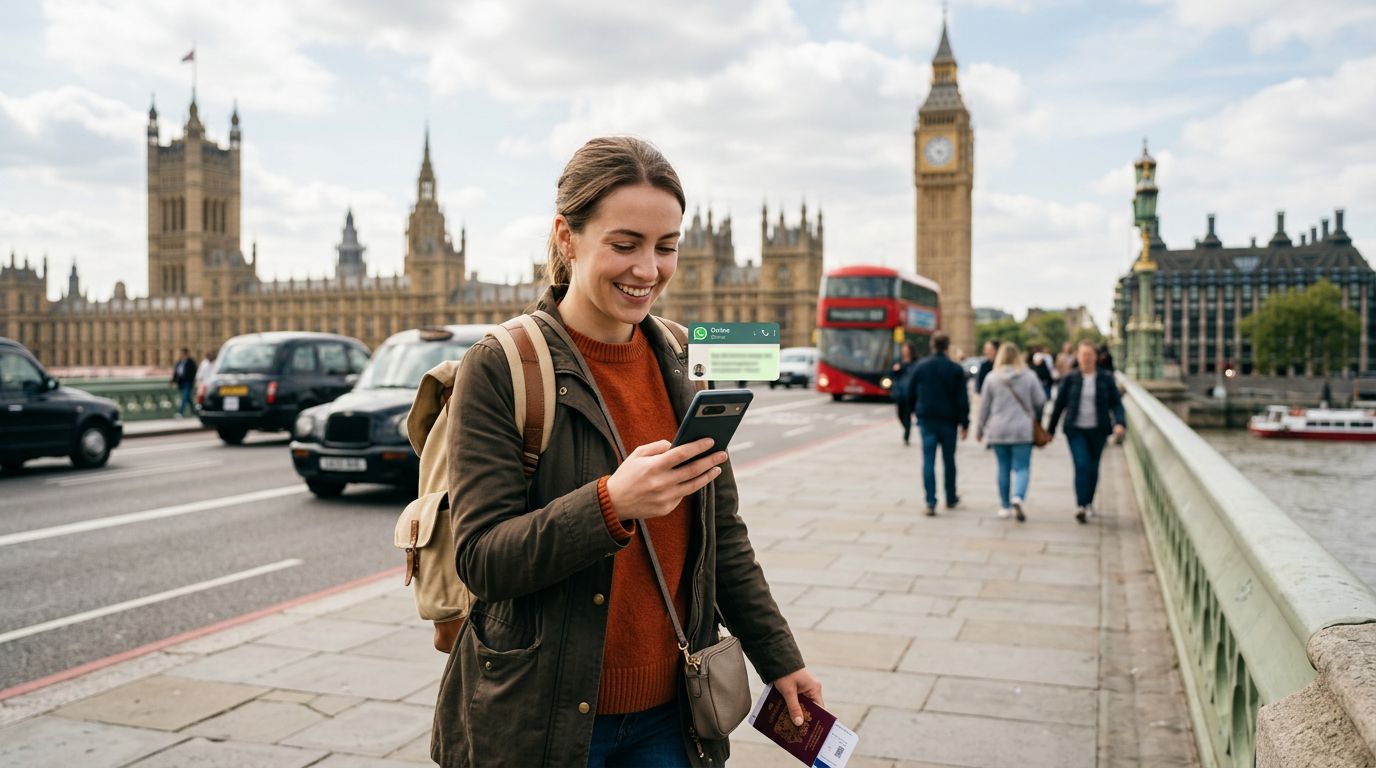
Traveling internationally often brings a specific set of anxieties, particularly regarding connectivity. When you land in a new country, your immediate priority is usually finding a way to get online, access maps, and communicate with family back home. For many travelers, the most significant concern is the status of their primary messaging apps. Specifically, the challenge of keeping your WhatsApp number in the United Kingdom or any other destination remains a top priority for those who rely on the platform for daily coordination.
Many travelers mistakenly believe that inserting a new SIM card into their phone will automatically deactivate their WhatsApp account or force them to change their number. This is a common misconception that causes unnecessary stress. WhatsApp is linked to your account, not necessarily the physical SIM card currently inside your device. As long as you maintain access to the original number used to verify the account, your digital identity remains intact. However, the logistics of managing this while abroad can be tricky if you are constantly swapping physical cards. This is where modern eSIM technology, such as the solutions offered by OneTapSIM, changes the game entirely.
How WhatsApp Works with Dual SIM Configurations
To understand why you do not lose your account when traveling, it helps to look at how the application functions. WhatsApp identifies you by your phone number, but it operates over an internet connection. When you set up your account, you verify it via an SMS code sent to your primary number. Once that verification is complete, the app is tied to your identity.
When you travel to the United Kingdom, you might be tempted to pull out your home SIM card to avoid roaming charges. If you remove that card, you lose the ability to receive SMS messages on that number. While WhatsApp will continue to work on your existing chats, you might run into issues if you ever need to re-verify your account or if you switch to a new device while abroad.
By using an eSIM, you can keep your home SIM active in the background for SMS reception while using a data-only eSIM for your internet needs. With OneTapSIM, you can configure your phone settings so that your cellular data is routed through the travel eSIM, while your primary SIM remains in standby mode. This allows you to keep your home number active for verification purposes without incurring exorbitant roaming fees for data usage. You effectively gain the benefits of a local connection while maintaining the stability of your home identity.
Seamless Integration with OneTapSIM
Setting up your device for international travel has become significantly more streamlined with the advent of eSIM technology. Instead of searching for a kiosk at the airport or worrying about losing a tiny physical card, you can prepare your device before you even leave your house. OneTapSIM provides a digital delivery method that allows you to install your connectivity profile with a simple scan.
When you arrive in the United Kingdom, your phone will recognize the new network profile. You can then navigate to your cellular settings to manage your dual-SIM setup. By designating your home SIM as the "Voice/SMS" line and your OneTapSIM profile as the "Data" line, you create a robust system that keeps you connected without compromise. This configuration ensures that you are always reachable on your primary number for important messages or verification codes, while your data-heavy tasks—such as using maps, streaming, or browsing—are handled by the local-rate data profile.
This approach is particularly beneficial for long-term travelers or digital nomads. Because you are not physically removing your home SIM, you avoid the risk of misplacing it. You also avoid the hassle of constantly switching back and forth between cards. Your WhatsApp account remains tied to your home number as if you never left, and your contacts will never know you are thousands of miles away.
Best Practices for Maintaining Your Identity Abroad
Beyond the technical setup, there are a few practical habits to adopt to ensure your connectivity remains uninterrupted. First, always ensure that your primary SIM is set to "On" in your phone settings, even if you are not using it for data. This allows the device to periodically ping the network and maintain its registration, which is essential for receiving SMS messages.
Second, check your notification settings before departure. Sometimes, when a phone detects a new network, it may prompt you to update your WhatsApp number. You should always select "Keep" or "No" when asked if you want to change your number to the new local one. Your WhatsApp account is not tied to the physical SIM that provides your data; it is tied to the number you registered with originally. As long as you do not intentionally trigger the "Change Number" feature within the WhatsApp settings menu, your account will remain associated with your home phone number.
Finally, consider the battery impact of running two SIMs simultaneously. While modern smartphones are optimized for dual-SIM standby, keeping two active radios can drain your battery slightly faster than usual. Carrying a portable power bank is a smart addition to your travel kit, ensuring that your device stays powered throughout the day as you move between locations.
By utilizing a flexible eSIM solution like OneTapSIM, you remove the friction from international travel. You maintain your WhatsApp presence, keep your contacts reachable, and enjoy the freedom of local-speed data. Keeping your WhatsApp number in the United Kingdom is not a complex technical hurdle; it is simply a matter of choosing the right tools and understanding how your device handles modern network configurations. With the right preparation, your digital life will transition across borders just as smoothly as you do.
Get an eSIM for
Plans for the destinations covered in this guide, with instant QR delivery.