Comprendere le basi dei numeri di telefono 07
Quando viaggi nel Regno Unito, noterai rapidamente che i numeri di cellulare seguono un formato specifico. Se guardi un elenco di contatti locale o un biglietto da visita, vedrai quasi sempre cifre che iniziano con 07. Questi numeri di telefono 07 sono il prefisso standard per i dispositivi mobili in tutto il Regno Unito. A differenza dei numeri fissi, che utilizzano prefissi geografici come 020 per Londra o 0161 per Manchester, il prefisso 07 è assegnato specificamente agli operatori di rete mobile.
Per un viaggiatore, comprendere questo sistema di numerazione è utile per effettuare prenotazioni, coordinarsi con amici del posto o configurare account per servizi di trasporto e consegna. Quando componi un numero nel Regno Unito, solitamente includi l'intera sequenza partendo dallo zero. Tuttavia, se chiami dall'esterno del paese, devi sostituire quello zero iniziale con il prefisso internazionale, che è +44. Ciò significa che un numero locale che inizia con 07 diventa +44 7 quando composto dall'estero.
Sebbene molti viaggiatori si affidino a eSIM solo dati per l'accesso a Internet, avere una chiara comprensione di come funzionano i numeri di cellulare locali ti assicura di non fare confusione quando un servizio locale ti chiede i tuoi dati di contatto. Che tu stia utilizzando una SIM principale o una soluzione dati secondaria come OneTapSIM, sapere che lo 07 identifica una linea mobile ti aiuta a distinguere tra numeri fissi aziendali e contatti mobili personali.
Come funzionano i numeri di cellulare con la tecnologia eSIM
Il passaggio dalle schede di plastica fisiche alla tecnologia eSIM ha cambiato il modo in cui i viaggiatori gestiscono la propria connettività. Una eSIM funziona esattamente come una tradizionale scheda SIM, ma è integrata direttamente nell'hardware del tuo smartphone. Poiché la tecnologia è digitale, il tuo dispositivo può spesso contenere più profili contemporaneamente. È qui che diventa importante la distinzione tra piani solo dati e piani che includono un numero di telefono.
Molti fornitori di eSIM offrono pacchetti solo dati, perfetti per i viaggiatori che utilizzano principalmente app di messaggistica come WhatsApp, Telegram o iMessage per rimanere in contatto. Queste app utilizzano la tua connessione dati per inviare messaggi ed effettuare chiamate, evitando del tutto la necessità di un numero di cellulare tradizionale. Tuttavia, ci sono casi in cui è necessario un numero di cellulare standard. Ad esempio, alcune app locali del Regno Unito per il noleggio di biciclette, la consegna di cibo o i servizi di ride-sharing richiedono un numero di cellulare per verificare il tuo account tramite SMS.
Se stai utilizzando una eSIM solo dati di OneTapSIM, puoi comunque mantenere il tuo numero di telefono di casa per le chiamate essenziali mentre utilizzi la eSIM per dati locali ad alta velocità. Se hai specificamente bisogno di un numero locale per ricevere codici di verifica SMS o per effettuare chiamate locali, avresti solitamente bisogno di un piano che supporti servizi voce e SMS. È importante controllare le specifiche del tuo piano eSIM prima di arrivare a destinazione per assicurarti che sia in linea con le tue esigenze di comunicazione. La maggior parte degli smartphone moderni, inclusi quelli Apple e vari produttori Android, ti consente di passare dalla SIM principale alla eSIM nel menu delle impostazioni, rendendo facile gestire l'utilizzo dei dati e il tuo numero di telefono in modo indipendente.
Consigli pratici per i viaggiatori che utilizzano la connettività mobile
Gestire la propria connettività mobile in modo efficiente può farti risparmiare molto stress mentre sei all'estero. Un errore comune che commettono i viaggiatori è lasciare attiva la propria SIM di casa per il roaming dati, il che può portare a costi imprevisti da parte del proprio operatore. Una strategia comune è mantenere la SIM di casa attiva solo per chiamate e SMS, se assolutamente necessario, impostando la eSIM come fonte principale per i dati mobili.
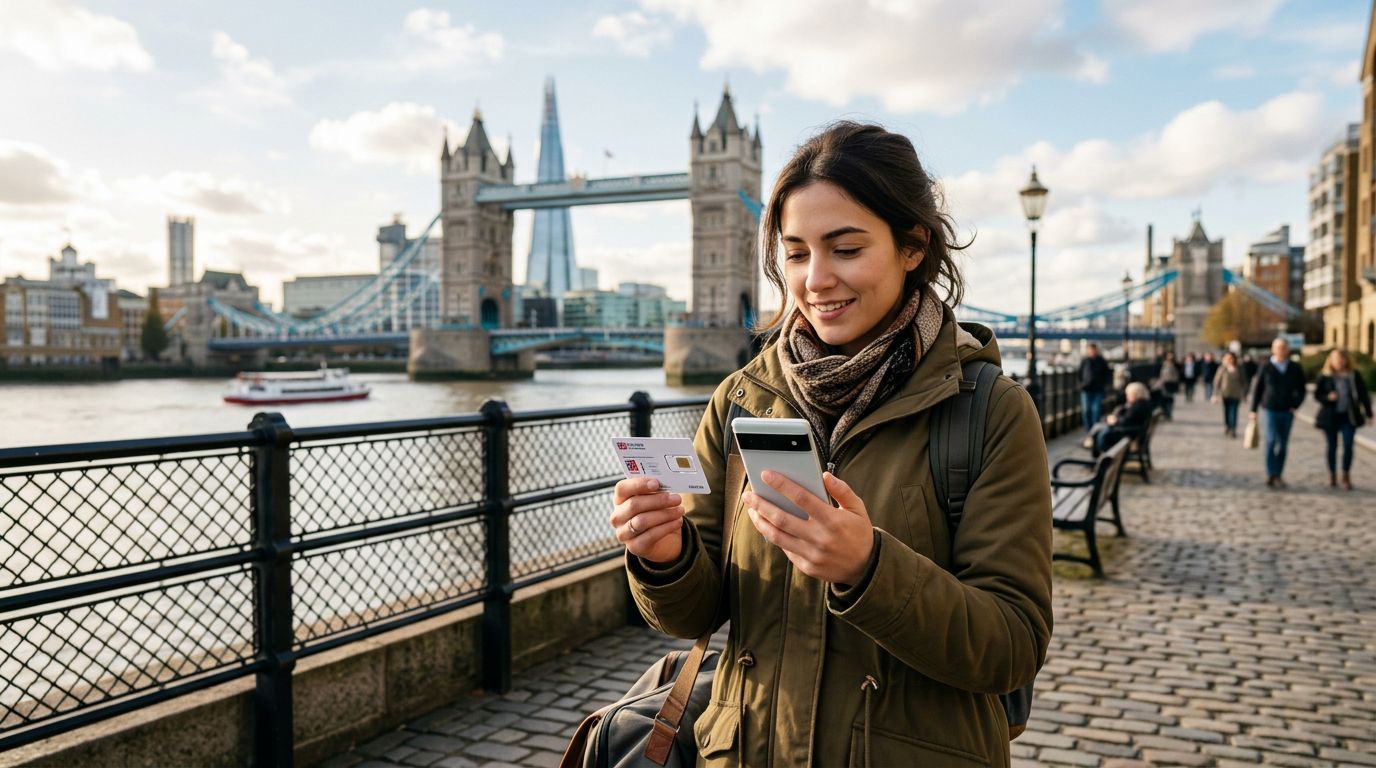
Quando arrivi nel Regno Unito, il tuo telefono cercherà una rete locale. Se hai installato una eSIM, dovresti assicurarti che l'interruttore "Roaming dati" sia attivato specificamente per il profilo eSIM. Ciò consente alla eSIM di connettersi alle torri locali. Se stai utilizzando un servizio come OneTapSIM, il processo di configurazione è progettato per essere semplice, solitamente includendo la scansione di un codice QR o un inserimento manuale fornito nella dashboard del tuo account. Una volta che il profilo è attivo, il tuo telefono lo tratterà come una linea secondaria.
Se ti ritrovi a dover contattare un'attività locale, probabilmente comporrai un numero 07. Tieni presente che, mentre la tua eSIM fornisce i dati per cercare questi numeri su servizi di mappe o motori di ricerca, la componente vocale del tuo piano determina se puoi effettuare chiamate cellulari tradizionali. Se la tua eSIM è solo dati, puoi comunque utilizzare servizi VoIP (Voice over IP) per chiamare quei numeri 07, a condizione che l'attività disponga di un sistema che supporti le chiamate in entrata basate su Internet.
Un altro consiglio riguarda la gestione della batteria. Utilizzare due SIM contemporaneamente (la tua SIM di casa e la tua eSIM di viaggio) può scaricare la batteria più velocemente del solito. Se sei fuori a esplorare tutto il giorno, considera di chiudere le app in background che consumano molti dati o di impostare il telefono in modalità risparmio energetico. Inoltre, mantieni sempre aggiornato il sistema operativo del tuo telefono all'ultima versione. Sia Apple che Google forniscono documentazione di supporto che spiega come gestire le impostazioni dual-SIM, il che è utile se riscontri ostacoli tecnici. Preparando il tuo dispositivo prima di partire da casa, ti assicuri di poterti concentrare sul tuo viaggio piuttosto che sulla risoluzione di problemi di connettività. Che tu stia usando il telefono per navigare per le strade della città o per cercare i dettagli di contatto di un museo locale, avere una connessione dati affidabile è la base per un'esperienza di viaggio senza intoppi.
Ottieni una eSIM per
Piani per le destinazioni di questa guida, con consegna immediata via QR.