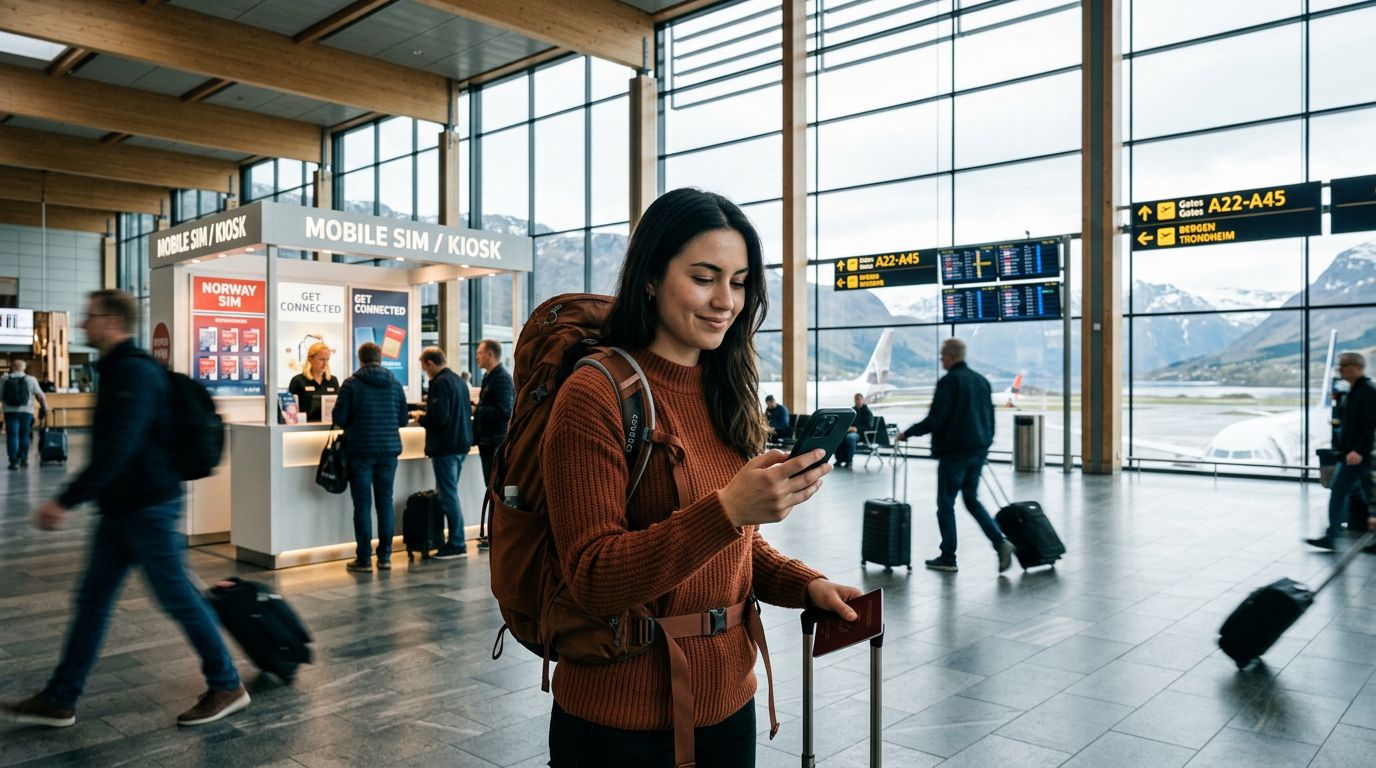
Traveling to Norway is an incredible experience, from the dramatic fjords and the Northern Lights to the vibrant streets of Oslo. However, for many international travelers, the primary concern upon landing is staying connected without losing access to essential communication tools. One of the most common questions we hear is about keeping your WhatsApp number in Norway while avoiding expensive roaming charges from your home carrier.
The good news is that WhatsApp is tied to your account, not your physical SIM card. As long as you understand how to manage your device settings and data connectivity, you can roam through the Norwegian wilderness while staying perfectly synced with your contacts back home.
Understanding How WhatsApp Connectivity Works
Many users mistakenly believe that if they remove their home SIM card, they will lose access to their WhatsApp account. This is a common misconception. WhatsApp functions based on your registered phone number, which is verified once during the initial setup. Once your account is active, the app does not require that specific SIM card to be physically inside the phone to send or receive messages.
When you arrive in Norway, you have a few options for connectivity. Some travelers choose to keep their home SIM active for calls and texts, but this often leads to significant roaming fees. Others opt to turn off their home SIM entirely and rely on local data solutions. This is where a travel eSIM, such as those provided by OneTapSIM, becomes an invaluable tool. By installing a digital SIM, you gain access to high-speed local data networks without needing to swap out your physical hardware.
Because WhatsApp relies on an internet connection—either Wi-Fi or cellular data—it will continue to function seamlessly as long as your data connection is active. You do not need to change your number within the app. When you open WhatsApp, you will see all your existing chats, groups, and media, regardless of whether you are using a local Norwegian data plan or your home network.
Configuring Your Device for Seamless Roaming
To ensure you are keeping your WhatsApp number in Norway without incurring surprise costs, you must manage your phone’s settings before you leave the tarmac. The most important step is to prevent your home carrier from automatically connecting to cellular data for background tasks.
If you are using an iPhone, head to your settings and ensure that "Data Roaming" is switched off for your primary SIM. You can find detailed instructions on managing these dual-SIM configurations on the official support.apple.com pages. Similarly, Android users can manage their network preferences through the settings menu, with additional guidance available at support.google.com.
Once your home SIM is set to "Data Off" or "Roaming Off," you can activate your OneTapSIM eSIM. By designating your eSIM as the primary source for cellular data, your phone will route all internet traffic through that connection. WhatsApp will immediately detect the active data stream and function exactly as it did at home.
One of the major benefits of this setup is that you can still receive SMS messages from your home number if you keep that SIM active for voice and text only. WhatsApp will still verify your identity against your home number, and you will not have to go through the verification process again. You are essentially separating your data needs from your identity. This keeps your digital presence consistent while providing the reliable, affordable data access required to navigate, share photos, and stay in touch with friends and family.
Best Practices for Data Management and Security
While managing your connectivity is straightforward, there are a few best practices to keep in mind to ensure your trip remains stress-free. First, always ensure that your WhatsApp is backed up to the cloud before you travel. Whether you use iCloud or Google Drive, having a recent backup ensures that even if you encounter an issue with your device, your message history remains secure.
Second, be mindful of your data usage. While an eSIM provides a robust connection, downloading large video files or streaming high-definition content over cellular data can consume your plan quickly. Use Wi-Fi at your hotel or in cafes for heavy downloads, and reserve your eSIM data for navigation, messaging, and web browsing. If you notice your data is running low, you can easily monitor your usage through your device's settings.
Another point to consider is the "Change Number" feature within WhatsApp. Some travelers mistakenly believe they need to update their WhatsApp number to a local Norwegian one. You should avoid doing this unless you are permanently moving to Norway and intend to stop using your original phone number entirely. If you change your number in the app, you will lose access to your existing chat history and the ability to be reached by your current contacts. Keeping your original number linked to your WhatsApp account is the most efficient way to maintain your digital identity while traveling.
Finally, consider the battery impact of roaming. Constantly searching for a signal can drain your battery. By using a reliable eSIM provider, you ensure your device stays connected to the strongest local towers, which is more energy-efficient than having your phone struggle to find a roaming signal from a distant home network.
By following these steps, you can enjoy the stunning landscapes of Norway with the peace of mind that your communication channels are secure. Whether you are trekking near the fjords or exploring the urban culture of Bergen, your WhatsApp will be ready whenever you need it. Keeping your WhatsApp number in Norway is not a technical challenge; it is simply a matter of choosing the right data solution and configuring your device to prioritize the connection that works best for your journey. With a reliable eSIM, you can focus on the adventure ahead rather than worrying about your connectivity.
Get an eSIM for
Plans for the destinations covered in this guide, with instant QR delivery.