Understanding Connectivity Challenges in Ethiopia
Traveling through Ethiopia offers an incredible experience, from the ancient rock-hewn churches of Lalibela to the bustling markets of Addis Ababa. However, staying connected while moving between these diverse locations can be a logistical hurdle. Many travelers find that traditional roaming options are either unreliable or prohibitively expensive, leading them to seek more flexible alternatives.
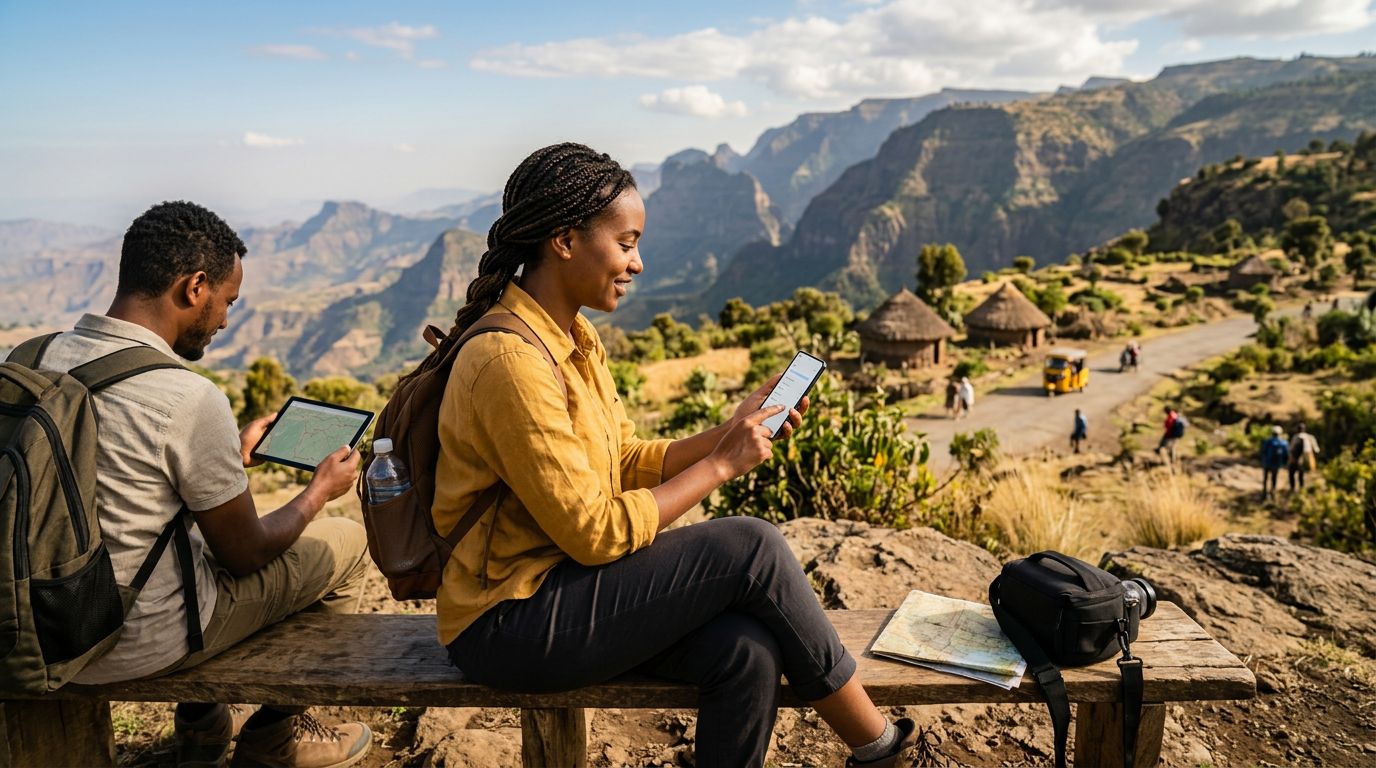
When you arrive in Ethiopia, you might find that public Wi-Fi is scarce, often restricted to high-end hotels or specific cafes in the capital. Relying on these hotspots can be frustrating, especially if you need to manage your itinerary, upload photos, or communicate with family back home. For travelers who carry multiple devices—such as a smartphone, a tablet, and a laptop—the ability to create a personal mobile hotspot is essential.
A mobile hotspot allows you to share your cellular data connection with other devices. Instead of searching for a local network or a stable Wi-Fi signal, your phone acts as a bridge, providing internet access to your other gadgets. This is particularly useful for digital nomads or those who need to remain reachable for professional obligations while exploring the highlands or the Rift Valley. Understanding how to configure this feature before you depart ensures that you are not left without connectivity when you need it most.
Configuring Your Device for Hotspot Usage
Before you can successfully share your internet connection, your device must be properly configured. Most modern smartphones support tethering, but the process depends on whether you are using an iOS or Android device.
For iPhone users, the process is generally straightforward. You must first ensure that your cellular data is active. Navigate to your settings menu, select the personal hotspot option, and toggle the switch to allow others to join. It is highly recommended to set a strong password for your hotspot to prevent unauthorized users from consuming your data. You can find detailed instructions on managing these settings through the official support pages provided by Apple.
For those using Android devices, the steps are similar but can vary slightly depending on the manufacturer’s interface. Typically, you will find the hotspot settings under your network or connection menu, often labeled as "Mobile Hotspot and Tethering." Once you enable the feature, you can configure the network name and security protocol. If you encounter any technical difficulties, the support resources provided by Google offer comprehensive guides on troubleshooting connectivity issues for various Android versions.
Using an eSIM from OneTapSIM can simplify this process significantly. Because an eSIM is digital, you can activate your data plan before you even land in Ethiopia. Once you arrive, your device treats the eSIM data just like a physical SIM card, allowing you to enable your hotspot immediately without the need to swap physical cards or visit a local store upon arrival. This seamless transition is a major advantage for travelers who value efficiency and want to avoid the stress of setting up a local connection after a long flight.
Best Practices for Managing Data While Tethering
Sharing your data connection via a hotspot can consume your data allowance much faster than standard phone usage. Because laptops and tablets often perform background tasks—such as software updates, cloud syncing, and high-resolution media streaming—it is important to manage your data usage proactively to ensure your connection lasts throughout your trip.
One of the most effective ways to conserve data is to disable automatic updates on your secondary devices. Ensure that your laptop is not set to download large operating system patches while connected to your phone. Similarly, check your cloud storage settings to ensure that photo backups are paused until you have access to a stable, unlimited Wi-Fi connection.
Another tip is to monitor your data usage directly from your phone’s settings. Most modern operating systems provide a breakdown of which apps are consuming the most data. If you notice that a specific application is using a large portion of your allowance, you can restrict its background data access.
When using a OneTapSIM eSIM, you benefit from a clear and direct connection to local networks. Because you are managing your own data plan, you have full control over your usage. If you find that your data consumption is higher than expected, you can often manage your plan settings through the provider's interface. By being mindful of your data habits, you can enjoy the freedom of having a reliable hotspot anywhere your travels take you in Ethiopia, from the urban centers to the more remote regions.
Finally, always remember to keep your hotspot password secure. While it might seem convenient to use an open network for ease of access, doing so can allow nearby devices to connect to your hotspot without your knowledge, leading to rapid data depletion. Always use a strong, unique password and turn off the hotspot feature whenever it is not in active use. This simple habit protects your data allowance and helps maintain a faster, more stable connection for your own devices when you truly need it. By following these steps and preparing your technology ahead of time, you can focus on the beauty and history of Ethiopia rather than the technicalities of your internet connection.