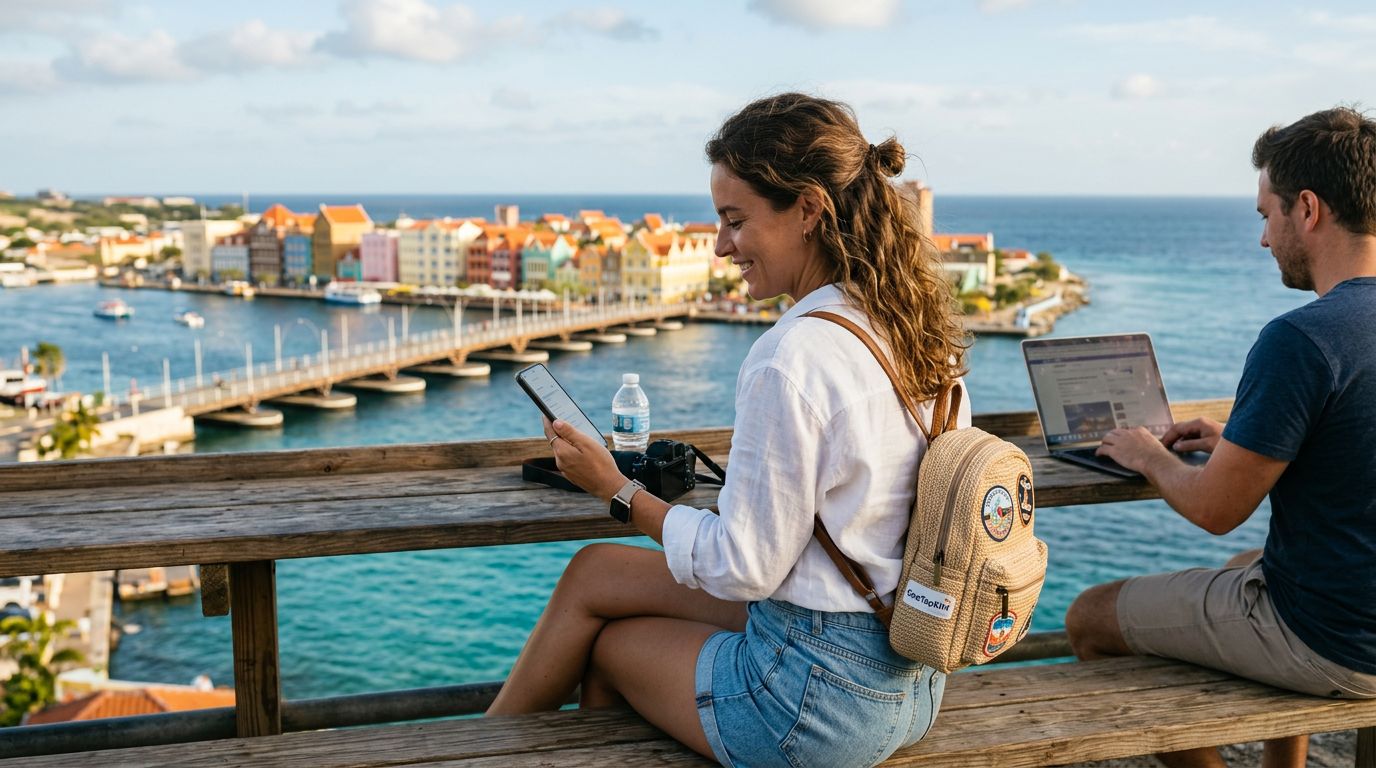
Understanding Connectivity Needs in Curacao
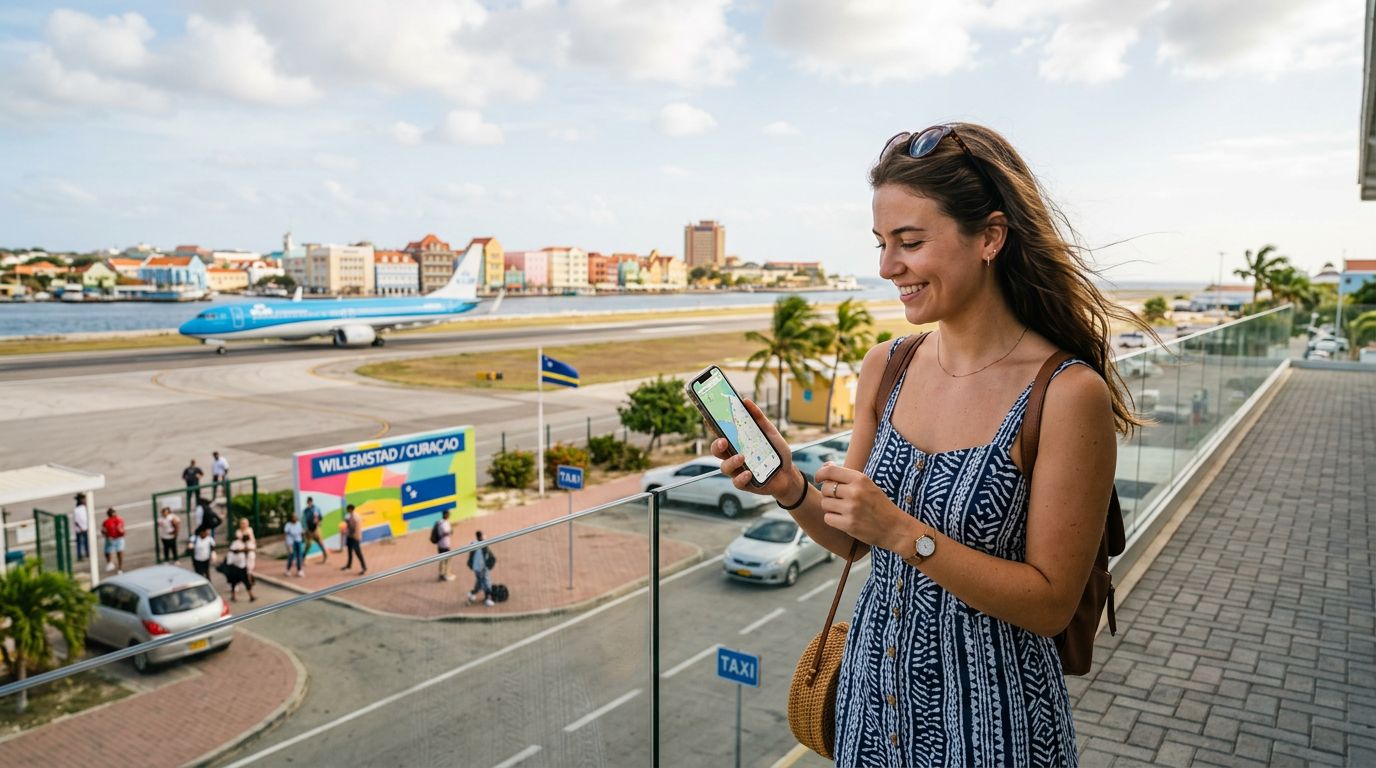
Curacao is a Caribbean gem known for its vibrant architecture, crystal-clear waters, and rich cultural history. Whether you are visiting for a relaxing beach vacation or a business trip, staying connected is essential. From uploading photos of the Handelskade to checking maps while exploring the Hato Caves, reliable internet access is a necessity. Many travelers find that relying on hotel Wi-Fi or public hotspots is insufficient, especially when they need to work on the go or share their connection with multiple devices.
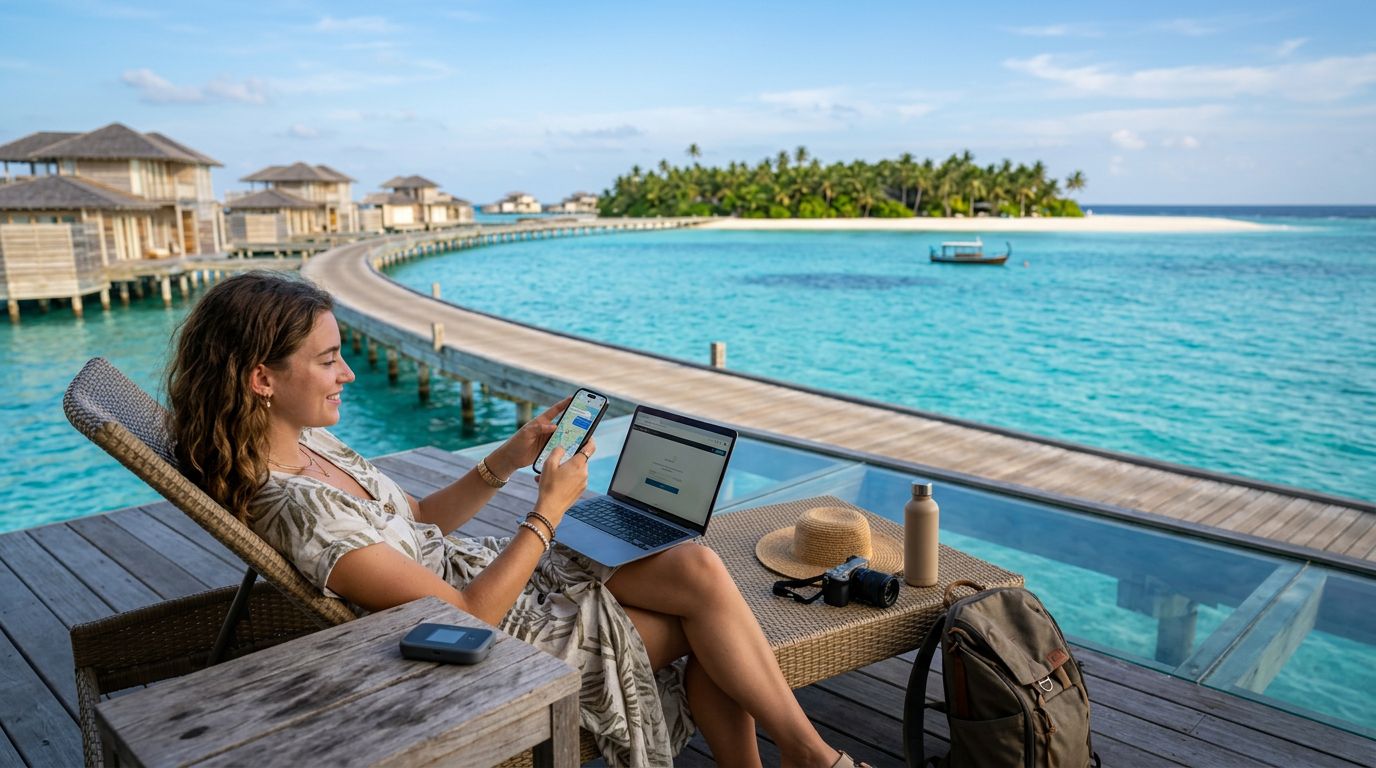
Using a mobile hotspot allows you to turn your smartphone into a portable Wi-Fi router. This is particularly useful if you are traveling with a laptop, a tablet, or a companion who also needs internet access. By using a travel eSIM, you can secure a dedicated data connection that is independent of local public networks. This approach provides a more secure and consistent experience, ensuring that you are not left without service when you need it most.
Setting Up Your Hotspot with OneTapSIM
The process of configuring a hotspot on your device is straightforward once you have an active data plan. OneTapSIM offers a seamless way to get online as soon as you land in Curacao. Because the eSIM is digital, you do not need to hunt for a physical SIM card kiosk at the airport. Instead, you can activate your plan before you leave home or upon arrival using the local airport Wi-Fi.
To enable your hotspot, you must first ensure that your eSIM is set as the primary data source in your device settings. Once your data is active, navigate to your phone’s settings menu to locate the Personal Hotspot or Tethering section. You will need to set a secure password to prevent unauthorized users from accessing your data.
For iPhone users, this is typically found under the Cellular or Personal Hotspot menu. Android users will generally find this under Network & Internet or Connections, labeled as Hotspot & Tethering. Once you toggle the switch to "On," your phone will broadcast a Wi-Fi signal. Other devices can then connect to this signal by selecting your phone’s name from their Wi-Fi list and entering the password you created. Keep in mind that sharing your connection can consume data more quickly than standard phone usage, so it is wise to monitor your consumption if you are performing data-intensive tasks like video conferencing or streaming.
Best Practices for Data Management While Traveling
When you are using your phone as a hotspot in Curacao, managing your data usage effectively will help you stay connected throughout your entire trip. If you are working remotely or need to upload large files, consider adjusting your device settings to minimize background data. For instance, you can disable automatic cloud backups or app updates while connected to your mobile hotspot.
Another tip for travelers is to be mindful of the devices connected to your network. If you have a laptop connected, ensure that it is not set to download large operating system updates in the background. You can also monitor your data usage directly through your phone’s settings to see which applications are consuming the most bandwidth.
OneTapSIM provides a reliable connection that supports hotspot functionality, allowing you to share your internet access with confidence. Because you are using a dedicated data plan rather than a public network, you avoid the security risks often associated with open Wi-Fi hotspots found in cafes or public squares. This added layer of security is vital when accessing sensitive information, such as banking portals or work emails.
If you find that your connection speed is slower than expected, try moving to an area with better cellular reception. While Curacao has excellent coverage in major areas like Willemstad, signal strength can vary in more remote or rugged parts of the island. Keeping your phone in a position with a clear line of sight to a window or an open space can often improve your signal quality.
Finally, remember that using a hotspot will drain your phone’s battery faster than normal usage. If you plan to use this feature for an extended period, it is highly recommended to carry a portable power bank. This ensures that your phone remains powered throughout the day, allowing you to maintain your connection without interruption. By combining the convenience of an eSIM with smart data management habits, you can enjoy a stress-free and connected experience during your time in Curacao. Whether you are sharing photos with friends or finishing a project on the beach, having a reliable personal hotspot gives you the freedom to explore the island on your own terms.
Need data for your trip?
Browse eSIM plans for 190+ destinations, with instant QR delivery.
Browse destinations