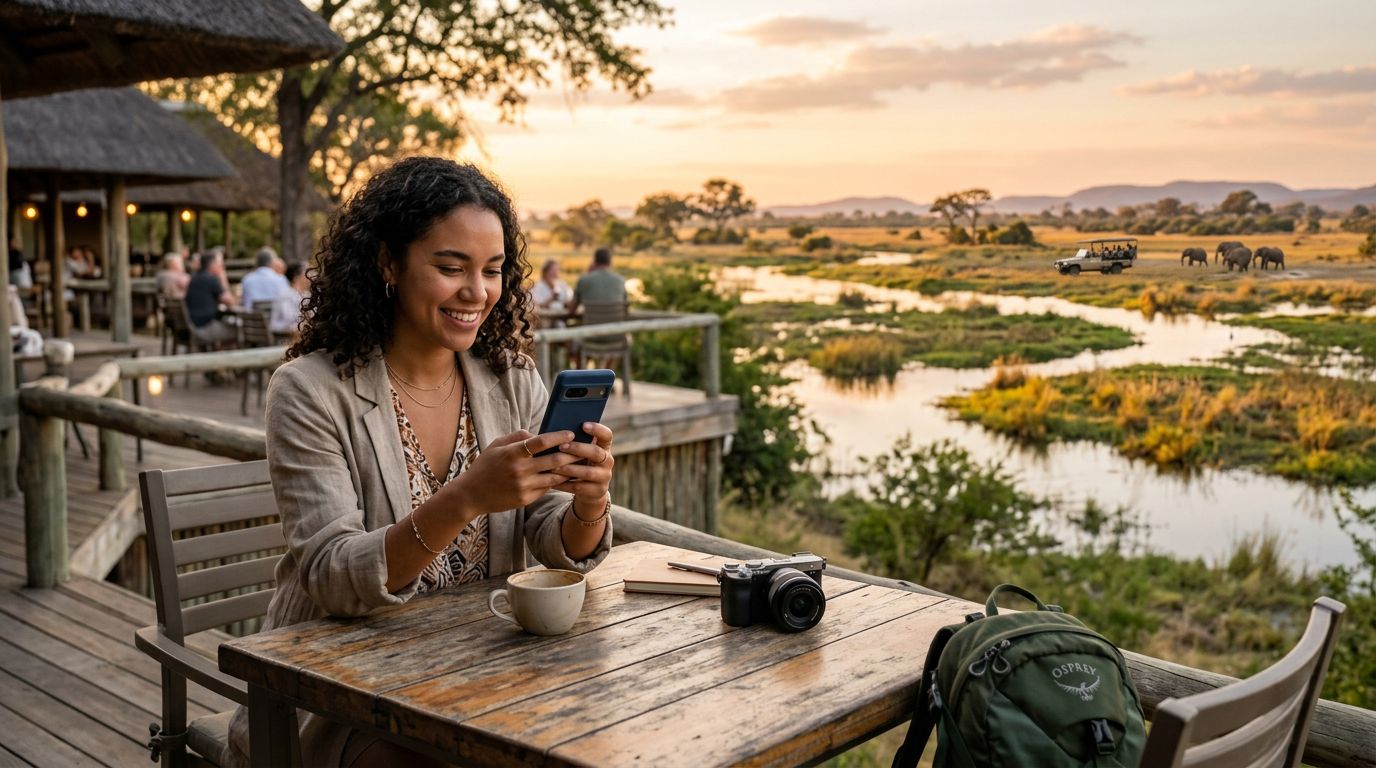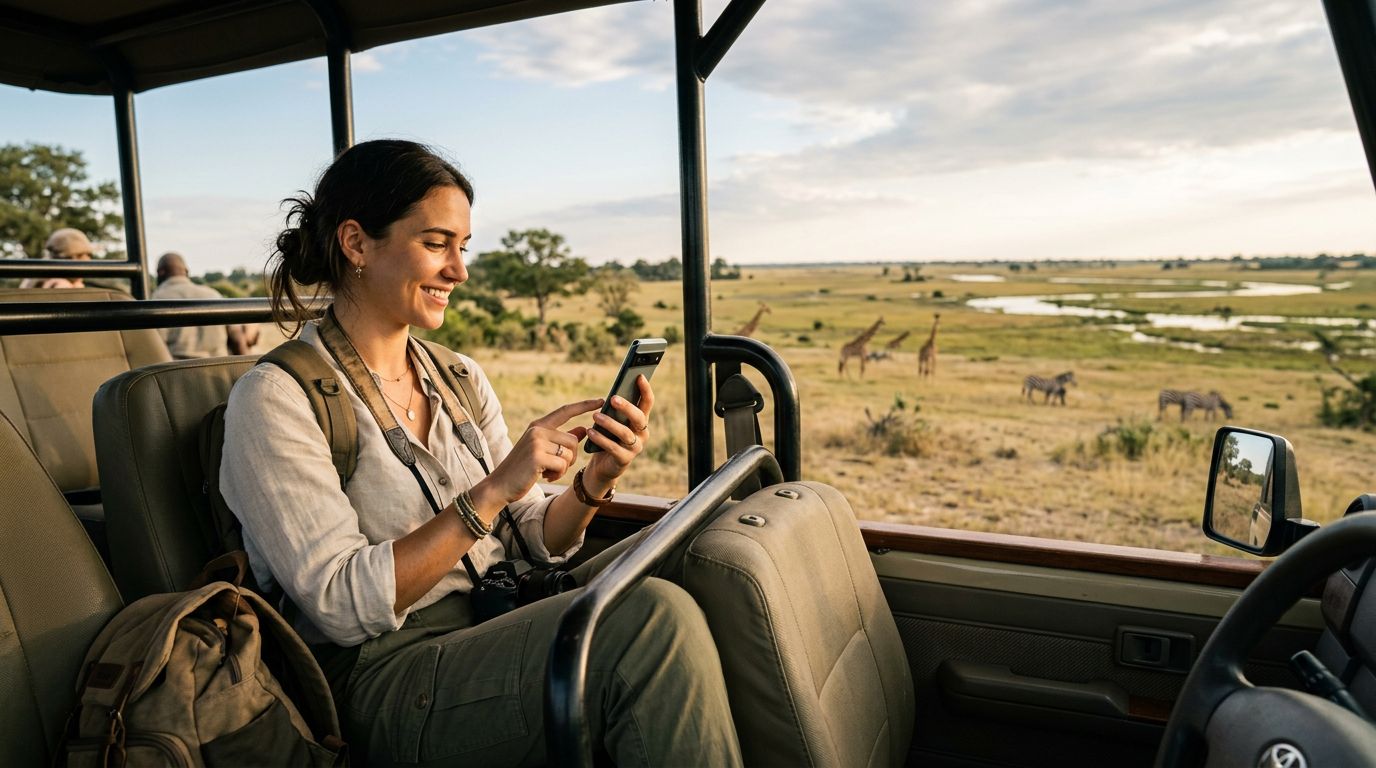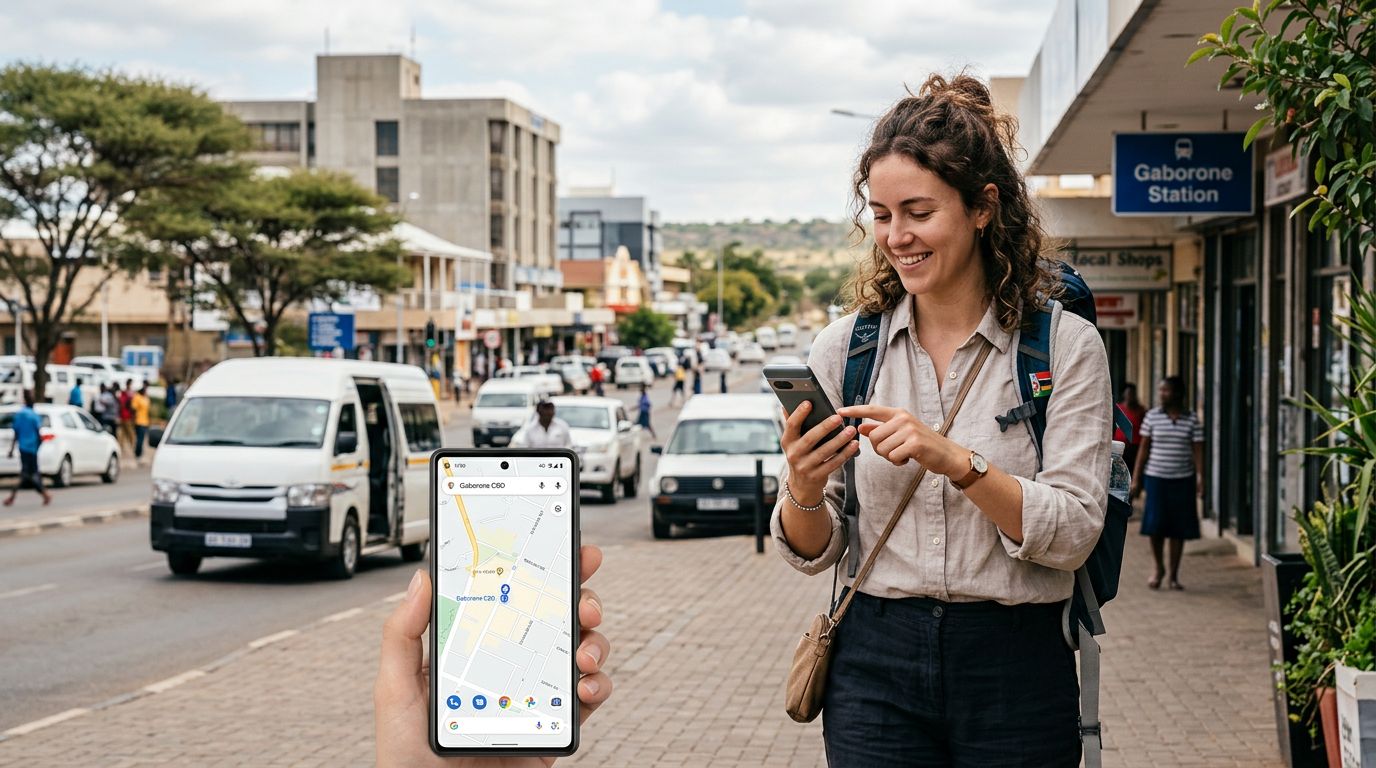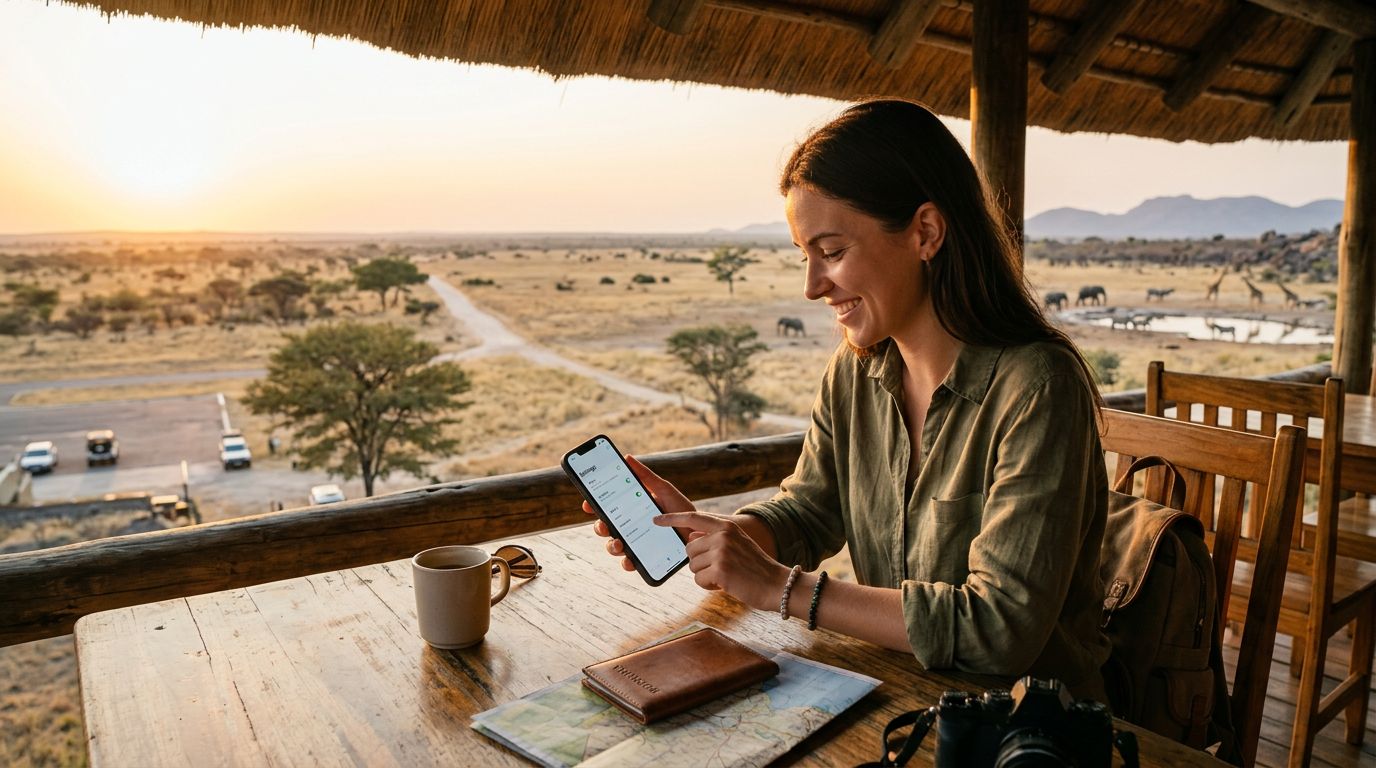
Botswana is a destination defined by its raw, untamed beauty. From the sprawling waterways of the Okavango Delta to the vast, arid plains of the Kalahari Desert, travelers flock here for unforgettable wildlife encounters and serene landscapes. However, staying connected in such remote regions requires careful planning. Traditional roaming options can be unreliable or prohibitively expensive, which is why many modern travelers are choosing to learn how to activate travel eSIM in Botswana. An eSIM allows you to maintain connectivity without the need for physical SIM cards, making it an ideal solution for those moving between safari camps, lodges, and urban centers like Gaborone or Maun.
Understanding eSIM Technology and Device Compatibility
Before you begin the setup process, it is essential to understand what an eSIM actually is. Unlike a traditional plastic SIM card that you insert into a tray on the side of your phone, an eSIM is a digital SIM embedded directly into your device’s hardware. It functions exactly like a physical card, providing you with a phone number and data access, but it is activated entirely through software.
The first step in your journey is confirming that your smartphone is compatible with eSIM technology. Most modern flagship devices released in the last few years support this feature. If you are using an iPhone, most models from the iPhone XR and newer are compatible. For Android users, the landscape is slightly more varied, but most high-end devices from major manufacturers released after 2019 support eSIM functionality.
To check your iPhone, you can visit the official support pages at support.apple.com to verify your specific model. For Android devices, you should consult the settings menu under "Network & Internet" or "Connections" to see if there is an option to add an eSIM or a "SIM Manager." Additionally, your device must be carrier-unlocked. If your phone is locked to a specific domestic carrier, it will not be able to accept an eSIM from another provider, regardless of your hardware compatibility. Contact your home carrier before you leave to ensure your device is unlocked and ready for international travel.
Step-by-Step Activation Process for Your Botswana Trip
Once you have confirmed that your device is compatible and unlocked, the actual activation process is straightforward. When you choose a provider like OneTapSIM, you will typically receive a QR code or a manual activation string via email immediately after your purchase. It is highly recommended to complete the initial setup while you are still at home or in a location with a stable, high-speed Wi-Fi connection.
To activate your eSIM on an iPhone, navigate to your Settings app and tap on "Cellular" or "Mobile Data." From there, select "Add eSIM." You will be prompted to either scan the QR code provided by your eSIM service or enter the details manually. Once scanned, your phone will communicate with the network to register the profile. You may be asked to label your new plan; naming it "Botswana" or "Travel" can help you distinguish it from your primary home SIM later.
For Android users, the process is similar. Go to your Settings, select "Network & Internet," and look for the "SIMs" or "Mobile Network" section. Tap "Add SIM" or the plus icon to add an eSIM. Follow the on-screen prompts to scan the QR code provided by your service provider. Once the profile is downloaded, ensure that you toggle the eSIM to the "On" position.
Crucially, do not activate the roaming settings until you have arrived in Botswana. If you attempt to connect to the local network while still in your home country, it may trigger an error or fail to register. Wait until your plane touches down in Gaborone or your cross-border transit point before enabling the data roaming toggle specifically for your travel eSIM profile.
Managing Connectivity and Data Usage in Remote Areas
After successfully activating your eSIM, you need to manage your settings to ensure a seamless experience. In your phone’s cellular settings, you can designate which SIM card is used for cellular data and which is used for voice calls. For most travelers in Botswana, it is best to set your travel eSIM as the primary source for "Cellular Data" while keeping your home SIM active for calls and texts if necessary.
Botswana’s mobile infrastructure is surprisingly robust in major towns, but coverage can become sporadic in deep wilderness areas. When you are on a game drive in the Chobe National Park or exploring the Makgadikgadi Pans, do not be surprised if your signal fluctuates. This is a common reality of traveling in vast, sparsely populated regions. To conserve your data, consider downloading offline maps of the areas you plan to visit. Many navigation apps allow you to save large regions for offline use, which ensures you can find your way even if you lose your cellular connection temporarily.
If you find that your data usage is higher than expected, check your phone’s background app refresh settings. Many applications automatically sync data, photos, or cloud backups when they detect a connection. Disabling "Background App Refresh" for non-essential apps can significantly extend the lifespan of your data package. Furthermore, if you are using OneTapSIM, you can monitor your usage through your account dashboard. If you realize you are burning through data faster than anticipated, you can often purchase an additional data top-up directly through the provider’s website, provided you have a temporary Wi-Fi connection at your lodge or hotel.
Finally, remember to keep your primary home SIM card in your device if you need to receive important two-factor authentication codes for banking or travel apps. By keeping both SIMs active, you can use your home SIM for SMS verification and your travel eSIM for high-speed data. This hybrid approach offers the best of both worlds, providing the convenience of local connectivity without losing the ability to manage your essential digital accounts from back home. With a little preparation and the right setup, your digital connection will be as smooth as your safari adventure.
Get an eSIM for
Plans for the destinations covered in this guide, with instant QR delivery.