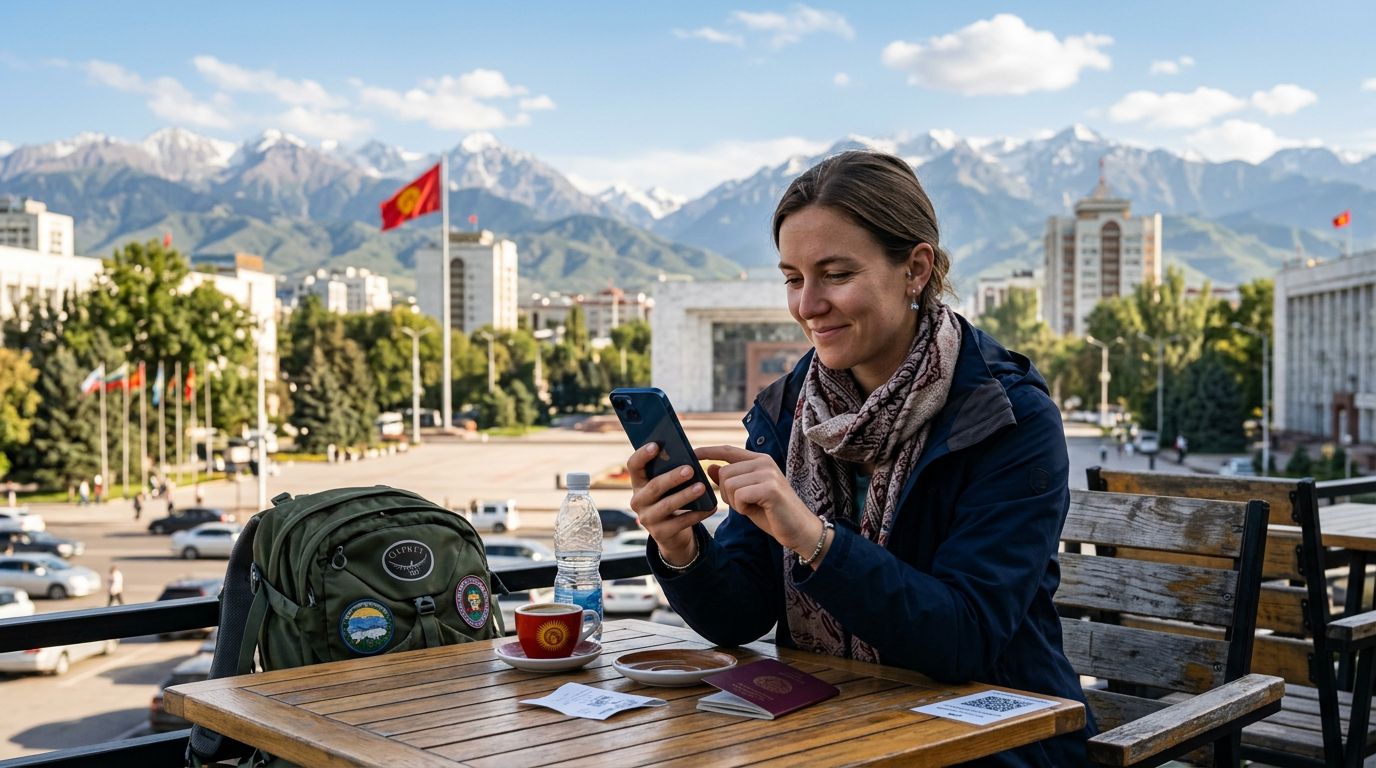
Why Choose an eSIM for Your Kyrgyzstan Adventure
Kyrgyzstan is a land of dramatic mountain ranges, vast alpine lakes, and nomadic traditions that remain largely untouched by modern tourism. Whether you are trekking through the Tian Shan mountains or exploring the bustling bazaars of Bishkek, staying connected is essential for safety, navigation, and sharing your experience. Traditional physical SIM cards often require finding a local kiosk, presenting your passport, and dealing with language barriers or configuration issues.
An eSIM, or embedded SIM, changes this process entirely. Instead of swapping out a tiny plastic chip, you simply download a digital profile to your device. This allows you to maintain your home number for important calls while using a separate data plan for your travels. With OneTapSIM, you can prepare your connection before you even board your flight, ensuring that you have access to maps and messaging apps the moment your wheels touch down at Manas International Airport.
The primary advantage of using an eSIM in a remote destination like Kyrgyzstan is the convenience of instant activation. You avoid the stress of hunting for a mobile operator store in a foreign city. Furthermore, because the eSIM is digital, there is no risk of losing or damaging your original SIM card during the transition. It is a streamlined, reliable, and modern solution for travelers who prioritize efficiency and connectivity.
How to Activate an eSIM in Kyrgyzstan
The process of setting up your digital connection is straightforward, provided your device is carrier-unlocked and eSIM-compatible. Before you begin, ensure you have a stable internet connection—ideally, set this up while you are still at home or connected to hotel Wi-Fi.
First, you will receive a QR code or a manual activation string after purchasing your plan through a provider like OneTapSIM. To start the installation on an iOS device, navigate to your Settings, tap on Cellular or Mobile Data, and select "Add eSIM." You can then scan the QR code provided. If you are using an Android device, the path is generally Settings, then Network & Internet, followed by SIMs, and finally "Add SIM" or "Download a SIM."
Once the profile is downloaded, your phone will ask you to label the new plan. It is helpful to name it "Kyrgyzstan" or "Travel" so you can easily distinguish it from your primary line. After labeling, you will be prompted to select your default line for cellular data. Ensure that the eSIM is selected for data usage.
The final step is enabling Data Roaming for the eSIM profile. While this sounds counterintuitive, it is a necessary setting for most travel eSIMs to function correctly on local networks. Do not worry about unexpected charges from your home carrier, as long as you have ensured that "Cellular Data" is set specifically to your travel eSIM and that your primary line is set to not use data for roaming. Once these settings are configured, your device should automatically connect to a local network in Kyrgyzstan.
Troubleshooting and Best Practices for Reliable Connectivity
Even with a simple setup process, technical hiccups can occasionally occur. If you find that your device is not connecting to the network upon arrival, the first step is to toggle Airplane Mode on and off. This forces the device to search for local cell towers again and often resolves minor handshake issues between your phone and the local infrastructure.
If the connection remains inactive, check your APN (Access Point Name) settings. Most modern eSIMs configure these automatically, but sometimes a manual update is required. You can find the correct APN information in the installation guide provided by your eSIM service. If the APN is correct and you still have no signal, verify that your data roaming toggle is definitely switched to the "on" position for the eSIM profile, as this is the most common reason for a lack of connectivity.
It is also important to consider your battery usage. Using GPS for mountain navigation and keeping your data connection active can drain your battery faster than usual. Carrying a portable power bank is a smart move when traveling through the more remote regions of the country where charging outlets might be scarce.
Finally, remember that network coverage in Kyrgyzstan is excellent in urban centers like Bishkek and Osh, but can be sparse in high-altitude mountain passes or deep valleys. While an eSIM provides the best possible coverage by utilizing the strongest available local infrastructure, there will be moments during your trek where you are truly off the grid. Use these times to enjoy the stunning landscapes, and rely on your downloaded offline maps for navigation when you are away from cell towers. By following these steps and preparing your device in advance, you ensure that your trip through this beautiful Central Asian nation is supported by reliable, flexible, and efficient mobile data.
Get an eSIM for
Plans for the destinations covered in this guide, with instant QR delivery.