Understanding eSIM Compatibility in Bhutan
Bhutan is a destination defined by its breathtaking Himalayan landscapes, serene monasteries, and commitment to sustainable tourism. As you prepare for your journey to this unique kingdom, staying connected is a practical necessity for accessing maps, translation tools, and sharing your travel experiences. Many travelers often ask: does eSIM work in Bhutan? The short answer is yes, but the landscape of mobile connectivity in the region requires some specific knowledge to ensure your device stays functional throughout your trip.
An eSIM, or embedded SIM, is a digital version of the traditional physical SIM card. It is built directly into the hardware of modern smartphones, allowing you to activate a cellular plan without needing to insert a plastic card. For travelers heading to Bhutan, the convenience of an eSIM is significant. It allows you to maintain your home number for essential calls while dedicating a separate data profile for local internet access.
Bhutan has invested in modernizing its telecommunications infrastructure, though network coverage can vary significantly between the urban centers like Thimphu or Paro and the more remote, mountainous regions. When you arrive, having a reliable digital connection ensures you can navigate local transit, check weather updates in the mountains, and stay in touch with your accommodation providers. OneTapSIM offers a streamlined way to manage this transition, providing a digital profile that activates as soon as you land, bypassing the need to hunt for local kiosks or navigate language barriers at airport stalls.
How to Prepare Your Device for Bhutan
Before you depart, it is essential to verify that your smartphone is capable of supporting eSIM technology. Most flagship devices released in the last several years from major manufacturers are compatible. You can check your device settings under the cellular or mobile data menu to see if there is an option to "Add eSIM" or "Add Cellular Plan." If you are unsure about your specific model, you can consult the official support pages provided by Apple or Google to confirm your hardware specifications.
Beyond hardware compatibility, your phone must be carrier-unlocked. Many mobile providers lock devices to their specific network for the duration of a contract. If your phone is locked, it will not accept an eSIM profile from a different provider, regardless of whether it is a physical SIM or an eSIM. Contact your home service provider before your trip to ensure your device is unlocked and ready for international use.
Once you have confirmed your device is ready, the setup process for an eSIM is straightforward. Using a service like OneTapSIM, you receive a digital installation method—usually a QR code or a manual activation code—that configures your phone’s internal antenna to connect to the local networks available in Bhutan. This process should be completed while you still have a stable internet connection, such as at home or in the airport lounge, so that your service is ready to initialize the moment you reach your destination.
Optimizing Connectivity in the Himalayas
Connectivity in Bhutan is unique due to the country’s rugged geography. While the major towns have robust 4G coverage, the deep valleys and high-altitude mountain passes can present challenges for any mobile network. To get the most out of your eSIM, it is helpful to manage your data usage strategically.
When you land in Bhutan, your phone will automatically attempt to register with a local network provider. If you have both your primary SIM and your OneTapSIM eSIM active, ensure that your settings are configured to use the eSIM specifically for cellular data. This prevents your home carrier from triggering expensive roaming charges on your primary line. You can usually toggle this in your phone’s data settings by selecting the eSIM profile as the primary source for mobile data.
To maximize your data efficiency, consider downloading offline maps for the regions you plan to visit. While a data connection is helpful for real-time traffic or updates, having an offline database of trails and roads ensures you are never stranded if you move into a signal dead zone. Additionally, adjust your phone settings to restrict background app refreshes for non-essential applications. This preserves your data allowance and battery life, both of which are precious when you are trekking or traveling through remote areas where charging outlets may be limited.
If you encounter any issues with connectivity, the first step is to toggle "Airplane Mode" on and off. This forces your device to re-scan for the strongest available signal towers. If the issue persists, check your "Network Selection" settings to ensure your phone is set to automatically select the best available network. In Bhutan, the local infrastructure is constantly expanding, and having a reliable eSIM provider ensures that you are connecting to the most stable networks available to international visitors.
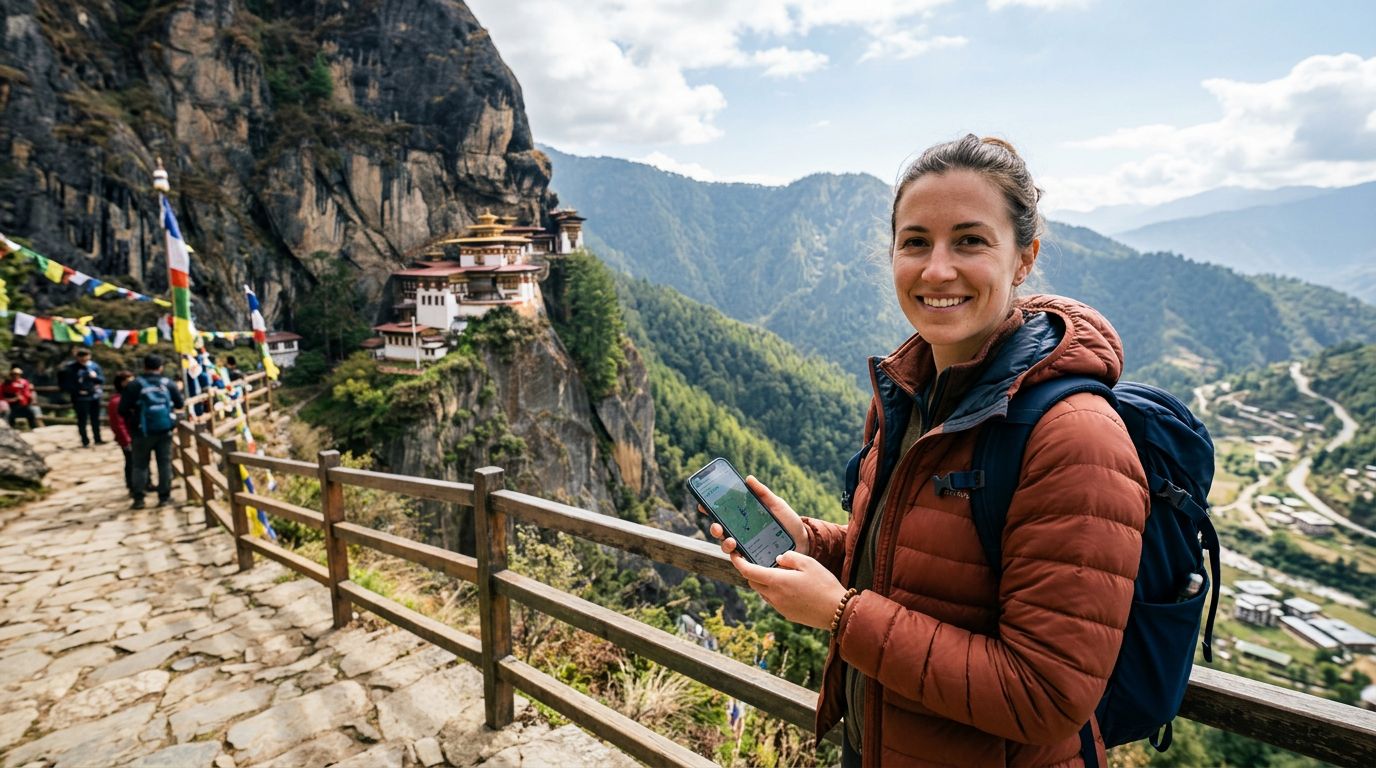
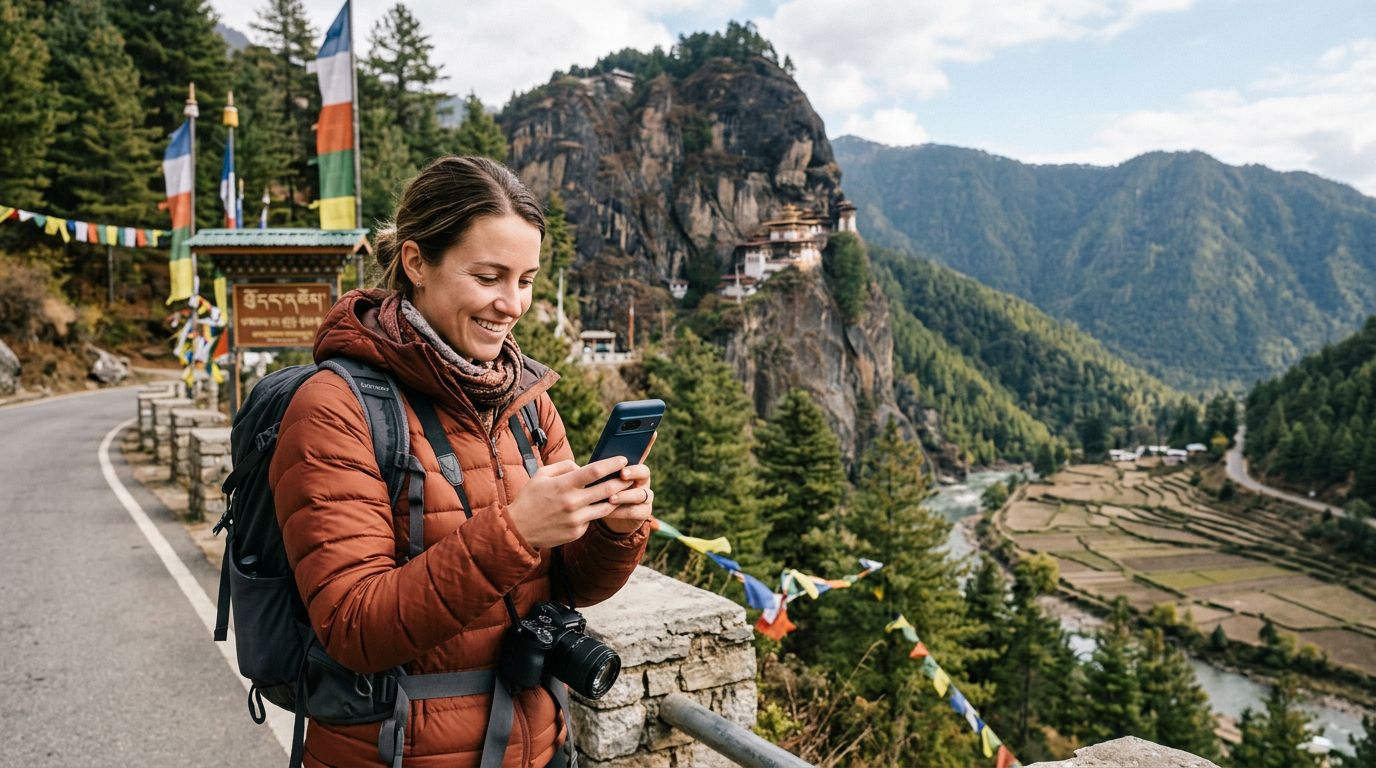
By preparing your device in advance and understanding the nuances of remote connectivity, you can enjoy the peace of mind that comes with being reachable while exploring the beauty of Bhutan. Whether you are visiting the Tiger’s Nest monastery or wandering through the markets of Thimphu, having a reliable data connection through a service like OneTapSIM allows you to focus on the experience rather than the logistics of staying connected. Proper preparation ensures that your digital bridge to the outside world remains intact, allowing you to share your journey or call home whenever the need arises.
Get an eSIM for
Plans for the destinations covered in this guide, with instant QR delivery.