Understanding Connectivity Landscapes in Sri Lanka
Sri Lanka is a destination that offers a blend of lush tea plantations, ancient ruins, and vibrant coastal towns. While the country has made significant strides in digital infrastructure, the experience of staying connected can vary depending on your location. From the bustling streets of Colombo to the remote trails of Ella, maintaining a reliable internet connection requires a bit of foresight.
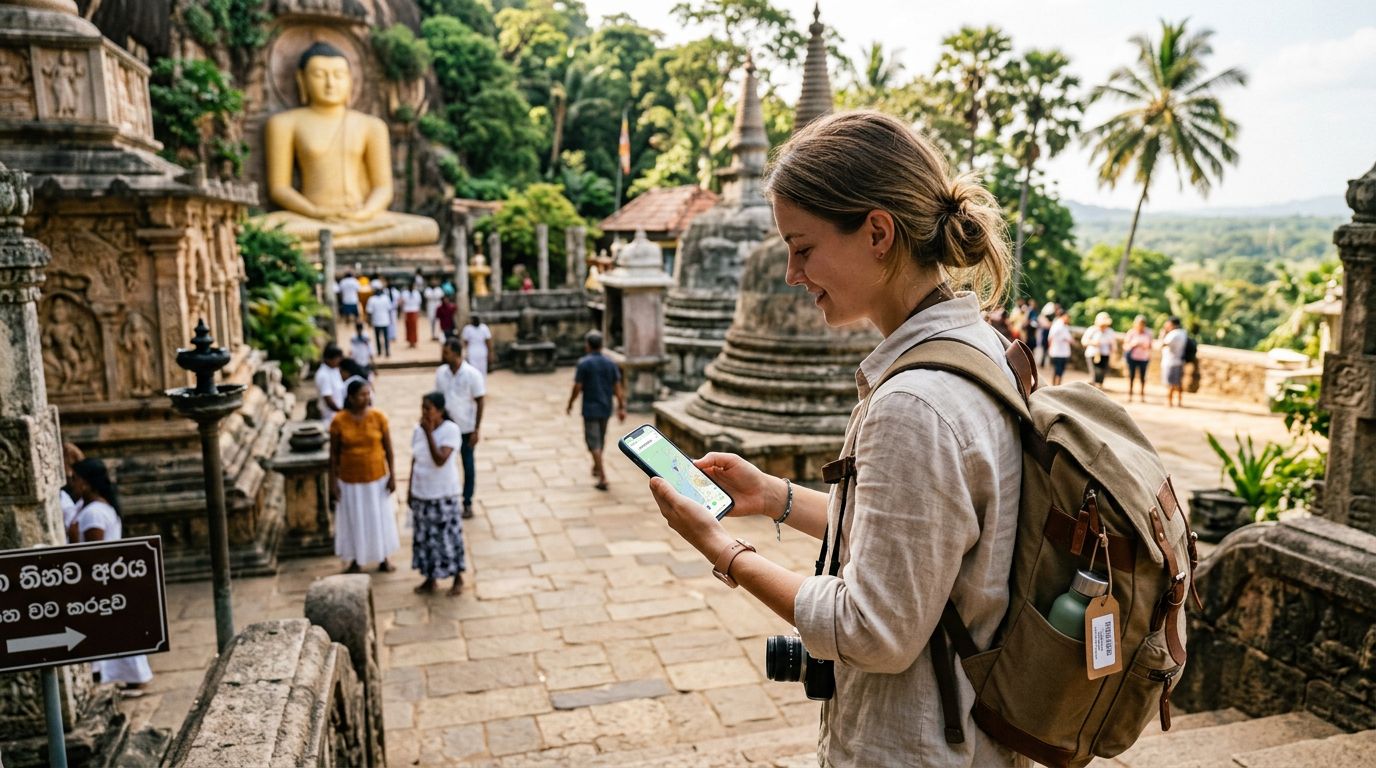
For most travelers, relying on hotel Wi-Fi is rarely sufficient. While many guesthouses and cafes provide access, the speeds are often inconsistent, and security on public networks is a valid concern. This is where an eSIM becomes an invaluable tool. By using a service like OneTapSIM, you can ensure that you have a dedicated data line from the moment you land at Bandaranaike International Airport. Having your own cellular data allows you to pull up maps, translate local languages, and manage your travel itinerary without hunting for a signal.
When planning your trip, consider that rural areas and national parks, such as Yala or Udawalawe, may have thinner network coverage. While major providers in Sri Lanka cover the vast majority of populated regions, signal strength can drop in deep valleys or dense forest areas. By having an eSIM configured on your device, you avoid the hassle of swapping physical cards or dealing with local kiosks, allowing you to focus on the scenery rather than your connectivity status.
Data Usage Tips for Sri Lanka: Managing Your Consumption
When you are roaming or using an eSIM, managing your data usage is the best way to ensure you stay connected throughout your entire journey. Sri Lanka is a visually stunning country, and it is easy to burn through your data allowance by uploading high-resolution videos or syncing cloud backups while on the move.
The most effective way to conserve data is to adjust your smartphone settings before you arrive. Start by disabling "Wi-Fi Assist" or "Network Switching" features, which can cause your phone to automatically switch to cellular data if your Wi-Fi signal is weak. Furthermore, ensure that "Background App Refresh" is turned off for non-essential applications. Many social media and utility apps consume data in the background to fetch updates, which can add up quickly over a multi-week trip.
If you are planning to use navigation apps, download offline maps for the specific regions you intend to visit. Google Maps allows you to save large areas for offline use, which provides turn-by-turn directions without requiring a constant data stream. Similarly, if you plan to listen to music or podcasts during long train rides—such as the famous Kandy to Ella route—download your media while connected to a stable Wi-Fi network at your accommodation.
Streaming video is the single largest consumer of mobile data. If you must watch content, manually lower the resolution settings within the app. Most video platforms default to high definition, which is unnecessary for a small mobile screen and consumes significantly more data than a standard definition stream. By being mindful of these settings, you can stretch your data package further, ensuring you have enough connectivity for essential tasks like checking train schedules or messaging your family back home.
Optimizing Device Settings for Seamless Travel
A smooth digital experience in Sri Lanka relies on proper device configuration. Before you depart, ensure your smartphone is carrier-unlocked. This is a common hurdle for many travelers; if your phone is locked to your home provider, it will not accept an eSIM. If you are uncertain about your device status, check your settings or contact your home carrier to request an unlock well in advance of your flight.
Once you have your OneTapSIM eSIM installed, take a moment to configure your cellular settings. On most modern devices, you can designate your eSIM as the primary line for "Cellular Data" while keeping your home number active for calls or texts if necessary. This separation is vital for avoiding unexpected roaming charges from your home provider. If you only intend to use data for your trip, you can turn off the "Data Roaming" toggle for your home SIM card entirely, leaving it active only for voice calls if you expect urgent messages.
Battery life is another critical factor. Searching for a signal in remote areas of Sri Lanka can drain your battery faster than usual. If you find yourself in an area with poor reception, enabling "Airplane Mode" for short periods can prevent your phone from constantly pinging towers, thereby preserving both your battery and your data integrity.
Finally, keep an eye on your usage statistics. Both iOS and Android devices have built-in trackers that show exactly which applications are consuming the most data. If you notice a specific app is responsible for a large portion of your usage, restrict its access to cellular data through your system settings. By taking these proactive steps, you ensure that your digital footprint in Sri Lanka remains efficient, cost-effective, and entirely under your control. Whether you are navigating the chaotic beauty of Pettah Market or relaxing on the beaches of Mirissa, a well-configured device ensures that your connection remains as reliable as your itinerary.
Get an eSIM for
Plans for the destinations covered in this guide, with instant QR delivery.